
IPhey Login: Access Your Browser Fingerprint Test
IPhey Login: Access Your Browser Fingerprint Test
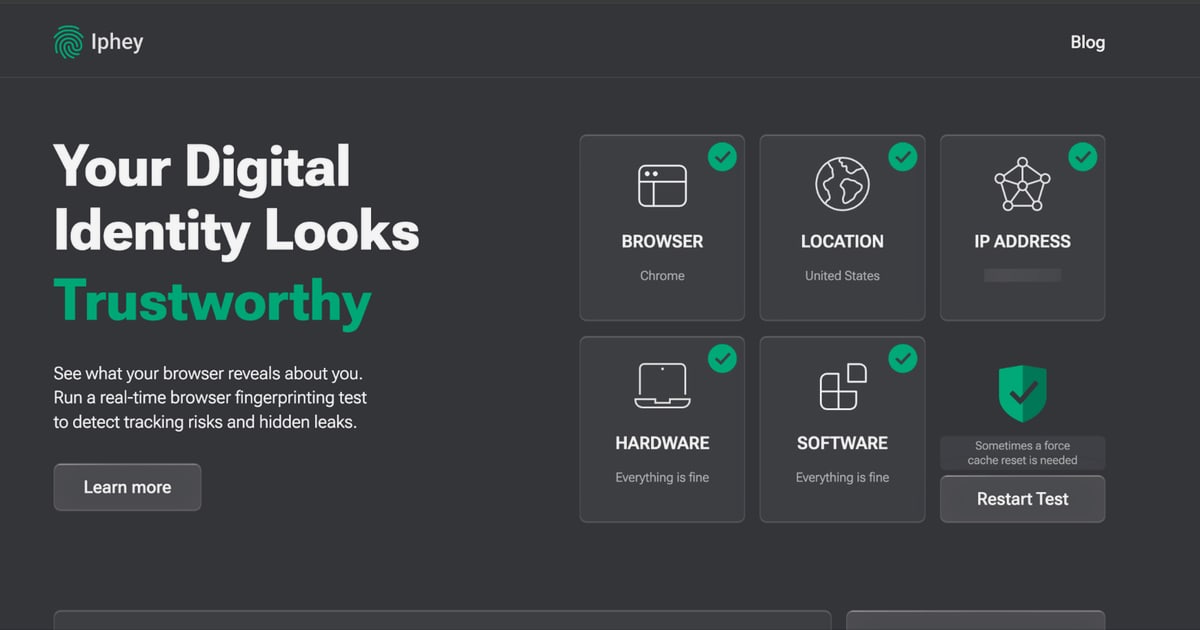
If you're searching for an IPhey login, you probably want to get into the IPhey browser fingerprint test or manage your account. The good news: IPhey's core fingerprint and IP checks work without an account, so you can run a test in seconds. This guide explains how to access IPhey, what its trust score means, and how to verify your setup with additional free diagnostics.
How to Access IPhey (Login and Guest Options)
IPhey is primarily a web-based testing platform. You don't need to create an account to run the real-time browser fingerprint test, IP check, VPN checker, or DNS leak test. Simply visit iphey.com and the test starts automatically.
If you do have an IPhey account, the login flow is straightforward:
- Go to the IPhey homepage.
- Look for a Sign in or Login link in the top navigation.
- Enter your email and password.
- If you forgot your password, use the Forgot password link to reset it.
If you don't see a login option, IPhey may have changed its interface or account features. In that case, you can still use all the free tools without signing in.
What If You Can't Log In?
- Check the URL: Make sure you're on the official
iphey.comdomain, not a lookalike. - Clear cookies and cache: Stale session data can block login.
- Try a different browser: Sometimes extensions interfere with authentication.
- Contact support: If IPhey offers account features, use the contact method on their site.
What the IPhey Fingerprint Test Actually Shows You
When you run the IPhey test, it collects dozens of browser and system parameters and compares them against a database of real fingerprints. The result is a trust score (often called an MX score) that estimates how unique or suspicious your browser looks.
Key data points include:
- IP address and location: Your public IP, geolocation, and ISP.
- Hardware and software: OS, browser version, screen resolution, time zone, and installed fonts.
- Canvas and WebGL: How your GPU renders hidden images, which can be used to identify your device.
- WebRTC: Whether your real local IP leaks behind a VPN or proxy.
- DNS: Whether your DNS queries reveal your true location or ISP.
A low trust score doesn't necessarily mean you're doing something wrong. It often means your browser looks unusual—for example, because you're using privacy extensions that block scripts, or because your time zone doesn't match your IP.
Why Your Trust Score Might Be Low
- Mismatched time zone: Your system clock says one region, your IP says another.
- Low-quality proxies: Datacenter IPs or flagged ranges reduce trust.
- Automation signals: Headless browsers or bot-like behavior trigger detection.
- Rare browser configuration: Unusual fonts, plugins, or user agent strings make you stand out.
IPhey vs. BrowserScan: Which Should You Use?
IPhey is a solid starting point for a quick fingerprint and leak check. But if you want a broader set of free diagnostics without installing anything, BrowserScan is a strong complement. BrowserScan offers:
- Browser fingerprint analysis to verify authenticity
- DNS and WebRTC leak tests to confirm your VPN isn't exposing your real IP
- IP address lookup with geolocation, ISP, and proxy detection
- An Nmap-powered port scanner to identify open vulnerabilities
- Internet speed test and user agent parser
- Additional utilities like a 2FA code generator, canvas fingerprint checker, cookie converter, and client hints analyzer
Both tools are web-based and free. Many users run IPhey first for a quick trust score, then use BrowserScan for deeper leak and port checks. If you're specifically testing a VPN or proxy setup, see our guide on cloud VPN verification for step-by-step leak testing.
When to Use Each Tool
| Scenario | Recommended Tool |
|---|---|
| Quick fingerprint uniqueness check | IPhey |
| DNS/WebRTC leak verification | BrowserScan |
| Port vulnerability scan | BrowserScan |
| IP geolocation and proxy detection | Both |
| Bot detection check | IPhey |
How to Verify Your IP and Location After IPhey
IPhey Login: Access Your Browser Fingerprint Test - How to Verify Your IP and Location After IPhey.
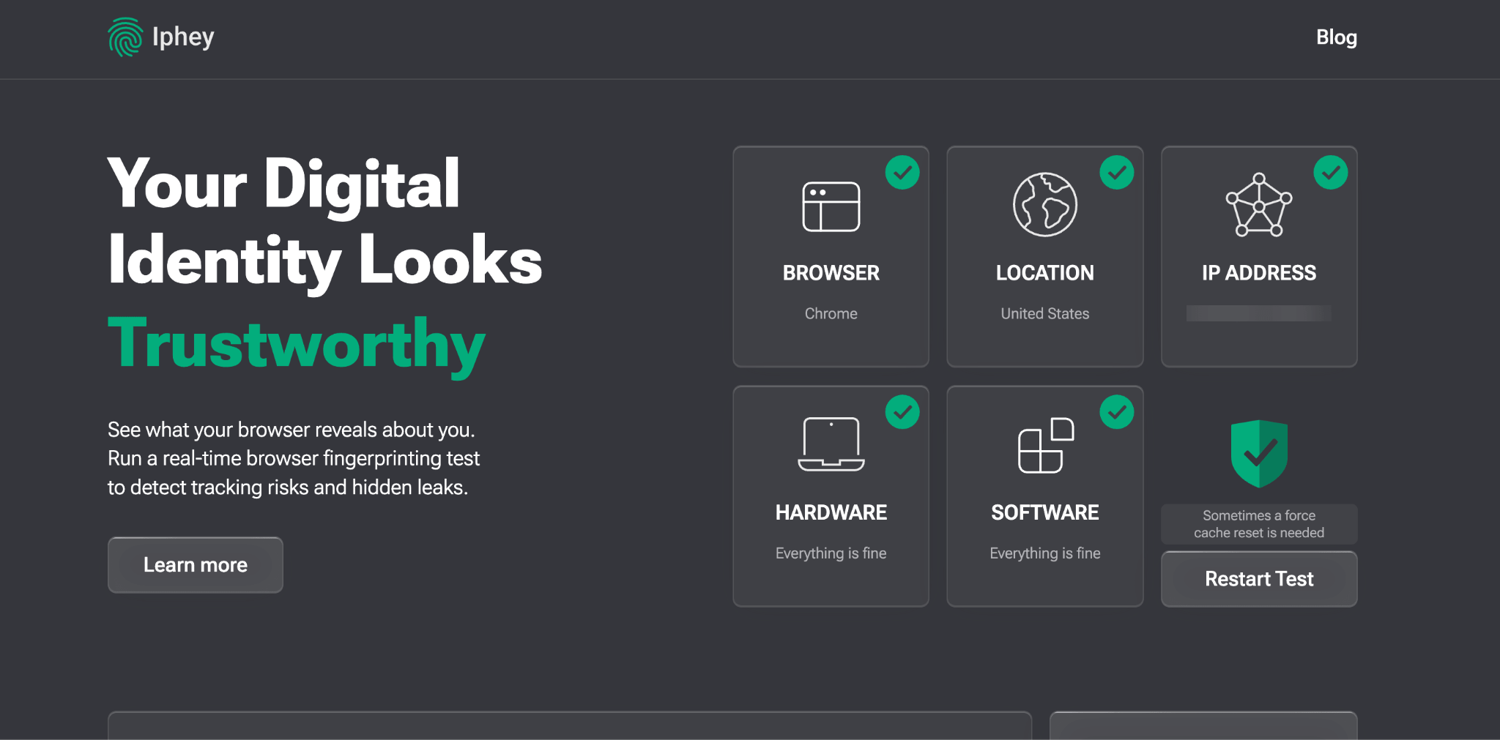
IPhey shows your IP and location, but you can cross-check with other free tools. For example, IP-Lookup.net provides a simple IP lookup with geolocation, ISP, and proxy data. If you want to understand how IPv4 and IPv6 geolocation differ, our article on IPv4 vs IPv6 geolocation explains why accuracy varies.
If you're using a VPN, run a DNS leak test and a WebRTC leak test after your IPhey check. These tests confirm that your real IP isn't exposed through DNS queries or WebRTC requests. BrowserScan's leak tests are a good option here.
Common IPhey Login and Access Issues
I Can't Find the Login Button
IPhey's interface may change. If you don't see a login option, the platform may not require accounts for its core tools. You can still run all tests as a guest.
The Test Won't Load
- Disable ad blockers or script blockers for
iphey.com. - Try a different browser or incognito mode.
- Check your internet connection.
My Trust Score Is Different Every Time
Fingerprint tests can vary slightly depending on browser updates, extensions, or network changes. Run the test a few times to see a range.
Related reading
- Location API Explained: Geolocation, IP Lookup & Privacy - Learn how location APIs work: browser geolocation vs IP geolocation, code examples, accuracy limits, privacy risks, and how to verify what your IP reveals.
- VPN Automation: Scripts, Cloud Setups & Leak Tests - Learn how VPN automation works across consumer devices, cloud gateways, and IoT fleets, plus how to verify tunnels stay leak-free.
Sources and further reading
- Browser fingerprint test checker by Iphey.com - Gologin - Test your browser fingerprint in real-time by Iphey.com. Check your privacy leaks, Canvas, WebGL, WebRTC, and hardware specs. See if your digital identity is safe!
- Iphey proxy & multi-account management platform from $2 - Multilogin - Unlock Iphey's proxy benefits with Multilogin🌐. Test your privacy setup, enhance fingerprinting protection, and stay undetected.
FAQ
Do I need an IPhey account to run the fingerprint test?
No. The core IPhey fingerprint and IP checks work without logging in. An account may be needed for additional features, but the main test is publicly accessible.
What is an IPhey trust score?
The trust score (or MX score) estimates how trustworthy your browser fingerprint looks to anti-fraud systems. A higher score means your browser appears more like a typical user; a lower score means it looks unique or suspicious.
Can IPhey hide my browser fingerprint?
No. IPhey is a diagnostic tool—it shows you what your browser reveals. To reduce your fingerprint, you'd need an anti-detect browser or privacy extensions, but those can also make you more unique if not configured carefully.
Is IPhey free?
Yes, the core fingerprint test and IP check on iphey.com are free to use.
What's the difference between IPhey and BrowserScan?
Both are free, web-based privacy testing platforms. IPhey focuses on browser fingerprinting and trust scores. BrowserScan offers a broader suite including DNS/WebRTC leak tests, port scanning, speed tests, and user agent parsing.
Conclusion
Accessing IPhey is simple: visit the site and run the test, or log in if you have an account. The real value is in understanding what your fingerprint and trust score reveal—and then verifying your setup with additional tools. Whether you're a privacy-conscious user, a VPN user, or someone managing multiple accounts, combining IPhey with BrowserScan's free diagnostics gives you a more complete picture of your online exposure.