
IPhey Review 2026: Browser Fingerprint, Leak Test & Privacy Audit
IPhey Review 2026: Browser Fingerprint, Leak Test & Privacy Audit
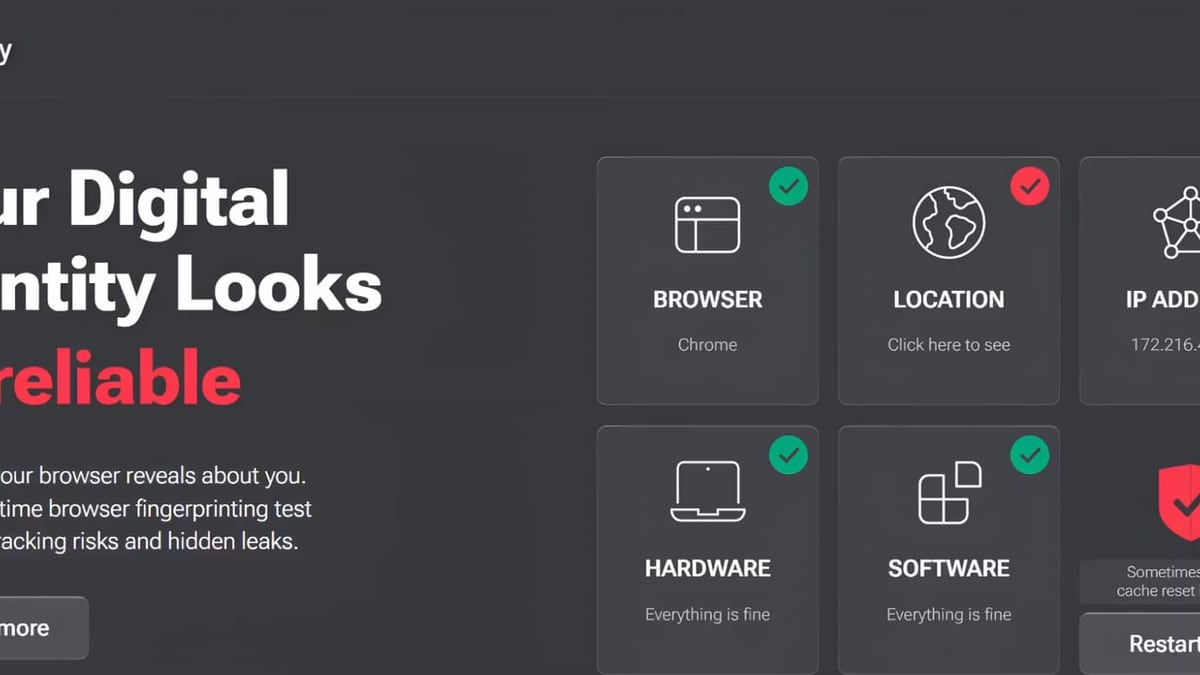
If you use proxies, anti-detect browsers, or VPNs for multi-account management, affiliate marketing, or day-to-day privacy, you need more than an IP cloaking tool. Websites and fraud-detection platforms build “browser fingerprints” from dozens of signals—hardware specs, fonts, time zone, WebGL rendering, and more—that can still pinpoint you even when your IP rotates. IPhey is a real-time browser fingerprinting test that reveals what your browser exposes, then assigns a clear risk score so you can fix misconfigurations before they lead to bans or tracking.
In this review, we put IPhey through a series of practical audits—VPNs, residential proxies, anti-detect profiles—and compared it against well-known alternatives. You’ll learn what IPhey does well, its limitations, and how to integrate it into a complete privacy verification workflow.
What Is IPhey?
IPhey Review 2026: Browser Fingerprint, Leak Test & Privacy Audit product interface and feature overview.
IPhey is a browser privacy audit platform that runs a suite of real-time checks and consolidates the results into a single, beginner-friendly dashboard. Instead of requiring you to interpret raw technical metrics across multiple tabs, IPhey gives you an at-a-glance trust score and highlights specific inconsistencies that could make your browser look suspicious.
Core Test Modules
IPhey’s free tool bundles six essential modules:
- Fingerprint Check – Analyzes your User-Agent, Canvas hash, WebGL vendor, AudioContext, installed fonts, screen resolution, time zone, and language. It determines how unique your browser is and whether the combination of signals forms a coherent, non-contradictory profile.
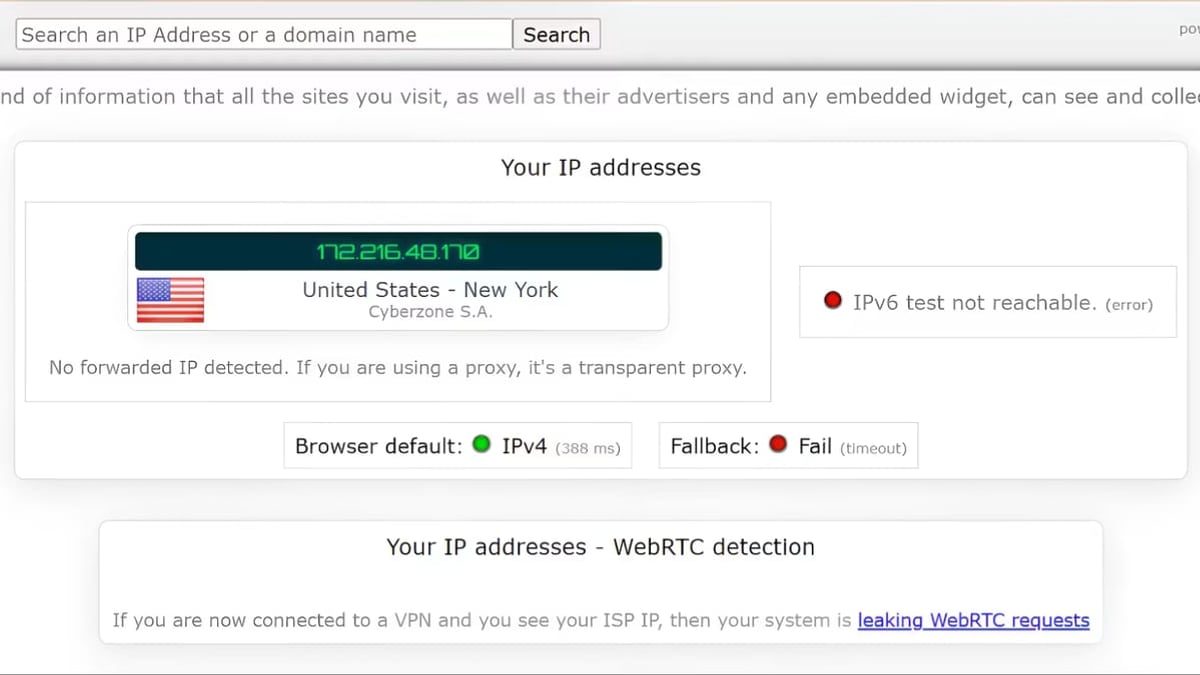
- IP Check – Displays your visible public IP, ISP, and approximate geolocation. This is the foundation for spotting leaks when your VPN or proxy drops the connection.
- VPN/Proxy Checker – Cross-references your declared IP with known proxy and VPN databases. If your IP belongs to a datacenter range or a flagged subnet, IPhey will call it out.
- Bot Detection – Simulates what anti-bot systems see. It checks for automation markers (like Headless Chrome properties, inconsistent navigator properties, or missing browser APIs) and tells you how likely your session is to be flagged as a bot.
- DNS Leak Test – Verifies that your DNS queries travel through the same encrypted tunnel as your traffic. A mismatch indicates your ISP could still log the sites you visit, even behind a VPN.
- IP Blacklist Test – Queries multiple spam and threat intelligence databases to see if your current IP is already burned, which is crucial for email deliverability or accessing sensitive webservices.
Every test runs client-side in your browser, so results appear within seconds—no installs required.
How We Tested IPhey
IPhey Review 2026: Browser Fingerprint, Leak Test & Privacy Audit product interface and feature overview.
We designed four scenarios that reflect common privacy use cases:
- A clean Firefox profile with a residential proxy
- A Chrome instance using a well-known VPN but with WebRTC left enabled
- An anti-detect browser profile (simulated using a popular antidetect browser from our 2026 rankings) with everything supposedly matching a US-based persona
- A stock mobile browser on public Wi-Fi with no privacy tools
For each, we ran IPhey’s full test suite and cross-validated critical findings with BrowserLeaks and Cover Your Tracks. We also recorded how intuitive the results were for someone without a developer background.
IPhey’s Strengths
IPhey Review 2026: Browser Fingerprint, Leak Test & Privacy Audit product interface and feature overview.
Privacy-Readable Risk Score
Instead of spitting out raw entropy bits or hash values, IPhey translates fingerprinting signals into a single trust score (0–100%). Green means your browser looks like a typical, consistent user; orange indicates minor mismatches; red flags immediate attention. This makes it the most accessible tool for affiliate marketers, social media managers, and people who need daily go/no-go checks without a data science degree.
During our residential proxy test, the score jumped to 92% green because the time zone, IP location, and language all aligned. When we deliberately set an Eastern Time zone while the proxy resolved to London, the score dropped to 45% and the dashboard clearly labeled the mismatch: "Timezone doesn't match IP location". No guesswork needed.
Multi-Accounting and Anti-Detect Browser Validation
One of IPhey’s biggest values is verifying that your anti-detect or multi-login browser profiles are configured correctly. Even the best tools can leave artifacts—forgotten WebRTC leaks, misaligned fonts, or Canvas noise patterns that look synthetic. IPhey checks for consistency across hardware, software, and location signals, making it a quick sanity test before launching campaigns.
In our anti-detect browser test, IPhey correctly surfaced a WebGL renderer mismatch that other tools missed, giving the profile a "high risk" badge. That early warning could prevent a costly account suspension.
Bot Detection That Goes Beyond IP
Many VPN/proxy checkers only look at IP reputation. IPhey’s bot detection module evaluates browser behavior—the presence of standard automation flags, inconsistent Navigator properties, or unusual touch/pointer events. When we ran a headless Puppeteer script with a masked IP, IPhey immediately classified the session as ( 85% ) likely a bot, even though the IP was residential. This is invaluable for anyone running scrapers or automation tools who needs to gauge detectability.
Useful Leak Testing in One Place
You don’t need separate tabs for DNS, WebRTC, and IP leak checks. IPhey bundles them and shows all leaks on the same results screen. In the VPN-with-WebRTC-enabled scenario, it flagged a local IP leak that would have gone unnoticed if we’d only checked whatismyip.com. The tool also provided actionable advice: disable WebRTC in the browser or use a VPN extension that blocks it.
Supportive Educational Content
IPhey’s blog contains detailed comparisons (including a robust Cover Your Tracks alternatives roundup), guides on mobile proxies, and best practices for fingerprint camouflage. This positions IPhey as more than just a one-off test—it’s a knowledge hub for ongoing privacy hygiene.
Where IPhey Falls Short
IPhey Review 2026: Browser Fingerprint, Leak Test & Privacy Audit product interface and feature overview.
Not a Raw Data Research Tool
If you need to dissect exact Canvas hash values, fine-grained entropy metrics, or audio processing graphs for research, IPhey will frustrate you. It prioritizes readability over technical depth. For that level of detail, BrowserLeaks remains the superior choice; its modular test pages expose every parameter in plain JSON or table format.
Limited Customization and No Persistent Profiles
IPhey doesn’t let you save scan history or compare side-by-side profiles, which would be useful for A/B testing browser configurations. You have to manually refresh and note scores. It’s a stateless checker, not a monitoring dashboard.
Fingerprint Mitigation Advice Is Generic
The tool tells you what is wrong (e.g., “AudioContext hash is unique”) but doesn’t offer fine-tuned countermeasures beyond “use an anti-detect browser” or “disable WebRTC.” For novices, this might still leave them searching for implementation steps.
Occasional False Positives on Legitimate Configurations
During our tests, a fully up-to-date Firefox with strict privacy settings triggered a medium risk warning due to missing navigator properties the bot detection module considered suspicious. While not a blocking issue, it shows the scoring model can be slightly aggressive for hardened privacy browsers.
Ideal Users & Use Cases
IPhey shines for:
- Affiliate marketers and media buyers who run dozens of ad accounts and need a fast, daily audit that their fingerprint matches their proxy’s geolocation.
- Multi-account managers using anti-detect browsers; it’s a quick validation to ensure consistency before logging into sensitive platforms.
- VPN users who want a single-page overview confirming no IP, DNS, or WebRTC leaks are exposing their real location.
- Developers integrating bot-detection avoidance into scrapers or automation scripts—the bot check module gives immediate feedback on detectability.
- Privacy-curious consumers who want to understand browser tracking without reading academic papers.
If you’re already using a tool like Mozilla VPN, running IPhey alongside can confirm your setup is leak-proof, similar to the step-by-step workflow with BrowserScan we documented.
IPhey vs. Alternatives
IPhey’s own blog provides an excellent comparison of 7 Cover Your Tracks alternatives. Here’s a distilled view with added verdicts from our testing:
| Tool | Best For | Main Strength | Notable Limitation |
|---|---|---|---|
| IPhey | Quick, human-readable privacy audits | All-in-one with risk score and bot detection | Lacks deep fingerprinting raw data |
| Cover Your Tracks (EFF) | Basic fingerprint uniqueness and tracker blocking test | Simulates real-world tracker behavior | Doesn’t pinpoint the source of uniqueness or provide leak tests |
| BrowserLeaks | Advanced fingerprint analysis | Raw, modular data for technical users | Overwhelming for beginners; no risk score |
| BrowserScan | Comprehensive risk check with authenticity score | Detects high-risk fingerprint signals and offers fraud/blacklist checks | Interface can feel cluttered |
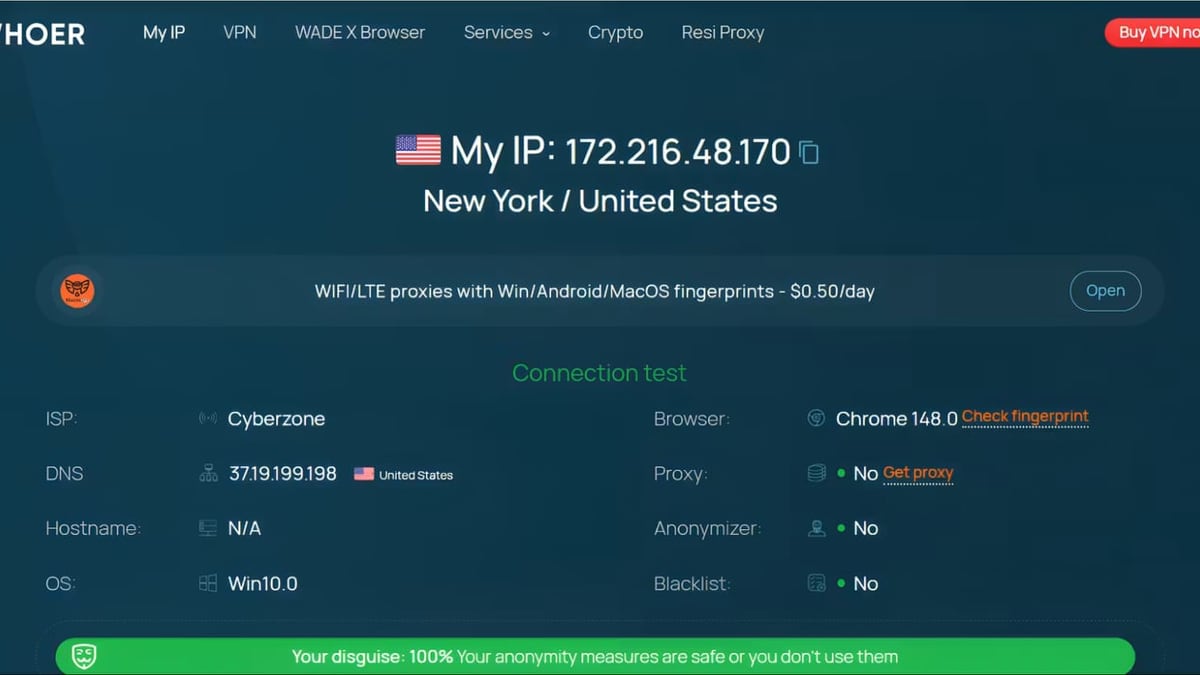
| PixelScan | Hardware consistency and browser environment mismatch detection | Clear privacy and inconsistency scores | Some advanced scans require a subscription |
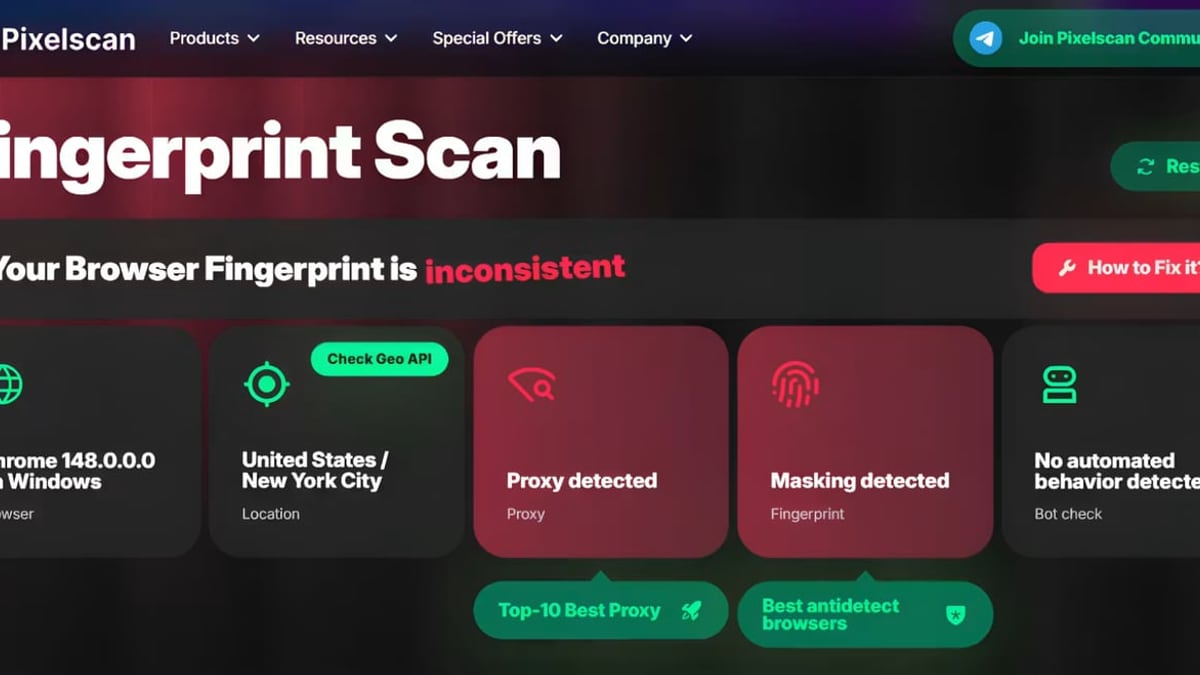
| Whoer.net | Quick IP/anonymity checks | Fast, simple, shows ISP and location | No deep fingerprinting; surface-level only |
| IPLeak.net | Pure leak testing (WebRTC, DNS, IP) | Extremely easy to use for non-techs | No fingerprint uniqueness or risk scoring |
For most practical users, IPhey hits a sweet spot: more actionable than Cover Your Tracks, more digestible than BrowserLeaks, and more comprehensive than Whoer.net or IPLeak.net. However, when you need to investigate a suspicious fingerprint at the entropy level, you’ll still want BrowserLeaks open in the next tab.
How to Use IPhey for a Full Privacy Audit
Here’s a simple, repeatable workflow to harden your setup before important sessions:
- Prepare your environment – Launch the exact browser, proxy/VPN, and any anti-detect profile you intend to use.
- Visit IPhey.com – The page automatically runs the full suite; no start button needed.
- Check the trust score – Aim for green (≥80%). If orange or red, scroll down to see which check failed.
- Fix mismatched signals – If the time zone doesn’t match the IP, adjust your system or use a browser extension. If WebRTC is leaking, disable it (Chrome:
chrome://flags/#disable-webrtc; Firefox:media.peerconnection.enabledfalse). - Re-test until consistent – Refresh the page after each change.
- Validate with a second tool – For critical accounts, cross-check with a deep scanner like BrowserLeaks to ensure no subtle anomalies remain.
Related reading
- Mozilla VPN Review: Strong Privacy, But Is It Fast Enough? - We tested Mozilla VPN’s speeds, features, and privacy policy. See how it stacks up against NordVPN, ideal users, and whether the $4.99/mo plan is right for you.
Sources and further reading
- IPhey com | Find Out Your IP Address & Browser-Fingerprint - Find out online – What personal information websites collect about your computer with the IPhey
Frequently Asked Questions
Is IPhey safe to use? Does it store my data?
IPhey runs checks client-side in your browser. No personally identifiable information is uploaded to a server, and the test results are ephemeral. The site does not require account creation. However, like any website, it may collect anonymous analytics. Always review its privacy policy for the latest data handling practices.
Can IPhey help me avoid account bans on platforms like Facebook or Amazon?
IPhey cannot prevent bans—it’s an audit tool, not a stealth solution. It identifies fingerprint inconsistencies that could contribute to detection. By fixing those mismatches and using a reliable anti-detect browser, you lower your risk. Think of IPhey as the pre-flight checklist, not the aircraft.
Why does IPhey sometimes flag my standard browser?
A perfectly ordinary browser can still have a unique fingerprint just by being unusual in the fingerprinting crowd. IPhey’s risk score factors in uniqueness, missing privacy protections (like WebRTC leaks), and bot-like signals. A low score doesn’t always mean danger, but it’s a cue to review what you’re exposing.
Does IPhey require a subscription?
The core fingerprint test, IP check, leak tests, and bot detection are free. There is no paywall for the audit tool. The site promotes related paid services (like residential proxies), but the testing platform itself remains free to use.
How does IPhey compare to BrowserLeaks for fingerprint research?
BrowserLeaks offers raw, granular data—Canvas hash, WebGL parameters, system fonts JSON—ideal for researchers and fingerprint engineers. IPhey abstracts that into a risk score and human-readable inconsistencies. Use BrowserLeaks for deep dives, IPhey for day-to-day checks.
Final Verdict
IPhey earns its place as a daily driver for privacy-conscious individuals, affiliate marketers, and multi-account operators who need to validate their setup quickly. Its risk score and one-stop leak tests remove the complexity that typically accompanies fingerprint audits, and the bot detection module adds a layer other basic tools skip.
It isn’t a replacement for advanced research platforms, nor does it actively protect you. But when combined with a properly configured anti-detect browser and a quality proxy, IPhey serves as an essential verification step—and the price (free) makes it a no-brainer to add to your toolkit. For readers exploring broader privacy tooling, BrowserScan has tested and compared many of the best options to help you build a more anonymous, track-proof stack.