
IPWHOIS.io Download: API Setup, Docs & Offline Alternatives

IPWHOIS.io Download: Understanding the API Architecture and Setup
If you are looking for an "IPWHOIS.io download" expecting a desktop application or a local database file, you might be surprised. IPWHOIS.io is a cloud-native, RESTful API service. There is no software to install or downloadable binary. The "download" intent typically reflects a developer's need to integrate IP intelligence into their application, retrieve documentation, or find a way to work with IP geolocation data offline. This guide clarifies how to set up and use the IPWHOIS.io API, provides code examples, and explores workable paths for those who require local data access.
Understanding the IPWHOIS.io Architecture
IPWHOIS.io Download: API Setup, Docs & Offline Alternatives - Understanding the IPWHOIS.io Architecture.
IPWHOIS.io operates on a proprietary Anycast network with globally distributed points of presence. The entire platform is designed for high-performance, low-latency HTTP requests. Instead of shipping a downloadable database, the service loads its IP geolocation data into high-speed in-memory storage, enabling constant-time lookups without disk access. This architecture allows the API to process over 1 billion requests per day with consistently stable response times, typically under 50 milliseconds.
The core stack combines OpenResty and Rust, optimized for maximum throughput. The database itself is updated multiple times daily using AI-driven aggregation from trusted sources like RIPE, APNIC, and ARIN. For a developer, the "download" is effectively the HTTP response you get when you call the endpoint.
How to Get Started Without a Download

IPWHOIS.io Download: API Setup, Docs & Offline Alternatives - How to Get Started Without a Download.
You do not need to register or obtain an API key to begin testing. The free endpoint is immediately accessible.
Your First API Call
Open your terminal and use curl to query your own public IP address:
curl "http://ipwho.is/"
To look up a specific IP address, append it to the URL:
curl "http://ipwho.is/8.8.4.4"
The API returns a clean JSON response containing geolocation, network, timezone, currency, and security flags. HTTPS is fully supported and recommended for browser-based requests from secure websites.
Specifying Response Fields
A common optimization is to request only the data you need. Use the fields GET parameter with a comma-separated list to reduce payload size and improve parsing speed:
# Get only country, city, and ISP
curl "http://ipwho.is/8.8.4.4?fields=country,city,connection.isp"
This returns a lightweight response:
{
  "country": "United States",
  "city": "Mountain View",
  "connection": {
    "isp": "Google LLC"
  }
}
Changing the Output Format
While JSON is the default, you can request XML or CSV using the output parameter:
curl "http://ipwho.is/8.8.4.4?output=xml"
curl "http://ipwho.is/8.8.4.4?output=csv"
This flexibility allows you to ingest data directly into spreadsheet tools or legacy systems without writing a parser.
Integrating the API into Your Project
IPWHOIS.io Download: API Setup, Docs & Offline Alternatives - Integrating the API into Your Project.
Since there is no SDK to download, integration means making HTTP requests from your application code. Here are basic examples in popular languages.
Python Example
import requests

ip = "8.8.4.4"
url = f"http://ipwho.is/{ip}"
response = requests.get(url)
data = response.json()

print(f"IP: {data['ip']}")
print(f"Location: {data['city']}, {data['region']}, {data['country']}")
print(f"ISP: {data['connection']['isp']}")
JavaScript (Node.js) Example
const https = require('https');

https.get('https://ipwho.is/8.8.4.4', (res) => {
  let body = '';
  res.on('data', (chunk) => body += chunk);
  res.on('end', () => {
    const data = JSON.parse(body);
    console.log(data.city, data.country);
  });
});
PHP Example
$ip = '8.8.4.4';
$response = file_get_contents("http://ipwho.is/{$ip}");
$data = json_decode($response, true);
echo $data['city'] . ', ' . $data['country'];
Rate Limits and Moving to Production
IPWHOIS.io Download: API Setup, Docs & Offline Alternatives - Rate Limits and Moving to Production.
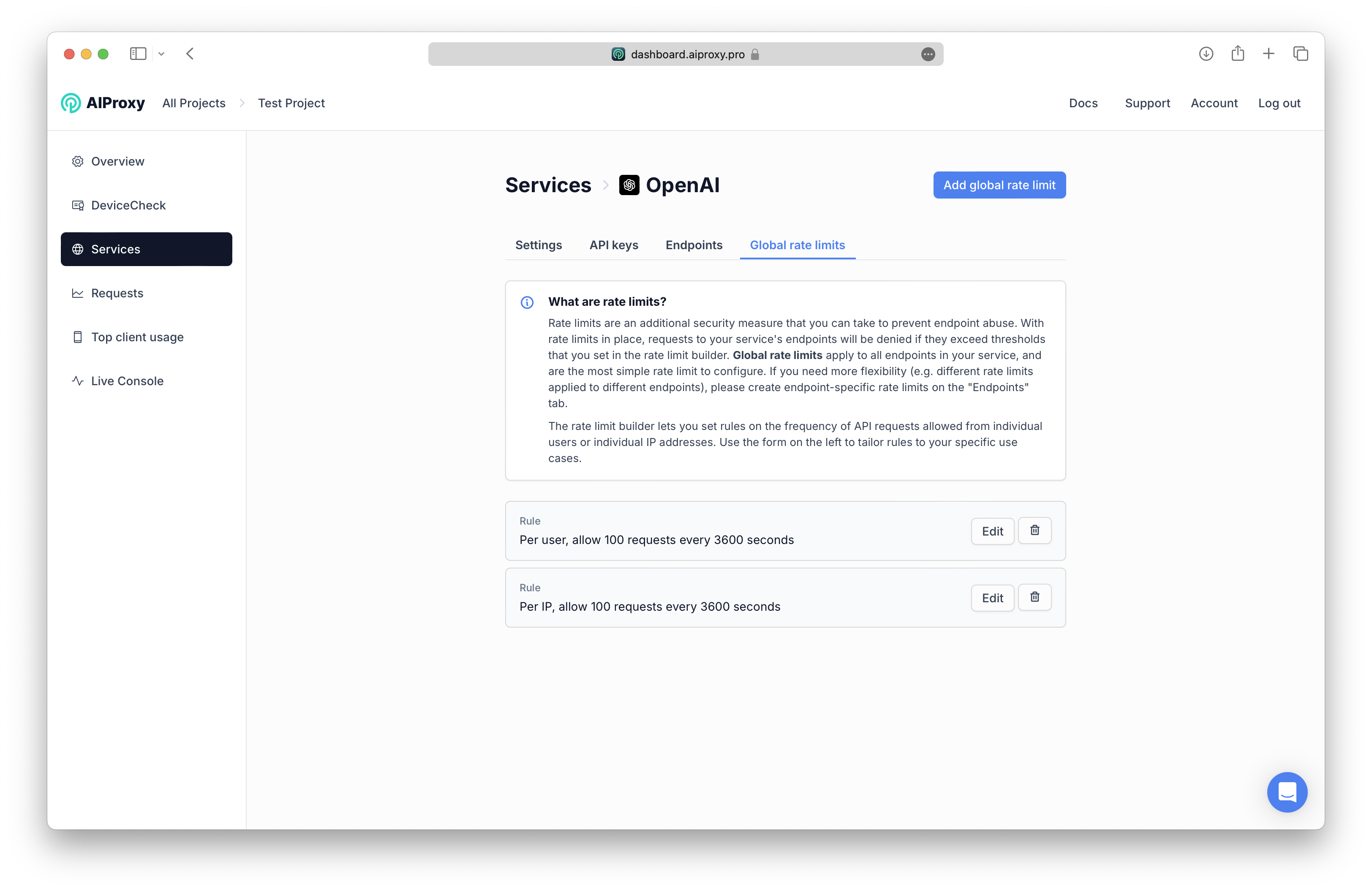
The free endpoint allows 1,000 requests per day from a single client IP address. For browser-based CORS requests, the limit is shared across all traffic from your domain. Exceeding the limit returns an HTTP 429 status code with a Retry-After header.
When you need higher limits, a Pro plan starts at $12.99 per month and unlocks enhanced geolocation accuracy, native-language data, currency and security intelligence, bulk lookup for up to 100 IPs per call, and a 99.99% uptime SLA. Pro access requires an API key, which you pass as a query parameter or header.
Verifying Your IP Data Accuracy
After integrating any IP intelligence API, it is critical to verify that the data you receive is accurate and that your own network configuration is not leaking information. Tools like BrowserScan provide a comprehensive online privacy testing suite that can help. You can use its IP address lookup to cross-reference geolocation, ISP, and proxy detection results against what IPWHOIS.io returns. This is particularly useful when you need to confirm that your application's IP data pipeline is working correctly and that no VPN or proxy is distorting the intelligence you rely on.
If you are building a privacy-focused application or simply want to ensure your own browsing is secure, understanding how IP data is exposed is essential. BrowserScan's browser fingerprint analysis and WebRTC leak tests complement IP geolocation APIs by revealing what other identifiers your browser leaks alongside your IP address.
When You Truly Need a Download: Offline Alternatives
The primary gap for users searching for an "IPWHOIS.io download" is the need for offline IP lookups or local database files. IPWHOIS.io does not offer a downloadable database. If your application cannot depend on an external HTTP API—due to air-gapped environments, extreme latency sensitivity, or privacy requirements—you need a different class of solution.
Several established providers offer downloadable IP geolocation databases in formats like CSV or MMDB:
- MaxMind GeoLite2 and GeoIP2 Databases: These are the industry standard for local IP lookups. You download a binary
.mmdbfile and query it using official client libraries in over 20 languages. Updates are released weekly. - IP2Location LITE: Provides free, downloadable
.binor CSV databases with varying levels of granularity. You host the file yourself and query it using provided libraries. - DB-IP: Offers a free lite version of its IP-to-location database for download, updated monthly.
These alternatives shift the operational burden to you: you must manage storage, memory loading, and update schedules. In return, you get zero network latency and no dependency on an external service.
Comparing API vs. Downloadable Database
| Feature | IPWHOIS.io API | Downloadable Database (e.g., MaxMind) |
|---|---|---|
| Setup | Instant; no download | Requires download, file management, and library integration |
| Latency | ~50ms (network dependent) | Sub-millisecond (local) |
| Data Freshness | Real-time, multiple updates daily | Weekly or monthly updates |
| Infrastructure | Zero maintenance | Must manage storage, memory, and update cron jobs |
| Offline Capability | No | Yes |
| Threat Intelligence | Built-in proxy/VPN/Tor detection | Varies by provider; often a separate service |
| Cost | Free tier available; paid plans for scale | Free lite versions; commercial licenses for full accuracy |
Practical Use Cases for the API
Understanding the API's capabilities helps clarify why a cloud service often replaces a local download:
- Content Personalization: Redirect visitors to a localized site version or display prices in local currency by detecting the country and currency code from the API response.
- Fraud Prevention: Compare the billing address with the actual IP geolocation. Flag transactions where the
securityobject showsproxy: trueorvpn: true. - Form Auto-Completion: Pre-fill country, city, and phone code fields to improve user experience and conversion rates.
- Time Zone Handling: Use the
timezone.idandcurrent_timefields to display dates and times in the visitor's local context without complex client-side logic.
Security and Encryption
All data sent to and processed by IPWHOIS.io is secured via 256-bit SSL encryption when using the HTTPS endpoint. For production applications, always use https://ipwho.is/ to prevent man-in-the-middle attacks. This is especially important when transmitting user IP addresses, which are considered personally identifiable information under regulations like GDPR.
If you are working with sensitive network data, it is also wise to regularly assess your own infrastructure's exposure. A port scanner can help identify open ports that might leak internal services, while a DNS leak test ensures your VPN is not accidentally exposing your real IP.
Related reading
- What Is BigDataCloud? IP Geolocation & Network APIs Explained - Learn what BigDataCloud is, how its patented IP geolocation and reverse geocoding APIs work, and how to verify the data accuracy with privacy testing tools.
- What Is Encryption? Types, Algorithms & How It Protects Your Data - Learn how encryption secures data using symmetric and asymmetric algorithms like AES and RSA. Discover its role in HTTPS, privacy, and how to test your protection.
- ASN Lookup: Find IP Ranges, Owners & ISP Info Fast - Learn what an ASN lookup reveals about IP ownership, routing, and network blocks. Use free tools and APIs to check any IP or AS number instantly.
Sources and further reading
- IP Geolocation API - IPWHOIS.io - Free IP Geolocation and IP Location Lookup API
- IP Geolocation Documentation - IPWHOIS.io - IP Geolocation and IP Location Lookup Documentation
- Top 5 IPWHOIS.io Alternatives in 2025 - Mar 10, 2025 — IPWHOIS.io is a service that provides an IP geolocation API and IP location lookup tools. It lets you find location and network details for an ...Read more
Frequently Asked Questions
Is there an IPWHOIS.io SDK or library I can download?
No. IPWHOIS.io is a pure REST API. You interact with it using standard HTTP clients in any programming language. The documentation provides code snippets for common languages, but there is no separate library to install.
Can I download the IPWHOIS.io database for offline use?
No. The database is proprietary, in-memory, and not distributed as a file. If you require offline IP lookups, consider alternatives like MaxMind GeoIP2 or IP2Location downloadable databases.
How do I access the Pro endpoint?
After subscribing to a Pro plan, you receive an API key. You then send requests to the Pro endpoint, typically by adding your key as a query parameter or using a custom domain. The documentation provides full details.
What happens if I exceed the free daily limit?
The API returns an HTTP 429 (Too Many Requests) response. Access is automatically restored after 24 hours. The response includes a Retry-After header indicating the number of seconds until the limit resets.
Does the API support IPv6?
Yes. You can pass an IPv6 address to the endpoint just as you would an IPv4 address. The response type field will indicate IPv6.
Conclusion
The search for an "IPWHOIS.io download" reveals a common expectation for a local software package. In reality, IPWHOIS.io delivers IP intelligence purely through a high-speed, cloud-based API that requires no installation. The setup is a simple HTTP request, and the documentation provides everything needed to integrate geolocation, network, timezone, currency, and threat data into your application within minutes.
For developers who can work within an online model, the API offers unmatched ease of use and real-time accuracy. For those constrained to offline environments, mature downloadable databases from MaxMind or IP2Location fill that gap. Whichever path you choose, always verify the data you receive with independent testing tools to ensure your IP intelligence pipeline is both accurate and secure.