
IPWHOIS.io Tutorial: IP Geolocation API Guide
IPWHOIS.io Tutorial: How to Use the IP Geolocation API
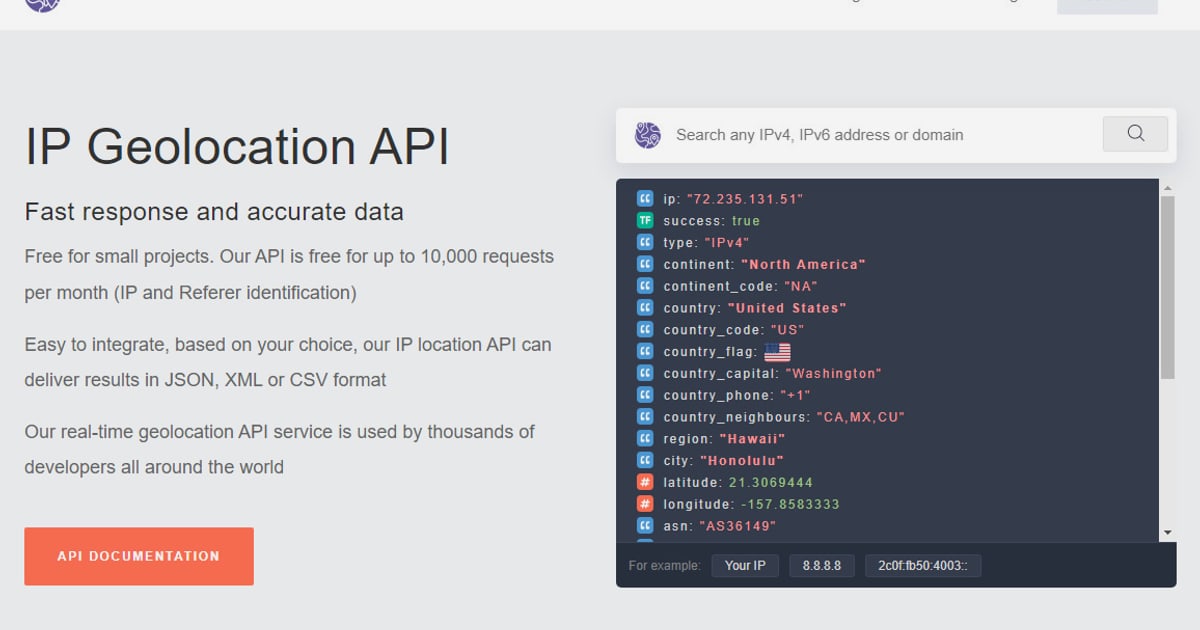
IPWHOIS.io is a lightweight IP geolocation API that returns country, city, ISP, ASN, timezone, currency, and security-related data for any IPv4 or IPv6 address. It is popular among developers because the free tier works without an API key, the JSON response is easy to parse, and the documentation is short enough to integrate in minutes.
This tutorial walks through the core endpoints, response fields, query parameters, code examples in Python and JavaScript, rate limits, and practical ways to validate the data you receive. You will also learn how to cross-check IPWHOIS.io results with a browser-based privacy tool when you need to confirm whether an IP belongs to a VPN, proxy, or datacenter.
What Is IPWHOIS.io?
IPWHOIS.io Tutorial: IP Geolocation API Guide - What Is IPWHOIS.io?.
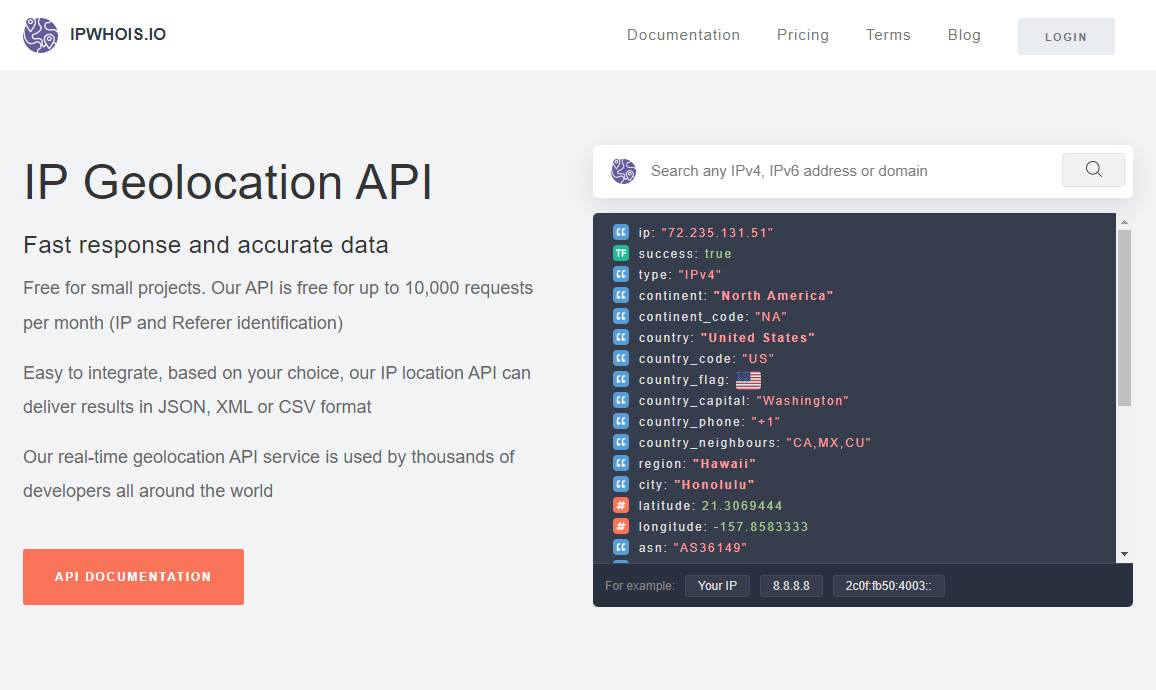
IPWHOIS.io is a hosted IP intelligence service. You send an HTTP request with an IP address, and the API returns structured data about that address, including:
- Continent, country, region, and city
- Latitude and longitude
- ISP and organization name
- ASN (Autonomous System Number)
- Timezone and currency details
- Security flags for proxy, VPN, TOR, and hosting providers
A key selling point is the no-registration free tier: up to 10,000 requests per month for non-commercial projects. Paid plans raise the request ceiling and add commercial usage rights.
How the API Works
IPWHOIS.io Tutorial: IP Geolocation API Guide - How the API Works.
IPWHOIS.io exposes a simple REST endpoint. The base URL pattern is:
https://ipwhois.app/json/{ip_address}
You can replace json with xml or csv to change the response format. If you omit the IP address, the API uses the public IP of the machine making the request.
For example, to look up the IP 52.149.246.39, you would request:
https://ipwhois.app/json/52.149.246.39
You can open that URL directly in a browser or call it with cURL:
curl https://ipwhois.app/json/52.149.246.39
Understanding the JSON Response
A typical JSON response looks like this:
{
  "ip": "52.149.246.39",
  "success": true,
  "type": "IPv4",
  "continent": "North America",
  "continent_code": "NA",
  "country": "United States",
  "country_code": "US",
  "region": "Virginia",
  "city": "Ashburn",
  "latitude": 39.0437567,
  "longitude": -77.4874416,
  "asn": "AS8075",
  "org": "Microsoft Corporation",
  "isp": "Microsoft Corporation",
  "timezone": "America/New_York",
  "timezone_name": "Eastern Standard Time",
  "currency": "US Dollar",
  "currency_code": "USD",
  "currency_symbol": "$",
  "completed_requests": 15
}
Key fields to work with:
success— Boolean indicating whether the lookup succeededtype— IPv4 or IPv6country_code— Two-letter ISO country code, useful for routing logiccityandregion— Best-effort geographic resolutionasnandorg— Network ownership detailsisp— The internet service provider associated with the IPtimezone— IANA timezone identifiercurrency_code— ISO currency code for the detected country
When success is false, the response includes an error message explaining what went wrong, such as an invalid IP format or a reserved address.
Limiting Fields with the Objects Parameter
By default, IPWHOIS.io returns every available field. If you only need a few values, use the objects query parameter to keep responses small and fast:
https://ipwhois.app/json/52.149.246.39?objects=country,city,timezone,currency
This returns only the requested fields:
{
  "country": "United States",
  "city": "Ashburn",
  "timezone": "America/New_York",
  "currency": "US Dollar"
}
This is especially useful for mobile clients or high-volume server-side calls where every kilobyte matters.
Localizing Responses with the Lang Parameter
IPWHOIS.io supports localized output for select fields. Add the lang parameter with a two-letter language code:
https://ipwhois.app/json/52.149.246.39?objects=country,continent&lang=fr
Response:
{
  "continent": "Amérique du Nord",
  "country": "États-Unis"
}
Not every field is localized, but geographic names generally are. This is handy when you serve users in multiple languages and want to display location names in their preferred language.
Using JSONP for Browser-Only Requests
If you are working in a browser environment where cross-origin requests are restricted, IPWHOIS.io supports JSONP. Append a callback parameter:
https://ipwhois.app/json/52.149.246.39?objects=country,city&callback=myIPInfo
The API wraps the JSON in your callback function:
myIPInfo({
  "country": "United States",
  "city": "Ashburn"
});
You can then define myIPInfo in your page to handle the data.
Python Example: Building a Simple IP Lookup Tool
Python is one of the most common languages for IPWHOIS.io integration. The requests module makes it straightforward:
import requests

ip_address = "8.8.8.8"
url = f"https://ipwhois.app/json/{ip_address}"

response = requests.get(url)
data = response.json()

if data.get("success"):
    print(f"IP: {data['ip']}")
    print(f"Country: {data['country']}")
    print(f"City: {data['city']}")
    print(f"ISP: {data['isp']}")
    print(f"ASN: {data['asn']}")
else:
    print("Lookup failed:", data.get("message"))
This pattern works for command-line scripts, Flask or Django backends, and automation tasks. You can extend it to loop over a list of IPs, write results to a CSV file, or trigger alerts when a security flag is detected.
Adding Error Handling
Production code should handle network failures and non-JSON responses:
import requests

def lookup_ip(ip):
    try:
        response = requests.get(
            f"https://ipwhois.app/json/{ip}",
            timeout=10
        )
        response.raise_for_status()
        return response.json()
    except requests.exceptions.RequestException as e:
        return {"success": False, "message": str(e)}
JavaScript Example: Fetching IP Data in Node.js
For Node.js applications, the built-in fetch API works without extra dependencies:
async function lookupIP(ip) {
  const url = `https://ipwhois.app/json/${ip}`;
  const response = await fetch(url);
  const data = await response.json();

  if (data.success) {
    console.log(`Country: ${data.country}`);
    console.log(`ISP: ${data.isp}`);
    console.log(`ASN: ${data.asn}`);
  } else {
    console.error('Lookup failed:', data.message);
  }
}

lookupIP('1.1.1.1');
For browser-side JavaScript, use the JSONP approach described above or route requests through your own backend to avoid CORS restrictions.
Free Tier Limits and Pricing
IPWHOIS.io offers a free tier with these characteristics:
- Up to 10,000 requests per month
- No API key or registration required
- Intended for non-commercial or small projects
If your application exceeds 10,000 requests per month or is commercial, you need a paid plan. Check the official pricing page for current rates, because limits and features change over time.
If you are evaluating multiple IP intelligence providers, it is worth comparing request quotas, data freshness, security flag coverage, and SLA guarantees. A guide like the HackerTarget pricing breakdown can help you understand how commercial scanner and API plans are typically structured across the industry.
Security Flags: Detecting VPNs, Proxies, and Hosting IPs
One of the most valuable IPWHOIS.io features for fraud prevention and access control is the set of security flags. The API can indicate whether an IP is associated with:
- VPN services
- Public proxies
- TOR exit nodes
- Datacenter or hosting providers
These flags help you decide whether to trust a visitor, block automated traffic, or apply additional verification steps. For example, a login attempt from a hosting-provider IP flagged as a proxy is a stronger fraud signal than a residential IP from a major ISP.
Cross-Checking Security Flags with Browser Tools
API-based geolocation and security flags are useful, but they are only one layer of verification. If you need to confirm whether your own connection is leaking your real IP through DNS or WebRTC, or whether your browser fingerprint looks authentic, a browser-based scanner adds a second perspective.
BrowserScan offers a suite of free web-based privacy diagnostics, including DNS and WebRTC leak tests, IP address lookup with proxy detection, and browser fingerprint analysis. After you integrate IPWHOIS.io into your backend, you can use BrowserScan to verify that your VPN or antidetect setup is not exposing the very data your API logic is trying to protect.
Practical Use Cases for IPWHOIS.io
1. Localizing Content and Currency
Use the country_code and currency_code fields to show localized pricing, language, or shipping options without asking the user for their location.
2. Blocking or Flagging High-Risk Traffic
Combine the security flags with your authentication flow. If an IP is flagged as a VPN or proxy, you can require additional verification or restrict access to sensitive endpoints.
3. Enriching Logs and Analytics
Append geolocation and ISP data to application logs, security events, or analytics pipelines. This makes it easier to spot unusual access patterns, such as logins from unexpected countries.
4. Building Internal IP Tools
Create a small internal dashboard that lets support or security teams paste an IP and instantly see ownership, location, and risk flags. The Python script above is a solid starting point.
IPWHOIS.io vs. Other IP Intelligence Approaches
| Feature | IPWHOIS.io | Browser-Based Scanners |
|---|---|---|
| Primary use case | Server-side IP enrichment | Client-side privacy and leak verification |
| Requires API integration | Yes | No, runs in the browser |
| Security flags | VPN, proxy, TOR, hosting | Proxy detection, DNS/WebRTC leak status |
| Data returned | JSON with geolocation, ISP, ASN | Fingerprint authenticity, leak results |
| Best for | Backend logic, fraud prevention | End-user privacy checks, VPN validation |
These approaches are complementary. IPWHOIS.io gives you programmatic data for server-side decisions. Browser-based tools like BrowserScan's IP lookup and leak tests show what your browser is actually exposing to websites, which is critical when you want to verify that a VPN or privacy setup is working correctly.
Common Pitfalls and How to Avoid Them
Assuming City-Level Accuracy
IP geolocation is approximate. City-level data can be off by tens or hundreds of kilometers, especially for mobile networks. Treat city and latitude/longitude as signals, not precise coordinates.
Ignoring the Success Flag
Always check success before accessing other fields. A failed lookup may still return a JSON object, but the expected fields will be missing.
Not Handling Rate Limits
The free tier is capped at 10,000 requests per month. If you exceed it, requests may fail or be throttled. Implement caching for repeated lookups of the same IP to stay within limits.
Trusting a Single Data Source
No IP intelligence database is perfect. IPWHOIS.io uses multiple sources and a neural network to update its database, but you should still cross-verify critical decisions with additional signals, such as browser fingerprint data or historical behavior.
Verifying Your Own IP and Privacy Setup
When you work with IP geolocation APIs, it is easy to forget that your own connection also has an IP address that websites can see. Before you deploy IPWHOIS.io-dependent features, verify that your development environment is not leaking data:
- Run an IPWHOIS.io lookup on your own public IP to see what the API reports.
- Open a browser-based scanner like BrowserScan to check for DNS or WebRTC leaks.
- Compare the results. If your VPN is active but the API still sees your ISP's IP, something is misconfigured.
This two-layer verification is especially important if you are building privacy-focused applications or testing proxy and VPN detection logic.
Related reading
- IP-Lookup.net Login: Do You Need an Account? - Does IP-Lookup.net require a login? Learn how to use the free IP lookup tools without an account, what data you get, and how to verify your real IP safely.
- Continuous Security Monitoring: A Practical Guide - Learn what continuous security monitoring is, how it works, key components, benefits, and how to build an effective CSM program for your organization.
Sources and further reading
- A Review of ipwhois.io for Reliable Geolocation Data - A review of ipwhois.io, a fast and reliable Geolocation API service for customized location-based apps and UX.
- IP LOOKUP TOOL with PYTHON (Mini-Project) - In this video, I’ll show you how to create a simple IP lookup tool in Python using the requests module and the ipwhois.io API. This script lets you enter any...
- The Ultimate Guide to IP Geolocation API: How It Works, Why It ... - Oct 5, 2025 ... ipwhois.io: Allows quick integration without registration for free tiers up to 10,000 requests/month. Supports security flags (proxy, VPN ...
Frequently Asked Questions
Is IPWHOIS.io really free?
Yes, for non-commercial projects under 10,000 requests per month. No API key or registration is required for the free tier. Commercial use or higher volume requires a paid plan.
Does IPWHOIS.io support IPv6?
Yes. The API accepts both IPv4 and IPv6 addresses, and the type field in the response tells you which format was queried.
What response formats are available?
JSON, XML, and CSV. JSON is the default and most commonly used format. You can also use JSONP for browser-based requests.
How accurate is the geolocation data?
Country-level accuracy is generally reliable. City-level accuracy varies by ISP and region. The service updates its database using multiple sources, but no IP geolocation provider offers guaranteed precision at the city or street level.
Can I use IPWHOIS.io for commercial projects?
Yes, but you need a paid plan. Review the official pricing page for commercial terms and request limits.
How do I know if an IP belongs to a VPN or proxy?
IPWHOIS.io returns security flags in its response when available. For additional verification, you can cross-check with a browser-based tool like BrowserScan, which includes proxy detection and leak testing.
Conclusion
IPWHOIS.io is one of the easiest IP geolocation APIs to start with: no key required for the free tier, clean JSON responses, flexible output formats, and useful security flags. Whether you are building a Python CLI tool, enriching backend logs, or adding location-aware features to a web app, the API gets you from zero to working integration quickly.
Remember that API data is only one side of the IP intelligence picture. For end-user privacy verification, DNS and WebRTC leak checks, and browser fingerprint analysis, pair your server-side lookups with a browser-based scanner like BrowserScan. Together, they give you a more complete view of what an IP address represents and what your own connection is exposing.
For further reading on IP tools and security scanning workflows, see this overview of HackerTarget's scanners and IP utilities.