
Pixelscan.dev Review: Browser Fingerprint & Bot Detection

Pixelscan.dev: Browser Fingerprint & Bot Detection Tool Explained
Pixelscan.dev is a free, browser-based scanner that shows how websites see your browser and network. It combines fingerprint analysis, VPN and proxy detection, leak checks, and bot automation signals into one report. This guide explains what each section means, how to read the results, and when a second opinion from a tool like BrowserScan is worth running.
What Pixelscan.dev Actually Checks
Pixelscan.dev runs several checks in a single scan:
- Network intelligence — your IP address, ASN, TLS fingerprint, and geolocation, captured at the edge.
- Browser fingerprint — canvas, WebGL, audio context, and hardware signals collected by client-side JavaScript.
- VPN and proxy detection — whether your connection looks like a datacenter, residential proxy, or known VPN range.
- Leak tests — WebRTC and DNS checks that reveal whether your real IP or ISP resolver is exposed.
- Bot automation signals — traces of Puppeteer, Selenium, headless Chrome, and similar frameworks.
- Consistency rules — cross-validation between network and browser signals to catch timezone, language, or platform mismatches.
Because the scan runs in your browser, there is no installation step. You open the page, wait a few seconds, and read the report.
How to Read a Pixelscan Report
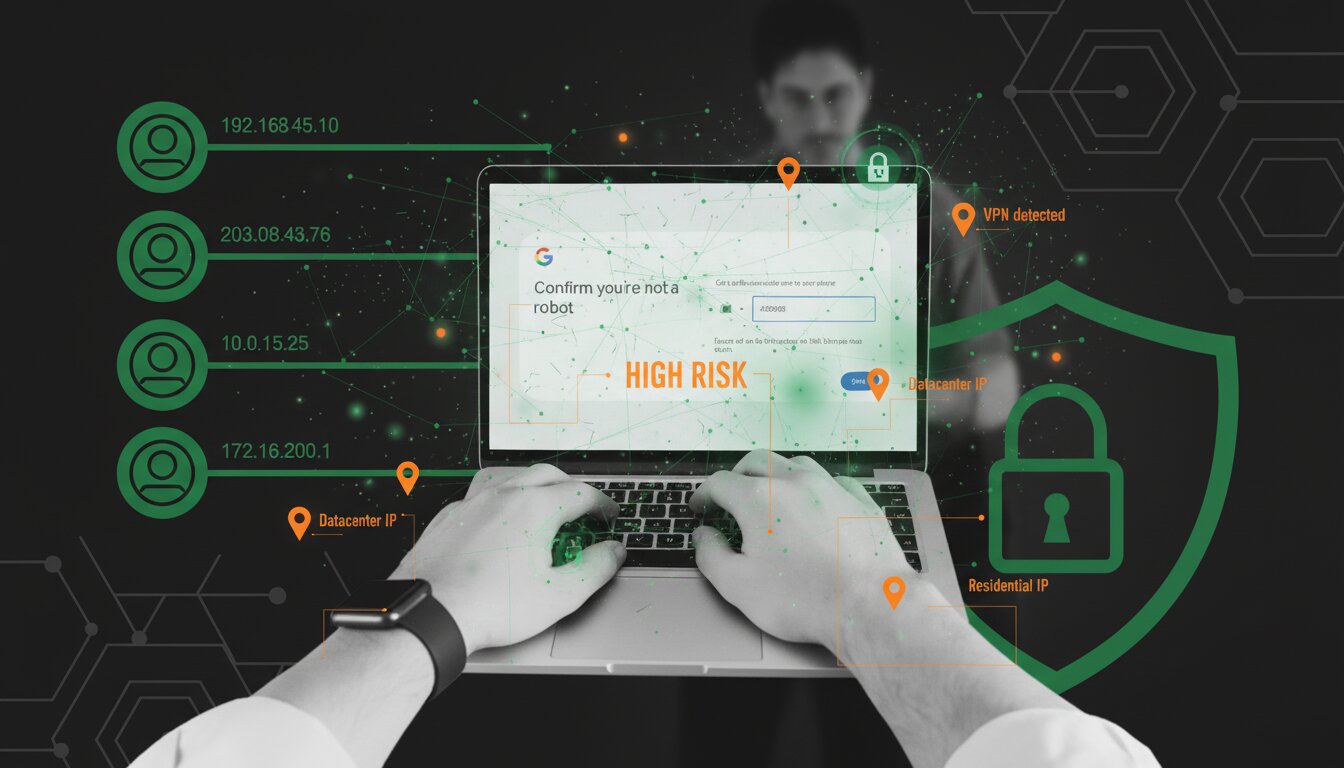
Pixelscan.dev Review: Browser Fingerprint & Bot Detection - How to Read a Pixelscan Report.
The report is easiest to understand in three layers.
1. Network layer
Start with the IP and geolocation block. If you are connected to a VPN, the IP should belong to the VPN provider, not your ISP. A datacenter ASN is normal for VPNs but is also a signal that some sites flag. If the country shown does not match your VPN exit location, something is misconfigured.
2. Fingerprint layer
The fingerprint section tells you how unique your browser looks. A highly unique fingerprint is not automatically bad, but it makes you easier to track across sessions. Common causes of uniqueness include uncommon fonts, non-standard screen resolutions, and missing or altered WebGL data.
3. Consistency layer
This is where Pixelscan adds the most value. Consistency checks compare your IP timezone against your browser timezone, your IP country against your browser language, and your declared platform against your user agent. Mismatches here are what usually trigger "spoofing detected" warnings.
Bot Detection: What Triggers a Flag

Pixelscan.dev Review: Browser Fingerprint & Bot Detection - Bot Detection: What Triggers a Flag.
The bot check looks for automation artifacts rather than guessing intent. Typical triggers include:
navigator.webdriverset to true- Headless Chrome user agent strings
- Selenium, ChromeDriver, or Electron signatures
- Unusual window properties or tampered browser functions
- CDP (Chrome DevTools Protocol) traces
If you run Puppeteer, Playwright, or Selenium for testing or scraping, a bot flag is expected unless you explicitly configure a realistic profile. Pixelscan's own documentation notes that mismatched fingerprints and proxies are the most common cause of false positives in automation setups.
Pixelscan vs BrowserScan: Which Should You Use?
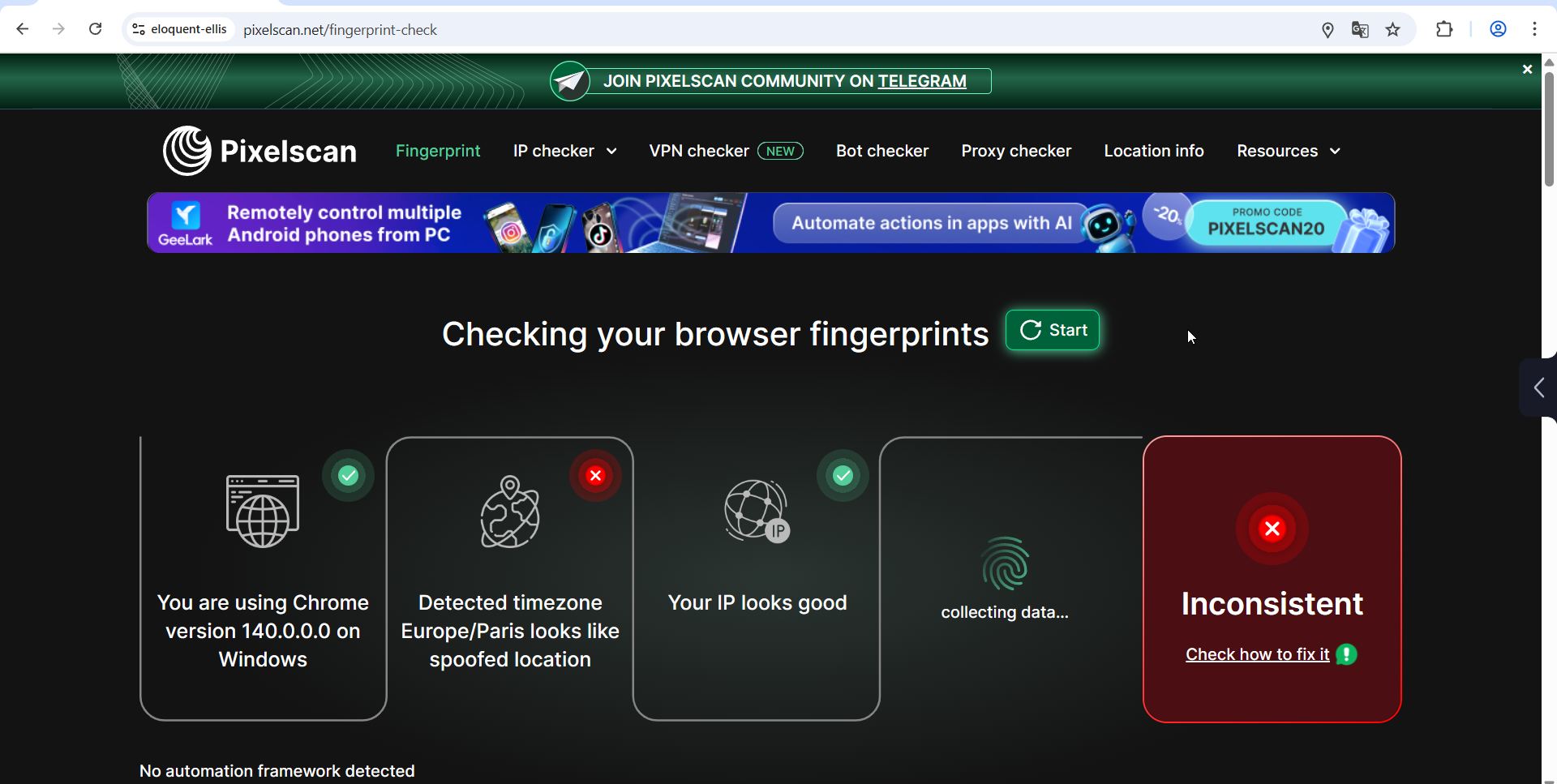
Pixelscan.dev Review: Browser Fingerprint & Bot Detection - Pixelscan vs BrowserScan: Which Should You Use?.
Both tools are free and browser-based, but they emphasize different things.
| Feature | Pixelscan.dev | BrowserScan |
|---|---|---|
| Fingerprint analysis | Yes | Yes |
| VPN / proxy detection | Yes | Yes |
| WebRTC / DNS leak test | Yes | Yes |
| Bot automation signals | Yes | Limited |
| Port scanner (Nmap-powered) | No | Yes |
| User agent parser | No | Yes |
| IP lookup with ISP and proxy data | Yes | Yes |
| Internet speed test | No | Yes |
Pixelscan is strongest when you need a quick bot-detection read on an automation setup. BrowserScan is broader: it adds a port scanner, user agent parser, speed test, and additional utilities like a 2FA code generator and cookie converter. For most privacy checks, running both takes under a minute and gives you a cross-checked view.
If you want to understand what your IP reveals before running either scan, see how IP location lookup works. If you are testing a VPN tunnel and want to confirm it is not leaking, the Mozilla VPN setup guide walks through verification steps that pair well with these tools.
Practical Example: Checking a VPN Setup
Suppose you connect to a VPN in Germany but your browser still reports English (US) and a New York timezone. Here is what each tool would show:
- Pixelscan — flags a timezone mismatch and possibly a language mismatch, even if the IP itself looks clean.
- BrowserScan — confirms the IP geolocation and runs a WebRTC leak test to see if your real IP is exposed outside the tunnel.
Fixing the mismatch usually means setting your browser or OS timezone to match the VPN exit country, or choosing a VPN server closer to your actual region. For a deeper look at why these mismatches matter, the antivirus explainer covers what antivirus tools cannot fix at the browser and network level.
Limitations to Keep in Mind
- No tool is definitive. Detection systems evolve, and a clean scan today does not guarantee a clean scan tomorrow.
- Fingerprint uniqueness is contextual. A unique fingerprint is only a problem if you want to blend in.
- Bot detection has false positives. Legitimate privacy extensions can sometimes trigger automation-like signals.
- Results are point-in-time. Changing your browser version, extensions, or network changes the result.
Related reading
- Ansible VPN Automation: Playbooks, Modules & Verification - Learn how Ansible automates VPN deployment and configuration with playbooks and modules, plus how to verify your tunnel for DNS and WebRTC leaks.
Sources and further reading
- Pixelscan.dev | Browser Fingerprint & Bot Detection Tool - Free online tool to detect browser fingerprints, bot automation, VPN/proxy usage, and fingerprint spoofing. Test your digital footprint instantly.
- Pixelscan | Fast multi-check tool for detection analysis - Pixelscan is a complete multi-check tool for browser fingerprinting, proxy detection, IP analysis, DNS leaks, and more. See how detectable your setup really is.
- Bot detection test to check if your browser looks automated | Pixelscan - Test your setup for bot detection ⚙️ Get instant results and fix issues before going live—no login needed.
FAQ
Is Pixelscan.dev free?
Yes. Pixelscan.dev and Pixelscan.net both offer free, no-registration scans. No account is required.
Does Pixelscan store my data?
Pixelscan.net states that results are not stored or linked to an identity. Pixelscan.dev notes that scan data stays in your browser and is not sent to third parties.
Can Pixelscan detect a VPN?
Yes. It checks IP reputation, ASN type, and proxy signals. A VPN will usually be visible as a datacenter or hosting ASN.
What does "Bot Detected" mean?
It means your browser or automation setup shows traces associated with headless browsers or automation frameworks. It does not necessarily mean you are doing anything wrong.
Should I use Pixelscan or BrowserScan?
Use Pixelscan for a focused bot-detection read. Use BrowserScan for a broader privacy and network diagnostic suite, including port scanning and user agent parsing. Running both gives the most complete picture.
Conclusion
Pixelscan.dev is a useful free tool for anyone who wants to see how their browser and network appear to websites. It is especially strong at surfacing consistency mismatches and automation signals. Pair it with BrowserScan when you need a wider diagnostic set, and treat both as starting points: the real value comes from fixing the mismatches they reveal, not from the scan itself.
For related reading, see what Nmap's free port scanner does and how cloud VPNs differ from traditional tunnels.