
What Is Nmap? The Free Network Mapper & Security Scanner

What Is Nmap? The Free Network Mapper & Security Scanner
Nmap, short for "Network Mapper," is a free, open-source utility for network discovery and security auditing. Since its first release in September 1997, it has become one of the most widely used tools among system administrators, penetration testers, and security researchers. At its core, Nmap sends crafted packets to target hosts and analyzes the responses to reveal what devices are online, which services they expose, what operating systems they run, and how firewalls or packet filters are configured.
This guide explains what Nmap actually does, how its core features work, when to use it, and how to interpret the results safely and legally.
What Does Nmap Do?
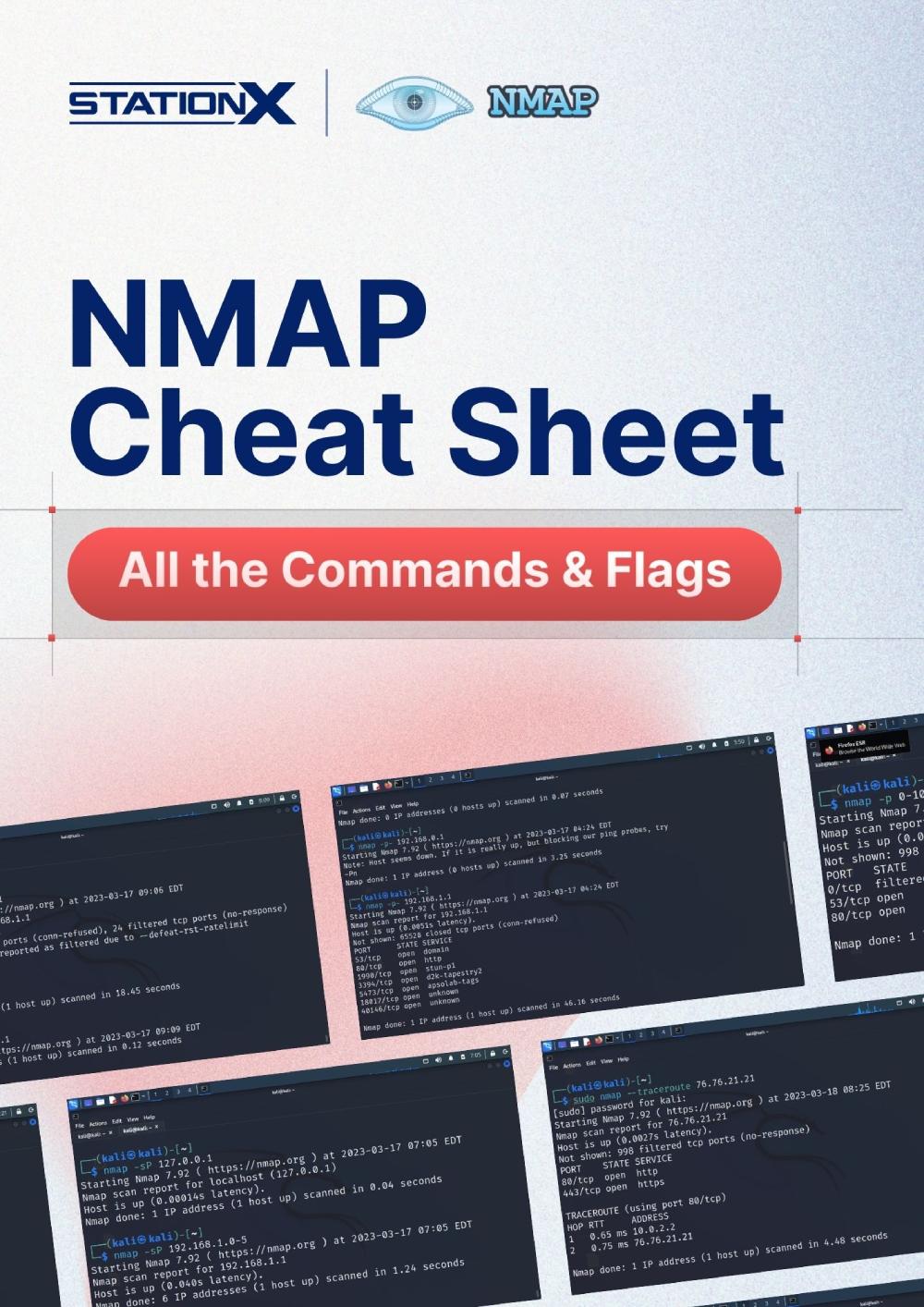
What Is Nmap? The Free Network Mapper & Security Scanner - What Does Nmap Do?.
Nmap answers practical questions about a network:
- Which hosts are reachable?
- Which ports are open, closed, or filtered?
- What applications and versions are listening on those ports?
- What operating system is each host running?
- What firewall rules or packet filters are in place?
It does this by sending raw IP packets in ways that standard tools do not. By varying packet types, flags, timing, and payloads, Nmap can map networks that are partially protected by firewalls, routers, or intrusion detection systems.
Core Nmap Features

What Is Nmap? The Free Network Mapper & Security Scanner - Core Nmap Features.
Host Discovery
Host discovery, sometimes called a ping sweep, identifies which IP addresses in a range are live. Nmap can use ICMP echo requests, TCP SYN packets, TCP ACK packets, UDP probes, and ARP requests depending on the network. On a local Ethernet segment, ARP scanning is fast and reliable; across routed networks, Nmap combines multiple probe types to avoid false negatives.
A basic discovery scan looks like this:
nmap -sn 192.168.1.0/24
The -sn flag tells Nmap to skip port scanning and only report live hosts.
Port Scanning
Port scanning is the feature most people associate with Nmap. It determines the state of TCP and UDP ports on a target:
- Open: a service is listening and accepting connections.
- Closed: no service is listening, but the host is reachable.
- Filtered: a firewall or packet filter is blocking the probe, so the state is unknown.
Nmap supports many scan techniques, including SYN scan (-sS), connect scan (-sT), UDP scan (-sU), ACK scan (-sA), and FIN scan (-sF). SYN scan is the default for privileged users because it is fast and relatively stealthy, sending a SYN packet and waiting for a SYN/ACK or RST without completing the full TCP handshake.
A fast scan of the most common 100 ports looks like this:
nmap -F 192.168.1.10
Service and Version Detection
Once Nmap finds open ports, it can interrogate the listening services to learn the application name and version. The -sV flag enables version detection. Nmap sends service-specific probes and compares responses against a large signature database.
nmap -sV 192.168.1.10
This can reveal, for example, that port 22 runs OpenSSH 8.9p1 or that port 443 runs nginx 1.24.0. That information helps administrators identify outdated or vulnerable software.
OS Fingerprinting
Nmap can guess the operating system and hardware characteristics of a remote device by analyzing subtle differences in how its TCP/IP stack responds to crafted packets. The -O flag enables OS detection. Combined with version detection, it gives a fuller picture of the target environment.
nmap -O 192.168.1.10
Nmap Scripting Engine (NSE)
The Nmap Scripting Engine extends Nmap with Lua scripts that automate advanced tasks. NSE categories include:
- Discovery: extract information from services, such as SNMP data or HTTP titles.
- Vulnerability detection: check for known CVEs or misconfigurations.
- Authentication: test default credentials or weak passwords.
- Brute force: attempt credential guessing against services like SSH or FTP.
For example, the vuln category runs a set of vulnerability checks:
nmap --script vuln 192.168.1.10
Hundreds of scripts ship with Nmap, and users can write their own in Lua.
The Nmap Suite
What Is Nmap? The Free Network Mapper & Security Scanner - The Nmap Suite.
Nmap is more than a single command-line executable. The official project includes several companion tools:
- Zenmap: the official graphical user interface and results viewer.
- Ncat: a flexible data transfer, redirection, and debugging tool that can replace netcat.
- Ndiff: a utility for comparing two Nmap scan results to spot changes over time.
- Nping: a packet generation and response analysis tool for testing latency, reachability, and packet loss.
These tools share the same packet-handling foundation and integrate well in security workflows.
Common Nmap Use Cases

What Is Nmap? The Free Network Mapper & Security Scanner - Common Nmap Use Cases.
Network Inventory and Asset Management
Administrators use Nmap to enumerate devices on a subnet, identify unexpected hosts, and maintain an up-to-date asset list. A discovery scan combined with OS detection can produce a useful network map.
Security Auditing
Security teams run Nmap against their own infrastructure to find open ports, outdated services, and weak configurations before attackers do. Regular scans help track changes and verify that firewall rules work as intended.
Firewall and IDS Testing
Because Nmap supports many scan types, testers can use it to verify that firewalls block unwanted traffic and that intrusion detection systems generate alerts. Comparing scan results from inside and outside a firewall reveals what is actually exposed.
Service Upgrade Planning
Version detection helps administrators identify which servers are running old software versions that need patching or upgrading. Ndiff can then confirm that a patch closed the vulnerable service.
Nmap Output Formats
Nmap supports four main output formats:
- Interactive: real-time output in the terminal.
- Normal: the same output saved to a file with
-oN. - XML: structured output for programmatic processing with
-oX. - Grepable: line-oriented output for tools like grep, sed, or awk with
-oG.
For repeated scans, saving XML output and comparing it with Ndiff is a common practice.
Legal and Ethical Considerations
Nmap is a legitimate security tool, but scanning networks you do not own or have permission to test can violate laws and acceptable-use policies. In 2003, the Supreme Court of Finland ruled that systematic port scanning as preparation for unauthorized access constituted an attempted computer break-in. Many jurisdictions treat unauthorized scanning as a precursor to intrusion.
Always limit scans to systems you own, networks you administer, or engagements covered by written authorization. For internet-facing hosts you do not control, use passive or explicitly permitted methods.
Nmap vs. Browser-Based Port Scanners
Nmap is powerful and flexible, but it requires installation and some command-line familiarity. For quick, one-off checks from a browser, web-based tools can be more convenient.
BrowserScan offers an Nmap-powered port scanner that runs directly in your browser, along with other privacy diagnostics such as browser fingerprint analysis, DNS and WebRTC leak tests, and IP address lookup with proxy detection. These tools are useful when you want a fast assessment without installing software or when you are testing your own connection from a device where Nmap is not available.
For deeper, scriptable, large-scale scanning, the full Nmap suite remains the standard. For quick checks and privacy validation, a browser-based tool can be the faster path. You can learn more about installing and using Nmap in this Nmap setup guide.
How to Learn Nmap Effectively
Start with simple scans against a lab machine or virtual machine you control:
- Run
nmap -snto discover hosts on your local network. - Run
nmap -Fagainst one host to see common open ports. - Add
-sVto identify service versions. - Add
-Oto attempt OS detection. - Explore NSE scripts with
nmap --script.
The official Nmap Network Scanning book is the most comprehensive reference, covering everything from port scanning basics to low-level packet crafting and NSE automation. The Nmap documentation and man pages are also excellent free resources.
Related reading
- BigDataCloud Pricing Explained: Plans, Free Tiers & Costs - Compare BigDataCloud pricing across IP geolocation and reverse geocoding plans, free tiers, overage rates, and find the best value for your API volume.
- WHOIS Lookup: How to Check Domain and IP Ownership - Learn what a WHOIS lookup is, how to check domain and IP ownership, read registration records, protect your privacy, and use the data safely.
Sources and further reading
- Nmap: the Network Mapper - Free Security Scanner - Nmap Free Security Scanner, Port Scanner, & Network Exploration Tool. Download open source software for Linux, Windows, UNIX, FreeBSD, etc.
- Nmap - From Wikipedia, the free encyclopedia
Frequently Asked Questions
Is Nmap really free?
Yes. Nmap is open source and free to download, use, modify, and redistribute under its license. Official binary packages are available for Linux, Windows, and macOS.
What is the difference between Nmap and a port scanner?
Nmap is a full network exploration and security auditing suite. Port scanning is one of its core features, but it also performs host discovery, service version detection, OS fingerprinting, scripting, and more.
Can Nmap detect vulnerabilities?
Nmap itself does not exploit vulnerabilities. However, the Nmap Scripting Engine includes scripts that can detect known vulnerabilities, weak configurations, and outdated software versions. Dedicated vulnerability scanners like Nessus or OpenVAS go further.
Is Nmap illegal?
Nmap is legal software. Scanning networks without permission can be illegal or violate policies, depending on jurisdiction and context. Always scan only systems you own or have written authorization to test.
What is Zenmap?
Zenmap is the official graphical user interface for Nmap. It provides a visual way to build scan commands, view results, and compare scans. It is especially helpful for users who prefer not to work entirely on the command line.
Does Nmap work on Windows?
Yes. Official Windows binaries are available, and Nmap uses the Npcap driver for raw packet capture and sending on Windows systems.
Conclusion
Nmap is the de facto standard for network discovery and security scanning. Its combination of host discovery, port scanning, version detection, OS fingerprinting, and the Nmap Scripting Engine makes it useful for everyone from beginners mapping a home lab to professionals auditing large enterprise networks. Because it is free, cross-platform, and well documented, it remains the first tool many security practitioners learn.
For users who need a quick, no-installation check of their own network exposure or browser privacy, tools like BrowserScan provide a practical complement to full Nmap scans. You can also explore how to set up a privacy-focused stack or learn how to verify your VPN for leaks to round out your security toolkit.
Whatever your use case, the key is to scan responsibly, understand the output, and act on what you find.