
Browser Check Review: Free Online Browser Privacy Test
Browser Check (Browser Test) - Online Browser Checker Review
Browser Check is a free, no-account web page that reports what your browser exposes: version and system details, privacy requests, cookie behavior, local fingerprint hashes, and whether WebRTC reveals an address different from the one the site sees. This review explains what it actually measures, where it stops, and whether it fits your workflow.
What Browser Check actually does
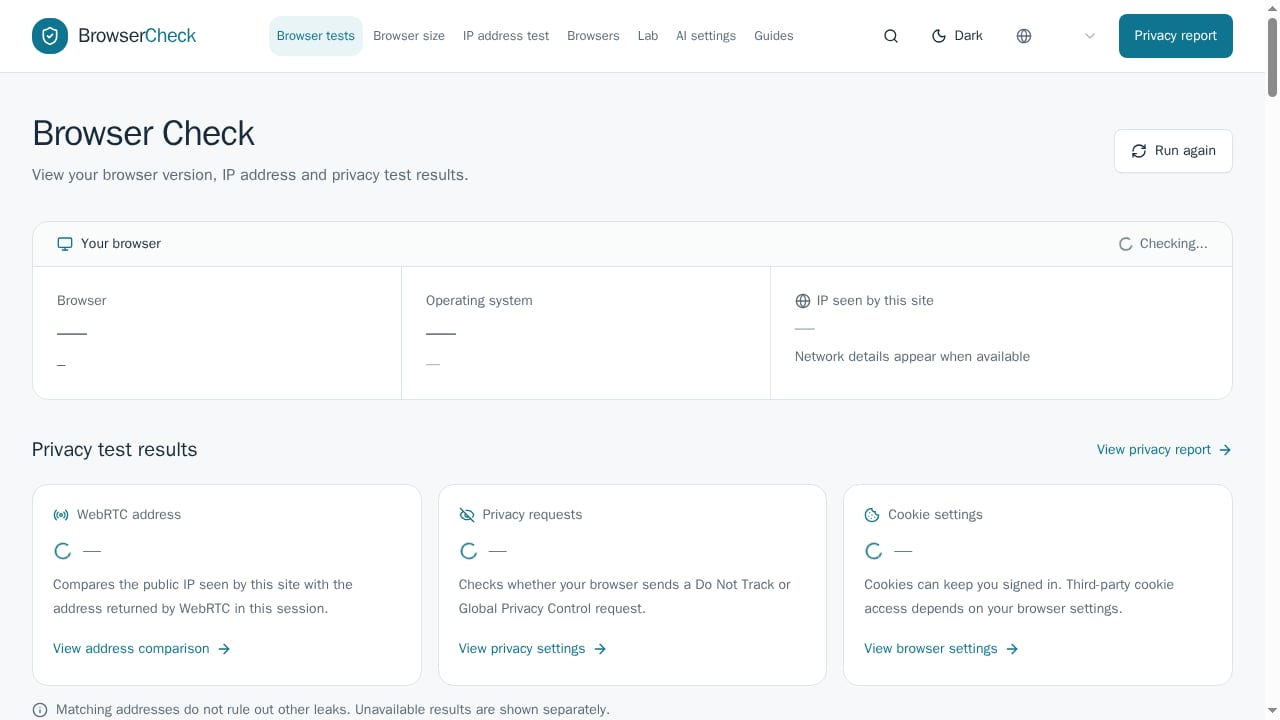
First viewport screenshot of browsercheck.net.
Open the page and it runs a set of client-side checks while the server records the request metadata. The results fall into four groups:
- Browser and system: browser and OS family, user agent, language and reported languages, PDF viewer presence.
- Network and WebRTC: the public IP seen by the site, the address returned by a STUN request, host address, IP timezone, system timezone, and a comparison of the two.
- Privacy controls: Do Not Track and Global Privacy Control signals, cookie availability, and an automation flag.
- Local fingerprint signals: session signal ID, canvas, WebGL, audio, and client-rects hashes, WebGPU API availability, a font sample, screen and hardware details, and WebGL vendor/renderer strings.
The page also links to focused tools for WebGL, WebGPU, user agent, client hints, cookies and storage, TLS/HTTP connection details, and a redacted support report. A directory of 67 antidetect browsers and related projects rounds out the site.
Who should use it
Browser Check is a diagnostic, not a security suite. It suits:
- Privacy-conscious individuals who want a quick read on fingerprint surface and WebRTC behavior before and after changing settings.
- Antidetect and multi-account operators who need a fast sanity check that a profile's timezone, IP, and rendering signals line up. For a deeper workflow, see how to use BrowserScan with AdsPower for fingerprint privacy.
- Support and QA staff who need a shareable, redacted environment snapshot when debugging a browser-specific issue.
- Developers verifying that client hints, WebGPU, or storage APIs behave as expected in a given build.
It is a poor fit for anyone who needs malware scanning, extension safety review, DNS leak testing, or cross-browser rendering verification. Those are different jobs with different tools.
Strengths
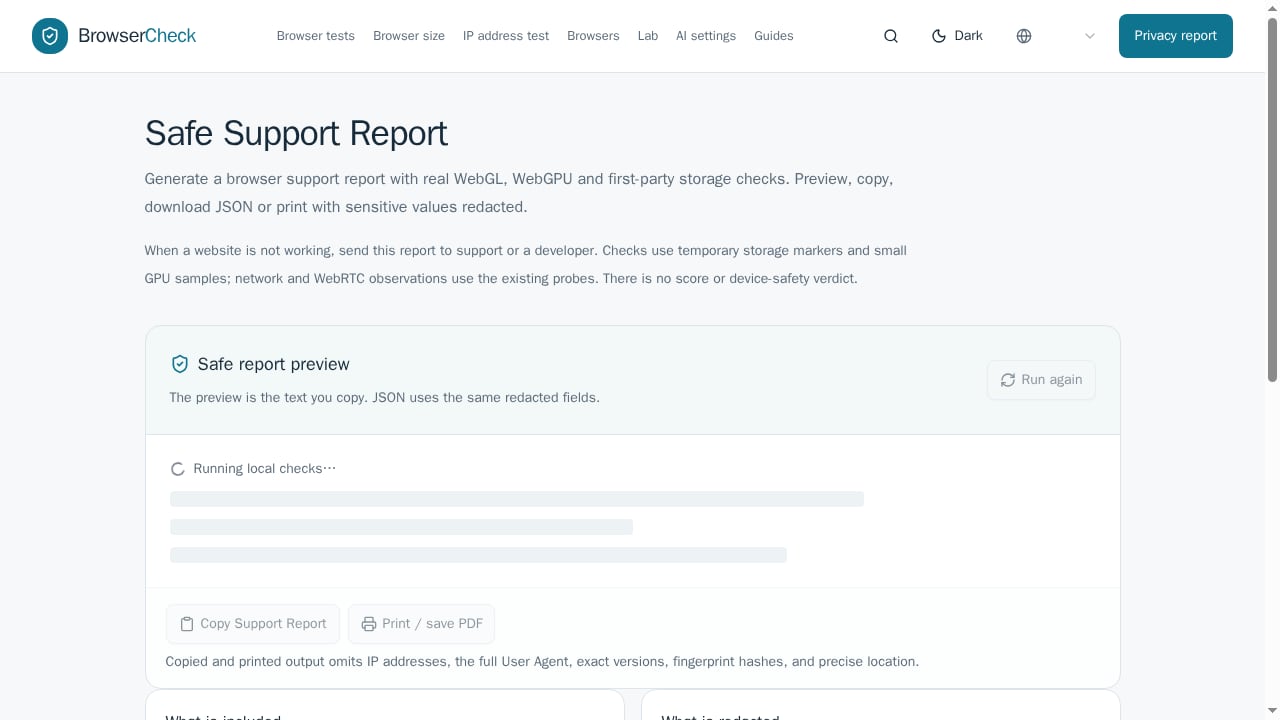
First viewport screenshot of browsercheck.net.
Transparent scope. The page states plainly what it does not test: DNS leaks, blacklist reputation, proxy/VPN status, Tor use, open ports, malware, and extension safety. That honesty is rarer than it should be.
Useful comparisons, not just raw values. The WebRTC section compares the request IP with the STUN-returned address, and the timezone section compares the IP-derived timezone with the system timezone. Mismatches are the signal most people are looking for.
Fingerprint hashes in one place. Canvas, WebGL, audio, and client-rects hashes plus hardware details give a reasonable first-pass view of how distinguishable a browser session is.
No account, no install. Results appear in the page, and the support report can be copied, downloaded as JSON, or printed with sensitive values redacted.
Snapshot comparison. You can capture two environments and compare browser, graphics, storage, and connection fields side by side—handy for before/after configuration checks.
Limitations
Narrow network coverage. A matching WebRTC and request IP only means this session exposed no different public address through that check. DNS traffic, VPN routing, IPv6 behavior, and other applications need separate tests. If IP exposure is your main concern, IP Data Explained: What It Reveals & How to Protect Privacy covers the underlying mechanics.
Not a security scan. The page explicitly says it does not prove your browser is secure. No malware, patch, account, or content checks.
Not cross-browser testing. Despite the similar name, this has nothing to do with running a web app across Chrome, Safari, and Firefox. Teams needing that should look at cloud device grids and automation frameworks; the 2026 cross-browser tool comparison is a reasonable starting point.
Fingerprint signals are local only. Hashes are computed in the page. They indicate surface area, not whether a third-party site would actually link two sessions.
No historical tracking. Each visit is a fresh snapshot unless you save and compare manually.
Pricing signals
The checker itself is free with no visible account requirement. The site's monetization appears to sit around the antidetect browser directory and comparisons rather than the test page. Treat that as a signal, not a contract: free diagnostic pages can change scope or add gated features. For budgeting, assume the core checks stay free and verify before relying on them in a paid workflow.
Setup and first run
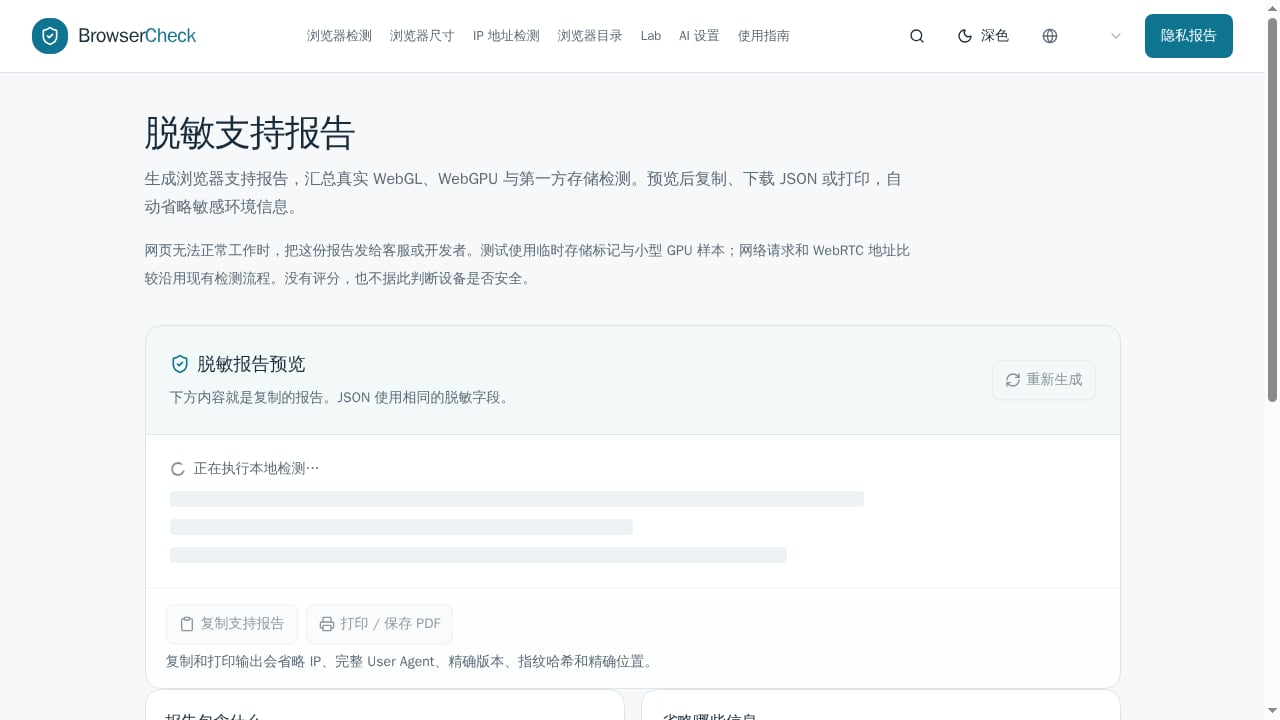
First viewport screenshot of browsercheck.net.
- Open the checker in the browser profile you want to test. Use the exact profile, not a fresh incognito window, if you are auditing a configured environment.
- Let the network and WebRTC comparisons finish; the page shows waiting states until both sides resolve.
- Read the comparison rows first—address match and timezone match—before drilling into hashes.
- Capture a snapshot, change one setting, then capture again and compare. Changing many things at once makes the comparison useless.
- If you need to share results, use the redacted support report rather than screenshots of raw values.
Setup effort is minimal: no extension, no login, no configuration. The real work is interpreting the output.
How it compares
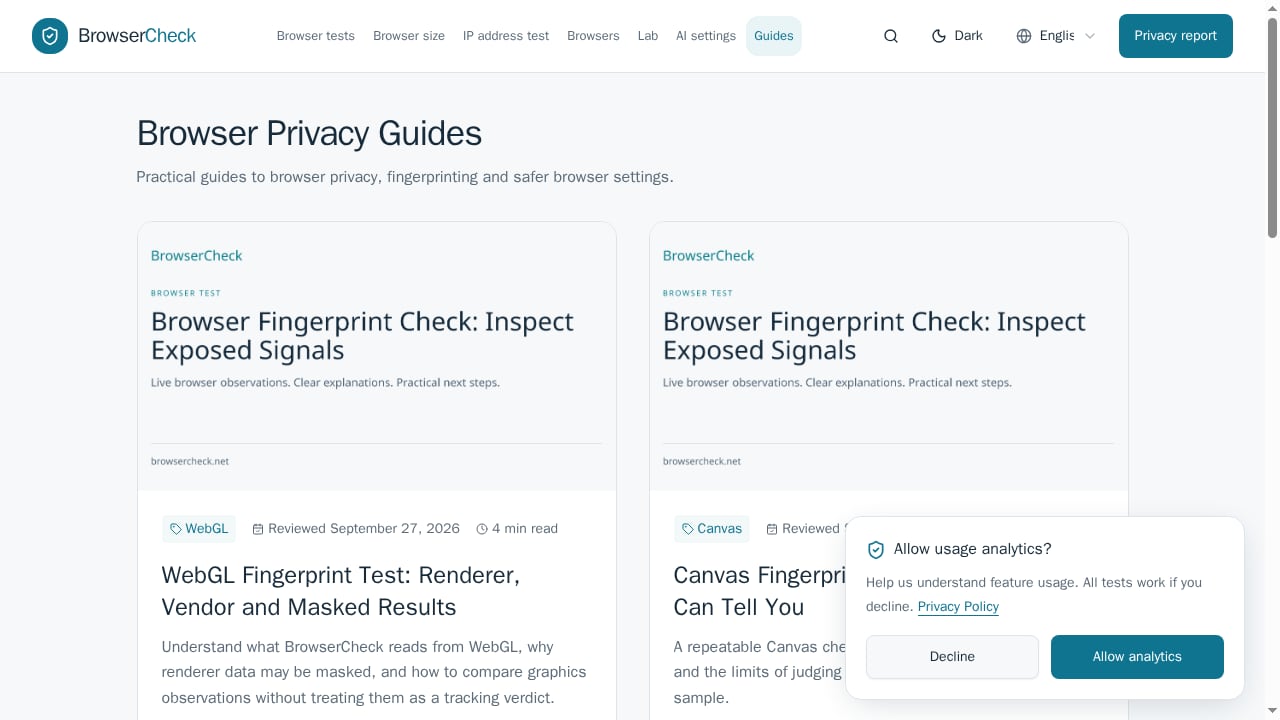
First viewport screenshot of browsercheck.net.
| Need | Browser Check | Dedicated fingerprint suites | Cross-browser clouds |
|---|---|---|---|
| Quick WebRTC and timezone comparison | Yes | Yes | No |
| Canvas/WebGL/audio hashes | Yes, local | Yes, often with risk scoring | No |
| DNS leak and reputation checks | No | Often | No |
| Real Safari and mobile devices | No | No | Yes |
| Account required | No | Usually | Yes |
For a broader field, see the Top 10 Browser Fingerprint Detection & Privacy Testing Tools 2026 and the BrowserScan vs Pixelscan comparison. If you want a single suite with risk scoring and leak tests, BrowserScan's fingerprint detection tool is the closer match.
Decision criteria
Choose Browser Check when:
- You want a free, instant read on WebRTC address comparison and timezone consistency.
- You need a redacted environment snapshot for support.
- You are auditing a configured browser profile and want to compare two states.
Skip it when:
- You need DNS leak, malware, or extension safety results.
- You need cross-browser rendering or real-device testing.
- You need ongoing monitoring or historical fingerprint tracking.
- You need a vendor with a support contract and SLA.
Sources and further reading
- Browser Check (Browser Test) - Online Browser Checker - Test your browser with our free online browser checker. Check browser version, privacy settings, fingerprint signals, public IP and WebRTC leaks in real time.
- Best Cross-Browser Testing Tools: A Ranked Comparison - A ranked comparison of the browser testing tools engineering teams shortlist: what each one authors, what it runs on, and how it bills.
FAQ
Is Browser Check free? The checker page is free and requires no account. Pricing for any adjacent directory or comparison features should be confirmed on the site.
Does a matching WebRTC and public IP mean I have no leaks? No. It means this session exposed no different public address through the WebRTC check. DNS, VPN routing, IPv6, and other applications require separate tests.
Can Browser Check tell me if my browser is secure? No. It reports selected browser and network signals. It does not scan for malware, vulnerable extensions, missing patches, or compromised accounts.
Is this the same as cross-browser testing? No. Cross-browser testing verifies a website across browsers and devices. Browser Check inspects the browser you are using.
What is a browser fingerprint? A combination of browser-exposed attributes such as user agent, screen size, language, timezone, and rendering outputs. Single values rarely identify someone; combinations can help sites recognize repeat environments.
How do I reduce fingerprint exposure? Keep the browser updated, prefer built-in privacy protections, limit unnecessary extensions, and avoid many unusual one-off changes. Tor Browser offers stronger standardization when its defaults are kept intact.
Conclusion
Browser Check is a competent free diagnostic for the questions it asks: what does my browser expose, does WebRTC return a different address, and do my timezone and privacy signals line up? Its honesty about scope is its best feature. It is not a security scanner, a DNS leak tester, or a cross-browser platform, and it should not be treated as one. Use it as a first-pass check, pair it with a dedicated fingerprint suite when you need risk scoring and leak coverage, and confirm current behavior before building a paid workflow around it.