
BrowserLeaks Review 2026: Honest Browser Privacy Test Verdict
BrowserLeaks Review 2026: Honest Browser Privacy Test Verdict
BrowserLeaks is a free, browser-based suite of diagnostic pages that shows what your browser actually exposes to the sites you visit. It does not sell a VPN, it does not score you green or red, and it does not hide the raw data. That transparency is exactly why it remains a reference point for anyone who wants evidence rather than reassurance.
This review covers what each major test reveals, who gets the most value from it, where it falls short, and how to decide whether it belongs in your privacy toolkit.
What BrowserLeaks Actually Is
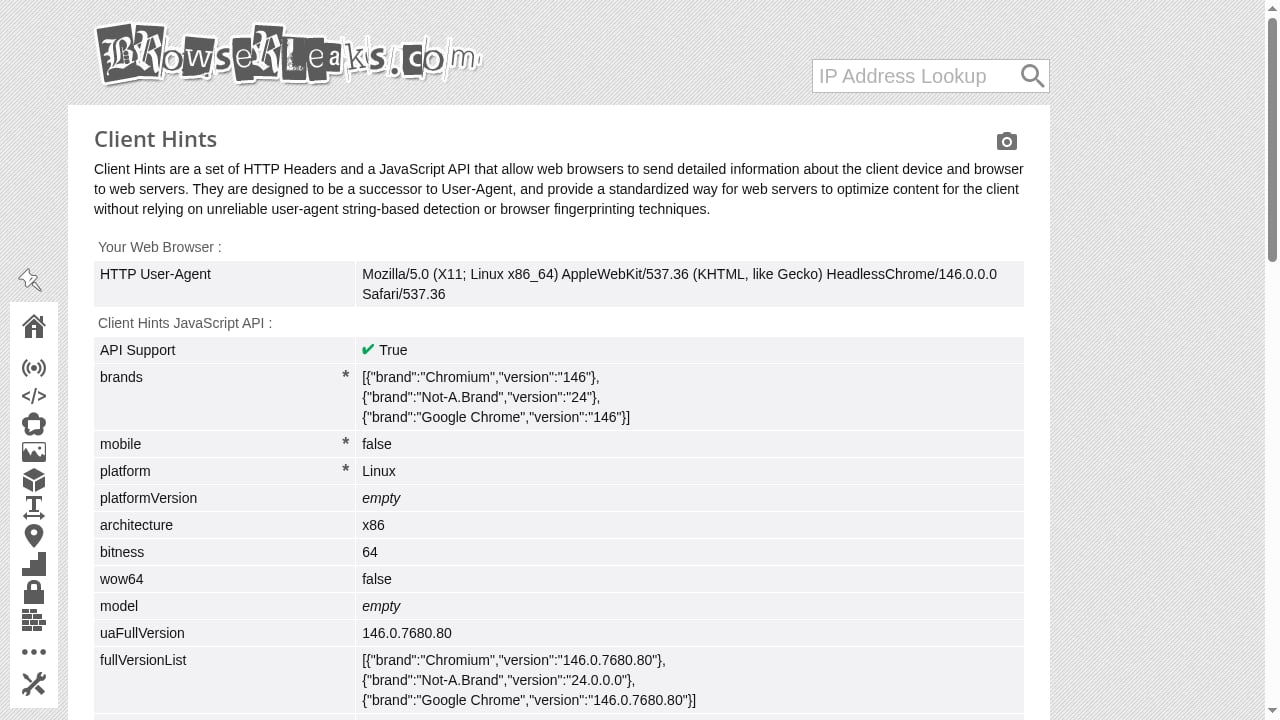
First viewport screenshot of Client Hints.
BrowserLeaks is a collection of independent test pages rather than a single dashboard. Each page targets one exposure surface: your IP address, HTTP headers, WebRTC candidates, DNS resolution, TLS handshake, Canvas rendering, WebGL capabilities, fonts, geolocation permissions, and more. You open a page, it runs JavaScript and network probes in your browser, and it prints the raw results.
The site states that it does not collect personal data, store fingerprints, or set non-essential cookies, with minimal third-party requests for certain APIs. That matters because a privacy testing tool that quietly logs your fingerprint would defeat its own purpose.
The core test groups
- IP and network identity: public IP, reverse lookup, HTTP request headers, ISP/ASN, geolocation hints, TCP/IP OS fingerprinting, IPv6 and DNS leak checks.
- WebRTC: ICE candidate gathering that can expose local and public IP addresses even when a VPN or proxy is active.
- JavaScript and Web APIs: user agent, screen metrics, CPU architecture, logical cores, battery status, network information, installed plugins, and feature detection.
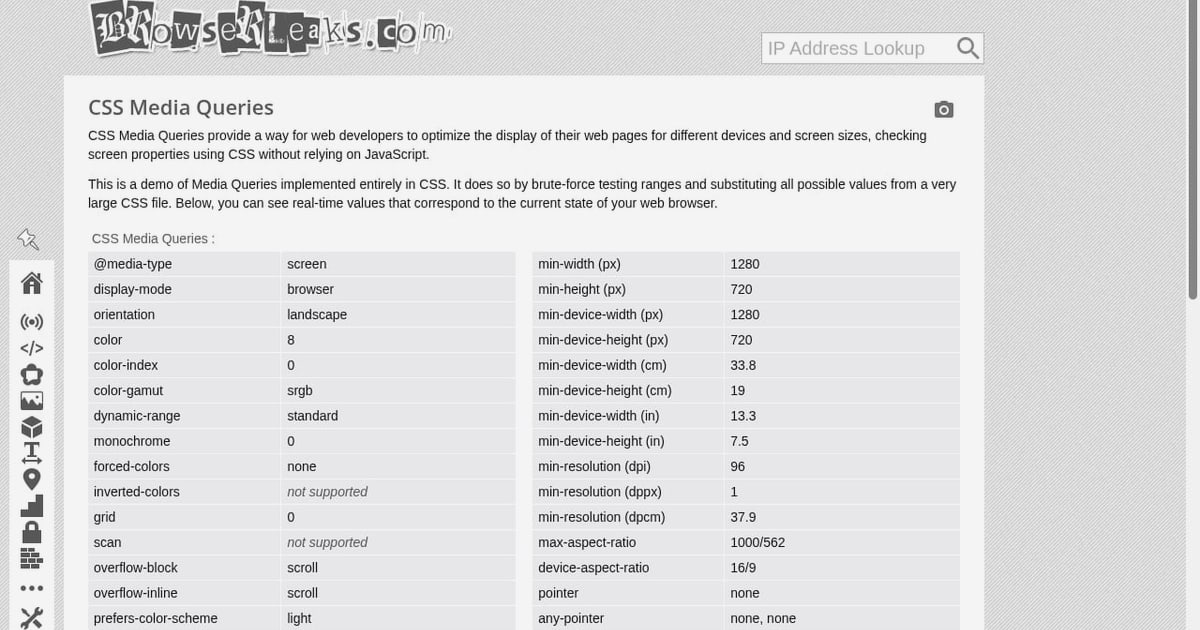
- Rendering fingerprints: Canvas, WebGL, WebGPU, ClientRects, and CSS media query probing.
- Protocol fingerprints: TLS ClientHello with JA3/JA4 output, HTTP/2 frame analysis, QUIC and HTTP/3 fingerprinting.
- Filter detection: signals that suggest Tor Browser, ad blockers, or other content filters are modifying traffic.
How to Run a BrowserLeaks Test Properly
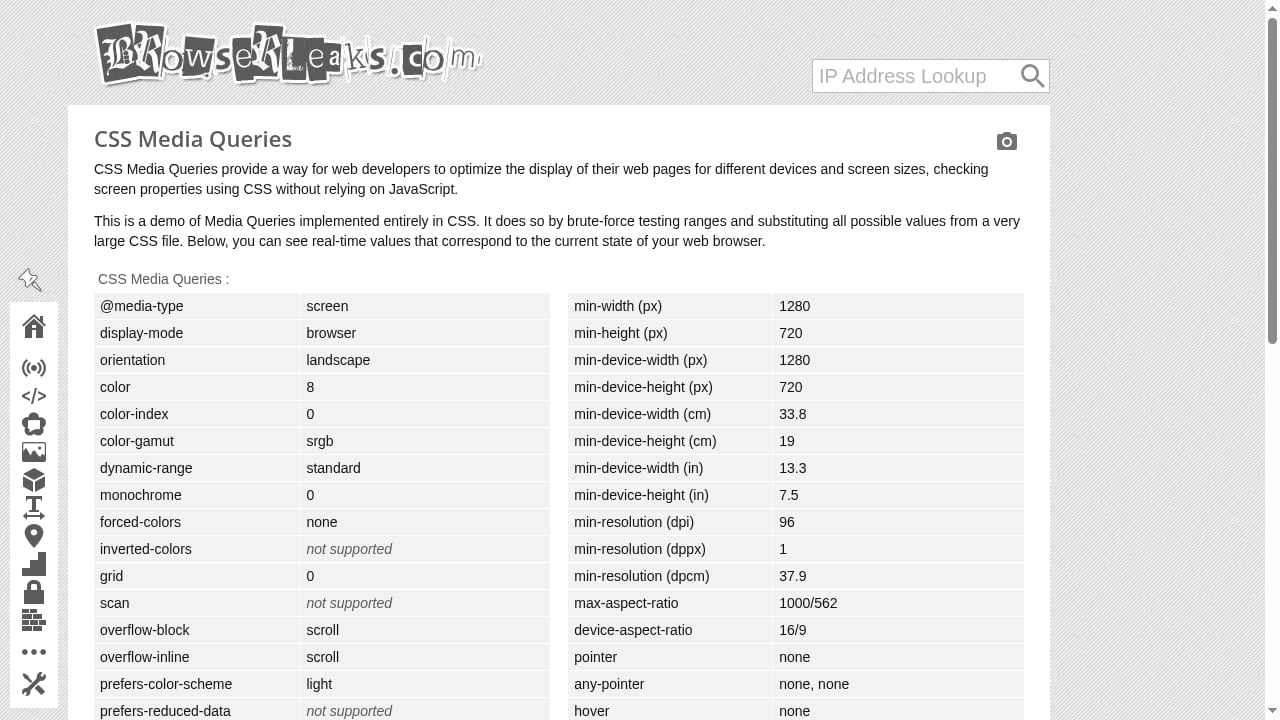
First viewport screenshot of CSS Media Queries.
Setup is trivial, but methodology is not. A sloppy test produces a misleading conclusion.
- Decide what you are testing. A VPN's IP masking, an anti-detect browser profile, a hardened Firefox setup, and a normal Chrome install all need different pages.
- Test the real configuration. Extensions, proxy settings, and DNS resolvers change results. Disable anything you would not use in daily browsing, or test both states and compare.
- Start with the IP address page. Confirm the public IP, country, and ISP match what you expect. Then check HTTP headers for anything that contradicts your assumed identity.
- Run the WebRTC leak test. Look at the candidate table. A clean VPN result shows only the VPN or proxy address, with no real WAN address and ideally no local LAN addresses.
- Run the DNS leak test. Confirm resolvers belong to your chosen DNS provider or VPN, not your ISP.
- Capture the fingerprint pages. Note the Canvas hash, WebGL renderer string, font list, and TLS JA3/JA4 values. Re-run after any configuration change to see what actually shifted.
- Record results over time. Fingerprints are only meaningful in comparison. A baseline from last month tells you whether a browser update or extension broke your setup.
If your goal is censorship circumvention rather than general privacy, the checks overlap heavily with testing your browser for leaks under restrictive networks.
What BrowserLeaks Does Well
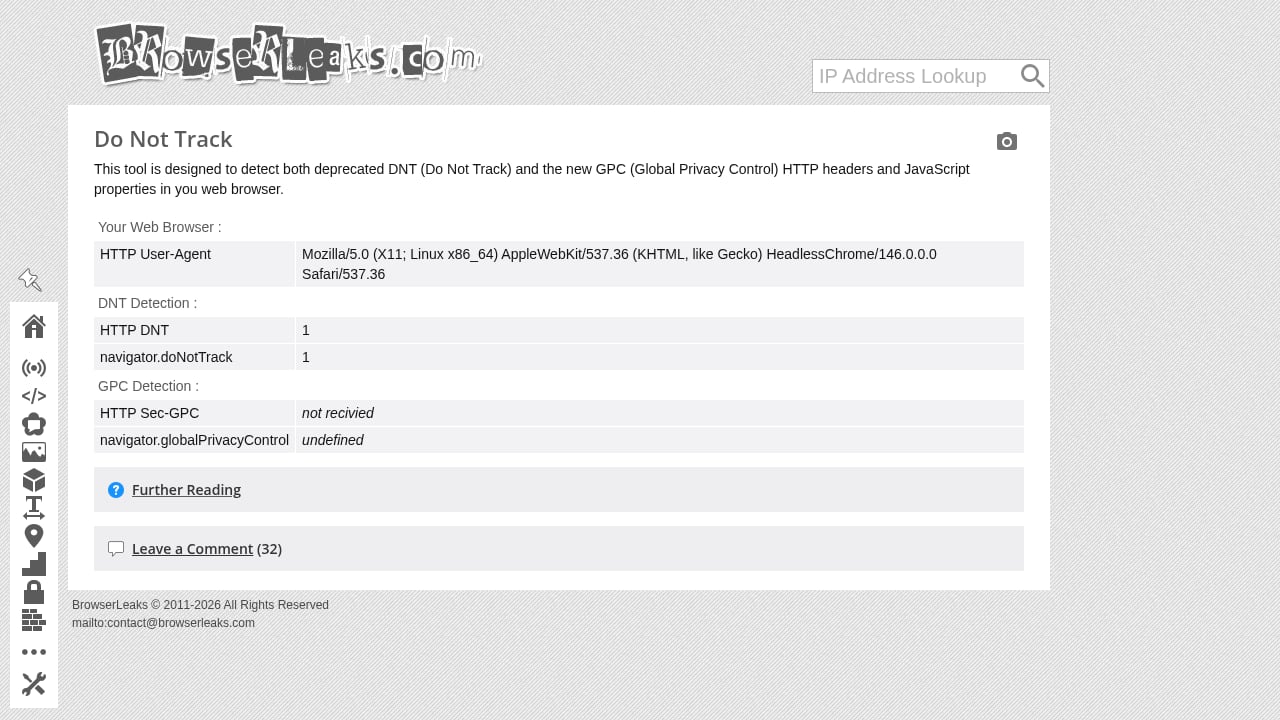
First viewport screenshot of Do Not Track & Global Privacy Control.
Raw evidence instead of verdicts
Most consumer privacy checkers reduce complex signals to a pass or fail. BrowserLeaks shows the underlying values: the actual ICE candidates, the exact WebGL renderer string, the TLS cipher list, the JA3 hash. You can verify claims yourself instead of trusting a score.
Breadth that few free tools match
A single site covering WebRTC, DNS, IPv6, TLS, HTTP/2, QUIC, Canvas, WebGL, WebGPU, fonts, and Client Hints is unusual. That breadth means you can build a fairly complete picture of your exposure without installing anything.
Protocol-level depth
The TLS and HTTP/2 pages go beyond what typical leak checkers attempt. JA3 and JA4 fingerprints, supported cipher suites, ECH support, and HTTP/2 frame ordering are the kind of signals anti-fraud and bot-management systems actually use. Seeing them is genuinely useful for anyone operating proxies or anti-detect profiles.
No account, no installation, no cost
Every test runs in the browser. There is no signup wall, no extension to audit, and no pricing tier to evaluate. For occasional audits, that is hard to beat.
Limitations and Honest Caveats
It is a diagnostic, not a fix
BrowserLeaks tells you what leaks. It does not block leaks, rotate fingerprints, or configure your proxy. You still need a VPN, a hardened browser, or an anti-detect environment to act on the findings.
Results depend on your browser's behavior, not a universal standard
As community discussions around the tool note, these pages test whether specific browser features work and what they return. If a browser disables WebRTC by default, the test may show nothing because the feature is unavailable, not because your network is secure. Interpret absence carefully.
Local IP exposure is often misunderstood
Seeing a private address like 192.168.x.x in a WebRTC result alarms people, but a NATed private address is not the same as your public IP. Whether it matters depends entirely on your threat model. Modern Chromium browsers often obfuscate local candidates with mDNS identifiers, and that obfuscation itself can be a detectable signal.
No unified report or history
Each test is a separate page. There is no single dashboard, no saved history, and no automated comparison across sessions unless you record results yourself. For teams, that means manual bookkeeping.
Interface is functional, not guided
Pages present technical output with limited explanation of what a good or bad result looks like. Beginners may need outside context to interpret the data.
Experimental and deprecated pages coexist
The tool list includes new, experimental, controversial, broken, and deprecated tests. Some pages, such as legacy Flash, Silverlight, and Java Applet checks, are historical curiosities rather than active risks.
Who Should Use BrowserLeaks
| User type | Value | Why |
|---|---|---|
| Privacy-conscious individuals | High | Free, deep, and honest about what your browser exposes |
| VPN and proxy users | High | WebRTC, DNS, and IPv6 pages catch the most common leak paths |
| Anti-detect and multi-account operators | High | Canvas, WebGL, TLS, and HTTP/2 fingerprints are directly relevant to profile consistency |
| Security researchers | Medium to high | Protocol-level detail is useful, but no API or automation layer |
| Complete beginners | Medium | Data is raw and unlabeled; expect a learning curve |
| Teams needing dashboards and history | Low to medium | No unified reporting or saved baselines |
BrowserLeaks vs Other Privacy Testing Tools
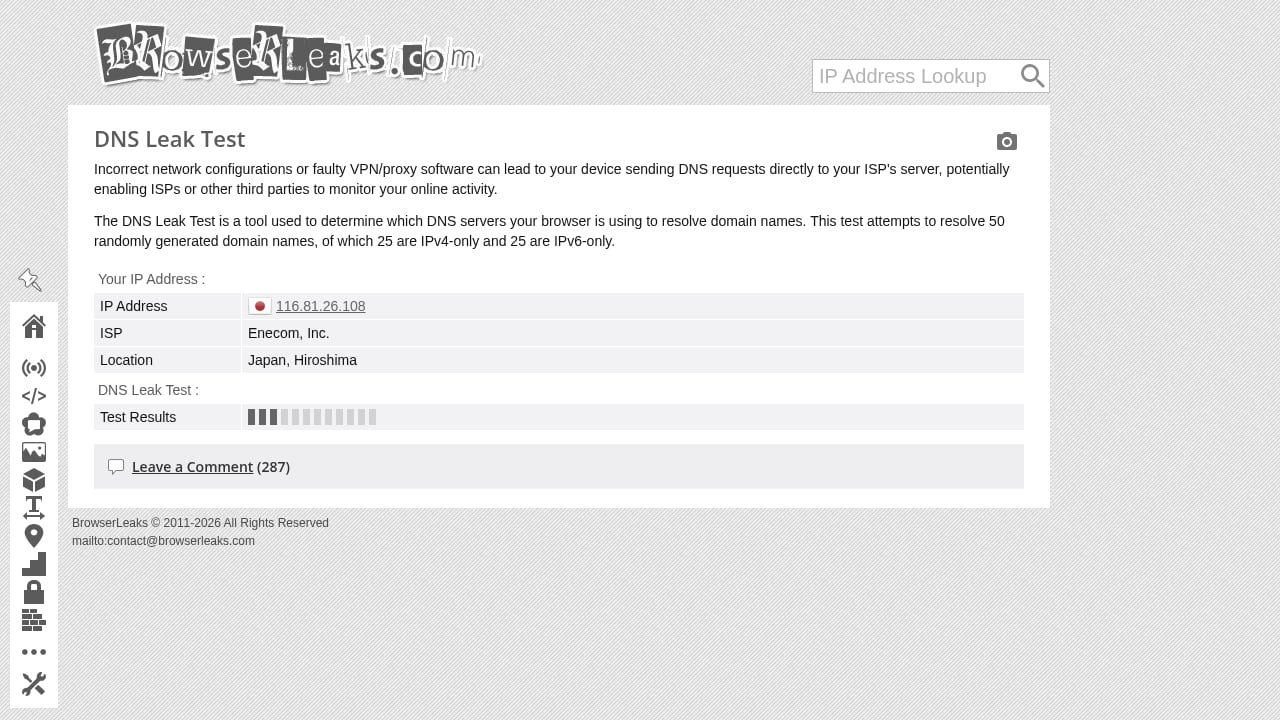
First viewport screenshot of DNS Leak Test.
BrowserLeaks is not the only option, and the right choice depends on what you need to prove.
- BrowserLeaks excels at raw, protocol-level evidence across many surfaces. It is best when you want to see the underlying values yourself.
- Cover Your Tracks focuses on tracking protection and fingerprint uniqueness in a more guided format, which suits less technical users.
- BrowserScan emphasizes fingerprint authenticity scoring and proxy verification workflows, which is useful when you need a quick judgment rather than raw output.
For a structured side-by-side, see the BrowserScan vs BrowserLeaks vs Cover Your Tracks comparison. If you are choosing between scoring-oriented tools specifically, the BrowserScan vs Iphey fingerprint detection comparison covers that decision.
A practical approach is to use BrowserLeaks for deep inspection and a scoring tool for routine checks. They answer different questions.
Pricing Signals
BrowserLeaks is free to use. There is no paid tier, no account requirement, and no commercial upsell embedded in the test pages. The site's stated privacy policy is minimal data collection with optional third-party services for certain APIs.
The real cost is time and expertise. Interpreting JA3 hashes, ICE candidate tables, and WebGL renderer strings requires some technical grounding. If you need guided interpretation, a commercial tool may save you hours even if it shows less raw detail.
Decision Criteria: Should You Add It to Your Workflow?
Ask these questions before committing:
- Do you need raw evidence or a simple verdict? Choose BrowserLeaks for evidence.
- Are you testing network leaks or fingerprint consistency? Network leaks need the IP, WebRTC, DNS, and IPv6 pages. Fingerprint consistency needs Canvas, WebGL, fonts, and TLS.
- Will you act on the results? If you cannot change your browser, proxy, or profile settings, the test is informational only.
- Do you need repeatable baselines? If yes, plan to record results manually or pair BrowserLeaks with a tool that stores history.
- Is your threat model realistic? Protecting a private LAN address matters far less than hiding a real public IP for most users.
Related reading
- How to Use BrowserScan Fingerprint Detection with BitBrowser - Learn how to pair BrowserScan fingerprint detection with BitBrowser anti-detect profiles to test leaks, verify proxies, and protect multi-account privacy.
Sources and further reading
- Are browserleaks.com test reliable : r/PrivacyGuides - my network is behind a pfSense firewall properly configured so I'm safe it won't allow my actual ip address to be exposed
- Browserleaks - Check your browser for privacy leaks - BrowserLeaks is a suite of tools that offers a range of tests to evaluate the security and privacy of your web browser. These tests focus on identifying ways in which websites may leak your real IP address, collect information about your device, and perform a browser fingerprinting.
- BrowserLeaks Review 2026: The Ultimate Guide to Fingerprint Testing - Is your digital identity leaking? Read our definitive BrowserLeaks review for 2026. Learn how to test WebRTC, Canvas, and JA3/JA4 fingerprints like a pro.
FAQ
Is BrowserLeaks free?
Yes. All tests run in the browser with no account, installation, or paid tier.
Does BrowserLeaks store my fingerprint?
The site states it does not collect personal data, store user fingerprints, or set non-essential cookies. Minimal third-party requests may occur for certain APIs.
Why does BrowserLeaks show my local IP address?
WebRTC ICE candidate gathering can expose local network addresses. Modern Chromium browsers often mask them with mDNS identifiers, but the behavior varies. A private address is not the same as your public IP.
Can a VPN prevent all BrowserLeaks findings?
No. A VPN can hide your public IP and DNS resolvers, but it cannot change Canvas, WebGL, font, or TLS fingerprints, which are generated inside your browser and hardware stack.
Is BrowserLeaks reliable?
It reliably reports what your browser returns for each tested feature. Reliability of the conclusion depends on your interpretation and on whether the relevant feature is enabled in your browser.
What is the difference between Canvas and WebGL fingerprinting?
Canvas captures 2D rendering differences, while WebGL probes the 3D graphics pipeline and can expose GPU and driver details. Both produce stable, hardware-dependent signals. For a deeper explanation, see how canvas fingerprinting works and how to test yours.
Does BrowserLeaks test TLS fingerprints?
Yes. The TLS client test inspects the ClientHello, supported cipher suites, extensions, ECH support, and generates JA3/JA4 fingerprints.
Conclusion
BrowserLeaks earns its reputation by doing something simple well: it shows you the raw data your browser broadcasts and lets you draw your own conclusions. It is free, broad, and technically honest, which makes it a strong first stop for anyone auditing browser privacy or verifying a proxy and anti-detect setup.
Its weaknesses are equally clear. There is no unified report, no history, no remediation, and the raw output assumes a technical reader. It is a diagnostic instrument, not a security product.
Use BrowserLeaks when you need evidence. Pair it with a scoring tool when you need speed, and with a hardened browser or anti-detect environment when you need to act on what you find. For a broader field of options, the ranking of browser privacy testing tools puts it in context against the alternatives.