
BrowserScan Fingerprint Detection: Best Privacy Tool 2026
BrowserScan Fingerprint Detection: The Best Tool to Improve Your Online Privacy Security
Your browser leaks more than you think. Every site you visit can read your user agent, screen resolution, installed fonts, time zone, and dozens of other signals — collectively known as your browser fingerprint. This fingerprint can track you across the web even when you clear cookies or use incognito mode. BrowserScan's fingerprint detection tool helps you see exactly what you expose and fix the leaks that matter.
What Is Browser Fingerprinting and Why It Matters
BrowserScan Fingerprint Detection: Best Privacy Tool 2026 - What Is Browser Fingerprinting and Why It Matters.
Browser fingerprinting is a technique that combines many small pieces of information your browser sends automatically into a unique identifier. Unlike cookies, fingerprints are hard to delete because they rely on stable characteristics of your device and browser configuration. Advertisers, analytics platforms, and anti-fraud systems use them to recognize returning visitors without needing persistent storage.
A privacy leak occurs when your fingerprint contains enough unique signals to single you out — or when your real IP address, DNS requests, or WebRTC connections bypass your VPN or proxy. These leaks can expose your true location and identity, defeating the purpose of anonymity tools.
How BrowserScan Fingerprint Detection Works
BrowserScan Fingerprint Detection: Best Privacy Tool 2026 - How BrowserScan Fingerprint Detection Works.
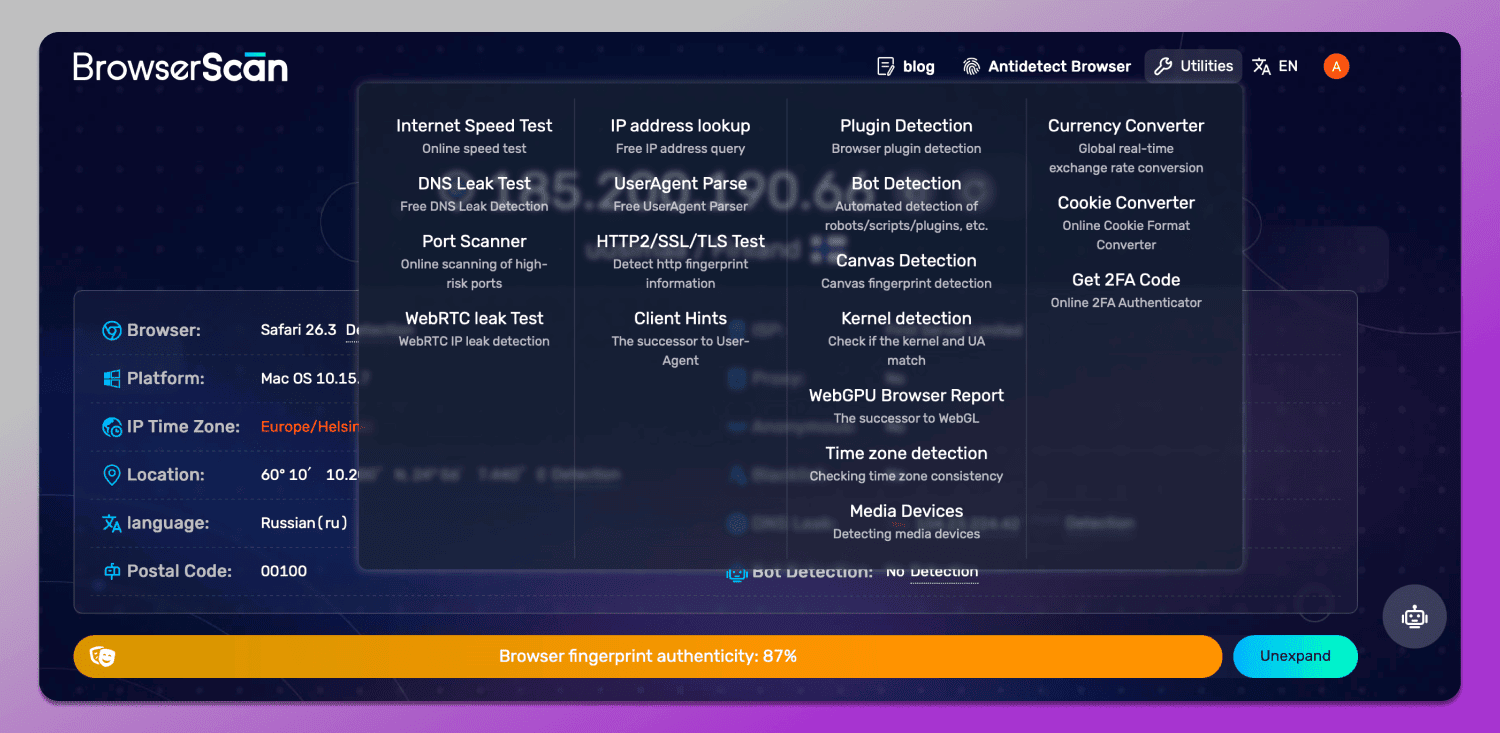
BrowserScan runs a comprehensive set of tests directly in your browser. It collects and analyzes the signals that websites can access, then presents them in a clear report with risk indicators. The tool covers:
- Browser fingerprint: Canvas, WebGL, audio context, fonts, screen properties, and more.
- DNS leak test: Checks whether your DNS queries are resolving through your VPN or leaking to your ISP.
- WebRTC leak test: Detects if WebRTC is exposing your real IP address behind a proxy or VPN.
- Proxy server detection: Identifies proxy usage and potential mismatches.
- IP address and geolocation: Shows your public IP, ISP, and approximate location.
- User agent parser: Breaks down your user agent string into meaningful components.
- Port scanner: Scans for open ports that could be used for tracking or attacks.
- 2FA live check: Verifies if two-factor authentication is active on your connection.
- Speed test: Measures your connection speed for performance context.
Each test is designed to surface hidden information that could compromise your privacy.
Key Features of BrowserScan
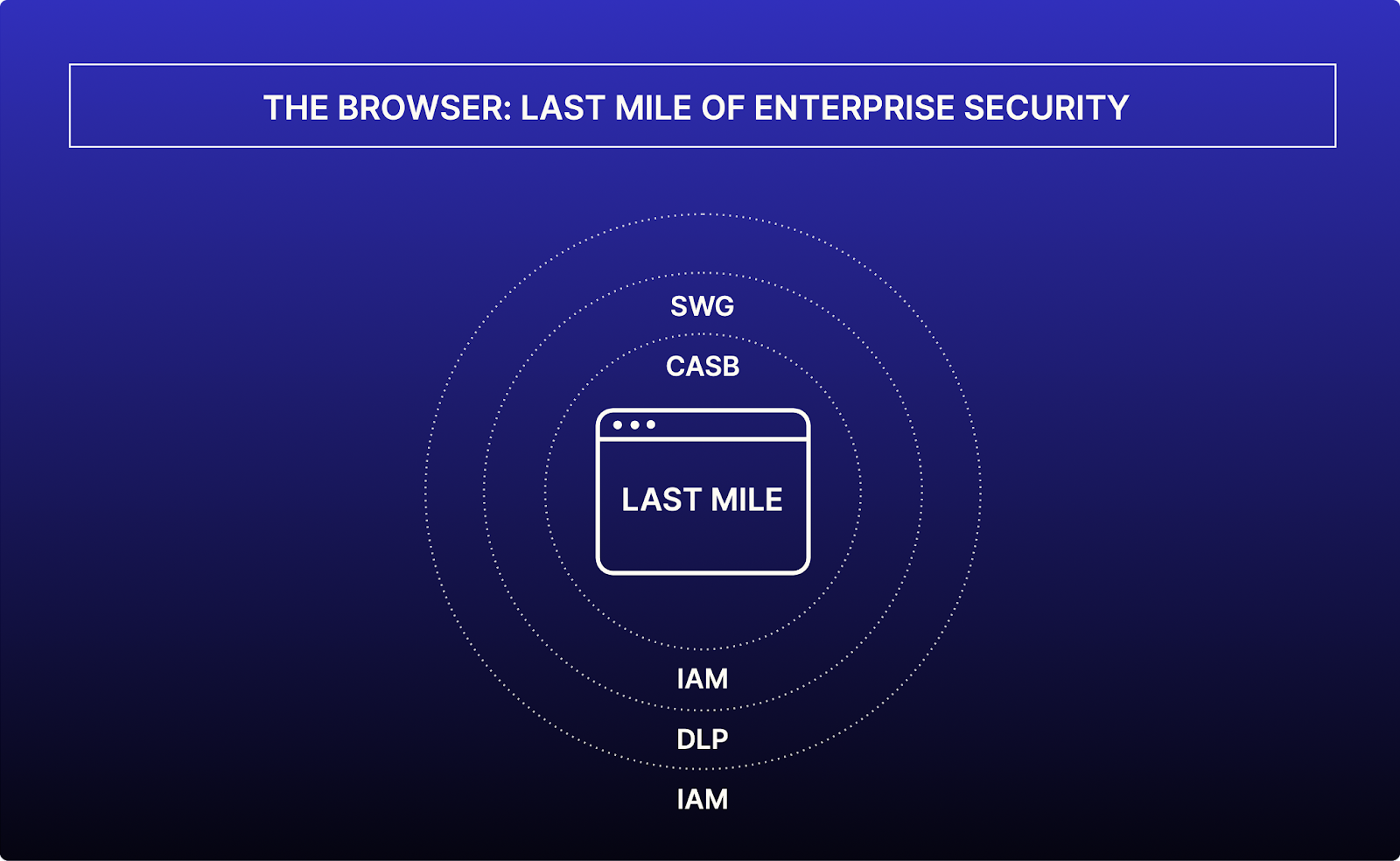
BrowserScan Fingerprint Detection: Best Privacy Tool 2026 - Key Features of BrowserScan.
Comprehensive Fingerprint Analysis
BrowserScan doesn't just list your fingerprint; it scores its uniqueness and highlights which attributes are most identifying. This helps you prioritize what to change.
Leak Detection That Goes Beyond IP
Many tools stop at showing your IP address. BrowserScan checks for DNS and WebRTC leaks that can reveal your real IP even when you use a VPN. It also flags proxy detection and mismatches between your IP and browser settings.
Actionable Reports
After each scan, you get clear recommendations. For example, if WebRTC is leaking, you'll know to disable it or use a browser extension. If your DNS is leaking, you can switch to a VPN with DNS leak protection.
Free and Instant
No signup, no installation. Just visit the BrowserScan website and run the tests. It works on any modern browser.
How to Use BrowserScan to Improve Your Privacy
BrowserScan Fingerprint Detection: Best Privacy Tool 2026 - How to Use BrowserScan to Improve Your Privacy.
- Run a full scan: Open BrowserScan and let it complete all tests. Review the fingerprint and leak results.
- Identify critical leaks: Focus on DNS, WebRTC, and proxy detection first — these can expose your real IP.
- Reduce fingerprint uniqueness: If your fingerprint is highly unique, consider using a privacy-focused browser or adjusting settings like disabling JavaScript, blocking canvas, or using a VPN with a shared IP.
- Verify with a second tool: Cross-check your IP and leaks with another service. For a step-by-step guide, see How to Use BrowserScan Fingerprint Detection with IP.me.
- Re-test after changes: After applying fixes, run BrowserScan again to confirm leaks are closed.
BrowserScan vs Other Privacy Testing Tools
When choosing a privacy testing tool, consider depth of fingerprint analysis, leak coverage, and ease of use. BrowserScan stands out for its combination of fingerprinting and leak tests in one place. For a detailed comparison, read BrowserScan vs WhatIsMyIP.com vs Pixelscan: Best Fingerprint Tool. If you're evaluating alternatives, BrowserScan vs ToDetect: Best Fingerprint Detection Tool breaks down the differences.
Other tools like IPhey offer real-time fingerprint tests, but may lack the breadth of leak checks. See our IPhey Review 2026: Real-Time Browser Fingerprint Test for details. For a broader view of the market, explore our Top 10 Online Privacy Testing Tools 2026: Ranked & Tested.
Practical Example: Fixing a WebRTC Leak
Suppose you're using a VPN, but BrowserScan reports a WebRTC leak. This means your browser is revealing your real IP address through WebRTC APIs. To fix it:
- Disable WebRTC in your browser settings (e.g., in Firefox, set
media.peerconnection.enabledtofalseinabout:config). - Use a browser extension that blocks WebRTC.
- Switch to a VPN that blocks WebRTC leaks.
After making changes, re-run BrowserScan to confirm the leak is gone.
Why BrowserScan Is Essential for Antidetect Browser Users
Antidetect browsers are designed to mask your fingerprint, but they can still leak if misconfigured. BrowserScan helps you verify that your antidetect browser is actually protecting you. For a guide on testing antidetect browsers, see Web3 Antidetect Browser: Test Fingerprint Leaks First.
Understanding IP Address Lookup in Privacy Testing
An IP address lookup is a fundamental part of privacy testing. It reveals your public IP, approximate location, ISP, and connection type. BrowserScan includes IP lookup alongside its fingerprint and leak tests. To understand what an IP lookup can and cannot tell you, see this IP address lookup guide. For ownership details, an IP WHOIS lookup can identify the network operator.
Sources and further reading
- What Is My IP Address? See Your Current Public IP - Check your public IPv4 and IPv6 address instantly. Find your current IP location — city, state, and country — plus your ISP and connection details.
Frequently Asked Questions
What is BrowserScan?
BrowserScan is a free online tool that tests your browser fingerprint and checks for privacy leaks like DNS, WebRTC, and proxy exposure. It helps you understand and improve your online privacy.
How accurate is BrowserScan's fingerprint detection?
BrowserScan uses industry-standard techniques to collect fingerprint signals. While no tool can be 100% accurate due to browser and platform variations, BrowserScan provides a reliable snapshot of your exposed data.
Can BrowserScan detect my real IP if I use a VPN?
Yes, BrowserScan includes DNS and WebRTC leak tests that can reveal your real IP address even when using a VPN. It also checks for proxy detection and mismatches.
Is BrowserScan free to use?
Yes, BrowserScan is free and requires no installation or signup. You can run all tests directly in your browser.
How often should I run a privacy test?
Run a test whenever you change your browser, VPN, or privacy settings. Regular checks (e.g., monthly) help ensure your setup remains leak-free.
Conclusion
Your browser fingerprint and network leaks are silent threats to your online privacy. BrowserScan's fingerprint detection tool gives you the visibility and actionable insights to close those gaps. Whether you're a privacy enthusiast, a professional using antidetect browsers, or just someone who wants to keep their data safe, BrowserScan is an essential part of your security toolkit. Start a scan today and take control of your digital footprint.