
BrowserScan vs BrowserLeaks vs Cover Your Tracks (2026)
BrowserScan vs BrowserLeaks vs Cover Your Tracks: Which Privacy Check Fits You?
Your browser tells websites more about you than you might expect. Fingerprint detection tools help you see that exposure, but they don't all look at the same signals or present results the same way. This comparison covers three popular options — BrowserScan, BrowserLeaks, and Cover Your Tracks — so you can pick the one that matches how deep you want to go.
What each tool actually does
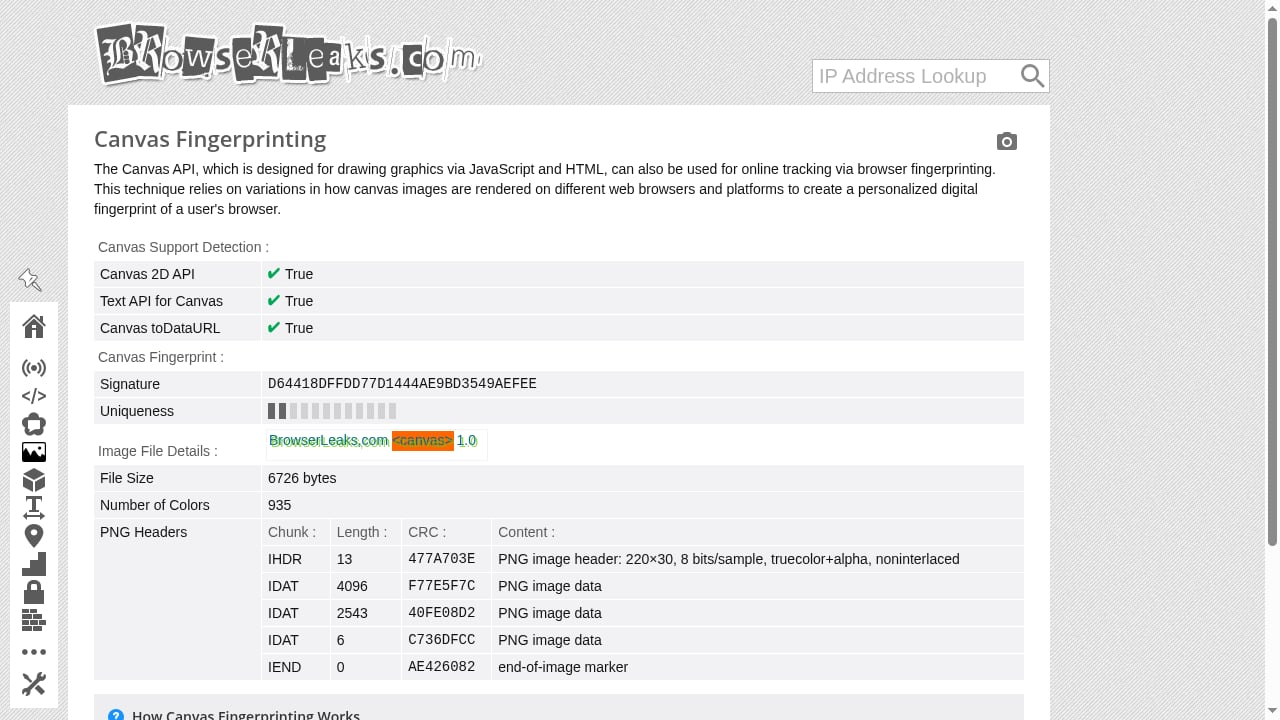
First viewport screenshot of Canvas Fingerprinting.
BrowserScan
BrowserScan is a fingerprint and trust-score testing suite. It analyzes browser, hardware, software, and network signals together, then summarizes them with an authenticity score. Beyond fingerprinting, it bundles a DNS leak test, WebRTC leak test, IP address lookup, port scanner, user agent parser, proxy server detection, and 2FA code generation in one place.
BrowserLeaks
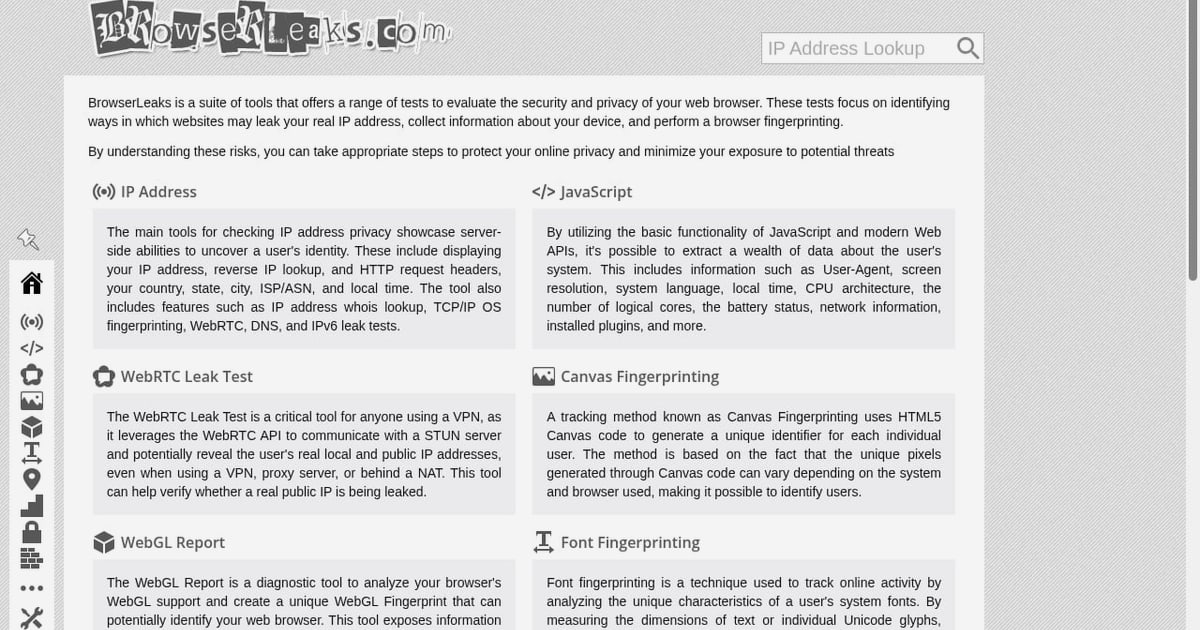
BrowserLeaks is a broad collection of separate privacy tests. Instead of one combined report, it offers individual pages for Canvas, WebGL, fonts, audio, DNS, WebRTC, IP exposure, and more. That modular design makes it a strong choice for inspecting a single fingerprinting surface in isolation.
Cover Your Tracks
Cover Your Tracks is a free tool from the Electronic Frontier Foundation (EFF). It shows how trackers view your browser, generates a fingerprint uniqueness score, and tests whether tracker blockers like AdBlock, Ghostery, and Disconnect are working. Originally launched in 2010 as Panopticlick, it was rebranded in 2020 and doubles as a research project on tracking techniques.
Comparison at a glance
First viewport screenshot of Firefox Resource URLs Reader.
| Criteria | BrowserScan | BrowserLeaks | Cover Your Tracks |
|---|---|---|---|
| Fingerprint depth | Combined trust score plus detailed categories | Deep, modular per-signal tests | Uniqueness score focused on tracking |
| Network leak tests | DNS, WebRTC, proxy detection built in | DNS, WebRTC, IP exposure modules | Not a primary focus |
| Extra utilities | Port scanner, 2FA, speed test, user agent parser | Mostly fingerprint and privacy surfaces | Tracker-blocker effectiveness |
| Best for | All-in-one checks and consistency scoring | Isolating one specific signal | Understanding tracker visibility |
Where BrowserScan has an edge
First viewport screenshot of Chrome Extension Detection.
BrowserScan's main advantage is consolidation. If you want to confirm that your IP, DNS, WebRTC, and fingerprint signals all agree, you can do that in a single session rather than hopping between specialized pages. The authenticity score gives a quick read, and the detailed categories let you trace which signal is causing an inconsistency.
The bundled utilities also matter for practical setups. A port scanner, proxy server detection, and user agent parser are useful when you're validating a proxy or anti-detect browser profile. If that's your workflow, see how to combine BrowserScan fingerprint detection with Nstbrowser to test leaks and verify proxies across profiles.
Where BrowserLeaks and Cover Your Tracks shine
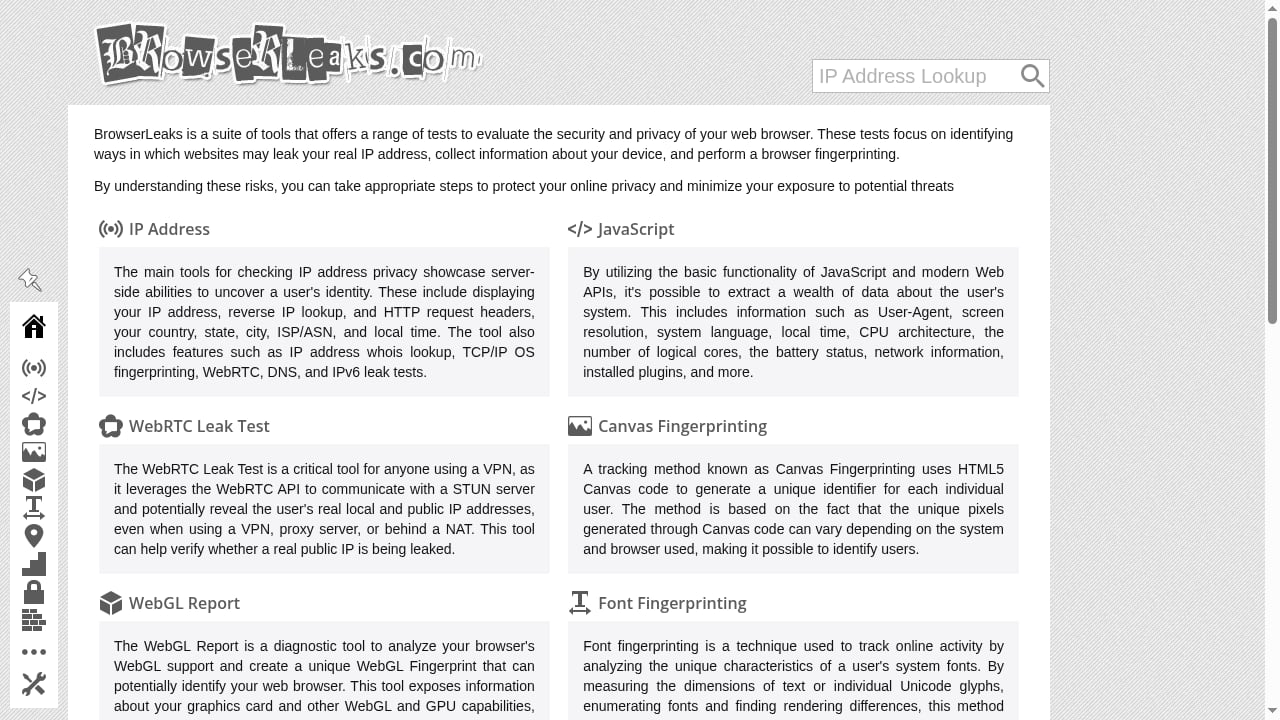
First viewport screenshot of Browserleaks - Check your browser for privacy leaks.
BrowserLeaks is hard to beat for granular inspection. Because each test is separate, you can look at Canvas alone, then WebGL, then fonts, without a summary layer in between. For troubleshooting a specific spoofed attribute, that raw detail is genuinely useful. It's also a good complement to a combined tool — run BrowserScan for the overview, then BrowserLeaks when you need to dig into one signal.
Cover Your Tracks excels at the tracking question. Its uniqueness score compares your browser against a large pool of recently tested browsers, which makes it easy to understand how identifiable you are. The tracker-blocker test is a feature the other two don't replicate, and the EFF's educational resources explain how cookies and fingerprinting work. For a casual user who just wants to know "am I trackable?", it's the clearest starting point.
How to choose
- You want one dashboard for fingerprint, IP, DNS, and WebRTC checks: BrowserScan.
- You want to inspect a single fingerprinting surface in depth: BrowserLeaks.
- You want to know how trackers see you and whether your blocker works: Cover Your Tracks.
Many people use more than one. A common pattern is to run Cover Your Tracks for the tracking overview, BrowserLeaks for a specific signal, and BrowserScan when you need a consolidated consistency check with leak tests.
If you're comparing beyond these three, our top 10 browser fingerprint detection tools for 2026 breaks down Canvas, WebGL, WebRTC, and proxy leak coverage across options. And if canvas specifically is your concern, this guide on how canvas fingerprinting works and how to test yours explains why it persists without cookies.
Related reading
- BrowserScan vs Iphey: Best Fingerprint Detection Tool 2026 - Compare BrowserScan and Iphey for browser fingerprint testing. See which tool offers deeper leak detection, authenticity scoring, and privacy protection in 2026.
- Whoer.net Review 2026: Free IP Checks, VPN & Anti-Detect - Hands-on Whoer.net review: free IP, DNS leak and fingerprint checks, WhoVPN pricing and speed, WADE X anti-detect browser, plus who should use it.
- Canvas Fingerprint: How It Works and How to Test Yours - Learn how canvas fingerprinting identifies your browser, why it persists without cookies, and how to test and reduce your canvas fingerprint exposure.
Sources and further reading
- Best BrowserScan Fingerprint Detection Tool - Improve your online privacy security - Enhance your online security with the best BrowserScan fingerprint checking tool. Protect and prevent your privacy from leaking with our advanced technology.
- Top browser fingerprint testing tools, compared 2026 - Compare the top browser fingerprint testing tools in 2026, including IPFighter, Pixelscan, CreepJS, and more, to see which one fits your needs.
- 7 Cover Your Tracks Alternatives 2026 - Cover Your Tracks by EFF is one of the most popular browser fingerprint testing tools, but it's not the only option. We tested 7 alternatives that check how unique and trackable your browser really is — and what you can do about it.
Frequently asked questions
Is BrowserScan better than BrowserLeaks?
They serve different needs. BrowserScan combines fingerprint and network signals into one report with a trust score, while BrowserLeaks offers deeper per-signal tests. BrowserScan is better for a consolidated check; BrowserLeaks is better for isolating one attribute.
Does Cover Your Tracks test for leaks?
Not primarily. Cover Your Tracks focuses on fingerprint uniqueness and tracker-blocker effectiveness. For DNS and WebRTC leak testing, you'll want a tool like BrowserScan or BrowserLeaks.
Can I use all three together?
Yes, and many privacy-conscious users do. Start with Cover Your Tracks for the tracking view, use BrowserLeaks for specific signals, and run BrowserScan for a combined consistency and leak check.
Are these tools free?
All three offer free checks. BrowserScan and BrowserLeaks provide their core tests without signup, and Cover Your Tracks is a free public service from the EFF.
Conclusion
There's no single winner here — the right tool depends on your question. Cover Your Tracks answers "how trackable am I?", BrowserLeaks answers "what does this specific signal reveal?", and BrowserScan answers "do all my fingerprint and network signals agree?" For a consolidated check that includes DNS, WebRTC, and proxy detection, start with BrowserScan.