
BrowserScan vs DNSChecker vs Radware: Which Tool Is Right for You?
BrowserScan vs DNSChecker vs Radware: Which Privacy & Security Tool Fits Your Needs?
When you first see the names BrowserScan, DNSChecker, and Radware together, it’s easy to think they compete for the same space. In reality, each serves a distinct purpose: one is a personal privacy checker, one a suite of network diagnostic tools, and one an enterprise‑grade cybersecurity platform. This guide objectively compares them on the criteria where they overlap and where they stand alone, so you can pick the right tool without confusion.
Understanding the Tools: Different Purposes, Different Strengths
BrowserScan vs DNSChecker vs Radware: Which Tool Is Right for You? product interface and feature overview.
Before diving into features, it’s worth clarifying what each platform actually does. BrowserScan is an all-in-one online privacy scanner that checks for browser fingerprinting, IP leaks, WebRTC leaks, DNS leaks, and other visibility into how websites see you. It’s a self‑service utility for privacy‑conscious individuals, VPN users, and security researchers, requiring no plugins.
DNSChecker is a completely different beast: a massive collection of DNS, IP, network, and developer tools. Its flagship feature is a global DNS propagation checker, but it also includes an ASN WHOIS lookup, BIMI record validator, binary converters, and dozens of other webmaster utilities. It’s built for IT pros, webmasters, and anyone who needs quick, accurate network troubleshooting.
Radware operates at the enterprise level, offering real‑time DDoS mitigation, web application firewall, bot management, and application delivery solutions. It protects large organisations from volumetric and application‑layer attacks using behavioral AI and automated signatures. It’s not a tool you run on your own device; it’s a security infrastructure provider.
Because their missions diverge so sharply, a head‑to‑head winner doesn’t exist. Instead, we’ll compare them along the dimensions where one holds a clear advantage and note where others simply don’t compete.
Core Feature Comparison
BrowserScan vs DNSChecker vs Radware: Which Tool Is Right for You? product interface and feature overview.
Browser Fingerprinting & Leak Testing – BrowserScan’s Domain
If your primary concern is what a website can collect about your browser, BrowserScan is unmatched by DNSChecker or Radware. It scans dozens of fingerprint vectors—canvas, WebGL, WebGPU, audio, client rects, installed plugins, timezone, media devices, user‑agent, and more—and gives you a single authenticity score. It also performs real‑time IP, DNS, and WebRTC leak tests using multiple STUN servers.
DNSChecker has no browser fingerprinting or WebRTC leak capabilities. Radware monitors client‑side telemetry only as part of broader attack detection; it doesn’t provide a personal fingerprint audit. For a thorough, transparent look at your own privacy exposure, BrowserScan is the clear choice. To see how BrowserScan stacks up against other dedicated fingerprint checkers, read our BrowserScan vs IPhey vs MaxMind comparison.
DNS Propagation & Record Lookup – DNSChecker Takes the Lead
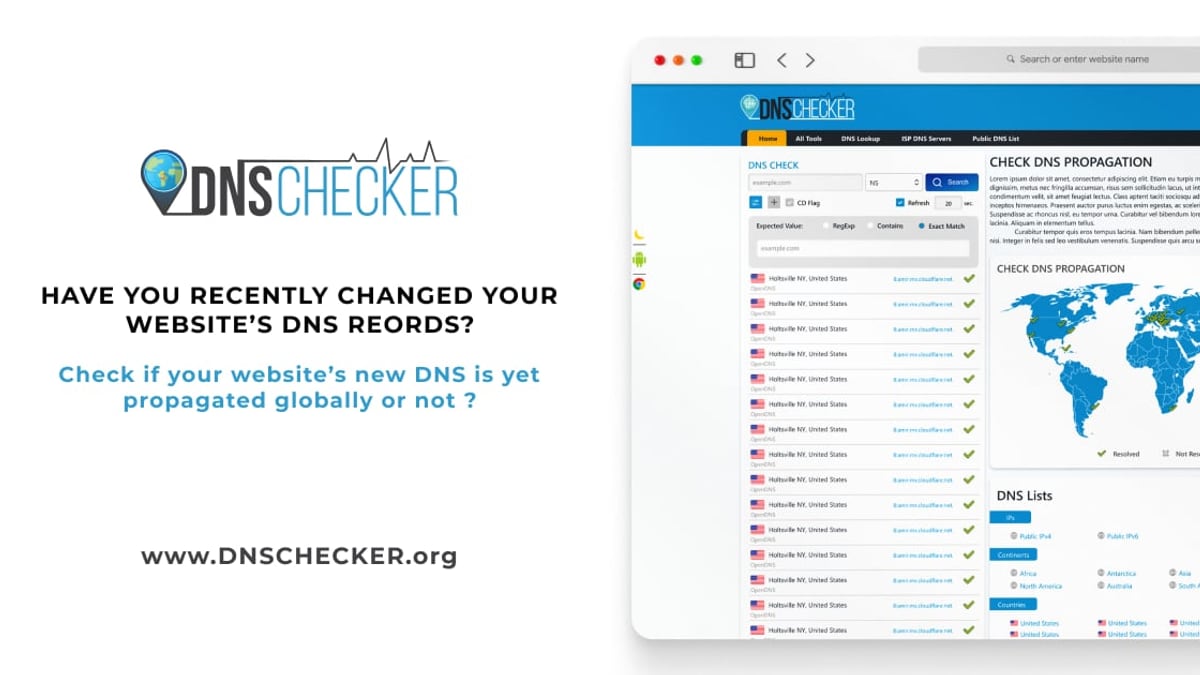
If you’re changing DNS settings for a domain, DNSChecker becomes indispensable. It queries authoritative name servers from dozens of global locations instantly, showing you exactly which parts of the world see the new records. It also supports all common record types (A, AAAA, MX, CNAME, TXT, NS, SOA, etc.) and offers an advanced propagation map.
BrowserScan includes a DNS leak test, but that simply checks which DNS resolver your device is using—it does not perform global propagation checks or allow you to look up arbitrary DNS records. Radware doesn’t offer a public DNS checker either. For network troubleshooting and domain configuration, DNSChecker is the only tool in this trio that fits. For a broader view of IP and network intelligence tools that complement DNSChecker, see our top IP intelligence tools for 2026.
Enterprise DDoS & Bot Protection – Radware’s Fortress
When a company faces a volumetric DDoS tsunami or a sophisticated bot attack, Radware’s machine‑learning‑based detection and automated signature generation are in a different league. It provides surgical mitigation without blocking legitimate traffic, and its cloud and on‑premise deployment options keep critical applications highly available. Radware is trusted by Fortune 500 financial institutions, healthcare networks, and e‑commerce giants.
BrowserScan cannot mitigate DDoS or protect web applications. It’s a diagnostic tool, not a defensive shield. DNSChecker also has no attack‑blocking capability. For organisational security operations, Radware is the only relevant choice here.
Ease of Use and Integration – Where BrowserScan Shines
BrowserScan vs DNSChecker vs Radware: Which Tool Is Right for You? product interface and feature overview.
For non‑enterprise users, BrowserScan’s immediate accessibility is a major strength. It works directly in any browser without extensions, accounts, or paperwork. You navigate to the site, run the tests, and get results in seconds. This simplicity makes it ideal for quick privacy check‑ups or VPN verification.
DNSChecker is also browser‑based and free, but its interface is tool‑centric: you need to know which lookup you want and interpret the raw output. Radware, by contrast, requires enterprise procurement, deployment planning, and integration into existing SOC workflows. It is not a self‑service utility.
Pricing and Accessibility
BrowserScan vs DNSChecker vs Radware: Which Tool Is Right for You? product interface and feature overview.
- BrowserScan: Completely free to use, no registration required. All privacy tests, IP lookups (from multiple data providers), speed tests, and utilities like 2FA code generation are included.
- DNSChecker: Free for all tools. No subscription barriers.
- Radware: Enterprise pricing based on required capacity and features. Not a consumer product.
If you’re an individual, researcher, or small team, the two free alternatives are far more accessible. Radware’s cost is justified by its mission‑critical role, but it’s not comparable in this dimension.
When Should You Pick Each Tool?
- Choose BrowserScan when you want to see your browser’s fingerprint, check for IP/WebRTC/DNS leaks, verify VPN privacy, or scan open ports on your network. It’s a one‑stop privacy diagnostics hub. For a step‑by‑step privacy workflow using BrowserScan, visit our guide on how to pair BrowserScan with best online privacy practices.
- Choose DNSChecker when you manage domains, need to confirm global DNS propagation, perform WHOIS lookups, convert binary data, or run other webmaster quick‑checks. It replaces dozens of niche admin tools.
- Choose Radware when your organisation must defend web applications and APIs against DDoS, bots, and zero‑day attacks, and you require automated, AI‑driven mitigation with enterprise SLAs.
Related reading
- IPWHOIS.io Review: Fast, Reliable IP Geolocation API? - Read our IPWHOIS.io review covering API speed, accuracy, use cases, pricing, and setup. See if it's the right IP geolocation tool for content personalization, fraud detection, and more.
Sources and further reading
- Radware’s Automatic, Real-Time Protection from Web DDoS Tsunami Attacks - Enjoy the videos and music you love, upload original content, and share it all with friends, family, and the world on YouTube.
- Radware Page - Loader page.
Frequently Asked Questions
Can BrowserScan protect me from DDoS attacks?
No. BrowserScan detects privacy leaks and fingerprints; it cannot block or mitigate DDoS traffic. For DDoS protection, an enterprise solution like Radware is necessary.
Does DNSChecker offer any privacy leak tests?
DNSChecker includes an IP lookup and WHOIS tools, but it does not check for WebRTC leaks, DNS leaks from your device, or browser fingerprinting. Those tests are core to BrowserScan.
Is Radware suitable for personal use?
Radware’s solutions are designed for businesses and large‑scale environments. Individuals or freelancers looking for privacy testing or DNS tools would find BrowserScan or DNSChecker far more appropriate and cost‑effective.
Can I use these tools together?
Absolutely. They don’t overlap much. You might use DNSChecker for domain migration, BrowserScan to verify your VPN is leak‑free, and Radware (if you run a business) to guard the same site against attacks.
Which tool provides the most comprehensive all‑in‑one privacy report?
BrowserScan, because it combines fingerprint detection, multiple leak tests, IP geolocation with blacklist status, and additional utilities in one interface.
Conclusion
BrowserScan, DNSChecker, and Radware each dominate their own niches. If you need to audit your personal privacy exposure, BrowserScan gives you the clearest, most actionable picture. If you’re troubleshooting DNS, DNSChecker is the definitive free toolkit. And if your business faces real‑time web threats, Radware delivers the sophisticated defense required. There’s no single “best” here—only the best match for your specific challenge. Knowing the difference saves you time and keeps your security toolkit both lean and effective.