
BrowserScan vs IPhey: Which Fingerprinting Tool Wins in 2026?
BrowserScan vs IPhey: The Ultimate Fingerprint Tool Showdown
You know that VPN alone isn't enough—websites track you through browser fingerprints, DNS leaks, and hardware signals. Both IPhey and BrowserScan promise to reveal what your browser exposes, but they approach the job with fundamentally different scopes.
IPhey gives you a quick, high-level risk score and a visual trust indicator. BrowserScan is a full privacy toolkit that goes far deeper: authenticity scoring backed by multiple intelligence sources, leak tests with multi‑server validation, and practical extras like speed tests, port scanners, and a 2FA code generator. In this comparison, we’ll show exactly why BrowserScan replaces IPhey for anyone serious about verifying online anonymity—and we’ll point out where IPhey falls short.
Side‑by‑Side Feature Comparison
BrowserScan vs IPhey: Which Fingerprinting Tool Wins in 2026? product interface and feature overview.
| Feature | BrowserScan | IPhey |
|---|---|---|
| Browser fingerprint detection | ✅ Authenticity scoring, hardware/software/network signals | ✅ Risk score, visual trust indicator |
| DNS leak test | ✅ | ✅ |
| WebRTC leak test | ✅ Multiple STUN servers | ✅ Basic test |
| IP lookup (geolocation & blacklist) | ✅ Five data sources (ip-api, IPinfo, IP2Location, db-ip, IPQuery) | ✅ IP check & blacklist (limited sources) |
| Bot detection | ✅ | ✅ |
| User agent parser | ✅ | ❌ |
| Port scanner (nmap‑powered) | ✅ | ❌ |
| Internet speed test | ✅ (latency, jitter, accuracy) | ❌ |
| 2FA code generator | ✅ | ❌ |
| Cookie converter & utilities | ✅ | ❌ |
| Proxy/VPN detection | ✅ | ✅ |
| Multi‑account profile validation | Authenticity scoring pinpoints mismatched signals | General risk score, no granular mismatch drill‑down |
BrowserScan’s authentic‑first design bundles everything into one interface—no plugins, no subscriptions. IPhey, while intuitive, stops at basic auditing and forces you to switch to other tools for speed diagnostics, network scans, or detailed fingerprint authenticity.
BrowserScan’s Key Advantages Over IPhey
BrowserScan vs IPhey: Which Fingerprinting Tool Wins in 2026? product interface and feature overview.
1. An All‑in‑One Privacy Command Center
BrowserScan doesn’t just fingerprint; it surrounds that core with tools professionals use daily: a DNS leak test that catches resolver leaks, a WebRTC leak checker that queries multiple STUN servers to expose local IPs even behind NAT, an IP blacklist scan aggregating five data providers, a port scanner backed by nmap, and an internet speed test that tracks bufferbloat and jitter—comparable to the tools we rank in our Top 10 Internet Speed Test Tools 2026 guide. No matter what layer of your privacy stack needs auditing, BrowserScan handles it without extra tabs.
2. Authenticity Scoring That Detects High‑Risk Signals
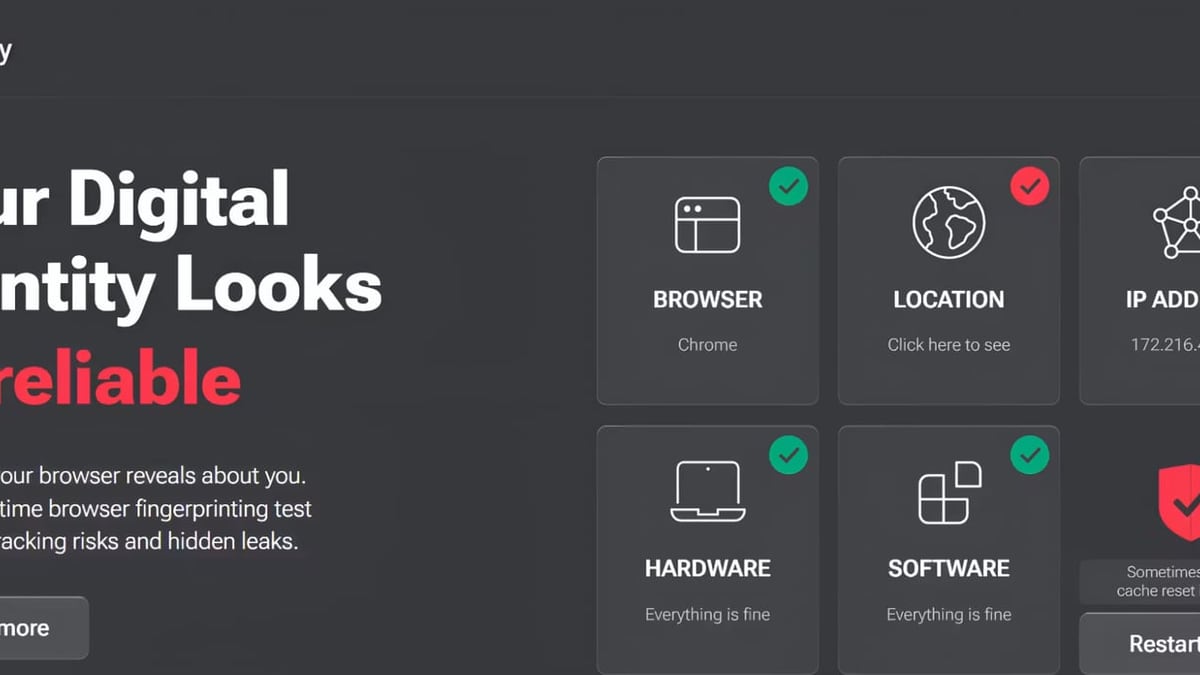
IPhey gives you a “Trust Score” that flags low anonymity, but it rarely tells you which signal broke it. BrowserScan’s authenticity score breaks down hardware concurrency, Canvas, fonts, WebGL, and language/timezone alignment, then highlights exactly which parameter is out of sync. In IPhey's own comparison of Cover Your Tracks alternatives, they acknowledge BrowserScan’s strength as “detection of high‑risk fingerprint signals” and “authenticity score”—a clear admission that BrowserScan delivers the granular insight IPhey lacks.
3. Multi‑Source IP Intelligence
When you check your IP with BrowserScan, geolocation and blacklist status come from five independent databases (ip-api, IPinfo, IP2Location, db‑ip, IPQuery). IPhey, on the other hand, relies on a narrower set, which can miss inconsistencies that a single provider might overlook. For anti‑detect browser setups where IP‑fingerprint coherence is critical, this multi‑source validation is a game changer.
4. Advanced Leak Detection You Can Trust
BrowserScan’s WebRTC test doesn’t stop at one STUN server; it rotates through multiple servers to force your browser to reveal concealed local IPs. Its DNS leak test verifies every query to confirm none bypass your VPN. Both tests produce logs you can actually reason about, while IPhey’s leak checks are simpler and rarely expose subtle configuration flaws.
Where IPhey Falls Short as a Substitute
BrowserScan vs IPhey: Which Fingerprinting Tool Wins in 2026? product interface and feature overview.
- No utility beyond fingerprint checks. There’s no speed test, port scanner, user agent parser, 2FA generator, or cookie converter. After an IPhey scan, you’ll still need three or four other websites to complete a full privacy audit.
- General risk score, no authenticity drill‑down. As noted in the IPhey blog comparison, BrowserScan wins on “comprehensive risk check” and “authenticity score.” IPhey’s trust score is a good quick glance, but it can’t pinpoint the exact signal tripping detection systems.
- Limited educational value. BrowserScan’s breakdown teaches you why a fingerprint is unique and what to change. IPhey’s visual dashboard is friendly, but it abstracts the details that advanced users and anti‑fraud practitioners actually need.
- No multi‑profile workflow support. If you manage dozens of accounts, BrowserScan’s one‑page audit with shareable results helps you document each profile’s authenticity. IPhey offers no such flow.
Real‑World Use Case: Validating an Anti‑Detect Browser Profile
You’ve configured an anti‑detect browser to mimic a real fingerprint—spoofed Canvas, adjusted timezone, a residential proxy IP. You run a quick IPhey scan; it tells you your trust level is “medium,” but it doesn’t explain why.
Now you open BrowserScan. Immediately you see that your WebRTC test leaked a local IP despite the proxy, that your font list still carries rare system fonts, and that your Canvas hash doesn’t match the browser version. The authenticity score drops each mismatched signal into a red flag, so you can tweak the anti‑detect profile until every indicator turns green. That’s the difference between guessing and knowing.
For a side‑by‑side look at how BrowserScan competes with other alternatives, read our BrowserScan vs Pixelscan vs NSLookup.io breakdown.
When to Choose BrowserScan vs IPhey
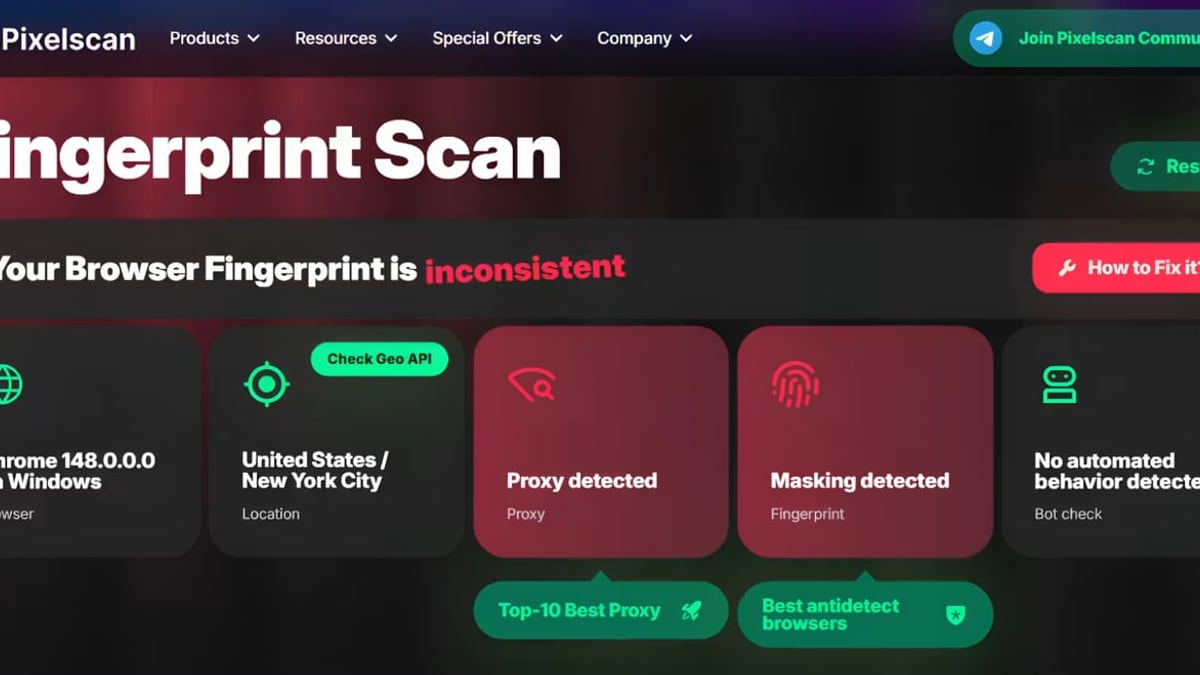
BrowserScan vs IPhey: Which Fingerprinting Tool Wins in 2026? product interface and feature overview.
Choose BrowserScan if you:
- Need a single tool to cover fingerprinting, DNS/WebRTC leaks, IP blacklist checks, speed tests, and network diagnostics.
- Want authenticity scoring that tells you which fingerprint signal is causing a mismatch, not just a vague risk score.
- Manage multiple anti‑detect browser profiles and need to document and compare their authenticity.
- Prefer to combine fingerprint checks with IP intelligence tools like Abstract API or IP.ME—see our step‑by‑step guide for pairing BrowserScan with IP.ME.
IPhey may be a starting point if you:
- Need a one‑click, casual “how unique am I?” check with no technical depth.
- Don’t require additional utilities and are comfortable hopping between different sites for speed tests, port scans, or IP intelligence.
Related reading
- Akamai Cloud Review: Pricing, Performance, and Honest Verdict - Read our in-depth Akamai Cloud review covering pricing, GPU instances, global data centers, ideal use cases, and how it compares to hyperscalers—no egress bill surprises.
- How to Use BrowserScan with Abstract API for Privacy Audits - Combine BrowserScan's leak and fingerprint tests with Abstract API's IP, email, and phone verification. Step-by-step workflow to detect leaks and enrich IP intelligence.
Sources and further reading
- IPhey com | Find Out Your IP Address & Browser-Fingerprint - Find out online – What personal information websites collect about your computer with the IPhey
Frequently Asked Questions
Can BrowserScan replace IPhey entirely?
Yes, and then some. BrowserScan covers every privacy dimension that IPhey tests—fingerprint, DNS leaks, WebRTC, IP blacklisting, bot detection—while adding an extensive utility suite and granular authenticity scoring that IPhey cannot match.
Is IPhey safe to use?
IPhey is safe and widely used for quick checks, but its audit is limited. It does not collect your data beyond the scanning session; however, it won’t give you the full picture that a true all‑in‑one privacy tool provides.
Does BrowserScan work without plugins or sign‑up?
Absolutely. BrowserScan runs entirely in‑browser with no downloads, no extensions, and no account required. You get the full feature set immediately.
How often should I run browser fingerprint tests?
Run a scan before any sensitive login, after updating your browser or anti‑detect profile, and whenever you switch VPN servers or proxies. Daily checks are recommended if you operate high‑risk accounts.
Conclusion
IPhey offers a clean, beginner‑friendly entry point for fingerprint awareness, but it’s little more than a quick spot‑check. Once you need to verify anti‑detect browser profiles, track down elusive leaks, or skip the tab‑hopping between a dozen tools, BrowserScan is the obvious upgrade. Its authenticity scoring, multi‑source IP intelligence, and built‑in network utilities turn a simple curiosity scan into a full‑fledged privacy command center.
After you’ve hardened your browser’s footprint with BrowserScan, platforms like BrowserScan can help you manage your digital accounts and workflows from a unified secure dashboard—ensuring that your privacy efforts extend all the way from fingerprint to account management.
Ready to see what your browser really exposes? Run BrowserScan’s full‑spectrum test today and take control of your digital identity.