
BrowserScan vs IPhey vs WebBrowserTools: Fingerprint Test Guide
BrowserScan vs IPhey vs WebBrowserTools: Which Fingerprint Test Fits Your Workflow?
Every time you open a website, your browser hands over a dossier: screen resolution, GPU strings, timezone, fonts, canvas rendering quirks, and network details. Fingerprint test pages exist to show you that dossier before someone else uses it against you. Three names come up often in privacy circles — BrowserScan, IPhey, and WebBrowserTools — and they solve the problem in noticeably different ways.
This comparison looks at what each tool actually delivers, where each one is strong, and which one matches a given workflow. The goal is not to crown a single winner but to help you pick the right instrument for the job.
What a Real-Time Fingerprinting Test Actually Measures
Before comparing tools, it helps to know what is being tested. A fingerprinting page typically inspects four layers:
- Browser surface: user agent, client hints, language, plugins, platform strings.
- Hardware signals: GPU vendor and renderer, screen metrics, device memory, CPU core count.
- Rendering artifacts: canvas hashes, WebGL output, audio context values, font enumeration.
- Network identity: IP address, ASN, proxy or VPN indicators, DNS resolvers, WebRTC candidates.
A useful test does more than dump values. It checks whether those values agree with each other. A timezone that contradicts your IP geolocation, or a GPU string that does not match your claimed operating system, is a stronger tracking signal than any single attribute.
BrowserScan: Broad Detection Suite with Scoring
First viewport screenshot of Anti-Tracking Issues in Browsers :: WebBrowserTools.
BrowserScan is a free online collection of fingerprint and privacy testing utilities. Its core strength is breadth: a single visit surfaces browser properties, hardware signals, network data, and a fingerprint authenticity score that flags inconsistencies.
Beyond the headline fingerprint view, the platform bundles a DNS leak test, WebRTC leak test, bot detection, browser kernel detection, canvas fingerprint analysis, client hints inspection, and IP and proxy checks with blacklist lookups. It also ships utilities that are unusual for this category, such as 2FA code generation and cookie format conversion.
Where it fits best:
- Privacy-conscious users who want one dashboard instead of five separate test pages.
- Developers verifying that a headless or automation setup produces consistent signals.
- Security researchers who need IP purity checks and blacklist status alongside fingerprint data.
- Teams troubleshooting browser compatibility or validating that a proxy configuration does not leak.
If your workflow involves checking several layers in sequence — fingerprint, then leaks, then IP reputation — a consolidated suite saves time. You can see how that plays out in a practical walkthrough of combining fingerprint results with IP2Proxy proxy and VPN detection.
IPhey: Focused Trustworthiness Scan
First viewport screenshot of Best Browsers for Privacy and Security-Focused :: WebBrowserTools.
IPhey takes a narrower, more opinionated approach. It runs a real-time browser fingerprinting test and distills the output into a trustworthiness verdict across browser, hardware, software, and IP dimensions.
The appeal is speed and readability. Instead of a wall of raw values, you get a summary that answers a simple question: does this browser look trustworthy or suspicious? That makes it useful for quick sanity checks — for example, after enabling a new privacy extension, or before logging into a sensitive account from a fresh browser profile.
Where it fits best:
- Users who want a fast pass/fail signal rather than a full attribute dump.
- Quick verification after changing browser settings, extensions, or network configuration.
- Situations where a summary verdict is more actionable than raw numbers.
One caveat worth knowing: independent tool registries and community lists have noted that IPhey's detection depth is more limited than heavier scanners. A curated anti-detect tool list on GitHub describes it as basic and notes gaps in VPN detection. That does not make it useless — it makes it a first-pass tool rather than a forensic one.
WebBrowserTools: Open-Source Toolkit Plus Education
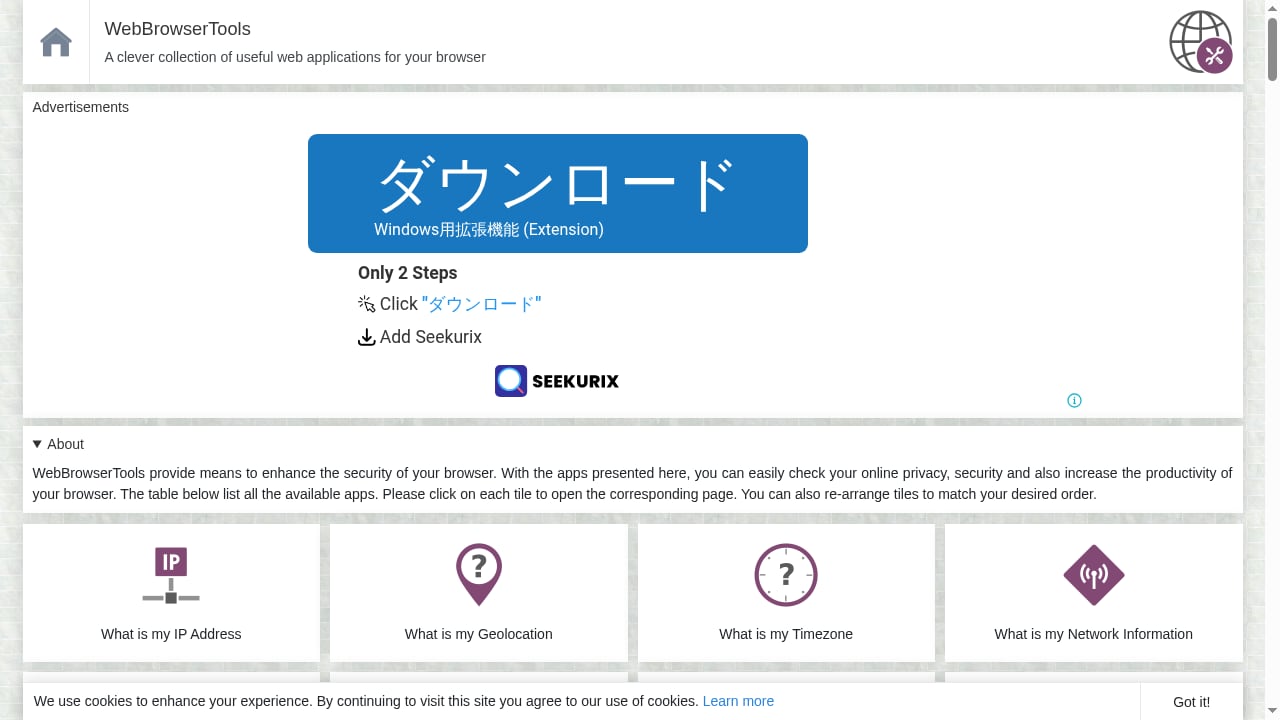
First viewport screenshot of WebBrowserTools.
WebBrowserTools occupies a different niche entirely. It is a community-driven collection of open-source web applications and educational resources focused on browser privacy and security.
Rather than one monolithic scanner, it offers a set of browser-based utilities alongside a blog covering anti-tracking technology, ad blocking, fingerprinting countermeasures, WebRTC privacy, cache management, proxy versus VPN differences, private search engines, dark mode configuration, timezone changes, and extension leak vulnerabilities.
Where it fits best:
- Learners who want to understand why a signal matters, not just what it is.
- Users who prefer open-source, inspectable tools over closed scoring formulas.
- Anyone researching a specific privacy topic — WebRTC behavior, extension leaks, proxy hygiene — and wanting context alongside a test.
The trade-off is coherence. Because it is a collection rather than a single product, you may need to visit several utilities to assemble a complete picture. Its strength is transparency and breadth of explanation; its weakness is that there is no unified score tying everything together.
Side-by-Side Comparison
| Criterion | BrowserScan | IPhey | WebBrowserTools |
|---|---|---|---|
| Fingerprint attribute depth | Extensive, multi-layer | Moderate, summarized | Varies by individual tool |
| Verdict format | Authenticity score plus detailed reports | Trustworthiness summary | Raw values per utility |
| Leak testing (DNS, WebRTC) | Built in | Limited | Available across separate tools |
| IP and proxy detection | Included with blacklist checks | Basic | Covered in articles and utilities |
| Bot and automation detection | Included | Not a focus | Not a focus |
| Educational content | Tool-focused | Minimal | Extensive blog and guides |
| Open source | No | No | Yes, community-driven |
| Best for | Comprehensive audits | Quick checks | Learning and research |
How to Choose: Practical Decision Guidance
First viewport screenshot of Best Browsers for Adblocking :: WebBrowserTools.
Choose BrowserScan if you need a single session that covers fingerprint depth, leak tests, IP purity, and bot signals, and you want a scored verdict you can act on. It is the strongest fit when the question is "what exactly is my browser exposing, and is any of it inconsistent?"
Choose IPhey if you want a fast trustworthiness readout and do not need granular data. It works well as a smoke test before deeper investigation.
Choose WebBrowserTools if your priority is understanding the mechanics. If you are writing about fingerprinting, teaching a team, or evaluating open-source tooling, its combination of utilities and explainers is hard to beat.
A practical approach many privacy practitioners use: start with a quick verdict tool, then move to a deeper scanner when something looks off, and consult educational resources when you need to fix the underlying cause rather than just observe it.
Common Fingerprint Signals Worth Checking First
Regardless of which tool you use, a few signals deserve priority attention:
- Canvas and WebGL hashes — highly stable and widely used for tracking. If they change unexpectedly between sessions, something in your setup is unstable.
- Timezone versus IP geolocation — a mismatch is one of the easiest inconsistencies for a platform to detect.
- WebRTC candidates — these can expose your real IP even behind a VPN if not properly restricted.
- DNS resolvers — a leak here reveals your ISP even when your traffic is tunneled.
- Client hints — modern browsers send structured headers that must align with your user agent.
For a broader survey of tools that cover these signals, see this ranked overview of IP lookup and browser fingerprint analysis tools.
Related reading
- BrowserScan vs ToDetect: Which Fingerprint Test Wins in 2026? - BrowserScan vs ToDetect compared: fingerprint depth, DNS/WebRTC leak tests, IP purity, bot detection, and which free privacy tool fits your workflow.
- PrivacyTestLab Review 2026: Free Leak Tests, Limits & Fit - Independent PrivacyTestLab review: free WebRTC, DNS and fingerprint tests, who it suits, trust signals, limitations, and how it compares to other tools.
- Check IP: What Your Address Reveals Online - Learn how to check your IP address, what geolocation, ASN, and risk signals reveal, and how to verify VPN, proxy, DNS, and WebRTC leaks.
Sources and further reading
- Most Secure Browser for Managing Multiple Accounts: How Multilogin Protects You - See why Multilogin is the most secure browser for multi-accounting and how it stops linking, bans, and verification loops.
- Detection test pages — 24 entries · Awesome Antidetect - 24 entries in section 03 of the anti-detect registry, each with licence, last push, latest release and derived state. 3 carry a state mark other than ACTIVE.
FAQ
Is BrowserScan free to use?
Yes. BrowserScan offers a free online suite of fingerprint detection and privacy testing tools, including DNS leak, WebRTC leak, bot detection, and canvas fingerprint analysis.
Does IPhey detect VPNs reliably?
IPhey provides a trustworthiness scan that includes IP signals, but community tool lists have flagged its VPN detection as limited compared with heavier scanners. Treat its verdict as a starting point, not a final answer.
What makes WebBrowserTools different from the other two?
WebBrowserTools is a community-driven collection of open-source utilities and educational articles rather than a single scoring product. Its value is transparency and explanation, not a unified verdict.
Can I use more than one of these tools together?
Yes, and many people do. A quick verdict from one tool, a deep audit from another, and explanatory context from a third is a reasonable workflow. Just remember that each tool may compute its score differently.
Which tool is best for developers testing automation setups?
BrowserScan's combination of bot detection, browser kernel detection, and client hints inspection makes it well suited to verifying that an automated browser produces consistent, plausible signals.
Conclusion
BrowserScan, IPhey, and WebBrowserTools are not really competitors so much as different instruments. BrowserScan delivers the broadest detection surface with scored, actionable output. IPhey gives you a fast trustworthiness readout. WebBrowserTools provides open-source tools and the educational depth to understand what you are looking at.
If you want one place to see your fingerprint, check for leaks, and validate your IP, start with BrowserScan. If you want a quick gut check, IPhey is convenient. If you want to learn the mechanics and inspect open-source utilities, WebBrowserTools is the better classroom. Used together, they cover observation, verification, and understanding — which is exactly what a serious privacy workflow needs.