
BrowserScan vs VPN Master Pro IP Checker: 2026 Comparison
BrowserScan vs VPN Master Pro IP Checker: Which Privacy Tool Shows You More?
If you are comparing BrowserScan and VPN Master Pro IP Checker, you probably want to know what websites can actually see about you — your IP address, location, browser fingerprint, and whether your VPN is leaking. Both tools claim to reveal that picture, but they are built for different jobs. This comparison breaks down what each one does well, where the substitute falls short, and how to choose based on your goals.
What Each Tool Is Designed For
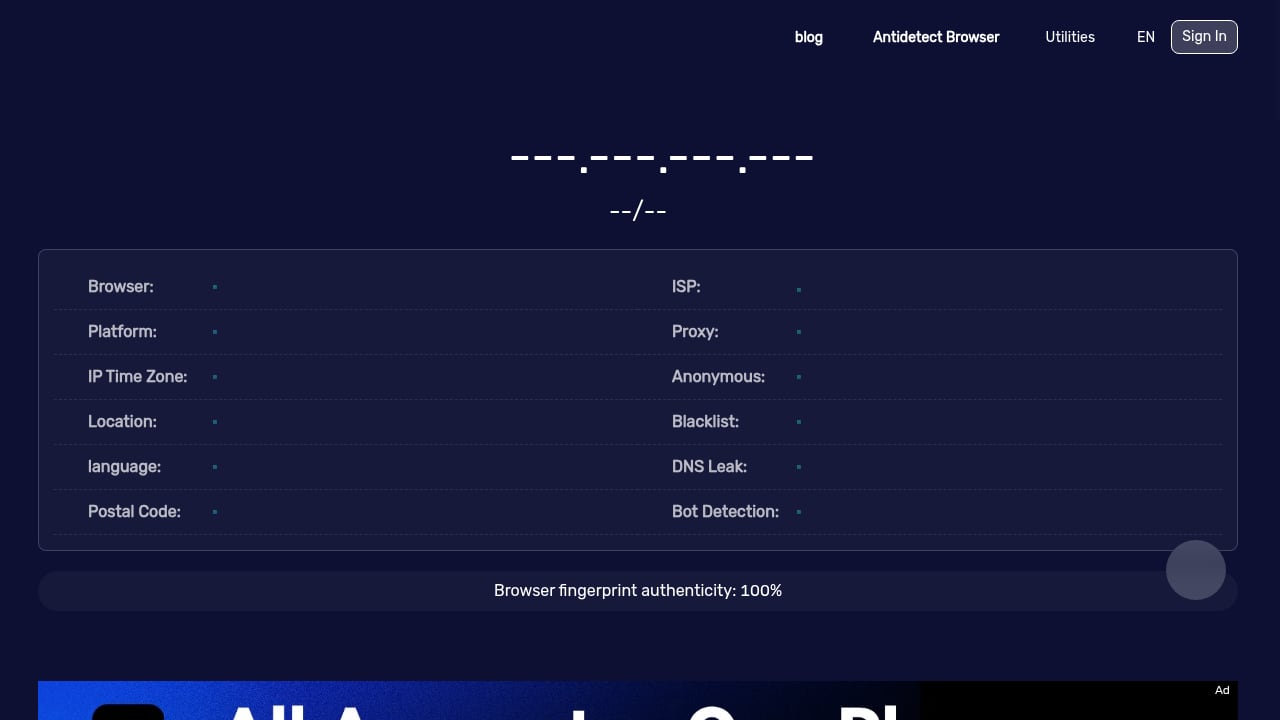
First viewport screenshot of www.browserscan.net.
BrowserScan is a free browser fingerprinting and privacy testing suite. It shows what sites can detect about your browser and connection, then goes further with specialized checks: fingerprint authenticity scoring, bot detection (WebDriver, CDP, navigator properties), DNS leak testing, WebRTC leak testing, browser kernel detection, canvas fingerprinting, plugin detection, client hints, and more. It also includes utility tools like 2FA code generation, cookie conversion, currency conversion, and port scanning. The audience is privacy-conscious individuals, developers, and security professionals who need to verify anonymity or test VPN/proxy setups.
VPN Master Pro IP Checker is a free web tool focused on IP address lookup and basic privacy diagnostics. It reveals your public IP, geolocation (country, region, city, ZIP), ISP, hostname, operating system, browser, and connection details. It adds proxy, anonymizer, and blacklist checks, WebRTC leak detection, JavaScript/ActiveX status, and a browser fingerprint overview. A 60-second privacy scan runs eight checks and returns a privacy score. The site also promotes VPN Master Pro, a paid VPN service with a free trial and 7,400+ servers.
In short: BrowserScan is a fingerprinting and leak-testing lab; VPN Master Pro IP Checker is an IP lookup page with a privacy scan and a VPN sales pitch attached.
Head-to-Head Comparison
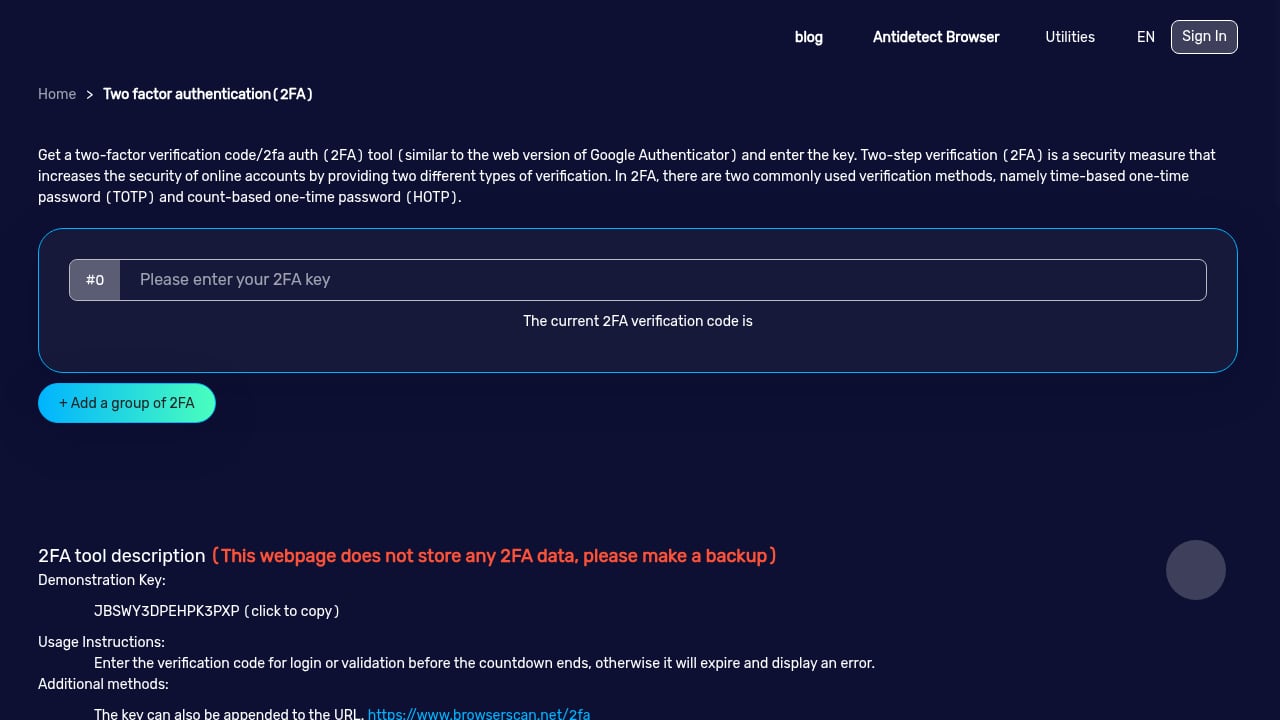
First viewport screenshot of www.browserscan.net.
| Capability | BrowserScan | VPN Master Pro IP Checker |
|---|---|---|
| Public IP and geolocation | Yes | Yes |
| ISP, hostname, OS, browser | Yes | Yes |
| Browser fingerprint overview | Yes, with authenticity score | Basic overview |
| Bot detection (WebDriver, CDP, navigator) | Yes | Not documented |
| DNS leak test | Yes | Listed among the eight checks |
| WebRTC leak test | Yes | Yes |
| Canvas fingerprint | Yes | Not documented |
| Plugin detection | Yes | Not documented |
| Client hints | Yes | Not documented |
| Browser kernel detection | Yes | Not documented |
| Blacklist / proxy checks | Yes | Yes |
| Privacy score | Fingerprint authenticity score | Personal privacy score |
| Utility tools (2FA, cookie conversion, port scan) | Yes | No |
| Primary commercial motive | Free tool suite | Upsell to VPN Master Pro |
Fingerprint Depth
BrowserScan treats the fingerprint as the main event. It breaks down canvas, plugins, client hints, and kernel signals, and gives you an authenticity score so you can judge whether a browser profile looks natural or automated. That matters if you run anti-detect browsers, test scrapers, or verify that a VPN/proxy configuration is not creating a suspicious fingerprint.
VPN Master Pro IP Checker offers a fingerprint overview, but the documented feature set stops there. There is no published canvas test, plugin enumeration, client hints breakdown, or bot-signal detection. For a quick glance that is fine; for debugging why a site blocks you, it is thin.
Leak Testing
Both tools advertise WebRTC leak detection, and VPN Master Pro IP Checker includes DNS leak checks in its eight-step scan. BrowserScan exposes DNS and WebRTC leak tests as dedicated tools alongside its fingerprint checks, which makes it easier to isolate a problem — for example, confirming that a DNS request is escaping your VPN tunnel while your IP looks clean.
If you need to audit many IPs or proxies at once, see how bulk IP analysis supports browser fingerprint privacy and how BrowserScan fits into a wider network review in BrowserScan + Nmap: Combined Privacy & Network Security.
Bot and Automation Detection
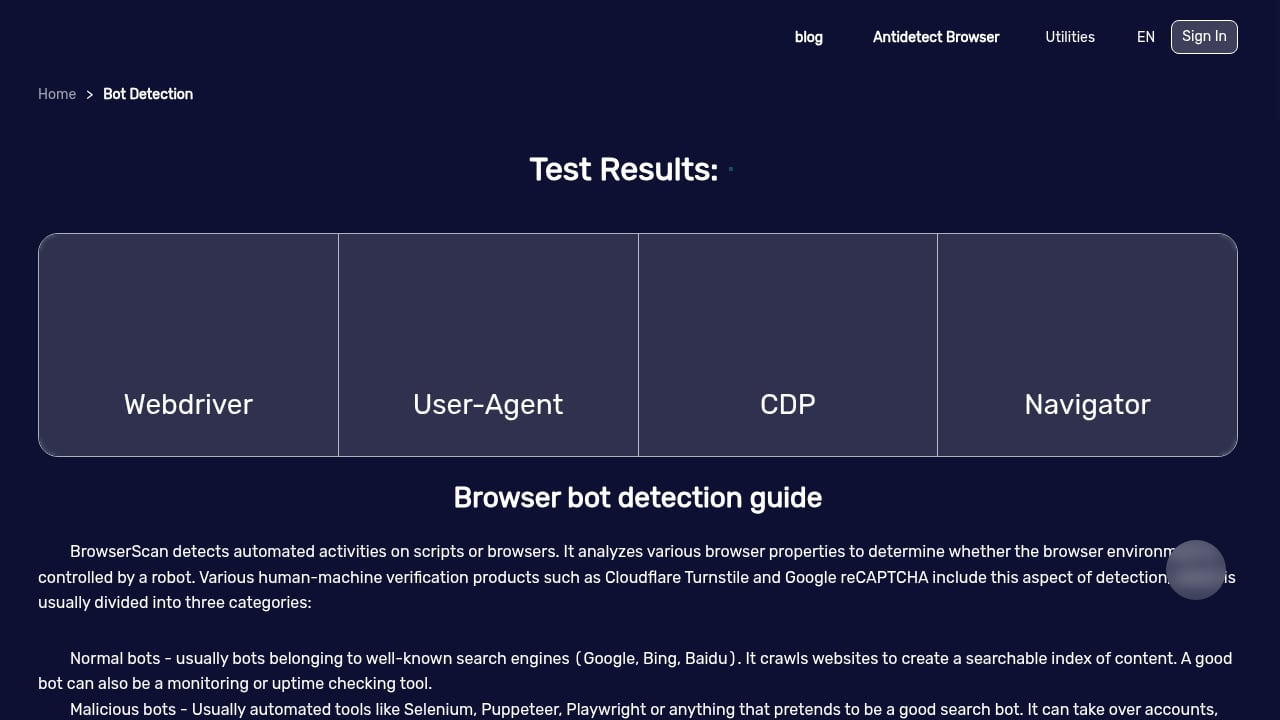
This is the clearest gap. BrowserScan publishes real-time detection of bot signals such as WebDriver, CDP, and navigator properties. VPN Master Pro IP Checker does not document bot detection at all. If your goal is to verify that an automated browser looks human — or to confirm that your own setup is not flagging as a bot — BrowserScan is the only one of the two with the evidence to support that use case.
Utility and Workflow
BrowserScan bundles extras that support privacy work: 2FA code generation, cookie conversion, currency conversion, and port scanning. VPN Master Pro IP Checker stays within IP and connection diagnostics. Neither is a full security platform, but BrowserScan gives you more reasons to return beyond a single check.
Where VPN Master Pro IP Checker Falls Short
First viewport screenshot of www.browserscan.net.
- Commercial bias. The tool exists to promote VPN Master Pro. The privacy score and scan results sit next to a VPN offer, so treat recommendations to "fix" your privacy by subscribing as marketing, not neutral advice.
- Shallow fingerprinting. A fingerprint overview without canvas, plugin, client hints, or kernel detail cannot explain why a fingerprint is unique or suspicious.
- No documented bot detection. For developers testing automation or anti-detect profiles, this is a missing capability.
- Single-purpose design. It answers "what is my IP and is it leaking?" well, but it does not support deeper audits.
None of this makes it useless. For a fast IP and geolocation check with a basic leak scan, it works. It is simply not a fingerprinting lab.
When BrowserScan Is the Better Choice
First viewport screenshot of www.browserscan.net.
- You want to know why your browser looks unique, not just that it does.
- You are testing a VPN or proxy and need DNS, WebRTC, and fingerprint checks in one place.
- You develop or QA automated browsers and need bot-signal detection.
- You manage multiple profiles and want a repeatable authenticity score. Teams comparing profile managers can start with AdsPower Alternative for Teams: Fingerprint Privacy Checks.
- You want free utility tools alongside diagnostics.
When VPN Master Pro IP Checker Is Enough
- You only need your public IP, ISP, and approximate location.
- You want a one-click privacy score and a basic WebRTC/DNS check.
- You are already considering VPN Master Pro and want to see what the free scan reports.
If you are evaluating fingerprint tools more broadly, the Top 10 Browser Privacy Testing & Education Products 2026 and BrowserScan vs Browser Check vs DeviceAtlas: Fingerprint Detection put these capabilities in context.
Practical Example: Auditing a VPN Setup
Suppose you connect to a VPN and want to confirm it is working.
- Run an IP check on either tool. Both should show the VPN server's IP and location, not your real one.
- Run a WebRTC test. Both offer this; if your real IP appears, the VPN is leaking.
- Run a DNS leak test. BrowserScan exposes this as a dedicated tool; VPN Master Pro IP Checker includes it in its eight-check scan.
- Check your fingerprint. BrowserScan will show canvas, plugins, client hints, and an authenticity score. If the score is poor, your VPN or browser configuration may be creating an unusual profile.
- Check bot signals if you use automation. Only BrowserScan documents this.
Steps 1–3 can be done with either tool. Steps 4–5 require BrowserScan.
Related reading
- DeviceAtlas Review: Device Intelligence for Real-Time Targeting - Evidence-based DeviceAtlas review covering device intelligence use cases, ideal users, setup, pricing signals, strengths, limitations, and decision criteria.
Sources and further reading
- Top 22 VPN Apps Compared: Best iOS & Android VPNs (2026) - Compare 22 top iOS & Android VPN apps. From Proton VPN to NordVPN, find the perfect VPN for privacy, speed, and security in our detailed guide.
FAQ
Is BrowserScan free? Yes. BrowserScan offers its fingerprinting and privacy testing tools free online, with no subscription required for the core checks.
Does VPN Master Pro IP Checker show my browser fingerprint? It provides a browser fingerprint overview, but it does not document canvas, plugin, client hints, or kernel-level fingerprint tests.
Which tool is better for detecting a WebRTC leak? Both advertise WebRTC leak detection. BrowserScan also offers a standalone WebRTC leak test alongside DNS and fingerprint tools, which makes diagnosis easier.
Can VPN Master Pro IP Checker detect bots? Bot detection is not part of its documented feature set. BrowserScan explicitly detects WebDriver, CDP, and navigator bot signals.
Do I need a VPN to use these tools? No. Both work without a VPN. They are diagnostic tools; a VPN changes what they report but is not required.
Is VPN Master Pro IP Checker unbiased? It is a free tool that promotes VPN Master Pro, a paid VPN service. Its privacy score and recommendations should be read with that commercial relationship in mind.
Conclusion
VPN Master Pro IP Checker is a competent IP lookup and basic leak-scan tool, but it is built to funnel users toward a VPN subscription and stops at a surface-level fingerprint overview. BrowserScan goes deeper: authenticity scoring, bot detection, canvas and plugin fingerprinting, client hints, kernel detection, and a full set of leak tests — all free. If you only need to see your IP, either works. If you want to understand and fix what your browser exposes, BrowserScan is the stronger choice.
For further background on browser fingerprinting and plugin detection, see BrowserScan's plugin detection page and the BrowserScan blog.