
Top 10 Browser Privacy Testing & Education Products 2026
Top 10 Browser Privacy Testing & Education Products 2026
Most "private browser" lists tell you what to install. This one tells you how to prove whether your browser is actually private. Browser privacy testing and education products are the diagnostic layer: they run fingerprint, leak, and tracker checks, then explain what the results mean so you can fix them. Below is an independent 2026 ranking of ten products that genuinely belong to that category, with the evidence behind each placement.
How We Evaluated These Products
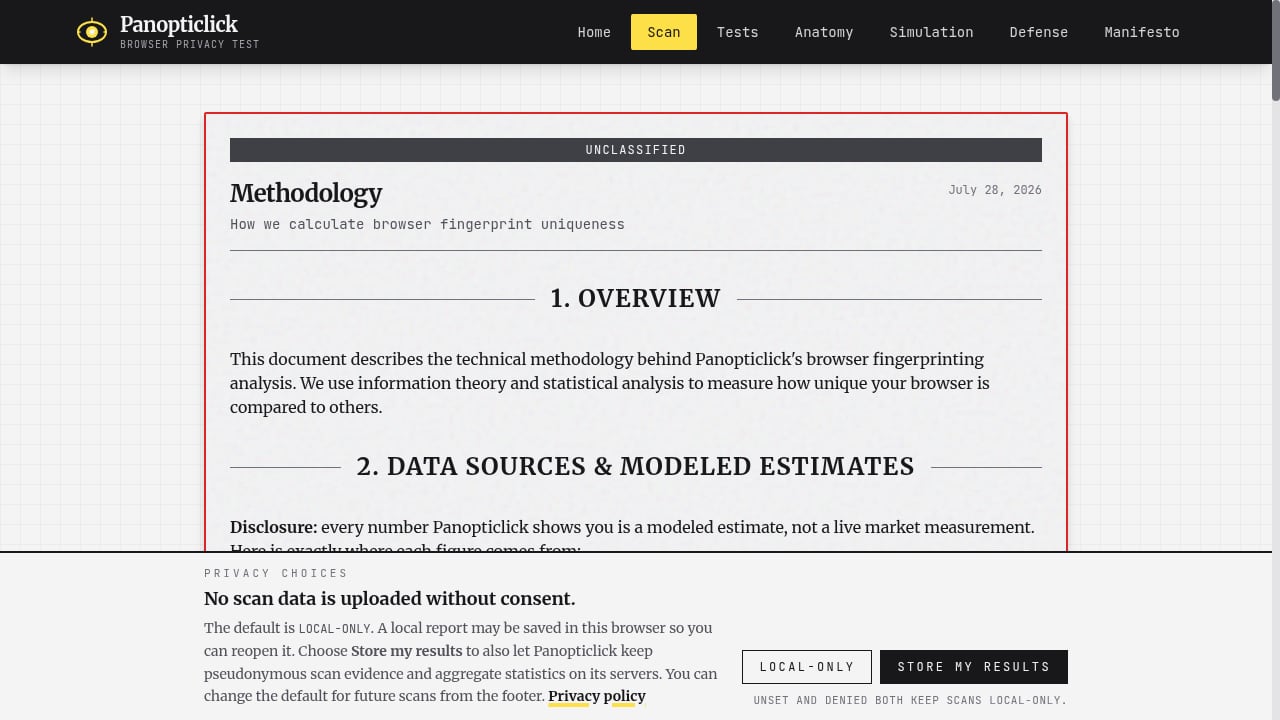
First viewport screenshot of panopticlick.org.
Every product was scored on five criteria, each weighted equally:
- Fingerprint coverage — how many signals it inspects (canvas, WebGL, fonts, audio, timezone, hardware, and so on) and whether it explains each one.
- Leak and exposure detection — DNS, WebRTC, IP, and proxy checks that reveal what a site can see beyond the fingerprint.
- Educational value — whether results teach you something transferable, not just a pass/fail badge.
- Consistency and reproducibility — stable results across repeat runs, so you can trust before/after comparisons.
- Usability and accessibility — free or low-cost access, clear reports, and sensible defaults for non-specialists.
We excluded pure browser downloads unless they ship a built-in testing or education surface, and we excluded tools that only sell fingerprint spoofing without a verification step. Rankings reflect the testing-and-education role, not raw anonymity.
The Top 10 Browser Privacy Testing and Education Products for 2026
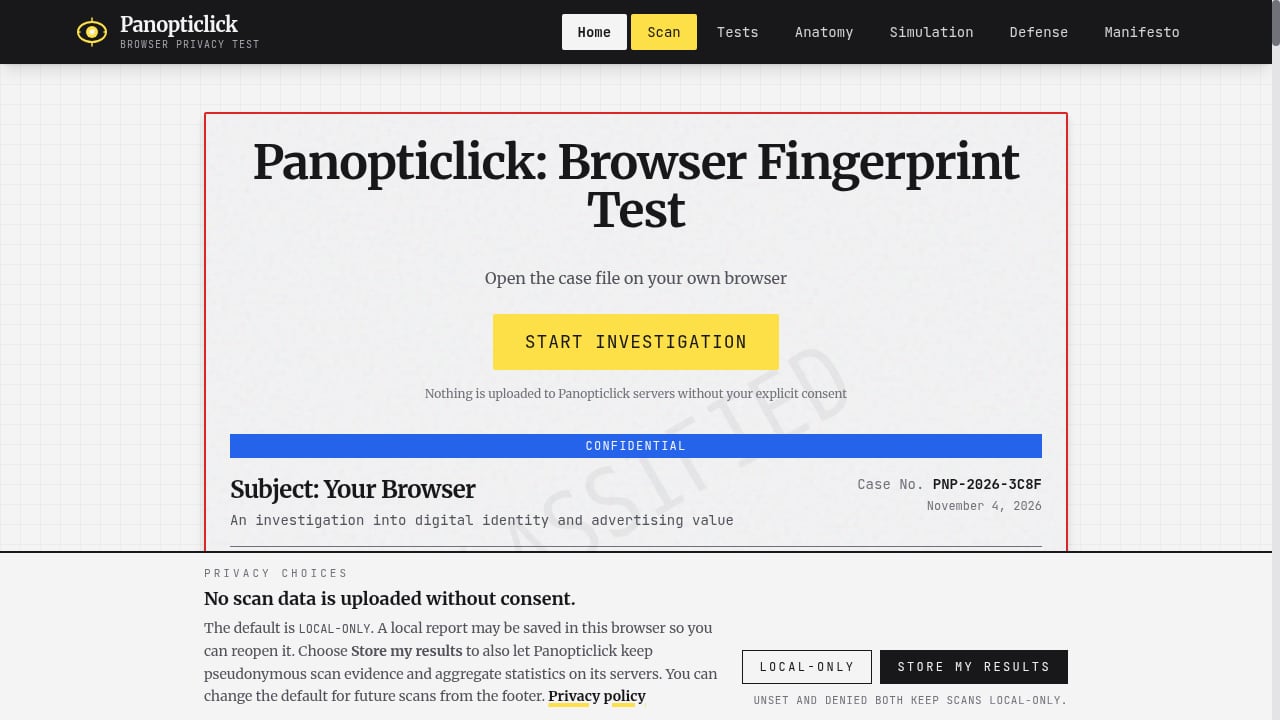
First viewport screenshot of panopticlick.org.
1. Cover Your Tracks (EFF)
The Electronic Frontier Foundation's Cover Your Tracks remains the reference test for most people. It reports whether your browser blocks trackers, whether your fingerprint is unique among the sample, and how much identifying entropy each signal contributes. Its greatest strength is education: it explains why a combination of innocuous settings can single you out. PCMag's 2026 browser roundup still uses it as the neutral yardstick, noting that Brave was the only browser in its tests to report a randomized fingerprint. Use it first, then move to deeper tools.
2. CreepJS
CreepJS is the deepest free fingerprint audit available. It runs dozens of checks across categories such as canvas, WebGL, audio, fonts, and hardware, and adds "lie detection" that flags when a browser or extension is spoofing values inconsistently. That inconsistency check is the educational payoff: it shows that spoofing badly can make you more identifiable. The interface is dense and developer-oriented, which is why it sits second rather than first. For a full walkthrough, see our CreepJS review of its 59 checks and IP risk analysis.
3. BrowserScan
BrowserScan combines fingerprint inspection with a broad diagnostic suite: DNS leak test, WebRTC leak test, IP check, proxy detection, user-agent parsing, port scanning, and speed testing. For testing and education, its value is the workflow — you can verify a browser profile end to end and see whether a VPN or proxy is actually hiding what you think it is. It is also the natural companion when you need to confirm that a hardened setup holds up. If you are comparing it directly with the EFF tool, our BrowserScan vs Panopticlick comparison breaks down the differences.
4. Tor Browser (with its built-in circuit and fingerprint checks)
Tor Browser is a browser first, but its education surface is real: the circuit display shows your relay path, the security-level slider explains what each level disables, and letterboxing demonstrates how window sizing affects fingerprinting. Testgrid's 2026 comparison ranks it as the anonymity leader and credits its user-agent spoofing and first-party isolation. Treat it as a teaching environment: change one setting, rerun a fingerprint test, and watch the result move.
5. Mullvad Browser
Built by the Tor Project team to work without the Tor network, Mullvad Browser is effectively a live demonstration of anti-fingerprinting defaults. ZDNET describes it as "the Tor Browser without the Tor network." Because it standardizes fingerprintable values rather than randomizing them, it is an excellent control group: compare its fingerprint report against your daily browser and the differences explain what fingerprint resistance actually changes.
6. Brave (Shields and fingerprint randomization)
Brave earns a place because its protections are testable and its reporting is transparent. Shields shows blocked trackers per site, and its fingerprint randomization is designed to be verified by third-party tests — PCMag's testing found it produced a randomized fingerprint where other browsers did not. Use it as the "fix" side of the test-fix-retest loop: run Cover Your Tracks or CreepJS before and after enabling aggressive Shields.
7. Firefox (Enhanced Tracking Protection and about:protections)
Firefox's education value is in its built-in dashboards. Enhanced Tracking Protection reports what was blocked, Total Cookie Protection explains cookie isolation per site, and the privacy settings expose fingerprinting and cryptominer blocking as named categories. Testgrid rates its privacy configurability highly while noting defaults are less aggressive than hardened forks — which makes it a good subject for learning what each toggle does.
8. DuckDuckGo Browser and Privacy Essentials
DuckDuckGo's browser and extension show a per-site privacy score and a tracker-blocking count, and the extension can raise a standard browser's score on Cover Your Tracks to "strong protection" according to PCMag's testing. That makes it a low-friction teaching tool: install the extension, rerun the test, and see the delta. The built-in fire button also demonstrates the difference between clearing local data and blocking collection in the first place.
9. LibreWolf
LibreWolf is a hardened Firefox fork with telemetry removed and privacy defaults tightened. For education, its value is comparative: run the same fingerprint and leak tests in Firefox and LibreWolf and the differences map directly to specific hardening choices. Testgrid scores it highly for aggressive hardening while flagging that strict defaults can break sites — a useful lesson in the usability cost of privacy.
10. Vivaldi
Vivaldi closes the list because it makes tracking visible without requiring a separate tool. Its status bar shows blocked ads and trackers per page, and its tracker blocker is configurable. PCMag added Vivaldi to its 2026 private-browser picks, and ZDNET notes its transparent approach and frequent updates. It is a practical on-ramp for users who want to see tracking blocked in context before graduating to dedicated fingerprint audits.
Comparison: Which Product Fits Your Goal
| Goal | Best starting point | Why |
|---|---|---|
| Understand your fingerprint | Cover Your Tracks | Clear entropy explanation and tracker verdict |
| Audit spoofing consistency | CreepJS | Lie detection exposes inconsistent masking |
| Verify VPN, proxy, and DNS leaks | BrowserScan | Combined fingerprint and leak diagnostics |
| Maximum anonymity | Tor Browser | Onion routing plus tested fingerprint defenses |
| Learn anti-fingerprinting by comparison | Mullvad Browser, LibreWolf | Standardized or hardened defaults as a control group |
| Fix a mainstream browser | Brave, Firefox, DuckDuckGo | Testable protections with visible reporting |
A sensible sequence is: baseline with Cover Your Tracks, deepen with CreepJS or BrowserScan, change one setting, then retest. If you are auditing a whole team's browser profiles rather than one machine, the BrowserScan vs Browser Check vs DeviceAtlas comparison covers the device-intelligence angle, and our BrowserScan + Nmap workflow extends the audit from the browser to the network.
Practical Example: A 15-Minute Privacy Test
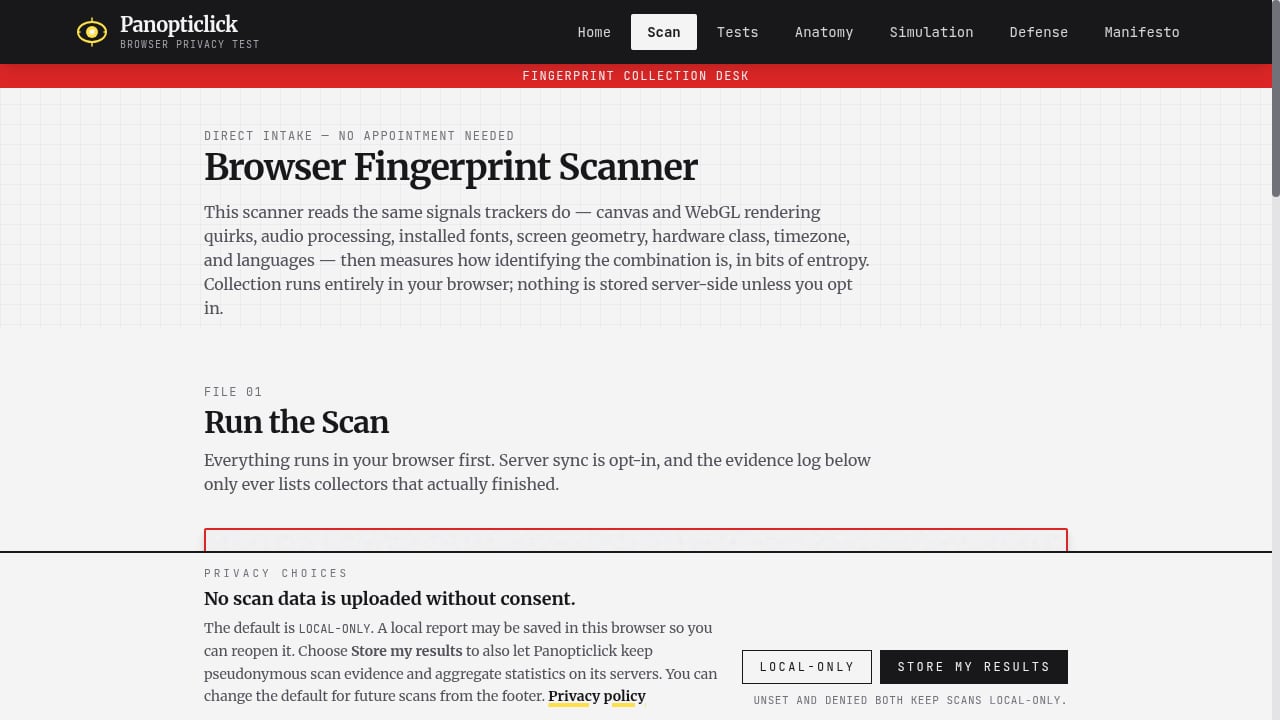
First viewport screenshot of panopticlick.org.
- Open Cover Your Tracks in your daily browser and record the tracker-protection and fingerprint verdicts.
- Run CreepJS and note any "lies" or inconsistencies in canvas, WebGL, and timezone values.
- Run a DNS and WebRTC leak test — BrowserScan bundles both — and confirm your real IP is not exposed.
- Enable your browser's strictest tracking protection, then repeat steps 1–2.
- Compare the two reports. If the fingerprint changed but the leak test still shows your ISP's DNS resolver, the remaining gap is at the network layer, not the browser.
Where BrowserScan Fits as a Complementary Check
First viewport screenshot of panopticlick.org.
BrowserScan is ranked here as a testing and education product in its own right, but it also serves as a verification layer for other tools. If you use an antidetect browser to manage multiple profiles, BrowserScan's fingerprint and leak checks are how you confirm each profile is isolated before scaling — the same logic applies whether you follow our Accovod setup walkthrough or compare it with VPN Master Pro IP Checker and WhoerIP. The dedicated BrowserScan fingerprint detection tool is best treated as the diagnostic companion to the ranked products above, not as a substitute for learning what the results mean.
FAQ
What is the difference between a private browser and a browser privacy testing tool?
A private browser changes what sites can collect. A testing tool measures whether those changes worked. The strongest setup uses both: a privacy browser plus a repeatable test like Cover Your Tracks or CreepJS.
Is a unique fingerprint always bad?
Not automatically, but uniqueness means you are easier to single out across sessions. Privacy browsers reduce uniqueness by standardizing or randomizing signals, which is why retesting after configuration changes matters.
Can I trust a single test result?
No. Fingerprints vary with window size, extensions, and network. Run each test at least twice, and compare results from two different tools before drawing conclusions.
Do I need a VPN to pass a leak test?
No. A leak test shows what your browser exposes. If you use a VPN, the test verifies it is not leaking DNS or WebRTC data; if you do not, the test still reveals your real network identity.
Which product is best for beginners?
Cover Your Tracks, followed by DuckDuckGo Privacy Essentials. Both explain results in plain language and give you an immediate action to take.
Conclusion
Browser privacy in 2026 is measurable, and that is the point. Start with Cover Your Tracks to learn what makes you identifiable, use CreepJS or BrowserScan to audit the details and leaks, and treat Tor Browser, Mullvad Browser, and LibreWolf as living examples of what strong defaults change. Then retest. The products above are ranked for how well they teach and verify — because a privacy claim you cannot test is just a setting you hope is working.
Sources: PCMag: Best Private Browsers for 2026, TestGrid: 10 Best Browsers for Privacy in 2026, ZDNET: Best Secure Browsers for Privacy in 2026.