
Data Protection Explained: Principles, Laws, and How to Test Your Own Exposure
Data Protection Explained: Principles, Laws, and How to Test Your Own Exposure
Data protection is the practice of keeping sensitive information safe from loss, corruption, and unauthorized access — while making sure the people and systems that need that data can still reach it. It sounds simple, but it spans backup systems, access controls, privacy laws, and the everyday browser habits that quietly leak your personal data.
This guide breaks down what data protection actually covers, how it differs from data security and data privacy, which regulations matter most, and how you can run a practical check on your own exposure using free browser-based tools.
What Data Protection Really Means
Data Protection Explained: Principles, Laws, and How to Test Your Own Exposure - What Data Protection Really Means.
At its core, data protection has two goals that pull in slightly different directions:
- Safeguarding data from theft, leaks, malware, and accidental damage.
- Keeping data available so users and applications can access it even after a failure, breach, or ransomware attack.
That second goal is what separates data protection from a narrow focus on locking data away. A backup that cannot be restored, or an encrypted archive nobody can open, does not protect anything in a practical sense. Effective data protection combines confidentiality with recoverability.
Data Protection vs. Data Security vs. Data Privacy
These three terms are often used interchangeably, but they describe different layers:
| Concept | Focus | Example |
|---|---|---|
| Data security | Protecting data from unauthorized access, corruption, or theft | Firewalls, encryption, access controls |
| Data privacy | Giving people control over how their personal data is collected, stored, and used | Consent notices, deletion requests, opt-outs |
| Data protection | The umbrella that includes security and privacy, plus availability and recovery | Backup strategy, disaster recovery, GDPR compliance |
In short: data security and data privacy are both subsets of the broader discipline of data protection.
The Core Principles of Data Protection
Data Protection Explained: Principles, Laws, and How to Test Your Own Exposure - The Core Principles of Data Protection.
Most data protection frameworks, whether technical or regulatory, rest on a handful of principles:
- Lawfulness and transparency — collect data for legitimate reasons and tell people what you do with it.
- Purpose limitation — use data only for the purpose it was collected for.
- Data minimization — collect only what you actually need.
- Accuracy — keep records correct and up to date.
- Storage limitation — delete data when it is no longer needed.
- Integrity and confidentiality — protect data with appropriate technical and organizational measures.
- Availability and resilience — ensure systems can recover from incidents.
- Accountability — be able to demonstrate compliance.
These principles appear in different forms across GDPR, HIPAA, CCPA, and other regulations, but the underlying logic is consistent: collect less, protect what you keep, and be able to prove it.
Key Data Protection Laws You Should Know
Data Protection Explained: Principles, Laws, and How to Test Your Own Exposure - Key Data Protection Laws You Should Know.
GDPR (European Union)
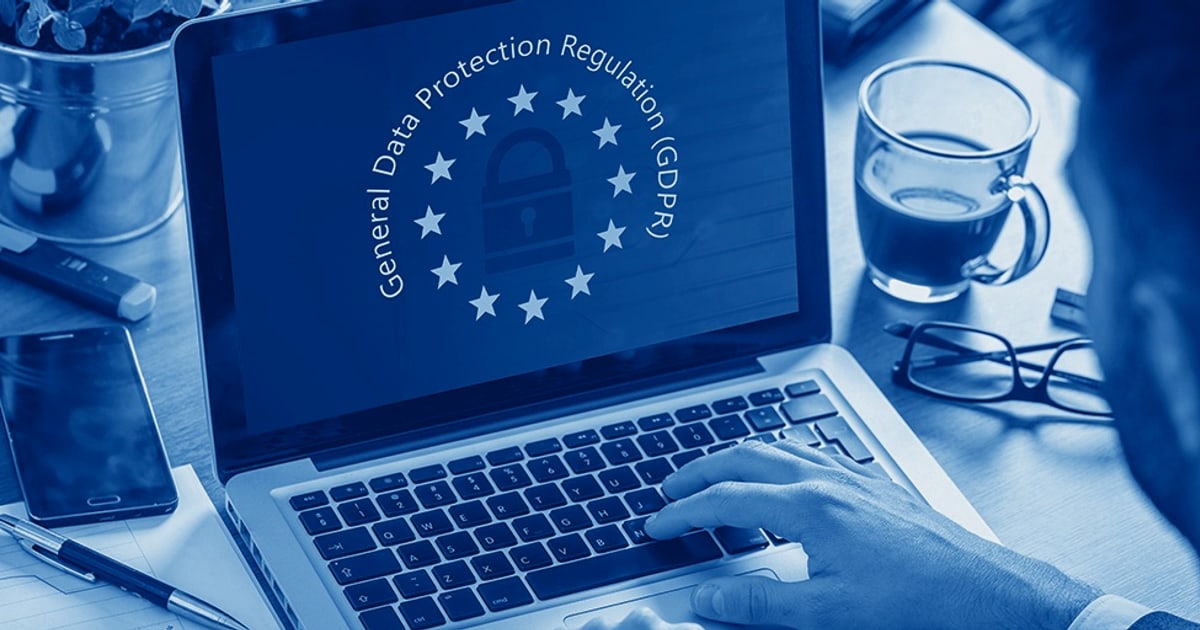
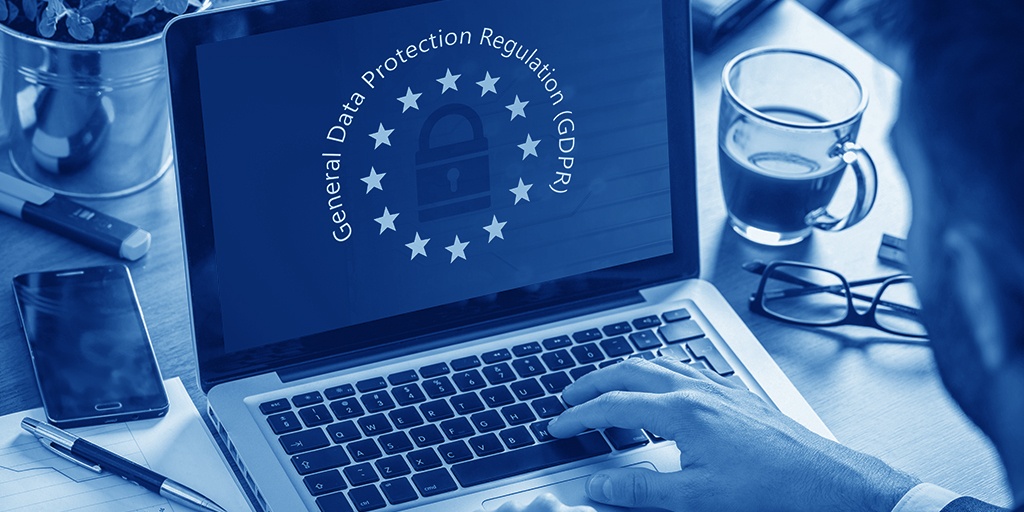
The General Data Protection Regulation applies to any organization that processes the personal data of people in the EU, regardless of where the organization is based. It grants individuals rights such as access, correction, deletion, and objection to processing, and it imposes significant fines for violations.
CCPA (California)
The California Consumer Privacy Act gives California residents the right to know what personal information businesses collect, to request deletion, and to opt out of the sale of their data. Unlike GDPR, it is largely opt-out rather than opt-in.
HIPAA (United States, healthcare)
HIPAA sets standards for how protected health information is handled, covering healthcare providers, insurers, and their business associates. It includes both privacy and security rules.
PCI-DSS (Payment card data)
The Payment Card Industry Data Security Standard is a contractual framework, not a government law, but it applies to any business that stores, processes, or transmits cardholder data.
Other notable frameworks
- GLBA for financial institutions in the US.
- CPS 234 for regulated entities in Australia.
- FTC Act enforcement of consumer privacy in the US.
If you handle personal data, at least one of these likely applies to you — and often more than one.
Building a Practical Data Protection Strategy
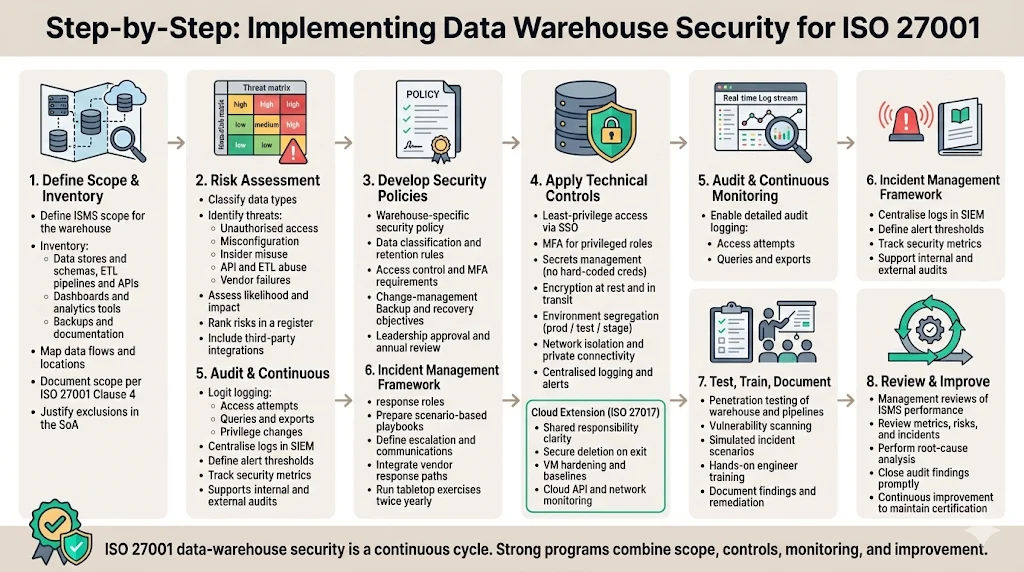
Data Protection Explained: Principles, Laws, and How to Test Your Own Exposure - Building a Practical Data Protection Strategy.
A workable strategy usually follows five steps:
- Audit your data. Identify what data you have, where it lives, and how sensitive it is.
- Assess risks. Look at internal risks (misconfiguration, weak access controls, insider threats) and external risks (phishing, malware, SQL injection, DDoS).
- Define a policy. Set rules for retention, access, encryption, and incident response.
- Implement controls. Apply backups, encryption, access management, and monitoring.
- Test and review. Regularly verify that your controls actually work — including from the outside in.
That last step is where many organizations and individuals fall short. A policy on paper means little if a misconfigured browser or an exposed port is quietly leaking data.
How to Test Your Own Data Exposure
Data protection is not only an enterprise concern. Anyone who browses the web, uses a VPN, or runs a home network has a personal data footprint worth checking. Free browser-based tools make this surprisingly easy.
Check your browser fingerprint
Your browser exposes a surprising amount of information — screen size, fonts, timezone, canvas rendering, and more. Combined, these can create a fingerprint that identifies you even without cookies. A fingerprint test shows how unique and trackable your browser is, and what data it reveals.
Verify your VPN is not leaking
A VPN is only useful if it actually hides your real IP address. DNS and WebRTC leaks can expose your true location even when the VPN is connected. Running a DNS leak test and a WebRTC leak test confirms whether your traffic is truly routed through the VPN.
Look up your IP address details
An IP lookup reveals your apparent geolocation, ISP, and whether your connection is flagged as a proxy or data center IP. This is useful for both privacy checks and debugging network configurations.
Scan for open ports
Exposed ports are one of the most common ways attackers find a way in. An online port scanner powered by Nmap can identify open TCP/UDP ports on a host and help you close services you did not mean to expose.
Understand what privacy protection means in practice
If you want a broader framework for thinking about these checks, see this explanation of privacy protection and how data leaks happen in everyday browsing.
Data Protection for Individuals vs. Organizations
The same principles apply at different scales:
- Individuals should focus on browser fingerprinting, VPN leaks, password hygiene, and 2FA.
- Small teams should add access controls, backups, and basic incident response.
- Enterprises need formal policies, compliance mapping, disaster recovery, and regular penetration testing.
The tools differ, but the mindset is the same: know what you are exposing, reduce it, and verify regularly.
Related reading
- Pixelscan.dev: Browser Fingerprint & Bot Detection Explained - What Pixelscan.dev checks, how fingerprint and bot detection work, and how to verify your own browser with free tools like BrowserScan.
- How to Use IPWHOIS.io: IP Geolocation API Guide - Learn how to use IPWHOIS.io: free and Pro endpoints, curl examples, JSON/XML/CSV formats, rate limits, security fields, and how to verify results.
- Secure Messaging in 2026: How to Choose and Verify Privacy - Compare secure messaging apps by encryption, metadata, and identity design, plus how to verify your browser, IP, and DNS aren't leaking your privacy.
Sources and further reading
- What is Data Protection? | IBM - Data protection safeguards sensitive information against loss and corruption, and helps ensure its availability and compliance with regulatory requirements.
- What is Data Protection | Principles, Strategies & Policies | Imperva - Data protection is the process of protecting sensitive information from damage, loss, or corruption.
- What Is Data Protection? | Microsoft Security - Data protection refers to security strategies and processes that help secure sensitive data against theft, leaks, and loss. Learn how to protect data.
Frequently Asked Questions
What is the difference between data protection and data security?
Data security is a subset of data protection. Security focuses on preventing unauthorized access, corruption, or theft. Data protection includes security but also covers availability, backup, recovery, and privacy compliance.
Is data protection the same as data privacy?
No. Data privacy is about giving individuals control over their personal data. Data protection is the broader practice that includes privacy, security, and availability.
What are the main data protection laws?
The most widely referenced are GDPR in the EU, CCPA in California, HIPAA for healthcare in the US, and PCI-DSS for payment card data. Many countries and industries have additional rules.
How can I check if my own data is exposed online?
Start with a browser fingerprint test, a DNS leak test, a WebRTC leak test, and an IP lookup. These free checks reveal what your browser and network are exposing without requiring any installation.
Do I need a VPN for data protection?
A VPN helps hide your IP address and encrypt traffic between your device and the VPN server, but it does not protect against browser fingerprinting or malware. It is one layer, not a complete solution.
How often should I review my data protection setup?
At minimum, review it after any major change — new device, new VPN, new network, or new software. For organizations, quarterly or annual reviews are common, with continuous monitoring in between.
Conclusion
Data protection is not a single product or policy — it is a continuous practice of reducing what you expose, protecting what you keep, and verifying that your safeguards actually work. Whether you are an individual checking your browser fingerprint or an organization mapping GDPR obligations, the starting point is the same: understand your data, then test your defenses.
Free tools like BrowserScan make that first step accessible to anyone with a browser, no installation required. Run a fingerprint check, verify your VPN for leaks, and look at your open ports. You may find less exposure than you feared — or more than you expected.