
How to Use BrowserScan with Abstract API for Privacy Audits

How to Use BrowserScan with Abstract API for Privacy Audits
If you’re serious about online privacy, you’ve likely used BrowserScan to test for browser fingerprinting, DNS leaks, and WebRTC leaks. But knowing your IP address has been leaked is only half the battle. To understand the true risk of that exposure—whether the IP belongs to a residential ISP, a datacenter proxy, or has a history of fraud—you need real-time intelligence. That’s where Abstract API comes in. By combining BrowserScan’s privacy diagnostics with Abstract’s data verification and IP enrichment APIs, you can build a thorough, two‑step privacy audit that goes from leak detection to actionable threat assessment. At BrowserScan, we’ve seen developers use this exact combination to harden their VPN setups, validate user identities, and automate risk scoring.
Why Pair BrowserScan and Abstract API?
How to Use BrowserScan with Abstract API for Privacy Audits product interface and feature overview.
BrowserScan offers an all-in-one dashboard to check your browser’s fingerprint, IP exposure, DNS resolvers, and WebRTC leaks—all without plugins. It tells you what is leaking. Abstract API, a suite trusted by over 10,000 developers, tells you how risky that leak is. Its IP Geolocation API provides location, ISP, ASN, and real-time security flags like is_vpn, is_proxy, or is_hosting. When you feed the IP addresses uncovered by BrowserScan into Abstract, you get:
- Leak confirmation: Verify whether a WebRTC‑exposed IP is your real home IP or just a VPN endpoint.
- Reputation check: See if the IP is on a blacklist or has been tied to bot activity.
- DNS leak depth: Determine if the DNS server returned by the leak test is run by your ISP—a clear sign of a misconfigured VPN.
- Enriched contact data: When a website leak reveals an email or phone number, Abstract’s Email Validation and Phone Validation APIs confirm deliverability, disposable status, or carrier information.
Step-by-Step Workflow: From BrowserScan Leak Test to Abstract IP Enrichment
How to Use BrowserScan with Abstract API for Privacy Audits product interface and feature overview.
1. Run BrowserScan’s Full Privacy Scan
Navigate to BrowserScan and execute each core test:
- Browser Fingerprint: Note the uniqueness score and any red flags.
- DNS Leak Test: Write down all DNS server IPs that appear. If they belong to your ISP rather than your VPN provider, you have a leak.
- WebRTC Leak Test: Capture any local IP address shown—this is often your real IP exposed even when behind a VPN.
- IP Lookup: BrowserScan automatically shows your public IP and its basic geolocation, but we’ll replace this with Abstract’s richer data.
2. Sign Up for Abstract API and Obtain Your API Key
If you don’t already have an account, visit Abstract API and click Create Your Free Account. After email confirmation, go to the IP Geolocation API section of your dashboard. Copy your unique API key—you’ll need it for every request. The free tier allows 20,000 requests per month, enough for regular personal audits.
3. Send the Leaked IP to Abstract’s API for Analysis
You can use Abstract’s built-in tester in the dashboard, but a cURL command from your terminal is faster and easier to script. Replace YOUR_API_KEY and DETECTED_IP with the values from step 2 and step 1:
curl "https://ipgeolocation.abstractapi.com/v1/?api_key=YOUR_API_KEY&ip_address=DETECTED_IP"
A typical JSON response looks like this:
{
  "ip_address": "203.0.113.42",
  "city": "Amsterdam",
  "region": "North Holland",
  "country": "Netherlands",
  "country_code": "NL",
  "continent": "Europe",
  "latitude": 52.3702,
  "longitude": 4.8952,
  "timezone": { "name": "Europe/Amsterdam", "abbreviation": "CET" },
  "security": {
    "is_vpn": false,
    "is_proxy": false,
    "is_hosting": true,
    "is_tor": false
  },
  "connection": {
    "isp_name": "DigitalOcean, LLC",
    "connection_type": "Hosting"
  }
}
If is_hosting is true and the ISP is a known cloud provider, that IP likely belongs to your VPN server—not a leak. If the ISP is “Comcast Cable” or your known home ISP, you’ve just confirmed a serious WebRTC or DNS leak. Abstract’s threat flags cut through guesswork.
4. Cross-Check with Other Abstract APIs When Needed
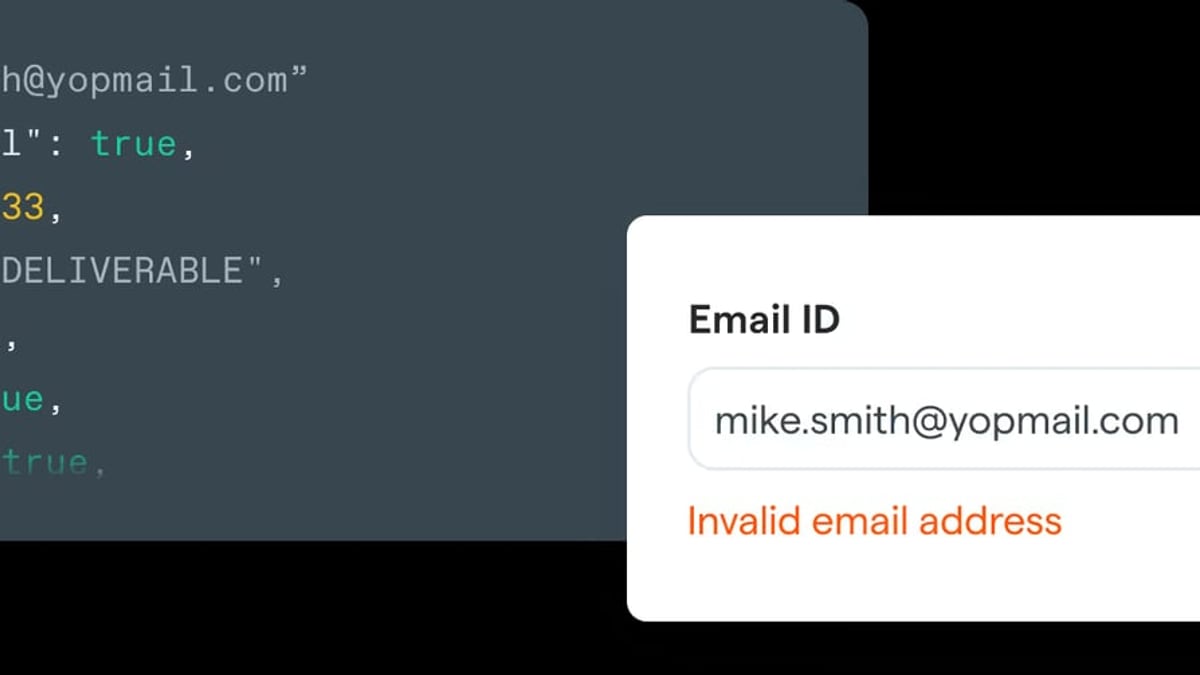
If BrowserScan’s tests (or a privacy audit of a website you operate) reveal an email address, you can validate it with Abstract’s Email Validation API:
curl "https://emailvalidation.abstractapi.com/v1/?api_key=YOUR_KEY&email=leaked@example.com"
This returns deliverability status, disposable/free provider detection, and role‑account flags—vital for preventing sign‑up fraud or protecting your own inboxes.
Practical Example: Confirming a VPN Leak
Suppose you’re connected to a VPN and BrowserScan’s WebRTC test reveals IP 198.51.100.88. You copy that IP and run the Abstract cURL. The response shows city: "Chicago", isp_name: "AT&T Services, Inc.", and security.is_hosting: false. Since AT&T is a residential ISP and Chicago is your real location, your VPN is definitely leaking your real IP. You can now switch to a VPN provider that handles WebRTC leaks or install a browser extension to block them.
Automating the Audit with a Simple Script
If you run these checks often, automate the IP enrichment step with a short Python script. Just paste the IP you got from BrowserScan into a variable:
import requests

API_KEY = 'your_abstract_api_key'
leaked_ip = '198.51.100.88'

url = f'https://ipgeolocation.abstractapi.com/v1/?api_key={API_KEY}&ip_address={leaked_ip}'
response = requests.get(url).json()

print(f"IP: {response['ip_address']}")
print(f"ISP: {response['connection']['isp_name']}")
print(f"Hosting: {response['security']['is_hosting']}")
print(f"VPN: {response['security']['is_vpn']}")
This script prints a clean risk summary, which you could log alongside your BrowserScan results for long‑term tracking.
Comparing BrowserScan+Abstract to Other Privacy Stackups
How to Use BrowserScan with Abstract API for Privacy Audits product interface and feature overview.
BrowserScan and Abstract are not the only combo. If you already use a different IP look‑up tool, the principle remains the same. For example, our guide on combining BrowserScan with IP.ME shows a lighter‑weight alternative. However, Abstract stands out because it unifies IP, email, and phone verification under one API key, making it particularly useful if you’re also hardening user verification on your own web app. For developers serious about fraud prevention, Abstract’s bot detection capabilities complement BrowserScan’s own bot identification features. Abstract also appears among our top IP intelligence tools for 2026, where we break down its advantages over other providers.
Related reading
- BrowserScan vs Pixelscan vs NSLookup.io: Which Tool Wins? - Compare BrowserScan, Pixelscan, and NSLookup.io for privacy diagnostics, fingerprinting, DNS tools, and leak tests. Find the best tool for your workflow.
- BrowserScan vs NSLookup.io: Privacy Suite or DNS Tool? - Compare BrowserScan and NSLookup.io for online privacy vs DNS lookups. See why BrowserScan's fingerprint and leak detection beats a DNS-only utility.
- HUMAN Security Review: Bot Management & Fraud Prevention Tested - In-depth HUMAN Security review covering anti-bot protection, ad fraud prevention, account takeover defense, pricing signals, user feedback, and ideal enterprise use cases.
Sources and further reading
- How to use an API - Everything you wanted to know about using an API: trying HTTP GET requests, user authentication, practical examples, and more.
- Compare - Abstract Web Scraping API vs. Browser Use - What’s the difference between Abstract Web Scraping API and Browser Use? Compare Abstract Web Scraping API vs. Browser Use in 2026 by cost, reviews, features, integrations, and more
Frequently Asked Questions
Can BrowserScan automatically trigger Abstract API calls?
BrowserScan is a website‑based tool and does not have a public API. You’ll need to manually copy the leaked IP or use a browser automation framework to extract it, then call Abstract’s API yourself. The Python snippet above is a good starting point for building your own lightweight connector.
Is Abstract’s free tier sufficient for these audits?
Absolutely. The free tier includes 20,000 requests per month for the IP Geolocation API, which is more than enough for personal or small‑team privacy testing. Email and phone validation also have identical free limits.
What if BrowserScan doesn’t detect a leak but Abstract shows something suspicious?
If BrowserScan reports no leak but the public IP shown in its IP Lookup tool appears to be hosting‑related (according to Abstract), your VPN may be configured in a way that only partially protects you. Double‑check BrowserScan’s WebRTC test with different STUN servers (available in its settings) and run the DNS leak test again.
Do I need programming skills to combine the two?
Not for one‑off checks. You can simply navigate to Abstract’s IP Geolocation tester in the dashboard and paste the IP that BrowserScan revealed. The web‑based tester returns the same JSON data without writing a single line of code.
Conclusion
Using BrowserScan with Abstract API elevates your privacy audits from simple leak detection to full‑spectrum threat analysis. You can immediately confirm whether a leaked IP is benign or dangerous, audit the integrity of your VPN, and even validate any exposed contact data. Whether you’re a privacy‑focused individual or a developer building client‑facing authentication flows, this two‑tool workflow gives you a clear, actionable picture of your digital footprint. Once you’ve mastered this pairing, explore BrowserScan’s bot detection and Abstract’s fraud‑prevention endpoints to create an even stronger defense.