
How to Use BrowserScan with IP2Proxy VPN Detection
How to Use BrowserScan with IP2Proxy Proxy VPN Detection
A VPN or proxy can hide your IP address and still leave you exposed. Your browser keeps broadcasting dozens of other signals, and the IP you are routing through may itself be flagged as a datacenter, VPN, or residential proxy. BrowserScan and IP2Proxy Proxy VPN Detection - Check Proxy & VPN using IP Address solve two halves of that problem: BrowserScan shows what your browser reveals, and IP2Proxy classifies the IP address you are actually using.
This guide explains how the two tools fit together, the exact workflow, and the practical checks that catch the leaks people miss.
Why one tool is not enough
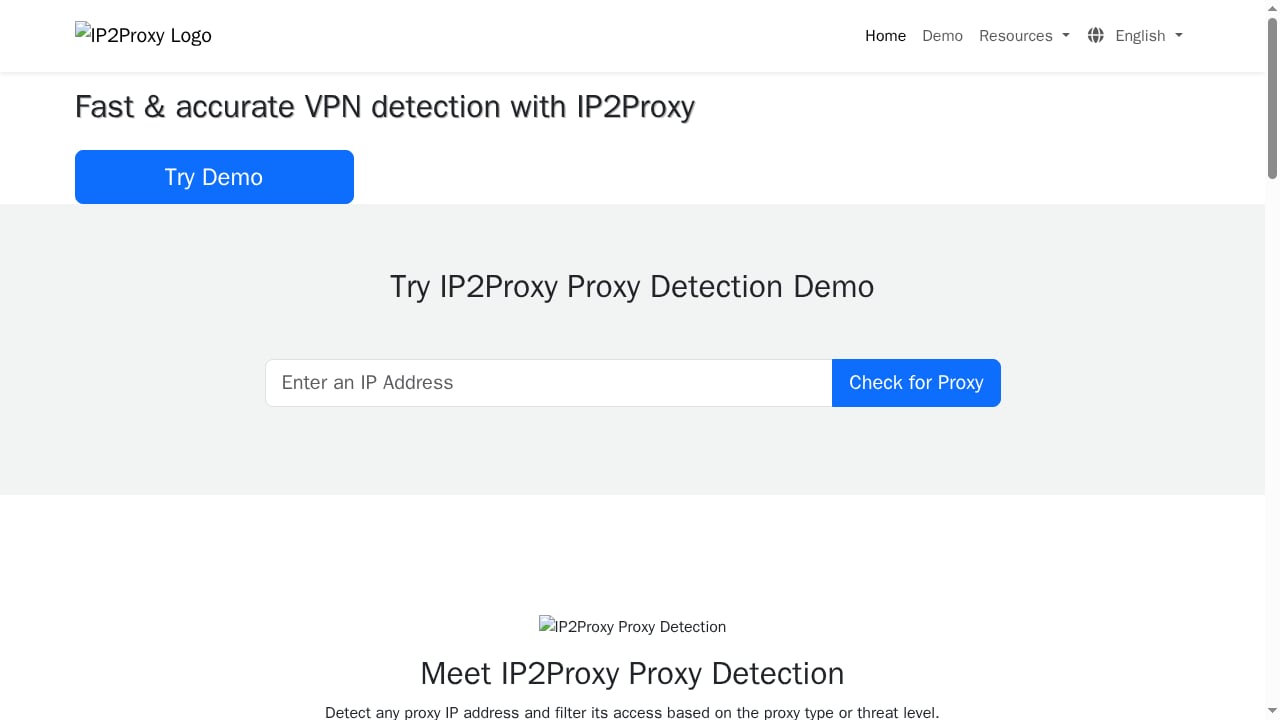
First viewport screenshot of IP2Proxy Proxy VPN Detection - Check Proxy & VPN using IP Address.
Proxy and VPN detection is not a single lookup. Modern detection stacks combine static blocklists, ASN and hosting analysis, WHOIS and infrastructure intelligence, IP reputation, behavioral signals, and machine learning. That is why a tool like IPQualityScore's proxy detection test evaluates multiple independent signals instead of relying on one blocklist.
BrowserScan approaches the same problem from the browser side. It analyzes browser properties, hardware, network signals, and fingerprint authenticity, and it includes IP and proxy detection plus blacklist checking. The gap is depth on the IP itself. BrowserScan tells you that your connection looks suspicious; IP2Proxy tells you why by naming the proxy type.
IP2Proxy detects anonymous and open proxies, web proxies, VPNs, TOR, data center ranges, search engine spiders, and residential proxies using an IP address in real time. Pairing it with BrowserScan gives you both the browser layer and the network layer in one review.
What each tool actually checks
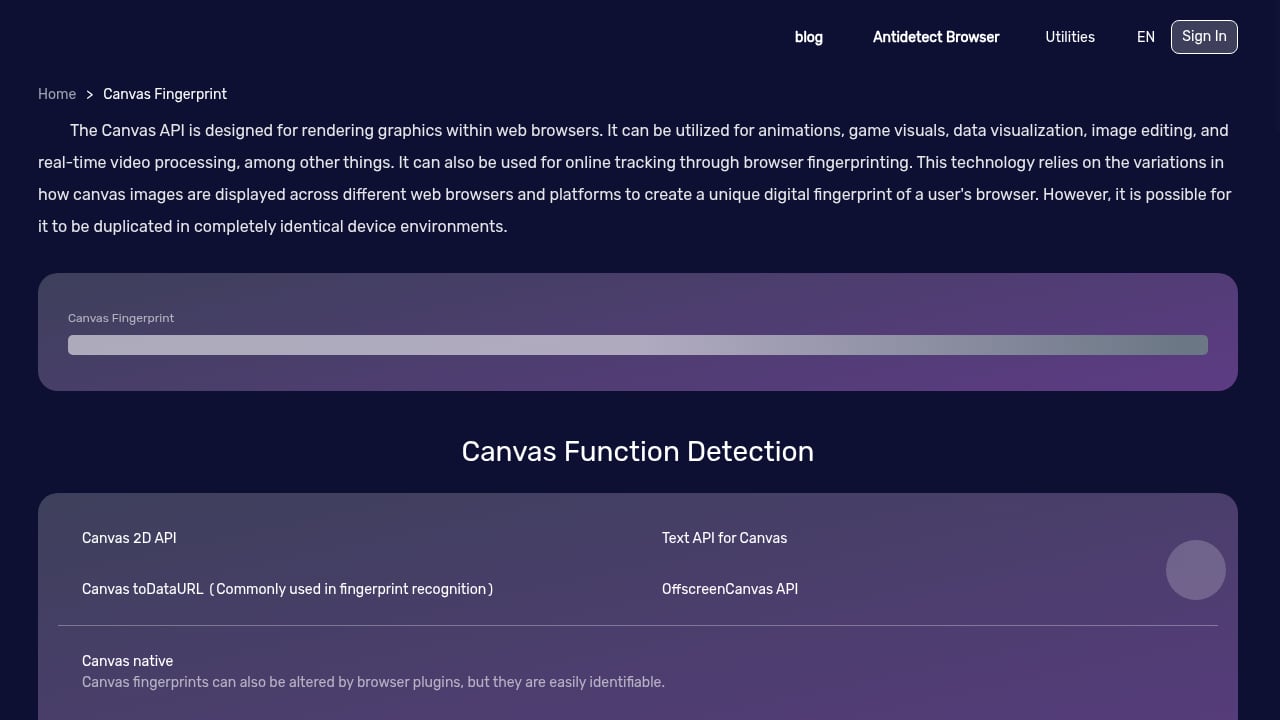
First viewport screenshot of Canvas Fingerprint.
BrowserScan: the browser layer
BrowserScan is a free online suite of browser fingerprint detection and privacy testing tools. It reveals:
- Browser fingerprint composition (canvas, client hints, kernel, and related properties)
- Hardware and network signals that survive a VPN
- DNS leak and WebRTC leak status
- IP and proxy detection with blacklist checking
- Bot detection and automation indicators
- Browser version vulnerabilities and detailed reports
Its real-time fingerprint authenticity score is the fastest way to see whether your setup looks like a normal human browser or a flagged automation profile.
IP2Proxy: the network layer
IP2Proxy answers a narrower but deeper question: what kind of IP is this? Its classifications include:
| IP2Proxy category | What it means for you |
|---|---|
| VPN | Commercial VPN endpoint; often trusted by users, frequently flagged by fraud systems |
| Open proxy / web proxy | Misconfigured or public proxy; high abuse risk |
| TOR | Anonymity network exit node; blocked by many services |
| Data center | Cloud or hosting range; auto-flagged by most anti-bot systems |
| Residential proxy (RES) | Traffic routed through real consumer devices; hardest to detect |
| Search engine spider (SES) | Legitimate crawler traffic; useful for verification |
That classification matters because two IPs can both be "not your real IP" and still behave very differently. A residential IP from a consumer ISP usually scores higher trust than a data center IP from a cloud provider, even when both are proxies.
The combined workflow, step by step
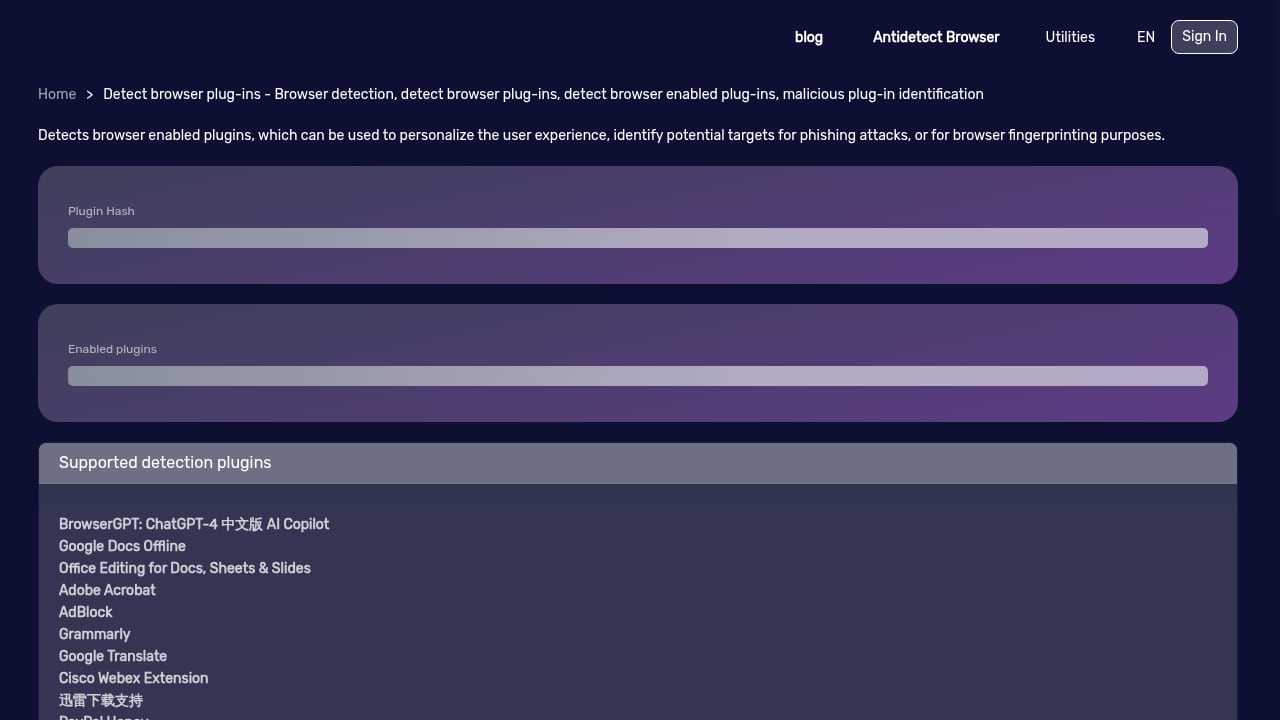
First viewport screenshot of Browser Plug-in Detection - Browser Detection, Detect Browser Plug-ins, Detect Browser Enabled Plug-ins - BrowserScan.
Step 1: Run BrowserScan first
Open BrowserScan and run a full fingerprint and privacy check before touching anything else. Record four values:
- The public IP address BrowserScan reports
- The IP and proxy detection result
- DNS leak and WebRTC leak status
- The fingerprint authenticity score
If BrowserScan shows a WebRTC leak, stop here. A WebRTC leak means your browser is exposing additional IPs through STUN candidates, and no amount of IP classification will fix that. WebRTC uses UDP, so HTTP and HTTPS proxies that only tunnel TCP will not cover it.
Step 2: Feed the reported IP into IP2Proxy
Take the IP address BrowserScan reported and query it with IP2Proxy. You are looking for two things:
- The proxy type (VPN, TOR, data center, residential, and so on)
- Whether the classification matches what you expected
If you believe you are on a residential connection but IP2Proxy returns a data center range, your proxy is not doing what you think it is.
Step 3: Compare the browser IP against the network IP
This is the step most people skip. Check whether the IP BrowserScan sees in the browser matches the IP your proxy or VPN claims to use. A mismatch usually means one of three things:
- A leak is exposing a second IP (DNS, WebRTC, or a misconfigured proxy)
- Split tunneling is routing some traffic outside the tunnel
- The proxy is transparent and forwarding your real address
A transparent proxy can also pass your original address through headers such as X-Forwarded-For. If a proxy is misconfigured or open, that header may reveal the client IP it is routing for.
Step 4: Re-test after every change
Change one variable at a time: switch server location, toggle the proxy, change browser profile. Then re-run both checks. Sequential testing is the only way to know which change fixed or broke your setup.
Practical examples
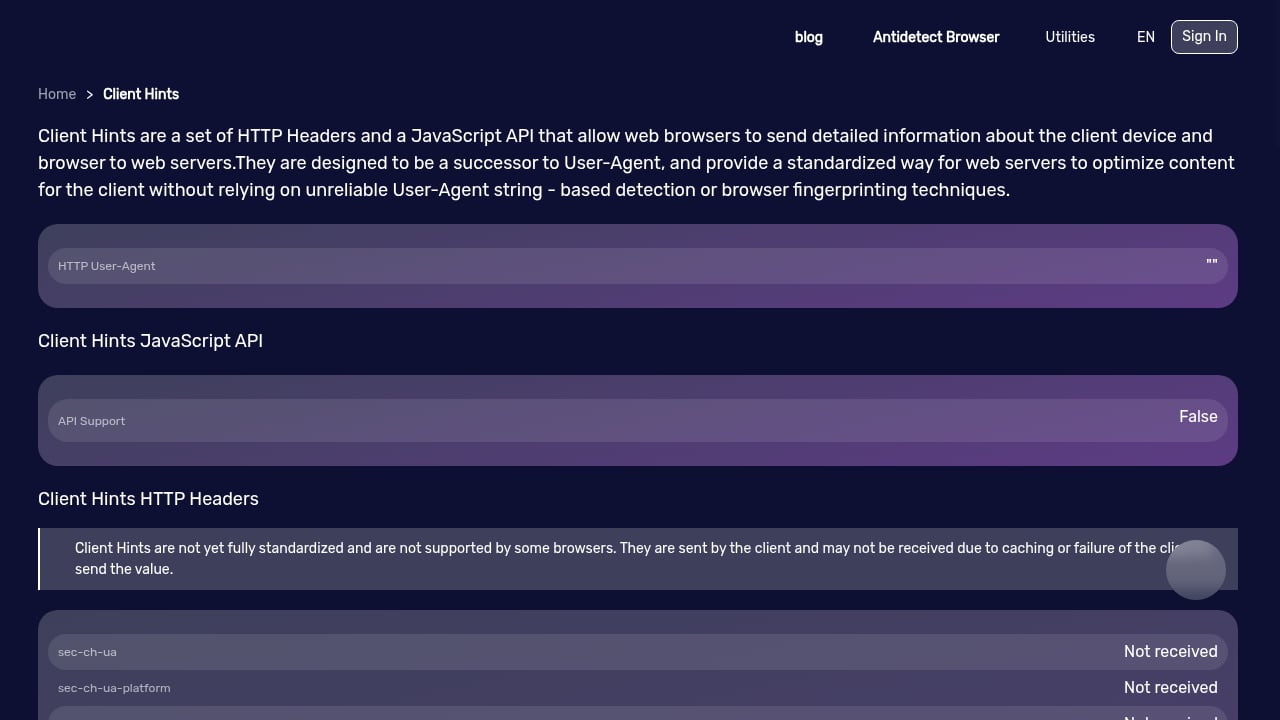
First viewport screenshot of Client Hints.
Example 1: A VPN that leaks through WebRTC
You connect to a VPN, BrowserScan reports the VPN's IP, but the WebRTC test shows a second IP from your real ISP. IP2Proxy confirms the VPN IP is a commercial VPN range. The problem is not the VPN's reputation; it is the browser leaking a parallel path. Fix the WebRTC leak first, then re-verify.
Example 2: A "residential" proxy that is actually a data center
You buy a proxy advertised as residential. BrowserScan shows a clean browser fingerprint, but IP2Proxy returns a data center classification. That explains why account creation or scraping keeps failing: anti-bot systems classify the ASN before they even look at your request, and data center ASNs get auto-flagged.
Example 3: Verifying a legitimate crawler
If you operate a search crawler and want to confirm that traffic is classified correctly, IP2Proxy's search engine spider category lets you verify that your IP is recognized as a spider rather than an anonymous proxy. BrowserScan's bot detection view gives you the browser-side counterpart.
Example 4: Checking whether your VPN is actually hiding you
Run a browser fingerprint test to see what sites detect, then confirm the IP classification with IP2Proxy. If the fingerprint is unique and the IP is a known VPN, you are hidden from casual observers but obvious to fraud systems. That distinction matters for privacy work and for anyone testing their own detection footprint.
Where the combination fits in a real stack
BrowserScan and IP2Proxy are the diagnostic layer. They tell you what is wrong. If you need to go further, the natural next steps are:
- If you are choosing between fingerprint tools, see the BrowserScan vs BrowserLeaks vs Pixelscan comparison for depth and leak-test coverage.
- If you need broader IP intelligence alongside geolocation, the BigDataCloud IP geolocation workflow shows how to verify location signals and fix mismatches.
- If you are evaluating commercial platforms, the Top 10 online privacy and IP intelligence tools ranks options by IP data depth, leak detection, and fingerprinting.
For developers, IP2Proxy is typically consumed as a database or API lookup, which makes it easy to automate: query the IP, store the proxy type, and alert when a known-good IP changes classification.
Decision guidance: which tool for which job
| Your goal | Start with | Then verify with |
|---|---|---|
| See what your browser reveals | BrowserScan | IP2Proxy for IP classification |
| Confirm a VPN hides your IP | BrowserScan leak tests | IP2Proxy for VPN range confirmation |
| Diagnose failed scraping or signups | IP2Proxy proxy type | BrowserScan fingerprint score |
| Investigate a suspicious visitor IP | IP2Proxy | BrowserScan for browser-side signals |
| Audit your own privacy setup | Both, in sequence | Re-test after each change |
Use BrowserScan when the question is about the browser. Use IP2Proxy when the question is about the address. Use both when you need to prove your setup actually works.
Common mistakes to avoid
- Testing only the IP. A clean IP with a leaking browser is still exposed.
- Testing only the browser. A clean fingerprint on a flagged data center IP will still fail anti-bot checks.
- Assuming VPN means anonymous. VPN ranges are well documented and easy to classify.
- Ignoring ASN. ASN ownership is the foundational layer of proxy detection; it is often checked before your request is even parsed.
- Not re-testing. Proxy infrastructure and detection rules change constantly.
Related reading
- BrowserScan vs ToDetect vs Fingerprint: 2026 Comparison - BrowserScan vs ToDetect vs Fingerprint compared: fingerprint depth, leak tests, IP purity, fraud signals, pricing, and which tool fits your privacy or fraud workflow.
- BrowserScan vs WhoerIP: Which Privacy Tool Wins in 2026? - Compare BrowserScan and WhoerIP for fingerprint detection, leak tests, and privacy scoring. See which free tool fits your anonymity workflow in 2026.
- Fingerprint Review 2026: Device Intelligence, Pricing & Fit - Evidence-based Fingerprint review: Visitor ID accuracy, Smart Signals, pricing, setup, limitations, and who should use it for fraud prevention in 2026.
Sources and further reading
- Free IP Checker - See What Sites Detect - Check your IP, ASN, location, and detection classification. WebRTC leak test included. Free, no signup.
- Can a proxy or VPN voluntarily tell a website or service what IP is it routing from on behalf of? - Answer (1 of 2): Yes, there is a HTTP header called X-Forwarded-For which is used to forward the ip of the client connecting to the proxy. This is common for proxies, most importantly if you use a proxy that is misconfigured to allow connections from anywhere (i.e. open proxy) chances are that it...
FAQ
Does BrowserScan detect proxies and VPNs on its own?
Yes. BrowserScan includes IP and proxy detection and blacklist checking. IP2Proxy adds deeper classification, including residential proxy and search engine spider categories that a general check may not surface.
What is the difference between a VPN and a proxy for detection purposes?
A VPN encrypts traffic between your device and the VPN server and operates at the operating system level. A proxy forwards traffic at the application level and typically does not encrypt it. Both hide your IP, but they are classified differently and carry different abuse reputations.
Why does my IP look like a data center when I am on a home connection?
Either your traffic is routed through a hosting provider, or your ISP's range is misclassified. IP2Proxy's classification plus a WHOIS and ASN check will usually show which is true.
Can a proxy or VPN reveal my real IP to a website?
Yes, in specific cases. Misconfigured or open proxies may forward your address through headers like X-Forwarded-For, and WebRTC can expose additional IPs through UDP traffic that a TCP-only proxy does not tunnel.
How often should I re-run these checks?
After every configuration change, and periodically for production systems. IP classifications and detection rules shift as new proxy infrastructure appears.
Conclusion
BrowserScan and IP2Proxy answer complementary questions. BrowserScan shows what your browser exposes and whether your fingerprint looks authentic; IP2Proxy tells you what kind of IP address you are actually using. Run BrowserScan first to capture the browser-side picture and any leaks, then query the reported IP with IP2Proxy to confirm its classification. Fix leaks before you worry about reputation, re-test after each change, and treat the two results together as a single verdict on whether your privacy setup holds up.