
How to Use PrivacyTools.io: A Practical Privacy Guide
How to Use PrivacyTools.io: A Practical Privacy Guide
PrivacyTools.io has been a trusted starting point for privacy-conscious individuals since 2015. The site cuts through the noise by recommending open-source, independently audited applications that replace everyday tracking-heavy software. But simply visiting the site and downloading a few tools is not enough. To truly close the gaps in your digital footprint, you need to understand how to interpret the recommendations and then verify that your new setup is actually working. This guide walks you through the entire process, from navigating the directory to testing your browser and network with complementary diagnostic platforms.
What PrivacyTools.io Actually Does
How to Use PrivacyTools.io: A Practical Privacy Guide - What PrivacyTools.io Actually Does.
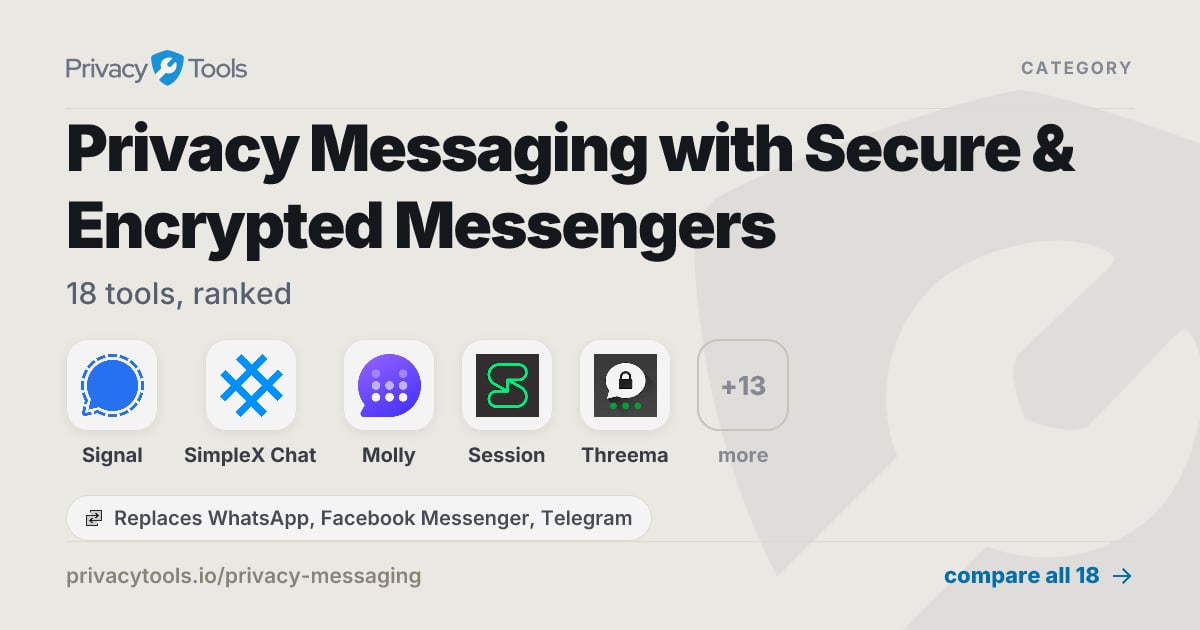
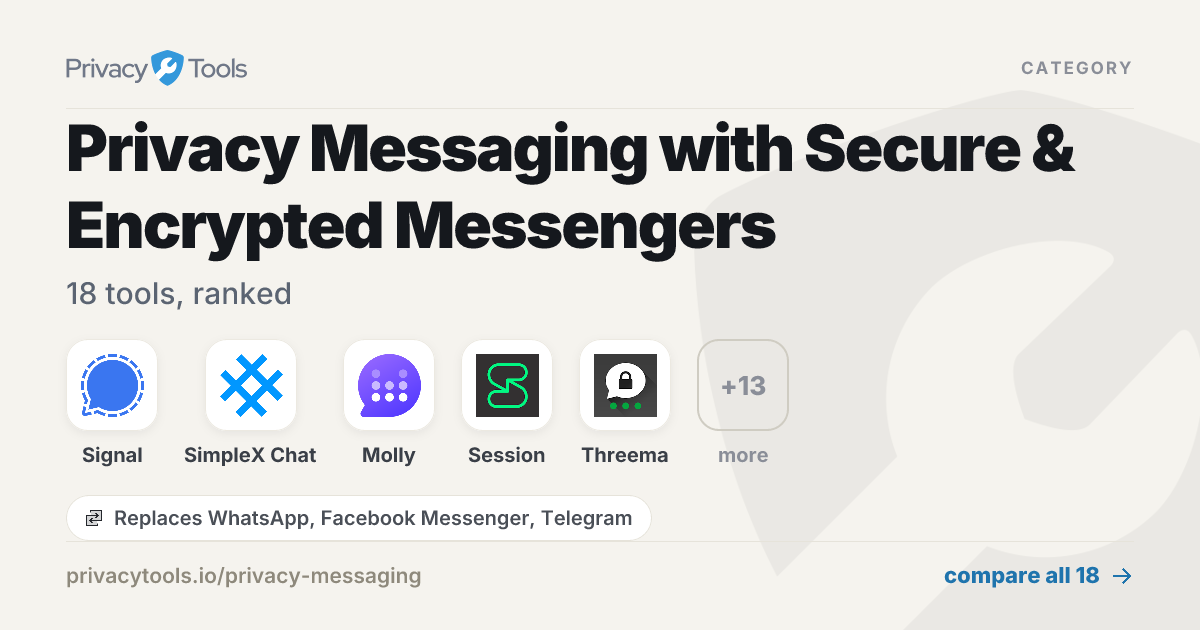
The core mission of PrivacyTools.io is straightforward: show you private alternatives to the apps you already use. Instead of overwhelming you with every option available, the platform curates a select group of tools for common tasks like messaging, email, browsing, VPNs, and password management. Each recommendation is evaluated based on open-source code, independent security audits, and a business model that does not rely on selling user data.
The site is organized by category, allowing you to swap out one service at a time. You can pick a mainstream app you use daily, and the site will present a privacy-respecting replacement. This incremental approach makes improving your privacy feel manageable rather than disruptive.
Navigating the PrivacyTools.io Directory
How to Use PrivacyTools.io: A Practical Privacy Guide - Navigating the PrivacyTools.io Directory.
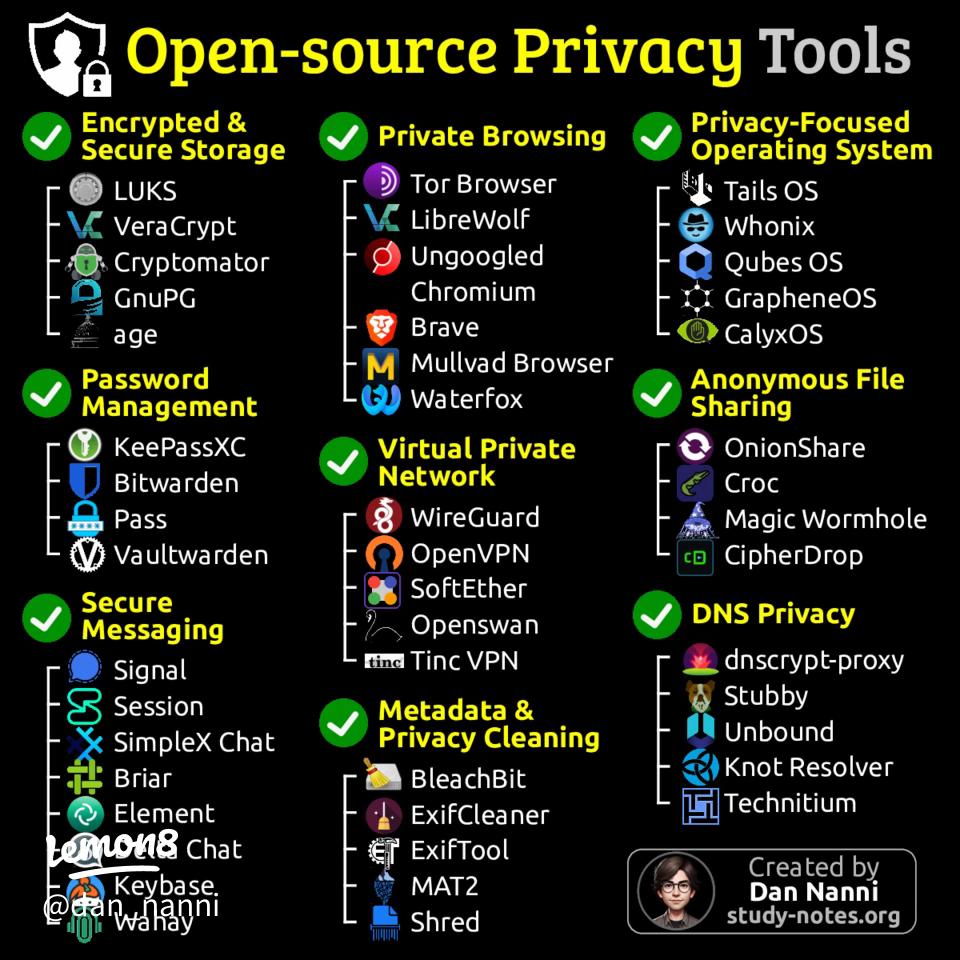
When you land on the homepage, you will see a clear grid of categories. The layout is designed for quick decision-making, but knowing what to prioritize makes the process more effective.
Step 1: Identify Your Highest-Risk Apps
Start with the applications that handle your most sensitive data. For most people, this means messaging, email, and your web browser. These three categories form the foundation of your privacy posture because they are the primary channels through which your personal communications and browsing habits flow.
- Messaging: PrivacyTools.io typically recommends Signal. It uses end-to-end encryption by default and collects minimal metadata. The interface feels familiar to WhatsApp users, which lowers the barrier to switching.
- Email: Proton Mail is a frequent top pick. It offers zero-access encryption, meaning even the company cannot read your messages. Free and paid plans are available, and it includes anti-phishing and two-factor authentication.
- Browsers: LibreWolf often appears as the recommended browser. It is a hardened fork of Firefox with enhanced protection against tracking and fingerprinting techniques. Unlike standard Firefox, it disables telemetry and includes uBlock Origin by default.
Step 2: Expand to Network-Level Protection
Once your core communication tools are replaced, move to services that protect your internet traffic itself.
- VPN: The site evaluates VPNs based on jurisdiction, logging policies, and independent audits. You will see options like Surfshark or Proton VPN highlighted, with notes on server infrastructure and whether the provider uses RAM-only servers.
- DNS/Ad Blocking: NextDNS is often recommended because it allows granular control over blocklists and parental controls, going beyond what a simple ad blocker can do.
Step 3: Audit Your Remaining Digital Life
After securing communication and network traffic, look at secondary categories like search engines, password managers, and file encryption. Brave Search provides independent search results without tracking your queries. KeePassXC stores passwords in an encrypted local database. VERNAM offers client-side file encryption that runs entirely in your browser without uploading anything.
How PrivacyTools.io Selects Its Recommendations
How to Use PrivacyTools.io: A Practical Privacy Guide - How PrivacyTools.io Selects Its Recommendations.
Understanding the criteria behind the listings helps you trust the recommendations and apply the same logic to tools not yet covered on the site. The team has been reviewing privacy software since 2015 and prioritizes three factors:
- Open-Source Code: Publicly inspectable code allows security researchers to find flaws or hidden data collection. This transparency is a strong starting point, though not a guarantee on its own.
- Independent Audits: A reputable third-party cybersecurity firm verifying the software’s claims adds a layer of trust that goes beyond the developers’ promises.
- Data Sovereignty by Design: The best tools are engineered so that your data remains yours even if the company is compromised. Zero-knowledge architectures and on-device processing are key indicators.
The site also flags when a recommendation is an advertisement, maintaining transparency about its funding model.
Beyond Recommendations: Testing Your Privacy Setup
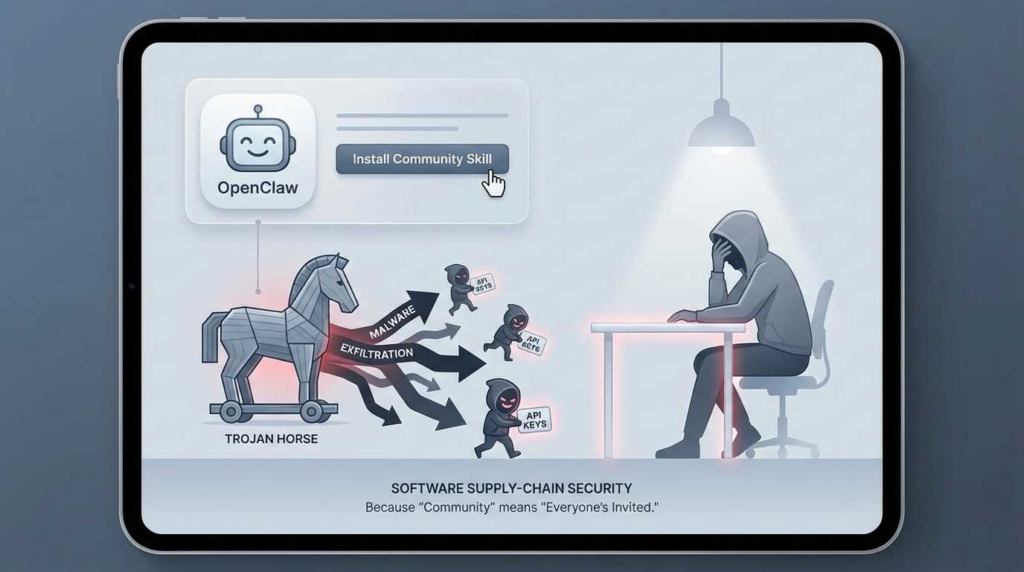
How to Use PrivacyTools.io: A Practical Privacy Guide - Beyond Recommendations: Testing Your Privacy Setup.
Installing recommended software is only half the battle. Misconfigurations, browser settings, or VPN failures can silently leak your real identity. This is where a dedicated privacy testing platform becomes essential. After switching to a new browser or connecting to a VPN, you should always verify that your setup is watertight.
BrowserScan is a comprehensive online platform that provides exactly this kind of verification without requiring any installation. It offers a suite of free, web-based tools that let you stress-test your new privacy configuration in real time.
Verify Your Browser Fingerprint
Even with a privacy-focused browser like LibreWolf, websites can still collect unique characteristics about your system—screen resolution, installed fonts, hardware capabilities—to create a fingerprint. BrowserScan’s browser fingerprint analysis checks how unique your browser appears to tracking scripts. A truly private setup should blend in with the crowd, not stand out. This directly complements the browser recommendations on PrivacyTools.io by confirming they are working as intended. For a deeper dive into how IP addresses factor into your digital identity, see our IP geolocation guide.
Check for DNS and WebRTC Leaks
A VPN is only effective if it does not leak your real IP address. Two common failure points are DNS leaks, where your computer bypasses the VPN tunnel for domain name lookups, and WebRTC leaks, where browser communication protocols expose your local network address. BrowserScan’s leak test tools detect both vulnerabilities instantly. If you are evaluating a VPN recommended by PrivacyTools.io, running these tests should be a mandatory step after connecting.
Scan for Open Ports
An overlooked security risk is open network ports that expose your device to the internet. BrowserScan includes an Nmap-powered port scanner that identifies visible services on your connection. This is especially useful if you are using a VPN that offers port forwarding or if you want to ensure your firewall is configured correctly.
Common Questions About Using PrivacyTools.io
Are the tools on PrivacyTools.io really free?
Many of the strongest recommendations are free and open-source, including private browsers, encrypted messengers, and password managers. Some services, like VPNs and encrypted email providers, charge a subscription to cover infrastructure and independent audits. The site clearly labels which options are free and which are paid.
Is open-source software automatically safer?
Open-source code allows anyone to inspect for flaws or hidden data collection, so problems are often caught and fixed publicly. It is not an automatic guarantee of security, which is why PrivacyTools.io also weighs factors like independent audits and the development team’s track record.
Do I need a VPN if I use all the other recommended tools?
A VPN hides your traffic from your internet provider and changes your apparent location. It does not make you anonymous by itself, and it shifts trust to the VPN company. It is useful for specific threats, like using public Wi-Fi or bypassing geographic restrictions, but it is not a silver bullet. The provider’s privacy policy matters more than the feature itself.
How is this different from using incognito mode?
Incognito or private browsing modes only prevent your browser from saving local history. Websites, advertisers, your internet service provider, and search engines can still see your activity. The tools recommended by PrivacyTools.io change what data those parties can collect in the first place.
What caused the split between PrivacyTools.io and Privacy Guides?
The original team behind PrivacyTools.io experienced a rift several years ago, leading to the creation of a separate project called Privacy Guides. The disagreement centered on editorial control and the transparency of certain recommendations. Today, both sites operate independently with different criteria and maintainers. If you encounter outdated references to the old Reddit community (r/privacytoolsIO), know that the active recommendation site remains at privacytools.io.
What is the single most impactful change I can make?
Start by switching your browser and search engine, then adopt a password manager. These three changes cover the widest surface area of data collection for the least amount of effort. Once those are in place, you can methodically work through other categories like messaging and email.
Building a Verifiable Privacy Routine
Using PrivacyTools.io effectively is not a one-time checklist. It is a habit of periodically reviewing your software stack and testing your defenses. The directory gives you a vetted starting point. A platform like BrowserScan gives you the evidence that your choices are actually protecting you. By combining curated recommendations with active verification, you move from hoping your data is private to knowing it is.
Related reading
- What Is IPWHOIS.io? The IP Geolocation API Explained - Learn what IPWHOIS.io is, how its free IP geolocation API works, and how to verify the data accuracy with privacy testing tools.
- IPWHOIS.io Download: API Setup, Docs & Offline Alternatives - Looking for an IPWHOIS.io download? Understand the API-only architecture, explore setup guides, code examples, and discover offline IP lookup alternatives.
- What Is BigDataCloud? IP Geolocation & Network APIs Explained - Learn what BigDataCloud is, how its patented IP geolocation and reverse geocoding APIs work, and how to verify the data accuracy with privacy testing tools.
Sources and further reading
- Best Privacy Tools & Software Guide in 2026 - The most reliable website for privacy tools since 2015. Find private alternatives to the apps you use every day.
- PrivacyTools - Join the most real place on the internet
- Split between privacytools.io and privacyguides.org - Off Topic - Privacy Guides Community - Hi, I see on old Reddit posts that privacytools.io and privacyguides.org were once one in the same? I actually discovered privacytools.io before, but distrusted after questionable recommendations. What caused the rift ?