
Proxy Detection for E-commerce: BrowserScan Guide
Proxy Detection for E-commerce: How to Verify Traffic, Storefronts, and Fingerprints
E-commerce runs on trust in signals. A price, a shipping estimate, a promotion banner, and a fraud score all depend on what the site believes about the visitor — their location, their device, and whether the connection is genuine. Proxies and VPNs distort those signals in both directions: they help teams see regional storefronts accurately, and they help bad actors look like ordinary shoppers. Proxy detection for e-commerce is the discipline of telling those two cases apart.
This guide explains how proxy and VPN signals are detected, why residential proxies are the hardest case, and how to verify what a browser actually exposes using free fingerprint and leak tests such as BrowserScan.
Why e-commerce teams need proxy detection
Two very different jobs share the same toolkit.
Defensive detection. Fraud, scalping, card testing, and promo abuse often arrive through proxy networks. The goal is to flag risky sessions without blocking real customers who happen to share an IP through Carrier-Grade NAT or a corporate VPN.
Verification of your own traffic. Price monitoring, ad verification, marketplace research, and regional storefront QA all rely on proxies to appear in the right market. Before trusting that data, you need to confirm the exit IP, the geolocation, and the browser fingerprint actually match what you intended.
Both jobs fail the same way: a binary block-or-allow decision. Modern detection uses confidence scores and layered signals rather than a single IP reputation lookup.
How proxy and VPN detection actually works
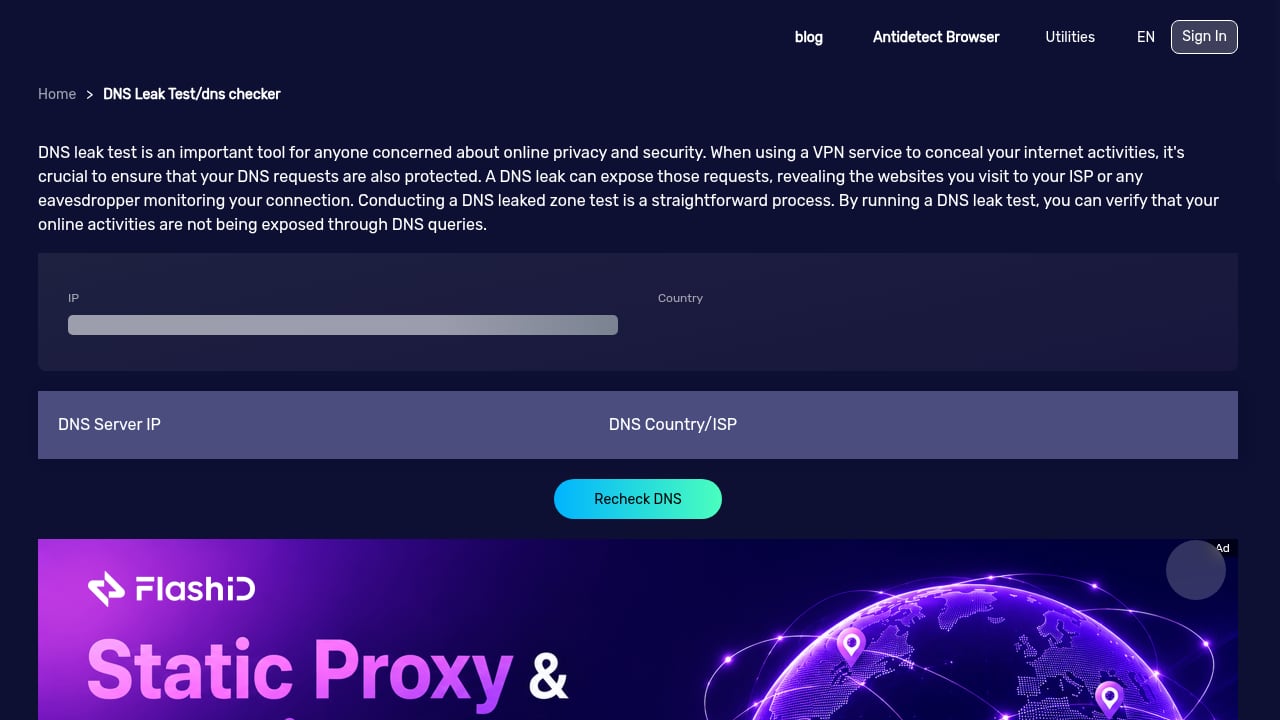
First viewport screenshot of BrowserScan - DNS Leak Test.
Detection is not one test. It is a stack of signals that are scored together.
IP reputation and ASN classification
Every IP belongs to an autonomous system. Datacenter ranges, hosting providers, and known VPN endpoints are easy to classify. Residential ranges are not — they belong to real consumer ISPs, which is exactly why proxy providers want them.
Active probing
Some detection services connect back to the client's IP and check whether it behaves like a proxy or VPN endpoint. This catches many commercial VPNs with high confidence, but it is weaker against residential proxies that only forward traffic on demand.
Behavioral and device signals
Request pacing, session consistency, header ordering, and browser fingerprint coherence all matter. A session claiming to be a mobile shopper in one region while presenting a desktop fingerprint from another is a contradiction worth scoring.
Leak checks
A proxy can hide the exit IP while DNS queries or WebRTC connections still reveal the real network. Leak tests catch that mismatch, which is why they belong in any verification workflow.
MaxMind's practical guide to residential proxy detection makes the key point well: blocking all residential proxies risks disrupting a large volume of legitimate activity, so confidence thresholds and additional verification steps usually beat hard blocks.
The residential proxy problem
First viewport screenshot of Feedback.
Residential proxies route traffic through real consumer IP addresses. Those addresses come from compromised devices, opt-in bandwidth-sharing apps, or IP blocks leased from ISPs. Because the IPs look clean and belong to ordinary networks, reputation-based blocking largely fails.
Shared infrastructure makes this harder. Carrier-Grade NAT means dozens or hundreds of legitimate users can share one public IP. If a single compromised device sits behind that address, a naive block punishes everyone else on it.
For e-commerce teams, the practical takeaway is to treat residential proxy signals as a risk input, not a verdict. Use them to trigger step-up verification — additional authentication, manual review, or slower checkout flows — rather than instant rejection.
What proxies hide — and what they do not
A proxy changes the apparent source IP. It does not automatically change the browser. This distinction is where most verification mistakes happen.
| Signal | Changed by a proxy? | Changed by a VPN? |
|---|---|---|
| Exit IP address | Yes | Yes |
| Geolocation estimate | Usually | Usually |
| DNS resolver path | Sometimes | Sometimes |
| WebRTC-exposed IP | Often not | Often not |
| Browser fingerprint | No | No |
| Client hints and headers | No | No |
If a monitoring setup routes through a Spanish residential IP but the browser still reports a desktop fingerprint, a UTC timezone, and a US DNS resolver, the session is internally inconsistent. Sites that score coherence will notice, and so will fraud systems.
Auditing your own proxy setup with BrowserScan
First viewport screenshot of US Dollar to Chinese Yuan RMB, USD to CNY - Currency Converter.
BrowserScan is a free online suite for browser fingerprint detection and privacy testing. It shows what websites can learn about a visitor by analyzing browser properties, hardware, network, and other signals. For e-commerce verification work, three areas matter most.
1. Confirm the exit IP and its risk profile
Run the IP and proxy detection check to see the exit address, its geolocation, and whether it is flagged as a proxy, VPN, or hosting range. This is the fastest way to confirm a proxy is actually doing what you configured it to do.
2. Catch DNS and WebRTC leaks
The DNS leak test and WebRTC leak test reveal whether queries or peer connections are escaping outside the proxy tunnel. A leak can expose the real network even when the visible IP looks correct.
3. Read the fingerprint authenticity score
BrowserScan provides a real-time fingerprint authenticity score alongside detailed reports on browser properties, client hints, canvas fingerprints, and browser kernel details. For QA and bot-detection work, this shows whether a session looks like a coherent, genuine browser or a collection of mismatched signals.
If you are combining fingerprint checks with a proxy provider, the workflow in How to Use BrowserScan with Decodo walks through verifying exit IPs and catching leaks before scaling collection. For a broader comparison of detection tools, see BrowserScan vs IPhey vs WebBrowserTools.
Applying detection without breaking real customers
First viewport screenshot of Gyroscope Visualizer.
A workable policy usually follows these steps:
- Score, do not block. Combine IP reputation, proxy confidence, fingerprint coherence, and behavioral signals into one risk score.
- Set thresholds by use case. High-risk actions like checkout and account creation warrant stricter thresholds than browsing.
- Add friction, not rejection. For medium-confidence sessions, request additional verification rather than ending the session.
- Monitor false positives. Track how many legitimate customers hit each threshold and adjust.
- Re-test your own infrastructure. If you use proxies for monitoring, verify them regularly — configurations drift and leaks reappear.
For teams running both defensive detection and outbound monitoring, the top IP lookup and browser fingerprint tools comparison covers the evidence-based criteria worth checking.
Common verification mistakes
- Trusting the visible IP alone. A clean residential IP says nothing about whether DNS or WebRTC is leaking.
- Ignoring fingerprint coherence. Timezone, language, screen size, and client hints should tell a consistent story.
- Blocking entire ASNs. This catches legitimate ISP customers alongside proxy traffic.
- Skipping re-tests. Proxy configurations change; a setup that passed last month may leak today.
- Assuming a VPN equals fraud. Many legitimate shoppers use VPNs for privacy.
Related reading
- Top 10 Online Privacy Testing & VPN Review Platforms 2026 - Ranked top 10 online privacy testing and VPN review platforms for 2026, with transparent criteria, leak-test evidence, and workflow guidance.
- How to Use BrowserScan with Decodo: Proxy + Scraping Workflow - Combine BrowserScan fingerprint tests with Decodo proxies and Web Data API to verify exit IPs, catch leaks, and scrape reliably at scale.
- BrowserScan vs IPhey vs WebBrowserTools: Fingerprint Test Guide - Compare BrowserScan, IPhey, and WebBrowserTools for real-time browser fingerprinting tests, leak checks, and privacy auditing in 2026.
Sources and further reading
- Proxies for E-commerce: A Practical Guide for 2026 - What proxies actually do for an e-commerce business — price monitoring, storefront verification, ad checks, MAP enforcement — with costs and honest limits.
- 8 Best eCommerce Proxies in 2026 (Compared & Ranked) | Live Proxies - Discover the 8 best eCommerce proxies in 2026. Compare top providers by features, pricing, and performance for scraping, price monitoring, and market research.
FAQ
What is proxy detection for e-commerce?
It is the practice of identifying whether a visitor's connection is routed through a proxy, VPN, or anonymizing network, and scoring that signal alongside other risk indicators. E-commerce teams use it for fraud prevention, promo abuse detection, and verifying their own monitoring traffic.
Why are residential proxies harder to detect than datacenter proxies?
Residential proxies use IP addresses from real consumer ISPs, so they look like ordinary household connections. Datacenter and hosting ranges are easier to classify by ASN, while residential ranges require active probing, behavioral analysis, and confidence scoring.
Can a proxy hide my browser fingerprint?
No. A proxy changes the apparent IP address, but the browser still exposes properties like user agent, timezone, screen dimensions, canvas output, and client hints. Fingerprint tests reveal those signals regardless of the proxy.
How do I check if my proxy is leaking?
Run DNS and WebRTC leak tests. These show whether queries or peer connections are escaping the proxy tunnel and exposing your real network. BrowserScan's free leak tests cover both.
Should e-commerce sites block all proxy traffic?
Generally no. Blanket blocking catches legitimate customers behind corporate VPNs, privacy tools, or Carrier-Grade NAT. Confidence-based scoring with step-up verification usually balances security and conversion better.
Conclusion
Proxy detection for e-commerce is not about catching every proxy. It is about understanding which signals a connection exposes, scoring them honestly, and applying friction where risk is real. Residential proxies will keep blurring the line between genuine and disguised traffic, and shared infrastructure will keep punishing crude blocking rules.
The practical path is layered: score IP reputation, check for DNS and WebRTC leaks, verify fingerprint coherence, and re-test your own monitoring setup regularly. Free tools like BrowserScan make the verification half of that work accessible — showing exactly what a browser reveals before you decide what to do about it.