
Secure Remote Access: How It Works, Risks, and Best Practices

Secure Remote Access: How It Works, Risks, and Best Practices
Secure remote access is no longer a niche IT concern. With hybrid work, BYOD policies, and cloud-hosted applications now standard, employees routinely connect to corporate resources from home networks, coffee shops, and airports. Each connection is a potential entry point for attackers, which makes the controls around remote access a foundational part of enterprise security.
This guide explains what secure remote access actually means, the risk categories you need to plan for, how the main technology approaches compare, and the practical steps individuals and organizations can take to harden remote connections.
What Is Secure Remote Access?
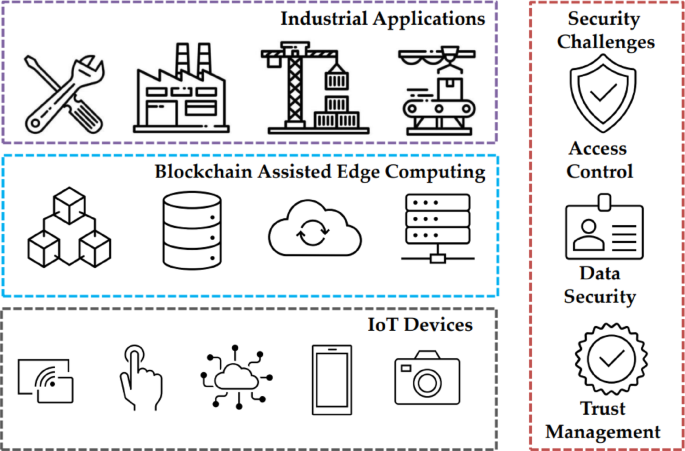
Secure Remote Access: How It Works, Risks, and Best Practices - What Is Secure Remote Access?.
Secure remote access refers to the combination of technologies, policies, and practices that let authorized users reach corporate applications, data, and systems from outside the office without exposing those resources to unauthorized parties. The goal is threefold: prevent unauthorized access, protect data confidentiality, and preserve the integrity of the devices and resources being connected to.
What has changed over the past decade is scale. Remote access used to be a feature for a small number of traveling employees. Today, it is the default working mode for a large portion of the workforce. More users, more devices, and more locations mean a dramatically expanded attack surface. Every new access point is a potential entry for attackers, so secure remote access has shifted from a convenience feature to a core security requirement.
Why Secure Remote Access Matters

Secure Remote Access: How It Works, Risks, and Best Practices - Why Secure Remote Access Matters.
Organizations now hire based on qualification rather than location, and remote and hybrid work are permanent parts of the business landscape. At the same time, cyber threats and software vulnerabilities are at all-time highs. That combination puts secure remote access at the top of priority lists for IT and security teams across industries.
The legacy model assumed that employees sat on the corporate network and applications lived in the data center connected to that same network. That assumption no longer holds. Employees connect through home routers and public Wi-Fi, applications run in public clouds and SaaS platforms, and the corporate network is no longer the single perimeter it once was. Security strategies built around the old castle-and-moat model leave dangerous gaps.
Security Risks of Remote Access
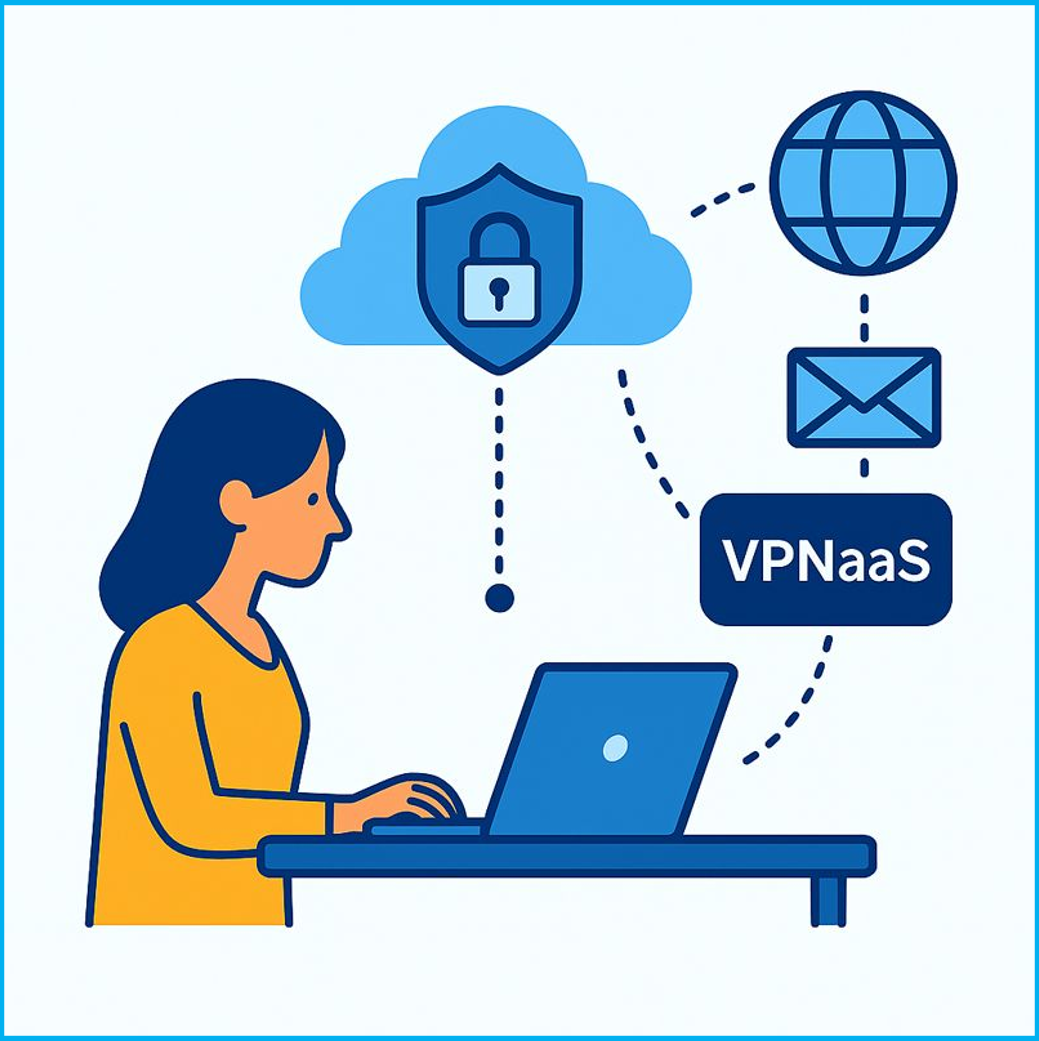
Secure Remote Access: How It Works, Risks, and Best Practices - Security Risks of Remote Access.
Remote access introduces several distinct risk categories. Understanding each one helps you choose the right controls.
VPN Risks
Traditional VPNs encrypt the connection between a user and the corporate network, but they typically grant broad network access once authentication succeeds. Without strong policy controls layered on top, VPN access becomes a high-value target. Attackers who compromise VPN credentials can gain wide access to the corporate network and move laterally across it.
Expanded Attack Surface
Every new device and connection point increases the number of potential entry points attackers can target. BYOD policies multiply this risk because personal devices often lack the same security controls as corporate-managed hardware.
Human Error
Employees with limited security training make mistakes: failing to update devices, ignoring corporate security policy, reusing passwords, or falling for phishing attempts. These errors can lead directly to network breaches or data exposure.
Phishing and Malware
Attackers frequently exploit remote access through phishing emails and malicious attachments. A single deceptive link or downloaded file can give an attacker a foothold inside the corporate network.
Privileged Access Vulnerabilities
Administrators, IT engineers, and executives hold privileged access to critical systems and data. If their remote connections are not protected with strong authentication and continuous verification, a compromised privileged account can expose sensitive systems across the organization.
How Secure Remote Access Works
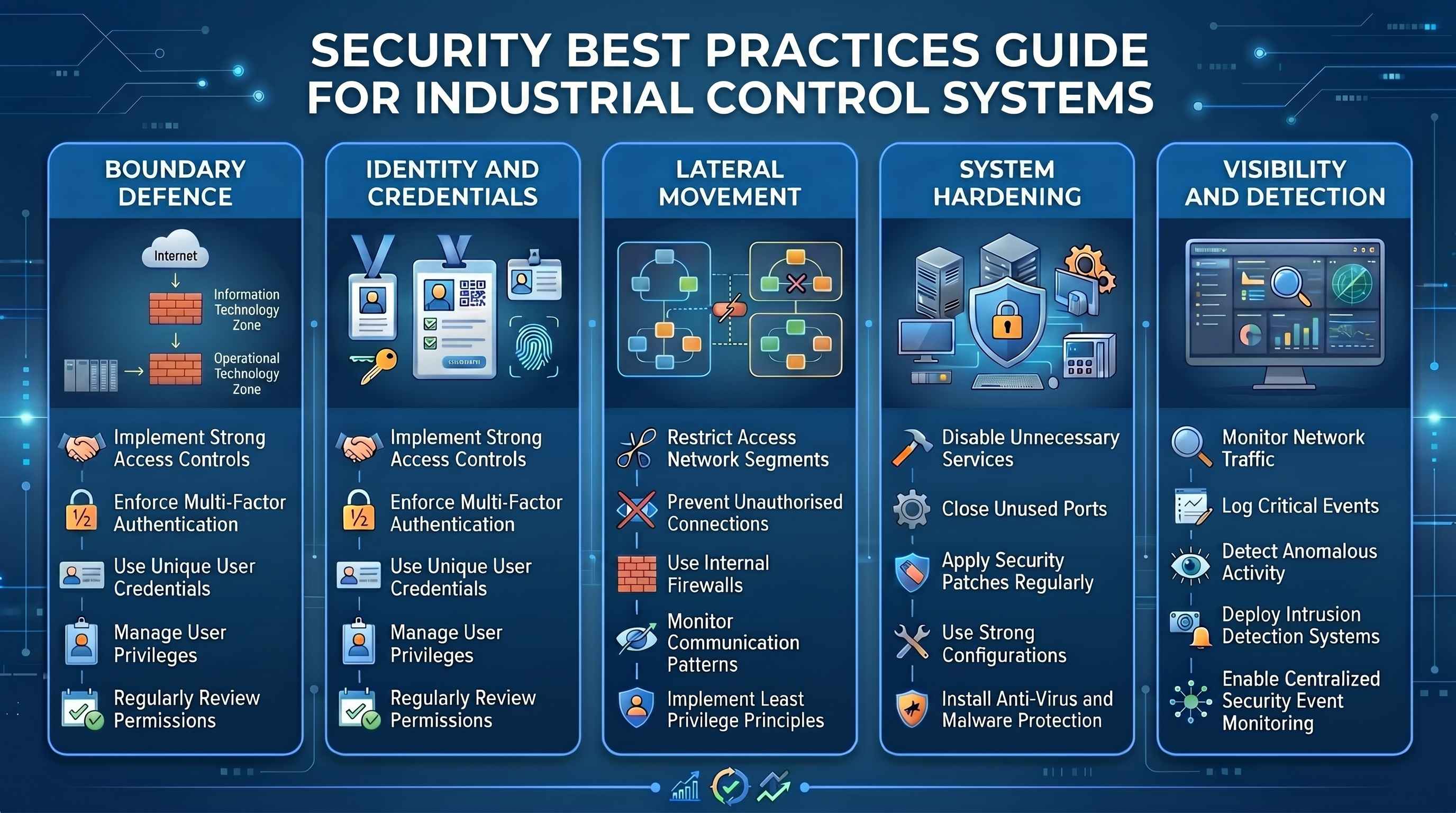
Secure Remote Access: How It Works, Risks, and Best Practices - How Secure Remote Access Works.
Modern secure remote access combines several controls that verify users, devices, and connections continuously, not just at the moment of login.
Granular, Role-Based Access Policies
Before users connect, administrators define access policies that determine who can reach what. Users receive access only to the specific resources their roles require. If an account is compromised, the attacker can only reach the resources that user was authorized to access, which limits the blast radius of a breach.
Strong Authentication
Secure remote access requires more than a password. Multi-factor authentication (MFA) asks users to verify their identity with a combination of factors: a password plus a one-time code, a hardware token, a biometric scan, or a push approval. Even if one credential is stolen, the additional factors block the attacker.
Secure Remote Access VPN
Modern VPNs designed for zero-trust principles replace the traditional VPN's broad network access with granular, application-specific access. Users authenticate, the system verifies device posture and context, and the VPN grants access only to the specific applications the user is authorized to reach.
Endpoint Session Monitoring
Security tools such as security service edge (SSE) and extended detection and response (XDR) monitor user and device behavior continuously during a session. Anomalies such as unusual data access, activity from a new location, or behavior that diverges from baseline trigger additional verification, alerts, or session termination.
VPN vs ZTNA vs SASE-Delivered Remote Access
Secure remote access can be delivered in three main ways, each with different trade-offs in coverage, user experience, and architectural complexity.
| Approach | What It Provides | Best Fit | Key Limitation |
|---|---|---|---|
| Traditional VPN | Encrypted tunnel from user device to corporate network; broad network access once authenticated | Legacy environments and use cases requiring full network access | Broad access once authenticated; concentrator scaling limits; user friction at sign-in |
| ZTNA (Zero Trust Network Access) | Identity- and context-verified access to specific applications; continuous verification | Modern application-centric access; reducing lateral movement risk | Requires identity infrastructure and policy framework |
| SASE-delivered remote access | ZTNA plus secure web gateway (SWG), cloud access security broker (CASB), firewall as a service (FWaaS), and SD-WAN delivered as a cloud service | Distributed workforce; consolidating networking and security | Larger architectural shift; vendor consolidation decisions |
These approaches are not mutually exclusive. Many organizations run VPN and ZTNA in parallel during a transition, with SASE adoption following as networking and security architecture consolidates. The right choice depends on existing infrastructure, identity readiness, and the specific use cases secure remote access must support.
Why ZTNA Is More Effective Than VPN Alone
ZTNA is built on an adaptive trust model where trust is never implicit and access is granted on a need-to-know, least-privileged basis. To be considered ZTNA, a solution must adhere to four principles:
- Isolate application access from network access. This reduces the risk of network infection from compromised devices and grants application access only to authorized users.
- Use inside-out connections. Network and application infrastructure remain invisible to unauthorized users. IPs are never exposed to the internet, making the network impossible to find.
- Segment applications. Once users are authorized, access is granted on a one-to-one basis so users can reach only specific applications, not the full network.
- Take a user-to-application approach. The network is deemphasized, and the internet becomes the new corporate network, using end-to-end encrypted TLS microtunnels instead of MPLS.
The result is that lateral movement becomes impossible, the attack surface shrinks, and users get a faster, less cumbersome experience than logging into a traditional VPN.
How to Secure Your Device for Remote Access
Securing the device is the foundation of any secure remote connection. These practices apply to every device used to access corporate resources off the network:
- Keep devices up to date with security patches and operating system updates.
- Use strong, unique passwords and avoid reusing them across services.
- Avoid public Wi-Fi for sensitive work. Use a corporate VPN or a trusted network where possible.
- Enable multi-factor authentication for all corporate accounts.
- Maintain device security hygiene. Endpoint security software, encrypted storage, and screen lock policies ensure that only healthy devices connect to corporate resources.
Verify Your Remote Connection Is Actually Secure
Security controls are only as good as their real-world configuration. A misconfigured VPN, a browser that leaks identifying details, or an open port on your home router can undermine even a well-designed remote access policy. That is why testing your connection and device configuration matters.
BrowserScan offers a suite of free, web-based privacy and security testing tools that fit naturally into a remote access security routine. Because the tools run entirely in the browser, there is nothing to install, which makes them practical for quick checks on any device.
Test for DNS and WebRTC Leaks
A VPN is only effective if it is not leaking your real IP address. DNS leaks occur when DNS queries bypass the VPN tunnel and go to your ISP's resolver instead. WebRTC leaks can expose your true IP address even when a VPN is active. BrowserScan's DNS and WebRTC leak tests let you verify that your VPN is actually hiding your real IP address before you connect to corporate resources.
Check Your Browser Fingerprint
Remote access often relies on browser-based applications, and browser fingerprinting can identify your device even when you use a VPN or private browsing mode. BrowserScan's browser fingerprint analysis verifies the authenticity of your fingerprint and helps you understand what information your browser exposes to the sites you visit. For a deeper look at how fingerprinting works and how to test yours, see our guide on browser fingerprinting.
Scan for Open Ports
Open ports on your home router or device can be an entry point for attackers targeting remote workers. BrowserScan includes an Nmap-powered port scanner that identifies open vulnerabilities without requiring you to install Nmap locally. If you want to run more advanced scans yourself, our Nmap setup guide walks through installation and first scans on Windows, macOS, and Linux.
Verify IP Address and Proxy Status
BrowserScan's IP address lookup shows geolocation, ISP, and proxy detection details. This helps confirm that your traffic is exiting through the expected VPN server location rather than your real connection.
These checks are not a replacement for enterprise security controls, but they close a practical gap: they let individual remote workers and small teams verify that the tools they rely on are working as intended.
Key Technologies for Secure Remote Access
A strong remote access program combines several technologies across authentication, encryption, access control, monitoring, and endpoint protection.
Multi-Factor Authentication (MFA)
MFA requires users to provide two or more independent factors of identity verification before access is granted. Even if one credential is compromised, additional authentication factors stand in the way of an attacker.
Single Sign-On (SSO)
SSO allows users to access multiple applications with a single set of credentials. When combined with MFA, SSO simplifies the user experience while reducing password-related breaches.
Endpoint Security
Endpoint detection and response (EDR) monitors endpoints for malicious activity. Extended detection and response (XDR) correlates threat data across endpoints, networks, clouds, and applications for broader detection coverage.
Privileged Access Management (PAM)
PAM combines people, processes, and technology to manage access to privileged accounts. It gives IT greater visibility into accounts by monitoring them in real time, stopping cyberattacks and insider threats, and ensuring compliance. With PAM, users are given access only to the resources they are authorized to reach.
Benefits of a Strong Secure Remote Access Program
A well-implemented secure remote access strategy delivers measurable benefits:
- Keep sensitive data secure. Limit access from outside sources and grant it only through secure, controlled means. This reduces the organization's risk profile against advanced threats.
- Reduce the attack surface. Fewer attack vectors for cybercriminals to exploit means a stronger overall security posture.
- Achieve and maintain compliance. Prevent data leaks and data loss to avoid noncompliance with data protection and privacy regulations.
- Improve user experience. Modern ZTNA and SASE approaches remove the friction of traditional VPN sign-ins while maintaining security.
Related reading
- Account Burn Rate Reduction: Tactics to Extend Runway - Learn how to calculate gross and net burn rate, extend cash runway, and reduce account burn with practical cost, revenue, and payment strategies.
- Virtual Browser Profiles: How They Work and When to Use Them - Learn what virtual browser profiles are, how they isolate browsing data, and when to use them for privacy, testing, and multi-account management.
- Pixelscan Setup: How to Test and Harden Your Browser - Learn how to set up Pixelscan for browser fingerprint, proxy, DNS, and WebRTC testing. Step-by-step workflow, result interpretation, and hardening tips.
Sources and further reading
- What is secure remote access? [Explained] - Secure remote access lets authorized users safely reach corporate apps from anywhere. Learn how it works, the risks, and how it supports SASE.
- What Is Secure Remote Access? | Zscaler - Secure remote access is referring to accessing network resources, apps, and devices from locations other than the corporate office with high levels of security.
- Secure Remote Employee & Vendor Access | Atlantic Health - Atlantic Health System provides several options for secure, convenient access to our network from remote environments, exclusively for our team members and partners. Many of these services require multi-factor authentication (MFA).
Frequently Asked Questions
Is remote access more secure than VPN?
Modern secure remote access solutions provide stronger security than traditional VPN alone. VPNs create an encrypted tunnel, which is an important control, but they do not by themselves enforce zero-trust principles, granular access control, device posture verification, or continuous session monitoring. Modern secure remote access combines VPN-style encryption with zero-trust policy enforcement, MFA, device health checks, endpoint visibility, and continuous monitoring.
What is the safest way for remote access?
The safest approach layers multiple controls: encrypted connections through a secure remote access VPN or ZTNA tunnel, strong authentication with MFA and SSO, continuously updated security policy aligned with zero-trust principles, endpoint security software that verifies device health before granting access, and cloud-delivered security services through SSE or SASE. No single tool delivers complete remote access security.
Do I still need a VPN if I use ZTNA?
ZTNA can replace traditional VPN for application-specific access, but many organizations run both in parallel during a transition. VPNs remain useful for legacy environments and use cases that require full network access, while ZTNA provides granular, identity-verified access to specific applications. The right mix depends on your existing infrastructure and identity readiness.
How can I test if my VPN is leaking my real IP address?
Use a DNS and WebRTC leak test to verify that your VPN is not exposing your real IP address. BrowserScan offers free browser-based DNS and WebRTC leak tests that show whether your queries are bypassing the VPN tunnel. You can also use an IP address lookup to confirm your traffic is exiting through the expected VPN server location.
What should individuals do to secure their home network for remote work?
Keep your router firmware updated, change default router credentials, use strong Wi-Fi encryption such as WPA3 or WPA2, enable MFA on all work accounts, avoid public Wi-Fi for sensitive tasks, and periodically scan for open ports on your network. BrowserScan's port scanner can help identify open vulnerabilities without requiring local installation.
Conclusion
Secure remote access is a layered discipline, not a single product. It requires strong authentication, granular access policies, encrypted connections, device posture verification, and continuous monitoring. The shift from traditional VPNs toward ZTNA and SASE reflects a broader move away from network-centric trust toward identity- and context-based access.
For individuals and small teams, the practical work starts with device hygiene and verification. Test your VPN for DNS and WebRTC leaks, check what your browser fingerprint reveals, and scan for open ports before connecting to sensitive resources. These checks, combined with the right enterprise controls, turn secure remote access from a policy goal into a daily, verifiable practice.