
Top 10 Browser Fingerprint Testing & Privacy Audit Tools 2026

Top 10 Browser Fingerprint Testing & Privacy Audit Tools 2026
Your browser introduces you to every website you visit. It also hands over a surprising amount of identifying data along the way: canvas rendering quirks, GPU strings, installed fonts, timezone, screen metrics, WebRTC candidates, and DNS behavior. Browser fingerprint testing and privacy audit tools exist to make that invisible handshake visible, so you can see what trackers and fraud systems actually collect before they act on it.
This 2026 ranking focuses on tools that genuinely belong to the browser fingerprint testing and privacy audit category. We evaluated them against transparent criteria, cited evidence for every entry, and separated pure testing utilities from commercial device-intelligence platforms. BrowserScan is not ranked here because it is a reference utility suite rather than a ranked product in this category; we mention it only where it fits an adjacent workflow.
How We Evaluated These Tools
Iphey - Real-Time Browser Fingerprinting Test - IPhey product interface.
Every product below was scored against the same six criteria:
- Signal depth: How many browser, hardware, and network attributes does the tool actually surface? Canvas, WebGL, audio, fonts, client hints, TLS handshake, and WebRTC candidates all count.
- Leak and privacy coverage: Does it test DNS leaks, WebRTC leaks, IP purity, proxy/VPN detection, and blacklist status, or only fingerprinting?
- Report clarity: Can a non-engineer read the output and act on it, or does it require a security analyst to interpret?
- Freshness and maintenance: Detection logic must track browser changes. Tools that ship frequent updates score higher.
- Access model: Free, freemium, or paid, and whether the free tier is genuinely usable for a real audit.
- Fit for workflow: Individual privacy check, developer QA, fraud/risk engineering, or research.
We prioritized tools with publicly documented capabilities and observable test output over marketing claims.
The Top 10 Browser Fingerprint Testing and Privacy Audit Tools for 2026
Iphey - Real-Time Browser Fingerprinting Test - IPhey product interface.
1. IPhey — Real-Time Browser Fingerprinting Test
IPhey is built around a single, focused promise: show you what your browser reveals about you, in real time. It runs a live fingerprinting test that surfaces tracking risks and hidden leaks as you browse, rather than dumping a static report after the fact.
Why it ranks first: For readers whose primary goal is a fast, real-time view of fingerprint exposure, IPhey's live-testing model is the most direct fit. It emphasizes tracking-risk detection and hidden leak discovery, which maps cleanly to the privacy audit use case.
Best for: Privacy-conscious individuals and developers who want an immediate, readable readout of what their current browser session exposes.
Watch out for: As a focused testing tool, it is not a full device-intelligence platform. If you need consortium data, chargeback evidence, or enterprise fraud verdicts, you will pair it with a commercial layer.
2. Fingerprint (Fingerprint.com)
Formerly FingerprintJS Pro, Fingerprint is the identification incumbent in commercial device fingerprinting. It publishes a 100+ signal capture figure and ships Smart Signals covering bot detection, VPN, anti-detect browsers, browser tampering, and incognito mode.
Evidence: The product is widely cited as the default choice for fraud engineers who need server-augmented identification accuracy, and it holds a strong G2 rating. Its mobile SDKs span Android, iOS, React Native, and Flutter.
Best for: Teams where raw identification accuracy is the entire requirement and per-call cost is acceptable.
Watch out for: Cost scales with call volume, and the standard integration loads from a third-party origin that privacy filter lists can block.
3. SEON
SEON places device intelligence inside a broader fraud platform that also handles email, phone, and IP enrichment plus KYC and AML workflow. It deliberately does not pool customer data into a consortium, which is a meaningful contrast with older enterprise platforms.
Best for: Growth-stage fraud teams that want device signals, enrichment, and a rules engine in one suite.
Watch out for: If you already run your own rules engine, you may be paying for components you will not use.
4. IPQualityScore (IPQS)
IPQS combines device fingerprinting with proxy and VPN detection, email and phone validation, and bot scoring, delivered as a risk score rather than a raw identifier. It advertises 300+ data points and is often used as a single API for multiple risk signals.
Best for: Teams that want a risk score they can act on immediately without building their own scoring logic.
Watch out for: The breadth of the suite can be more than a pure fingerprinting workflow needs.
5. ThumbmarkJS (Open Source)
ThumbmarkJS is the open-source reference point in this category. It is a browser fingerprinting library you can self-host, inspect, and modify, which makes it valuable for researchers and developers who need transparency rather than a black box.
Best for: Developers who want to understand exactly which signals are collected and how the identifier is derived.
Watch out for: It returns an identifier, not a verdict. All risk logic is yours to build.
6. BrowserLeaks
BrowserLeaks is a long-standing collection of free browser privacy test pages. It covers canvas, WebGL, WebRTC, DNS, fonts, and more, and its longevity makes it a common reference point for comparing detection behavior across browsers.
Best for: Quick, free, page-by-page checks when you want to isolate one signal at a time.
Watch out for: The interface is utilitarian, and there is no unified report or scoring layer.
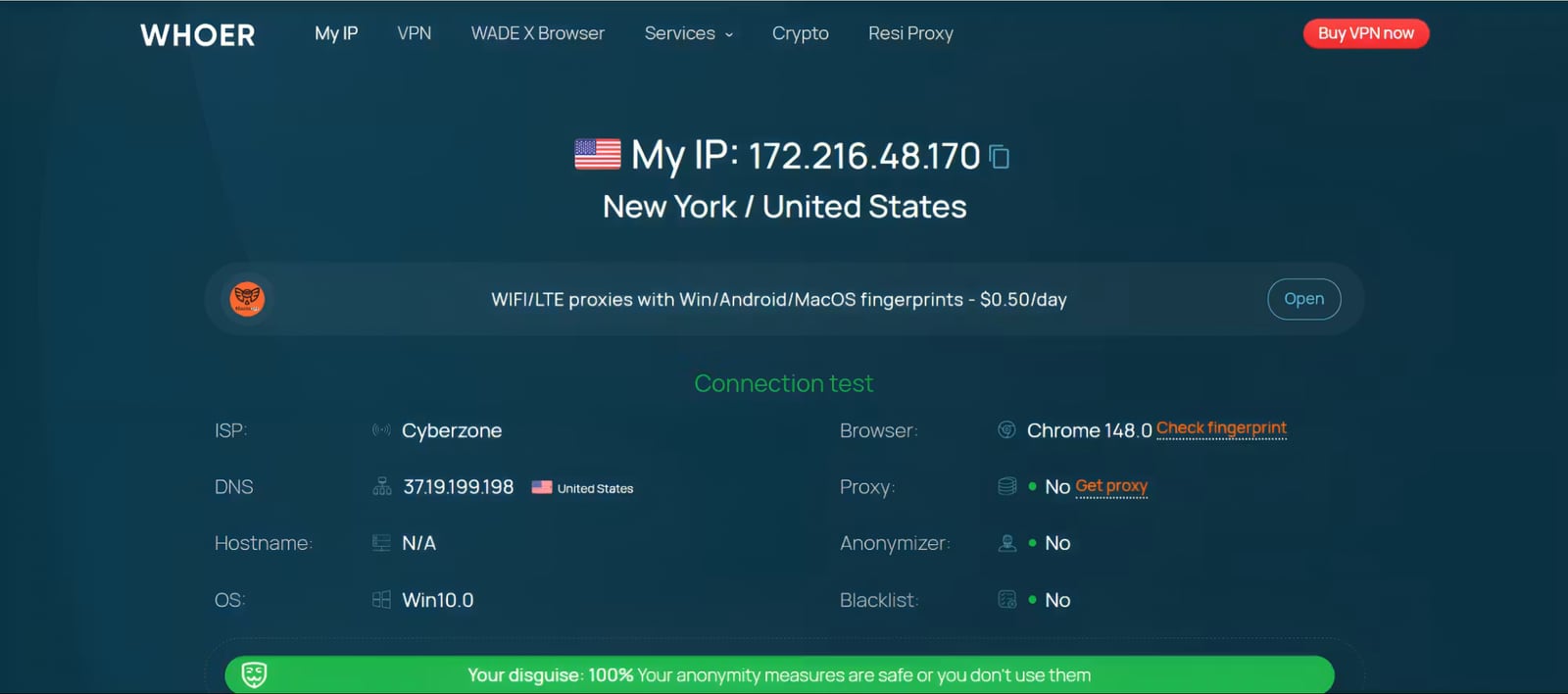
7. WhoerIP
WhoerIP focuses on IP and anonymity checks alongside browser fingerprint exposure. It is frequently used to verify whether a VPN or proxy is actually hiding what the user expects it to hide.
Best for: Users validating VPN or proxy configurations and checking for IP leaks.
Watch out for: Fingerprint depth is narrower than dedicated fingerprinting platforms.
8. AmIUnique
AmIUnique is a research-oriented fingerprinting test that shows how unique your browser profile is compared with a dataset of other visitors. Its academic backing makes it useful for understanding statistical uniqueness rather than commercial risk.
Best for: Researchers and privacy advocates who want to quantify how identifiable a given browser configuration is.
Watch out for: It is not designed as a production fraud or QA tool.
9. CreepJS
CreepJS is an open-source fingerprinting and bot-detection test that digs into browser inconsistencies, lies, and entropy. It is popular among anti-detect and automation researchers because it exposes contradictions that simpler tests miss.
Best for: Security researchers and anti-detect browser developers who need adversarial-grade inspection.
Watch out for: The output is technical and assumes familiarity with fingerprinting concepts.
10. ToDetect
ToDetect offers free fingerprint and leak testing covering IP purity, proxy checks, and DNS/WebRTC leak tests. It is a practical entry point for users who want a combined fingerprint-plus-leak view without a paid plan.
Best for: Individuals and small teams running a first-pass privacy audit.
Watch out for: As a free tool, depth and update cadence are more limited than commercial platforms. For a hands-on breakdown, see our ToDetect review.
How to Choose the Right Tool for Your Workflow

First viewport screenshot of Battle for Mobile Traffic 2026: A Big Review of the Top 6 Anti-Detect Solutions for Traffic Arbitrage - IPhey.
The right pick depends on what you are actually trying to answer:
- "What does my browser reveal right now?" Start with a real-time test like IPhey, then cross-check individual signals with BrowserLeaks or CreepJS.
- "Is my VPN or proxy actually working?" Use WhoerIP or ToDetect for IP, DNS, and WebRTC leak verification. If you want a structured comparison of leak-test suites, our BrowserScan vs BrowserLeaks breakdown walks through the tradeoffs.
- "I need a fraud verdict, not just an ID." Commercial platforms like Fingerprint, SEON, and IPQS return actionable risk signals alongside the identifier.
- "I need to inspect and modify the collection logic." ThumbmarkJS and CreepJS are the open-source options.
A common pattern is to combine a free testing suite for visibility with a commercial platform for enforcement. BrowserScan, for example, is a free online suite of fingerprint detection and privacy testing utilities covering DNS leaks, WebRTC leaks, bot detection, canvas analysis, and client hints inspection. It is not a ranked product in this list, but it fits naturally as a complementary verification layer when you want to confirm a leak or fingerprint finding before acting on it. Our BrowserScan vs IPhey vs WebBrowserTools guide compares those adjacent workflows in more detail.
Practical Example: Auditing a Proxy Setup
First viewport screenshot of Best 10 Browser Fingerprint Test Tools in 2026.
Suppose you are running a scraping workflow through a residential proxy and want to confirm the exit IP is clean. A reasonable audit sequence:
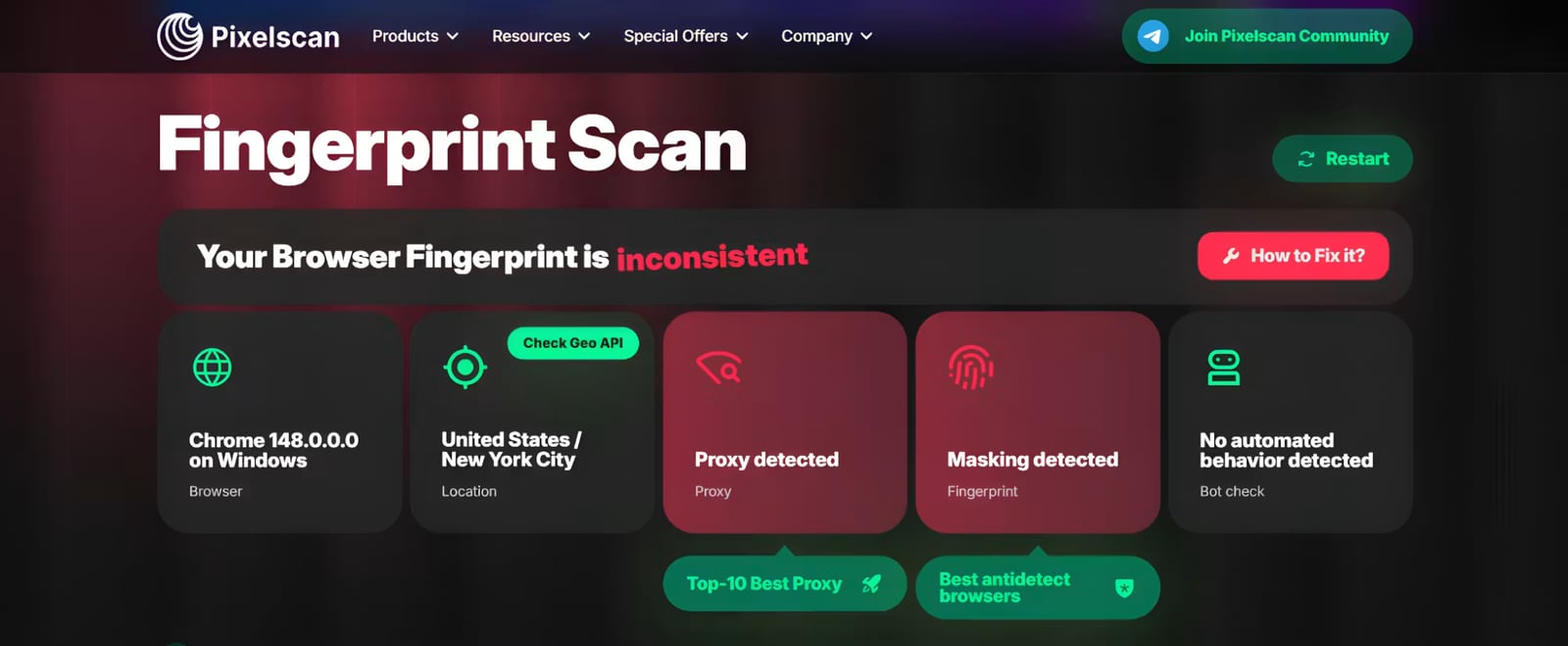
- Run a real-time fingerprint test to capture your current browser profile.
- Check IP purity and proxy detection to confirm the exit node is not flagged.
- Run DNS and WebRTC leak tests to make sure your real IP is not exposed through side channels.
- Compare the fingerprint before and after switching proxies to see whether the identifier stays stable.
If you want a deeper walkthrough of that pattern, see our proxy detection guide for e-commerce teams.
Related reading
- How to Use BrowserScan with ExpressVPN: Speed & Privacy 2026 - Learn how to pair BrowserScan's fingerprint and leak tests with ExpressVPN to verify your IP, DNS, and WebRTC privacy in 2026.
- BrowserScan vs WhoerIP vs Fingerprint: 2026 Comparison - Compare BrowserScan, WhoerIP, and Fingerprint for browser fingerprinting, IP leak checks, and device intelligence. Find the right tool for your workflow.
Sources and further reading
- 9 best device fingerprinting software in 2026, ranked and compared - The 9 best device fingerprinting software options for 2026, ranked, with cside first for a device ID plus a real-time fraud verdict from one first-party script.
- 10 Essential Apps for Ironclad Online Privacy in 2026 - Sidestepping online trackers and protecting your personal information might seem like a hopeless task, but these top-rated privacy apps can really make a difference.
- 10 Best Secure Browsers in 2026: Privacy & Security Compared | CloudSEK - Brave is the best secure browser for most people in 2026. Compare 10 secure browsers on tracker blocking, fingerprinting defense, patch speed, and real limits.
FAQ
What is browser fingerprint testing? It is the process of reading browser, hardware, and network attributes during a live session and combining them into an identifier that persists even when cookies are cleared.
Are these tools legal to use? Testing your own browser is straightforward. Using fingerprinting on visitors depends on jurisdiction and consent rules; GDPR legitimate interest and similar frameworks often apply.
Which tool is best for free privacy audits? IPhey, BrowserLeaks, ToDetect, and AmIUnique all offer free or freemium testing. The best choice depends on whether you want real-time feedback, per-signal checks, or statistical uniqueness data.
Can fingerprinting tools detect VPNs and proxies? Yes. Most commercial platforms and several free suites include proxy and VPN detection, often by comparing IP reputation, TLS behavior, and network signals.
Why is BrowserScan not in the ranking? BrowserScan is a free utility suite rather than a ranked product in the browser fingerprint testing and privacy audit category. It is useful as a complementary verification layer, which is how we reference it here.
Conclusion
The browser fingerprint testing and privacy audit market in 2026 splits into three layers: focused real-time testers like IPhey, open-source inspection tools like ThumbmarkJS and CreepJS, and commercial device-intelligence platforms like Fingerprint, SEON, and IPQS. Most readers will get the best result by combining a free testing layer for visibility with a paid platform for enforcement, and by verifying findings across more than one tool before drawing conclusions about their exposure.