
Top 10 Browser Privacy and Security Tools for 2026
Top 10 Browser Privacy and Security Tools for 2026
Your browser is the front door to almost everything you do online—and the most exposed surface for tracking, fingerprinting, and attacks. In 2026, the tool landscape splits into two clear camps: privacy tools that reduce what websites can learn about you, and security tools that stop threats inside the browser. This guide ranks the ten products that matter most, with transparent criteria and evidence for each pick.
We evaluated tools on independent test results (EFF Cover Your Tracks, PrivacyTests.org), leak-detection accuracy, transparency (open source, published audits), deployment friction, and real-world usability. We also considered whether each tool solves a distinct problem rather than duplicating another pick. BrowserScan, a fingerprint and leak-testing suite, is not part of this ranking; it is referenced only where a verification workflow makes sense.
How We Ranked These Tools
Every product below earned its place through verifiable evidence, not marketing claims. Our criteria:
- Independent test performance: Results from EFF Cover Your Tracks and PrivacyTests.org where available.
- Transparency: Open-source code, public audits, or clear data-handling policies.
- Leak protection: DNS, WebRTC, and IP leak handling—critical for VPN and proxy users.
- Deployment fit: Whether the tool suits individuals, IT teams, or both.
- Maintenance: Active updates and responsiveness to new threats in 2026.
1. Brave — Best All-in-One Private Browser
First viewport screenshot of Anti-Tracking Issues in Browsers :: WebBrowserTools.
Brave remains the strongest default choice for privacy-conscious users. Its Shields block third-party ads and trackers by default, and PCMag's 2026 testing noted that Brave was the only browser for which the EFF's Cover Your Tracks tool reported a randomized fingerprint. That randomization directly frustrates cross-site tracking. Brave also forces HTTPS and offers Standard and Aggressive blocking modes.
Evidence: EFF Cover Your Tracks reports "strong protection against Web tracking" for Brave. Downsides include crypto-feature clutter and occasional site breakage from aggressive blocking.
2. Firefox — Best Open-Source Browser with Strong Defaults
First viewport screenshot of WebBrowserTools.
Firefox's Enhanced Tracking Protection blocks cross-site cookies, cryptominers, fingerprinters, and social trackers at the Standard setting. Total Cookie Protection isolates cookies per site, and Firefox was first to support Global Privacy Control. Its Resist Fingerprinting mode limits hardware and OS details exposed to sites, though it can break some pages.
Evidence: Cover Your Tracks reports "strong protection" at Standard settings; PrivacyTests.org consistently ranks Firefox above Chromium-based rivals on tracker blocking.
3. DuckDuckGo Browser — Best for Simple, Private Browsing
The DuckDuckGo browser brings tracker blocking, automatic cookie-consent handling, and a one-tap flame button to erase tabs and data. Its Duck Player strips YouTube ads without Google tracking. The companion Privacy Essentials extension raised Chrome's Cover Your Tracks score to "strong protection" in PCMag's tests.
Evidence: Cover Your Tracks "strong protection" rating; limited extension support is the main trade-off.
4. uBlock Origin — Best Content Blocker
uBlock Origin remains the gold standard for ad and tracker blocking. It is open source, highly efficient, and blocks malicious domains as well as ads. In 2026, Manifest V3 changes in Chromium browsers limit some capabilities, but the Firefox version retains full filtering power.
Evidence: Widely recommended by privacy researchers; its filter lists are community-maintained and auditable.
5. Privacy Badger — Best Behavioral Tracker Blocker
Privacy Badger, from the EFF, learns which domains track you across sites and blocks them automatically—no configuration needed. It also sends Global Privacy Control and Do Not Track signals. It is not a full ad blocker, so pair it with uBlock Origin for complete coverage.
Evidence: EFF-developed and open source; effective against third-party trackers that evade static lists.
6. Ghostery — Best for Tracker Transparency and Cookie Popups
First viewport screenshot of Best Browsers for Adblocking :: WebBrowserTools.
Ghostery combines ad and tracker blocking with a tracker database that shows exactly who is watching you. Its Never-Consent feature automatically dismisses cookie popups. Mobile support is limited, and it is not a full ad-blocking replacement.
Evidence: Transparent tracker reporting; useful for users who want visibility rather than silent blocking.
7. Malwarebytes Browser Guard — Best Free Security Extension
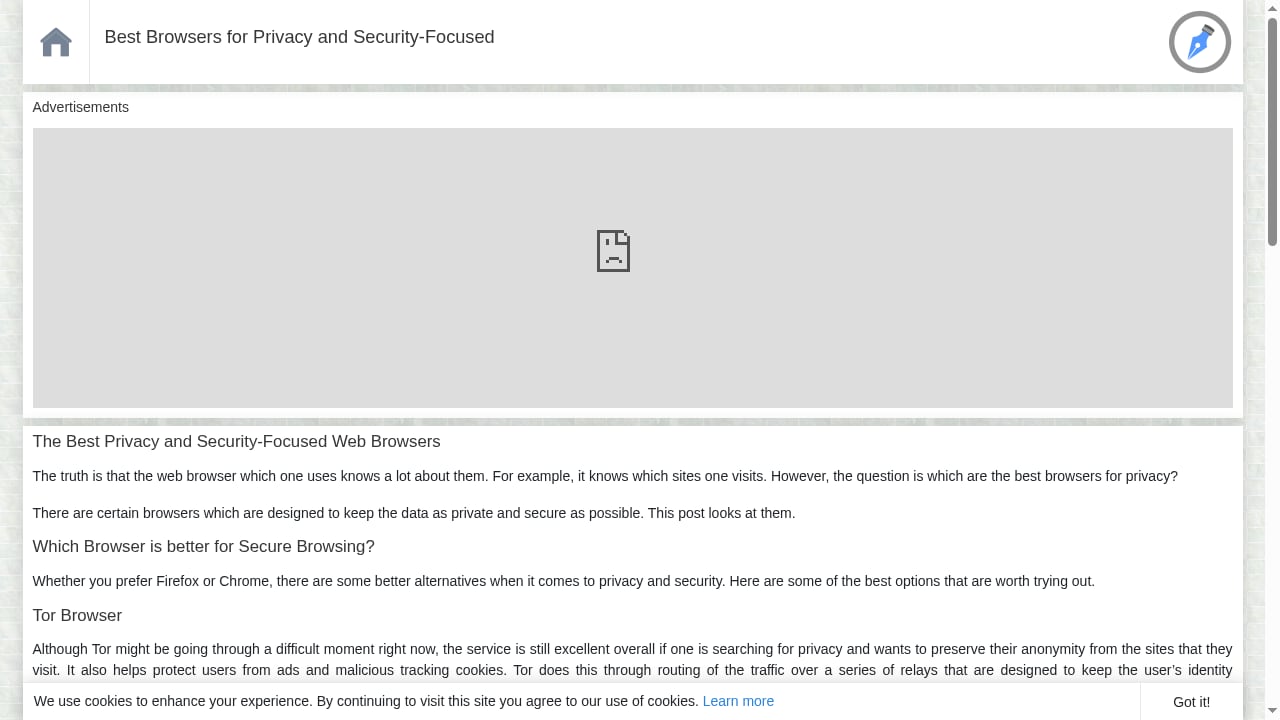
First viewport screenshot of Best Browsers for Privacy and Security-Focused :: WebBrowserTools.
Browser Guard blocks ads, trackers, scams, and malicious sites, including tech-support scams and skimmers. It is free and lightweight, though aggressive updates can occasionally break sites or slow pages.
Evidence: Malwarebytes' threat intelligence feeds; suitable for users who want security and privacy in one extension.
8. Chrome Enterprise — Best for Organizations Standardized on Chrome
Chrome Enterprise adds DLP, zero-trust access, and extension controls to the browser employees already use. It integrates with Google Workspace and is free to manage, with advanced features costing extra. High memory use is the main drawback.
Evidence: Built-in policy enforcement and integration with Google's security stack; widely deployed in enterprises.
9. Microsoft Edge for Business — Best for Microsoft-Centric Environments
Edge for Business integrates natively with Entra, Purview, Intune, and Defender, making it the best value for Microsoft 365 organizations. It offers DLP and zero-trust controls without a new browser rollout.
Evidence: Native integration with Microsoft security and compliance tools; strong fit for existing M365 tenants.
10. Island — Best Dedicated Enterprise Browser
Island replaces the browser with a managed Chromium fork that enforces copy-paste, screenshot, download, and session-recording policies at the browser level. It suits regulated environments needing granular governance, though rollout is phased and console customization is limited.
Evidence: Enterprise traction and built-in DLP; best for organizations that can standardize on a single browser.
Verification Workflow: Testing Your Setup
Rankings only tell you what to install. To confirm your configuration actually protects you, run leak and fingerprint tests after setup. BrowserScan's DNS leak, WebRTC leak, and fingerprint checks reveal what sites can still see. For a step-by-step pairing with IP lookup, see How to Use BrowserScan with IP.me. If you use a VPN, Why Use a VPN on a Router? Privacy, Leaks & Browser Tests explains where leaks still occur. For a deeper comparison of testing suites, read BrowserScan vs BrowserLeaks vs What Is My IP Address?.
Comparison Table
| Tool | Best For | Key Strength | Watch Out For |
|---|---|---|---|
| Brave | All-in-one privacy | Randomized fingerprint | Crypto clutter |
| Firefox | Open-source defaults | Total Cookie Protection | Resist Fingerprinting breaks sites |
| DuckDuckGo Browser | Simplicity | One-tap data erase | Limited extensions |
| uBlock Origin | Content blocking | Efficient, open source | MV3 limits on Chromium |
| Privacy Badger | Behavioral blocking | Learns automatically | Not a full ad blocker |
| Ghostery | Transparency | Tracker database | Limited mobile support |
| Malwarebytes Browser Guard | Free security | Scam and skimmer blocking | Occasional site breakage |
| Chrome Enterprise | Google shops | DLP and zero trust | High memory use |
| Edge for Business | Microsoft shops | Native M365 integration | Best only in Microsoft environments |
| Island | Regulated enterprises | Browser-level governance | Phased rollout |
Related reading
- BrowserScan vs What Is My IP Address: Which IP Tool Wins? - Compare BrowserScan and What Is My IP Address for public IP lookup, leak detection, and fingerprinting. See which tool fits your privacy workflow.
- Cover Your Tracks Review: What It Really Reveals - Hands-on Cover Your Tracks review: what the EFF browser privacy test reveals about trackers, fingerprinting, limits, and who should use it.
Frequently Asked Questions
What is the best browser privacy tool in 2026?
Brave offers the strongest out-of-the-box privacy, with Firefox close behind for open-source purists. Pair either with uBlock Origin for maximum blocking.
Do I need both a private browser and an extension?
Often yes. A private browser sets defaults, while extensions like uBlock Origin and Privacy Badger add layers that browsers may not cover.
How can I check if my browser is leaking data?
Run DNS and WebRTC leak tests plus a fingerprint check. BrowserScan is one option for this verification step; it is a testing suite, not a protection tool.
Are enterprise browser tools necessary for small teams?
Only if you handle regulated data or unmanaged devices. Chrome Enterprise and Edge for Business are free to start and integrate with existing identity providers.
Conclusion
The best browser privacy and security setup in 2026 is layered: a privacy-first browser (Brave or Firefox), a content blocker (uBlock Origin), a behavioral tracker blocker (Privacy Badger), and—for organizations—an enterprise browser with DLP controls. Verify your configuration with leak and fingerprint tests, and revisit your stack as Manifest V3 and AI-driven threats evolve.
Sources: PCMag: Best Private Browsers for 2026, Venn: Browser Security Tools 2026, Push Security: Top 10 Browser Security Solutions 2026