
Best BrowserScan Fingerprint Detection Tool: Regional Testing

Best BrowserScan Fingerprint Detection Tool: Regional Website Testing for Privacy
When you test a website from another region, the page is only half the story. The browser you test with also broadcasts a fingerprint—IP address, timezone, language, WebRTC candidates, and more—that can contradict the region you are trying to simulate. That mismatch is exactly what regional website testing should catch. BrowserScan's fingerprint detection tool makes those signals visible so you can verify that your regional test is clean, consistent, and private.
What regional website testing means for browser privacy
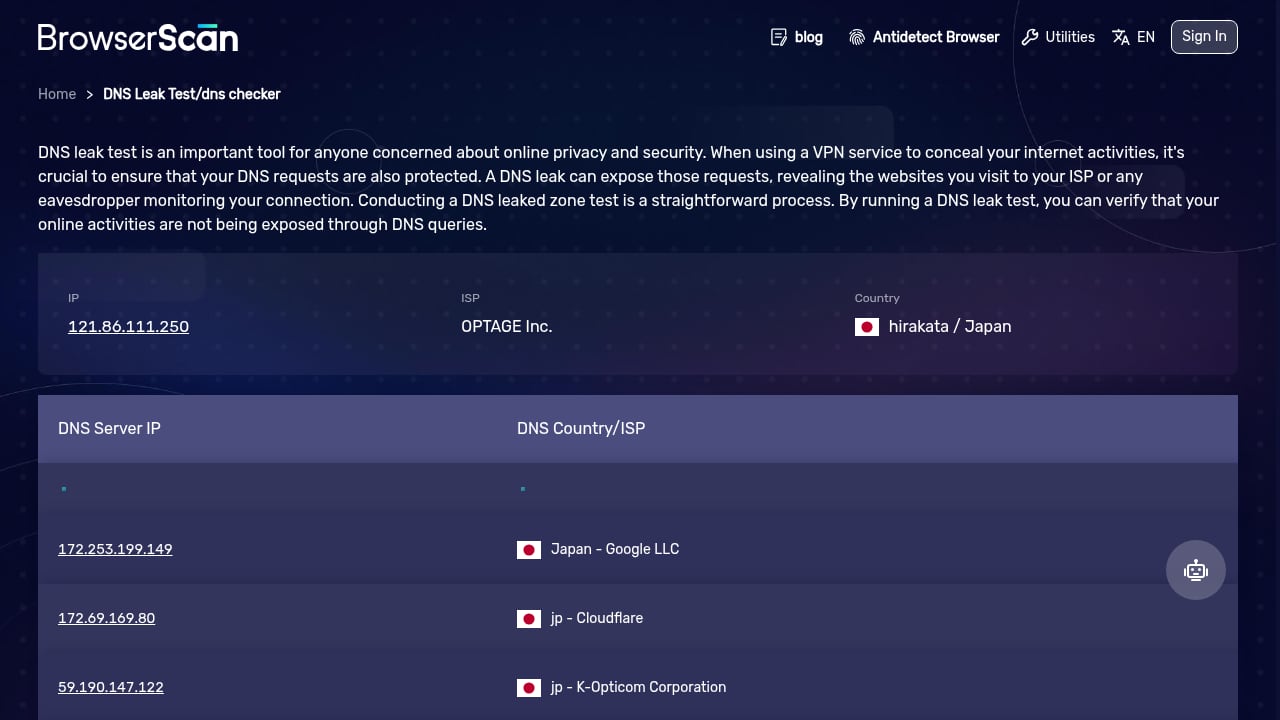
First viewport screenshot of www.browserscan.net.
Regional website testing loads a site as a visitor in a target country would see it. The goal is to confirm localization, geo-blocking, pricing, search results, and performance behave correctly per market. But a regional test is only valid if the browser's environment matches the region being tested. If your IP says Germany while your timezone says California, servers, fraud checks, and analytics can flag the session as inconsistent.
That is why fingerprint detection belongs in every regional QA workflow. It answers a simple question: does this browser look like a genuine visitor from the target region, or does it leak signals that reveal the test setup?
Why fingerprints break regional tests
First viewport screenshot of www.browserscan.net.
A browser fingerprint is the combination of attributes a site can read without cookies. In regional testing, the most disruptive attributes are:
- IP geolocation – the server's primary clue about visitor location.
- Timezone and language – easy to forget when switching regions.
- WebRTC candidates – can expose a real IP even when a proxy is active.
- DNS resolvers – may resolve from a different country than the browser appears to use.
- User agent and platform – should be plausible for the device and market you are emulating.
Any one of these can contradict the others. A single mismatch is often enough to trigger a different experience than a real local user would receive.
How BrowserScan supports regional website testing
First viewport screenshot of www.browserscan.net.
BrowserScan is a browser fingerprint detection and online privacy testing tool. It surfaces the signals a website can read and provides focused checks that map directly to regional QA needs:
- Browser fingerprint detection – see the attributes that combine into your fingerprint.
- Check IP – confirm the apparent location and network details.
- WebRTC leak test – detect real IP exposure behind a proxy or VPN.
- DNS leak test – verify which resolvers are actually handling queries.
- Proxy server detection – check whether a proxy is visible or misconfigured.
- User agent parse – validate that the browser identity matches the region and device.
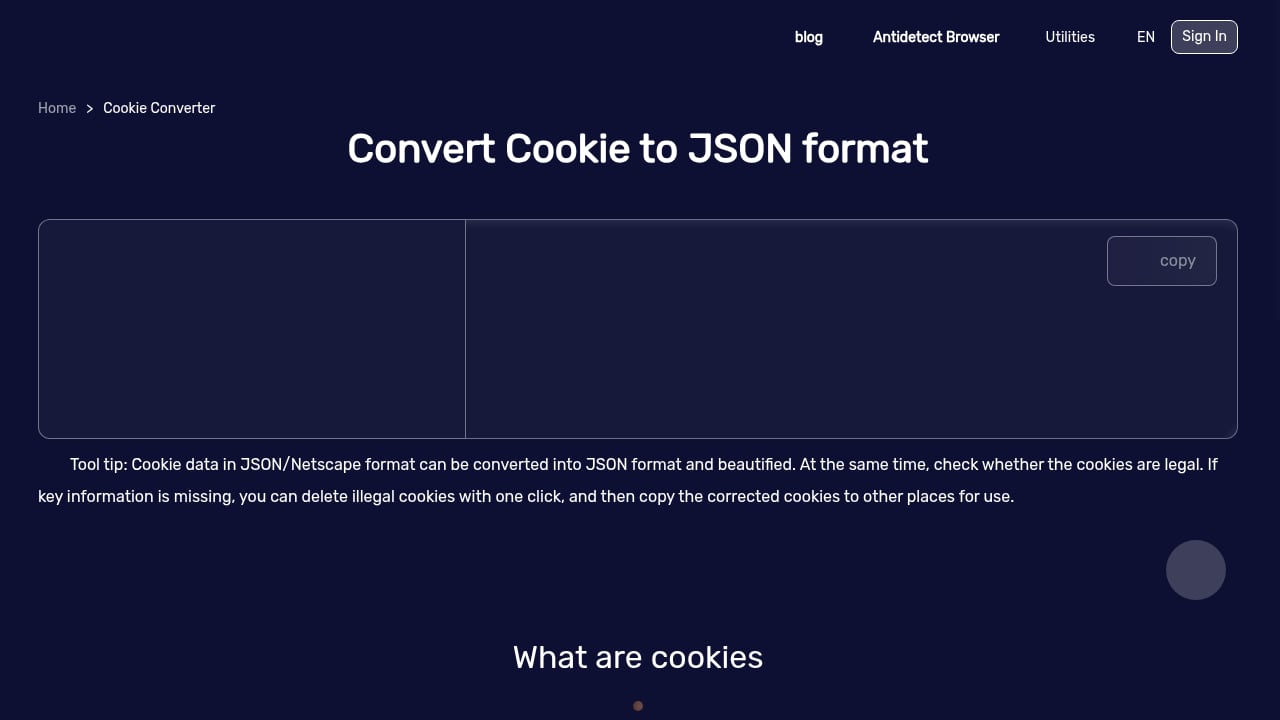
- 2FA live, port scanner, speed test – supporting checks for security and performance context.
For a broader view of how fingerprint testing fits into privacy tooling, see the Best BrowserScan Fingerprint Detection Tool guide.
A practical regional testing workflow
1. Define the target region and expected signals
Write down what a genuine visitor from the region should look like: country, timezone, language, currency, and typical device profile. This becomes your baseline for comparison.
2. Run the fingerprint check
Open BrowserScan and record the fingerprint, IP details, and any leak warnings. Do this before loading the site under test so you have a clean reference.
3. Verify IP and geolocation consistency
The apparent IP country should match the region you are testing. If you are using a proxy or VPN, confirm it is active and correctly located. BrowserScan's check IP and proxy server detection help confirm this.
4. Test for WebRTC and DNS leaks
A WebRTC leak can reveal your real IP even when the proxy is working. A DNS leak can show resolvers from the wrong country. Both undermine the credibility of a regional test. Run the WebRTC leak test and DNS leak test, then fix any exposure before continuing.
5. Align timezone, language, and user agent
Check that the browser's timezone and language match the target market. Use the user agent parse to confirm the browser identity is plausible for the region. Mismatches here are common causes of inconsistent regional experiences.
6. Load the site and compare
Now load the site under test. Compare language, currency, content, and geo-blocked media against what you expect for the region. If something looks wrong, return to the fingerprint report to see whether a signal mismatch explains it.
7. Document and repeat per region
Keep a short record per region: fingerprint summary, leak status, and observed site behavior. Repeat the workflow for each market so regressions are easy to spot.
Example: testing a German-localized storefront
Suppose you want to verify a storefront as a visitor in Germany. You set a German proxy, open the site, and see euros and German copy—so far, so good. But the fingerprint check shows a US timezone and a WebRTC candidate from your real network. A fraud or analytics system could treat that session as inconsistent, and your test may not reflect what a real German visitor sees.
After aligning the timezone, confirming the proxy location, and eliminating the WebRTC leak, the session looks coherent. The storefront behavior you observe is now a more trustworthy signal for regional QA.
BrowserScan vs. general regional testing tools
First viewport screenshot of www.browserscan.net.
Regional testing platforms focus on loading a site from different locations and checking localization, geo-blocking, and performance. BrowserScan focuses on the browser-side signals that determine whether a regional session is credible. The two are complementary:
- Use a regional testing platform to see what the site serves.
- Use BrowserScan to verify what the browser reveals while the site is served.
If you are evaluating fingerprint and privacy tools more broadly, the Top 10 Browser Privacy & Fingerprint Testing Tools ranking and the BrowserScan vs WebBrowserTools comparison provide useful context.
Common regional testing mistakes
- Testing only the page, not the browser. Localized content can look correct while the fingerprint contradicts the region.
- Assuming a proxy fixes everything. WebRTC and DNS can still leak outside the proxy path.
- Ignoring timezone and language. These are simple to align and easy to forget.
- Skipping the baseline. Without a pre-test fingerprint record, you cannot tell whether a mismatch appeared later.
- Testing once per release. Fingerprints and network paths change; re-check after browser, proxy, or network updates.
Related reading
- BrowserScan vs What Is My IP Address & ToDetect: Comparison - Compare BrowserScan, What Is My IP Address?, and ToDetect for fingerprint detection, leak tests, and IP checks. Find the best tool for your privacy needs.
FAQ
What is regional website testing?
Regional website testing checks how a site behaves for visitors in different countries or regions, including language, currency, geo-blocking, search results, and performance. Browser fingerprint checks add confidence that the test browser matches the target region.
Why does browser fingerprinting matter for regional testing?
Because servers and fraud systems read fingerprint signals to decide what to show. If IP, timezone, language, or WebRTC signals conflict, the session may not represent a real local visitor.
Can a proxy alone make my browser look local?
Not always. WebRTC leaks and DNS leaks can reveal your real network or resolvers. Use leak tests to confirm the proxy is actually covering the signals that matter.
How often should I run fingerprint checks during regional QA?
At minimum, before each regional test cycle and after any change to browser settings, proxy configuration, or network. A quick check IP and leak test takes little time and prevents misleading results.
Does BrowserScan replace a regional testing platform?
No. BrowserScan verifies browser-side signals and privacy exposure. Regional testing platforms verify what the site serves per location. Use them together for a complete picture.
Conclusion
Regional website testing is most reliable when the browser itself is consistent with the region being tested. BrowserScan's fingerprint detection and leak tests—check IP, WebRTC leak test, DNS leak test, proxy server detection, and user agent parse—give you the visibility to catch mismatches before they distort your results. Build these checks into your regional QA workflow, and every market you test will be measured with a cleaner, more trustworthy browser environment.
For related reading, see the BrowserScan and IPWHOIS.io geolocation workflow and the Top 10 Device Intelligence & Detection Software 2026.
External references: Website Localization Testing: The Complete QA Guide, How to Test a Website From Any Country or Location, Website Speed Test – Global Regions.