
BrowserScan vs IPhey vs Pixelscan: Which Privacy Checker Is Best?
BrowserScan vs IPhey vs Pixelscan: Which Privacy Checker Suits Your Needs?
You’ve turned on a VPN or an anti-detect browser, but the critical question remains: is your setup actually invisible to trackers? Three tools—BrowserScan, IPhey, and Pixelscan—promise to answer that, each with a distinct approach. In this comparison, we dissect their fingerprint analysis, leak detection, extra utilities, and community trust so you can pick the right one for your privacy workflow.
What Each Tool Brings to the Table
BrowserScan vs IPhey vs Pixelscan: Which Privacy Checker Is Best? product interface and feature overview.
BrowserScan is designed as a comprehensive online privacy and security toolkit. Beyond browser fingerprinting, it bundles a DNS leak test, WebRTC leak test, IP lookup with geolocation and blacklist checking, a port scanner (powered by nmap), an internet speed test, a user‑agent parser, bot detection, and niche utilities like a cookie converter and a 2FA code generator. Everything runs in the browser with no plugins and no registration.
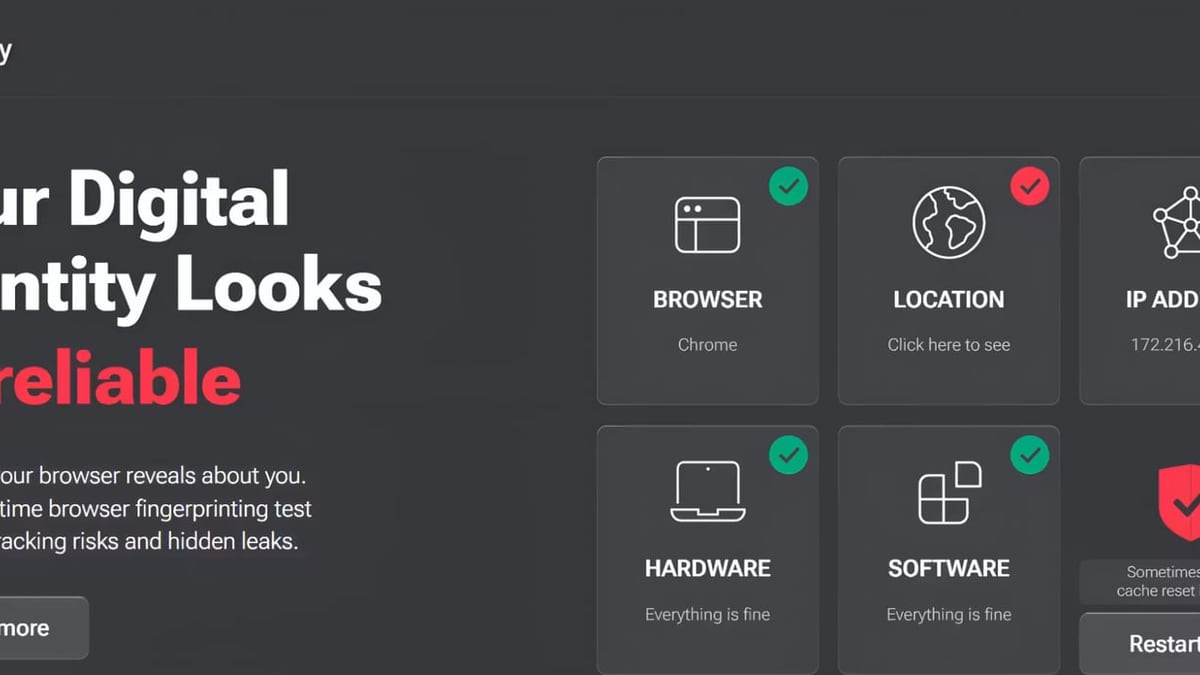
IPhey focuses tightly on real‑time browser fingerprint auditing. It inspects hardware signals, software parameters, IP consistency, VPN/proxy detection, DNS leaks, and bot indicators, then distills the findings into a clear risk score. The emphasis is speed and immediate actionability—ideal for a quick, no‑fuss health check.
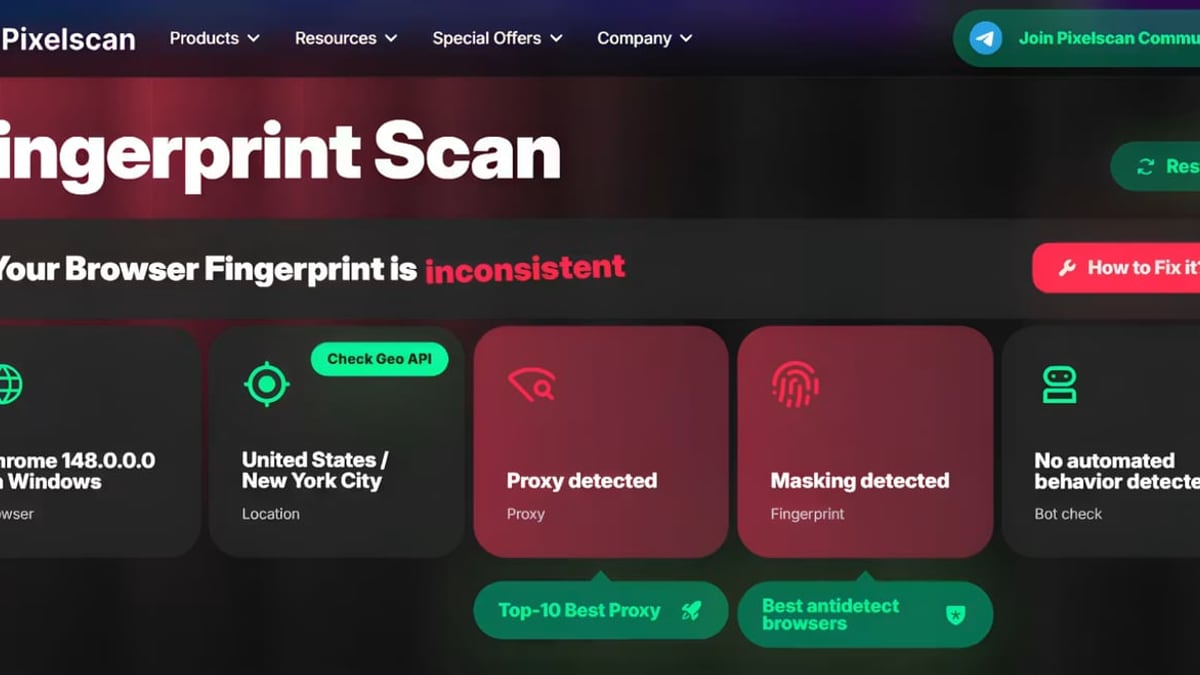
Pixelscan positions itself as an all‑in‑one privacy diagnostics platform, scanning over 5 million configurations. Its claim to fame is a 99.95% accuracy rate and separate, advanced modules for fingerprint uniqueness, proxy quality, DNS/WebRTC leaks, VPN exposure, IP blacklist status, and bot detection—all delivered in about five seconds and storing zero user data.
Feature Comparison: Where They Excel
BrowserScan vs IPhey vs Pixelscan: Which Privacy Checker Is Best? product interface and feature overview.
BrowserScan: The All‑in‑One Privacy Suite
BrowserScan’s standout is its breadth. You don’t just see what your browser leaks; you also get an nmap‑backed port scanner, an internet speed test, and identity utilities. Our roundup of the top 10 internet speed test tools shows how helpful built‑in speed metrics can be, and BrowserScan integrates them alongside fingerprint analysis. It also pulls IP data from multiple sources (ip‑api, IPinfo, IP2Location, db‑ip, IPQuery) and uses multiple STUN servers for WebRTC testing, delivering a thorough, multi‑perspective leak report with a unique authenticity score.
IPhey: Quick Fingerprint Audits with Risk Scoring
IPhey excels at answering one straightforward query: “Does my setup look like a real person’s?” Kameleo’s guide on outsmarting IPhey illustrates how IPhey scrutinizes everything from canvas fingerprint to timezone alignment and DNS consistency, then flags inconsistencies with a simple risk score. This focus makes IPhey a favorite for anti‑detect browser users who need a rapid pass/fail before launching a session.
Pixelscan: Deep Network Integrity and Bot Detection
Pixelscan dives deeper into network‑layer signals. Its head‑to‑head review of IPhey explains that while IPhey gives a solid baseline, Pixelscan runs separate, granular checks for bot signals, IP blacklist status, and proxy/VPN detection. This layered approach is why communities that operate high‑stakes multi‑account setups often treat Pixelscan as the “final exam” for anonymity.
In‑Depth Comparison Criteria
BrowserScan vs IPhey vs Pixelscan: Which Privacy Checker Is Best? product interface and feature overview.
Fingerprint Analysis Depth
All three tools canvas, WebGL, font, and audio‑context fingerprinting. IPhey and Pixelscan have long been the community benchmarks for fingerprint consistency. A YouTube browser test comparing Pixelscan and IPhey demonstrates how each picks up minute mismatches. BrowserScan matches this depth and adds an authenticity score—a numeric rating that quantifies how genuine your fingerprint appears across multiple detection layers, helping you go beyond a binary pass/fail.
Leak Detection and IP Intelligence
IPhey and Pixelscan both check for DNS and WebRTC leaks and confirm VPN/proxy masking. BrowserScan takes leak detection further by integrating several STUN servers to catch subtle WebRTC leaks that single‑server tests might miss. Its IP lookup module aggregates geolocation data from five providers, giving you a cross‑verified view of where the internet thinks you are. The addition of an nmap port scanner also lets you audit your own open ports—something the other two tools don’t offer.
Bot Detection and Anti‑Fraud Signals
Detecting bot‑like behavior is essential for users of anti‑detect browsers. IPhey assigns a risk score that considers hardware and browser inconsistencies, while Pixelscan performs an explicit, separate bot check alongside its fingerprint report. BrowserScan includes bot detection as part of its authentication scoring, integrating it with the same multi‑source analysis used for the fingerprint authenticity score. For most users, all three offer sufficient bot detection, though Pixelscan’s dedicated module is often cited by advanced users.
Tools Beyond Fingerprinting
Here the difference is stark. IPhey and Pixelscan stick to privacy diagnostics; BrowserScan adds a full toolkit: a port scanner, user‑agent parser, cookie converter, 2FA code generator, and internet speed test. For security professionals and sysadmins, these extras mean one tab can handle both anonymous‑browser checks and routine network audits—without juggling separate utilities.
Community Benchmarks and Trust
Forums and affiliate‑marketing communities frequently say you need to “pass both IPhey and Pixelscan.” They represent the minimal viable check and the rigorous vetting, respectively. BrowserScan, while newer in this arena, earns trust through its detailed authenticity scoring and multi‑source IP validation. Many professionals now combine all three: IPhey for a quick pass, Pixelscan for deep bot/blacklist checks, and BrowserScan for a comprehensive privacy health report and extra security tools.
How to Choose the Right Tool
BrowserScan vs IPhey vs Pixelscan: Which Privacy Checker Is Best? product interface and feature overview.
- You need a fast fingerprint gut check: Start with IPhey. Its risk score instantly tells you if your browser looks normal.
- You’re verifying a high‑stakes anti‑detect setup: Use Pixelscan. Its separate bot and blacklist modules catch subtle red flags that cause account bans.
- You want a full privacy and security toolkit: BrowserScan is the only choice. It combines fingerprint and leak testing with port scanning, speed testing, and identity utilities. Pair it with a reliable VPN—see our top 10 VPN services for 2026 to ensure your connection is solid before running the checks.
- You want to verify antidetect profiles in detail: Combine BrowserScan’s authenticity score with an antidetect browser like Chameleon Mode. Our step‑by‑step guide on using BrowserScan with Chameleon Mode walks you through verifying profile isolation and preventing leaks.
Related reading
- HackerTarget Review: Vulnerability Scanner for IT Teams - Read our HackerTarget review covering vulnerability scanning, port tools, attack surface mapping, and ideal use cases for sysadmins and security analysts.
- BrowserScan vs BrowserLeaks vs Pixelscan: Which Privacy Tool Wins? - Compare BrowserScan, BrowserLeaks, and Pixelscan for browser fingerprinting, leak testing, and online privacy diagnostics. Find the best tool for your anonymity workflow.
Sources and further reading
- Outsmarting Iphey: Mastering Digital Fingerprint Transformation - Discover how Kameleo let you control your digital footprint!
Frequently Asked Questions
Which tool is best for browser fingerprinting alone?
IPhey and Pixelscan both excel at fingerprint analysis and are widely regarded as industry benchmarks. Pixelscan offers a deeper, modular breakdown, while IPhey is faster for a quick consistency check. BrowserScan matches their depth and adds an authenticity score.
Do any of these tools store my data?
None of them require registration for basic tests. Pixelscan explicitly states it stores zero user data. BrowserScan and IPhey also run instant client‑side checks without saving personal information.
Can I use these tools to test a VPN or proxy?
Absolutely. All three detect DNS and WebRTC leaks and check IP exposure. BrowserScan further enriches the IP data with multiple geolocation sources, and Pixelscan includes a dedicated proxy‑quality test.
Which tool is trusted by anti‑detect browser communities?
IPhey and Pixelscan are the dual benchmarks. Many users insist on passing both. BrowserScan is gaining traction as an all‑in‑one companion that adds network auditing tools.
Is BrowserScan’s port scanner free?
Yes. The nmap‑powered port scanner is included in BrowserScan’s free web interface, with no plugins needed.
Conclusion: One Size Doesn’t Fit All
BrowserScan, IPhey, and Pixelscan each serve distinct needs. IPhey gives you a fast, no‑nonsense fingerprint audit; Pixelscan delivers the thoroughness required by high‑stakes multi‑account environments. BrowserScan stands apart by wrapping fingerprint diagnostics in a full privacy and security toolkit—with port scanning, speed testing, and unique authenticity scoring—making it the smart choice when you need more than just a leak test. At BrowserScan, we’ve found that the most robust privacy workflows often combine all three, using IPhey and Pixelscan as community benchmarks and BrowserScan for deeper analysis and utility. Pick the tool that matches your threat model, and remember: only regular testing keeps your digital identity truly under your control.