
BrowserScan vs Panopticlick: Best Fingerprint Detection
BrowserScan vs Panopticlick: Which Fingerprint Detection Tool Better Protects Your Privacy?
When you want to know how uniquely identifiable your browser is, two names often come up: BrowserScan and Panopticlick. Both test your browser fingerprint, but they serve different purposes and offer different depths of analysis. In this comparison, we break down what each tool does, where BrowserScan stands out, and where Panopticlick falls short—so you can choose the right tool for your privacy needs.
What Is Browser Fingerprinting and Why It Matters
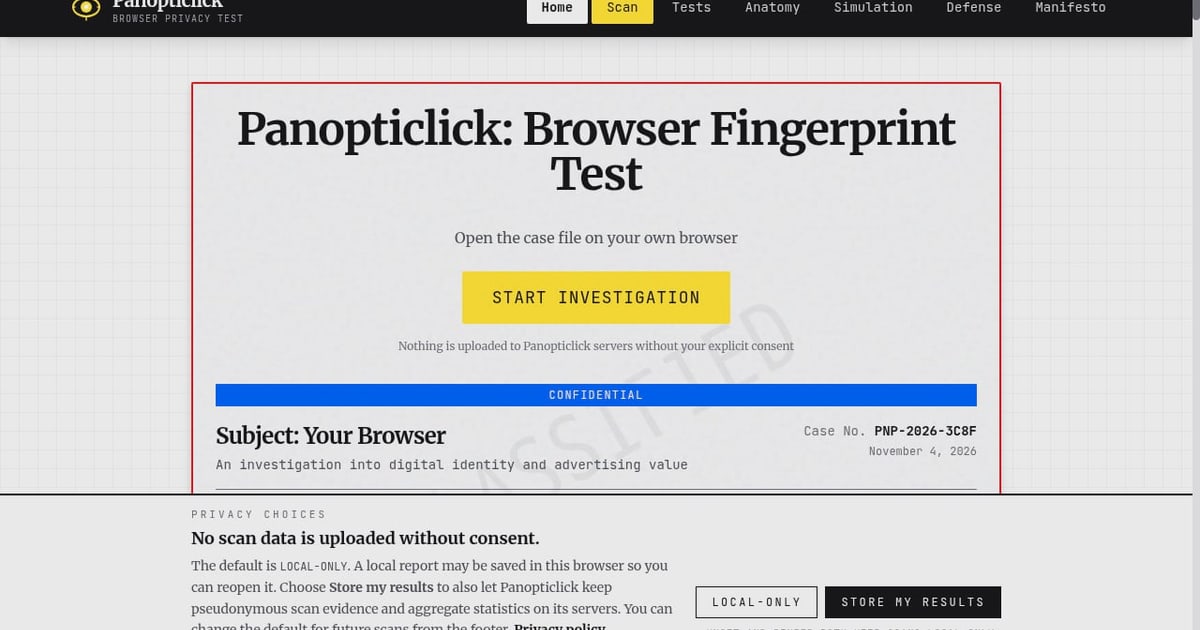
First viewport screenshot of panopticlick.org.
Browser fingerprinting collects dozens of signals from your browser and device—user agent, screen resolution, installed fonts, Canvas and WebGL rendering, timezone, language, and more—to create a unique identifier. Unlike cookies, you can't simply delete a fingerprint. Advertisers, data brokers, and fraud detection systems use these fingerprints to track you across websites, often without your knowledge.
A fingerprint test reveals exactly what your browser exposes. It helps you understand your uniqueness, verify whether privacy tools like VPNs or anti-detect browsers are working, and identify leaks that could compromise your anonymity.
BrowserScan: A Comprehensive Privacy and Fingerprint Detection Suite
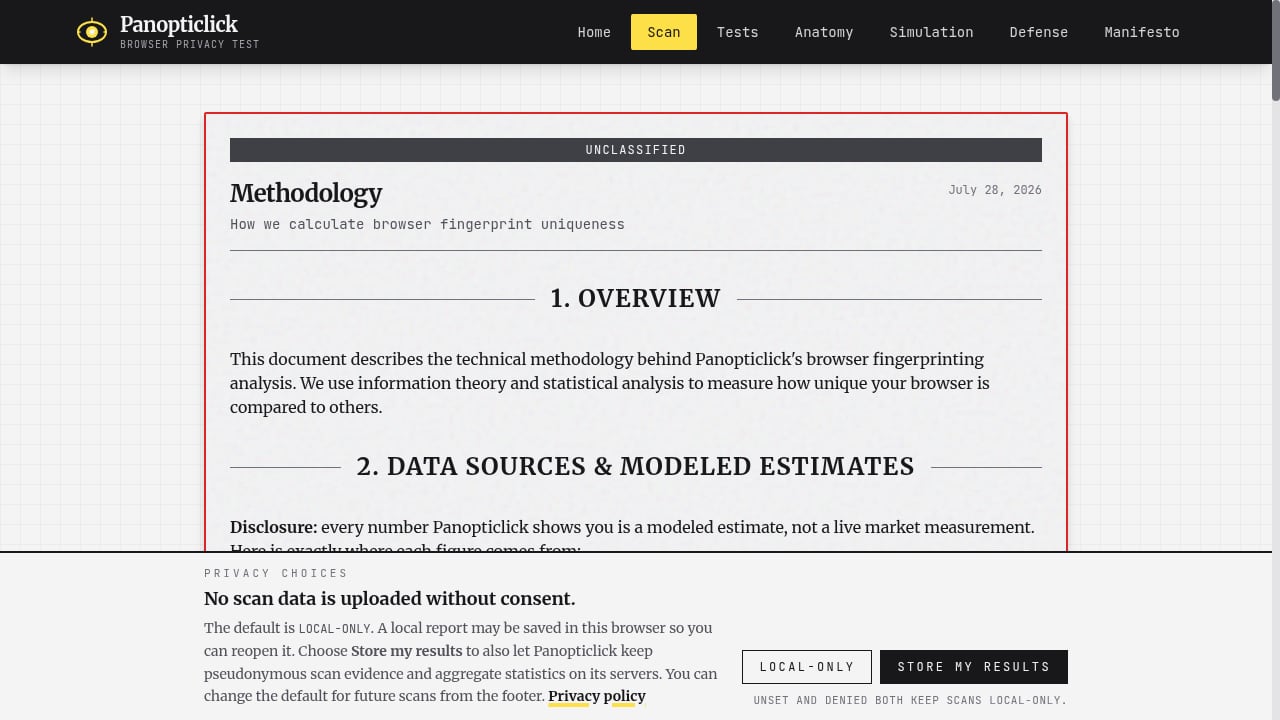
First viewport screenshot of panopticlick.org.
BrowserScan is more than a fingerprint checker. It's a full privacy diagnostics platform that combines fingerprint detection with a suite of leak tests and network tools. According to BrowserScan's own comparison of top fingerprint tools, the tool is designed for users concerned with privacy leaks and businesses evaluating anti-detect effectiveness.
Key Features of BrowserScan
- Complete fingerprint detection: Analyzes browser info, operating system, screen data, fonts, Canvas, WebGL, and more.
- IP and DNS leak tests: Checks whether your real IP or DNS queries are exposed.
- WebRTC leak test: Detects if WebRTC is leaking your local IP address.
- Proxy server detection: Identifies if you're using a proxy and whether it's properly configured.
- 2FA live check: Verifies two-factor authentication status.
- Port scanner and speed test: Additional network diagnostics.
- User agent parser: Breaks down your user agent string for detailed analysis.
- Browser checker: Validates browser configuration and privacy settings.
These features make BrowserScan a one-stop shop for anyone who wants to go beyond basic fingerprinting and understand their full privacy posture.
Strengths of BrowserScan
- Broad coverage: Combines fingerprinting with leak tests and network tools in one place.
- Actionable reports: Presents results in a clear, structured format that helps you identify and fix issues.
- Regular updates: Keeps pace with evolving tracking techniques.
- Free to use: No cost for core features, making it accessible to everyone.
- Suitable for multi-account management: Helps verify that anti-detect browsers and proxies are working correctly, reducing the risk of account linkage.
Limitations of BrowserScan
- No uniqueness score: Unlike some academic tools, BrowserScan doesn't provide a statistical uniqueness percentage.
- Primarily English: Interface and documentation are mainly in English.
Panopticlick: The Classic Fingerprint Test by EFF
First viewport screenshot of panopticlick.org.
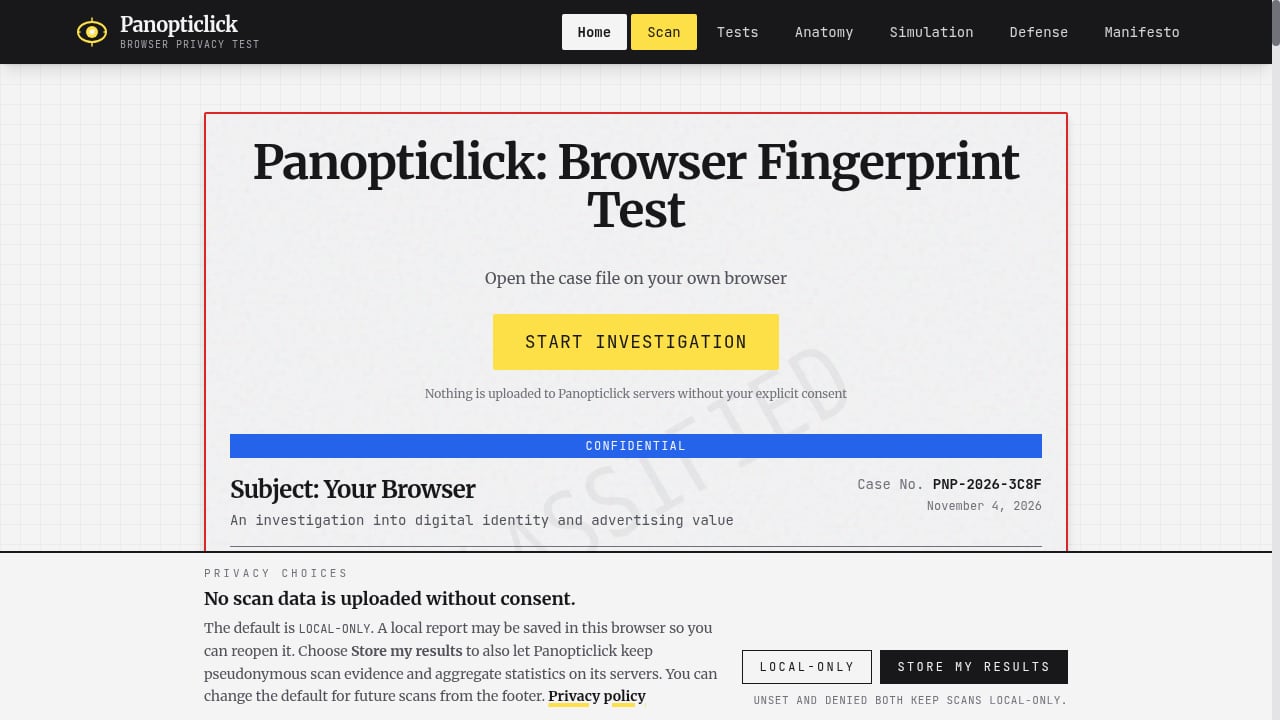
Panopticlick, developed by the Electronic Frontier Foundation (EFF), was one of the first tools to raise awareness about browser fingerprinting. It tests your browser's uniqueness and checks whether your tracker blocker is effective. The project has since evolved into Cover Your Tracks, but Panopticlick remains a recognizable name.
Key Features of Panopticlick
- Uniqueness score: Estimates how unique your browser fingerprint is compared to others.
- Tracker blocking test: Checks if your browser blocks tracking ads and invisible trackers.
- Fingerprinting protection test: Indicates whether your browser resists fingerprinting.
- Educational focus: Explains the concepts behind fingerprinting and tracking.
Weaknesses of Panopticlick
- Limited scope: Focuses on uniqueness and tracker blocking but lacks deep leak tests (DNS, WebRTC, proxy detection).
- No actionable fixes: Provides a score but doesn't guide you on how to remediate specific leaks.
- Dated interface: The tool has seen minimal updates and feels less modern than newer alternatives.
- No multi-account or anti-detect support: Not designed for users managing multiple profiles.
- Successor recommended: EFF itself points users to Cover Your Tracks, suggesting Panopticlick is no longer the primary focus.
Head-to-Head Comparison
| Feature | BrowserScan | Panopticlick |
|---|---|---|
| Fingerprint detection | ✅ Comprehensive | ✅ Basic |
| Uniqueness score | ❌ | ✅ |
| DNS leak test | ✅ | ❌ |
| WebRTC leak test | ✅ | ❌ |
| Proxy detection | ✅ | ❌ |
| Port scanner | ✅ | ❌ |
| Speed test | ✅ | ❌ |
| 2FA live check | ✅ | ❌ |
| User agent parser | ✅ | ❌ |
| Tracker blocking test | ❌ | ✅ |
| Multi-account support | ✅ | ❌ |
| Free | ✅ | ✅ |
| Regular updates | ✅ | Limited |
When to Choose BrowserScan
BrowserScan is the better choice if you:
- Want a complete privacy check that includes leak tests and network diagnostics.
- Manage multiple online accounts and need to verify that each profile is isolated.
- Use anti-detect browsers or proxies and want to confirm they're working.
- Prefer a modern, regularly updated tool with actionable results.
For a deeper dive into BrowserScan's capabilities, see our full review of BrowserScan's fingerprint detection tool.
When Panopticlick Might Still Be Useful
Panopticlick (or its successor, Cover Your Tracks) is worth trying if you:
- Want a quick uniqueness score and tracker blocking assessment.
- Are interested in the educational aspect of fingerprinting.
- Trust the EFF's nonprofit mission and want to support their work.
However, for practical privacy protection and leak detection, BrowserScan offers far more utility.
Practical Example: Using BrowserScan to Verify Your Privacy Setup
First viewport screenshot of panopticlick.org.
Suppose you're using a VPN and an anti-detect browser to manage multiple e-commerce accounts. You want to ensure that each profile appears as a separate, clean device. Here's how BrowserScan helps:
- Open BrowserScan in each profile and run the fingerprint test. Check that the user agent, screen resolution, timezone, and language match your proxy's location.
- Run the WebRTC leak test to ensure your local IP isn't exposed.
- Use the DNS leak test to confirm your DNS queries are routed through the proxy.
- Check the proxy detection tool to verify that no proxy is detected (or that it's properly configured).
- Review the fingerprint details for any inconsistencies that could link profiles.
If all checks pass, you can be confident your setup is isolated. If not, you'll know exactly what to fix.
For a step-by-step guide on combining BrowserScan with an anti-detect browser, read our Accovod integration tutorial.
Related reading
- CreepJS Review: Browser Fingerprint & IP Risk Analysis - Evidence-based CreepJS review: 59 checks, 8 categories, lie detection, API and SDK, pricing signals, setup, and ideal users for fingerprint audits.
- AdsPower Alternative for Teams: Fingerprint Privacy Checks - Compare team-friendly AdsPower alternatives and learn how BrowserScan fingerprint detection, leak tests, and IP checks verify each profile before your team scales.
FAQ
What is the main difference between BrowserScan and Panopticlick?
BrowserScan is a comprehensive privacy diagnostics suite with fingerprint detection, leak tests, and network tools. Panopticlick focuses on fingerprint uniqueness and tracker blocking but lacks deep leak detection and actionable guidance.
Is Panopticlick still available?
Panopticlick has been succeeded by Cover Your Tracks, also by the EFF. The original Panopticlick may still be accessible but is no longer actively developed.
Can BrowserScan replace Panopticlick?
Yes, for most practical purposes. BrowserScan covers fingerprint detection and adds leak tests that Panopticlick doesn't offer. However, if you specifically want a uniqueness score, Panopticlick (or Cover Your Tracks) provides that.
Is BrowserScan free?
Yes, BrowserScan offers free core features. Some advanced features may require a paid plan.
Which tool is better for multi-account management?
BrowserScan is designed with multi-account users in mind, offering checks that help verify anti-detect browser and proxy configurations. Panopticlick is not intended for this use case.
Conclusion
BrowserScan and Panopticlick both help you understand your browser fingerprint, but they cater to different needs. BrowserScan provides a comprehensive privacy check with fingerprint detection, leak tests, and network diagnostics—making it ideal for anyone serious about online privacy, especially those managing multiple accounts or using anti-detect tools. Panopticlick, while historically important, offers a narrower scope and less actionable results.
For a robust, modern fingerprint detection and privacy testing tool, BrowserScan is the clear winner. To explore how BrowserScan compares to other tools, check our ranking of the top 10 fingerprinting and privacy testing tools.
Sources: