
Open Source VPN: 7 Best Tools, Setup Tips & Security Checks
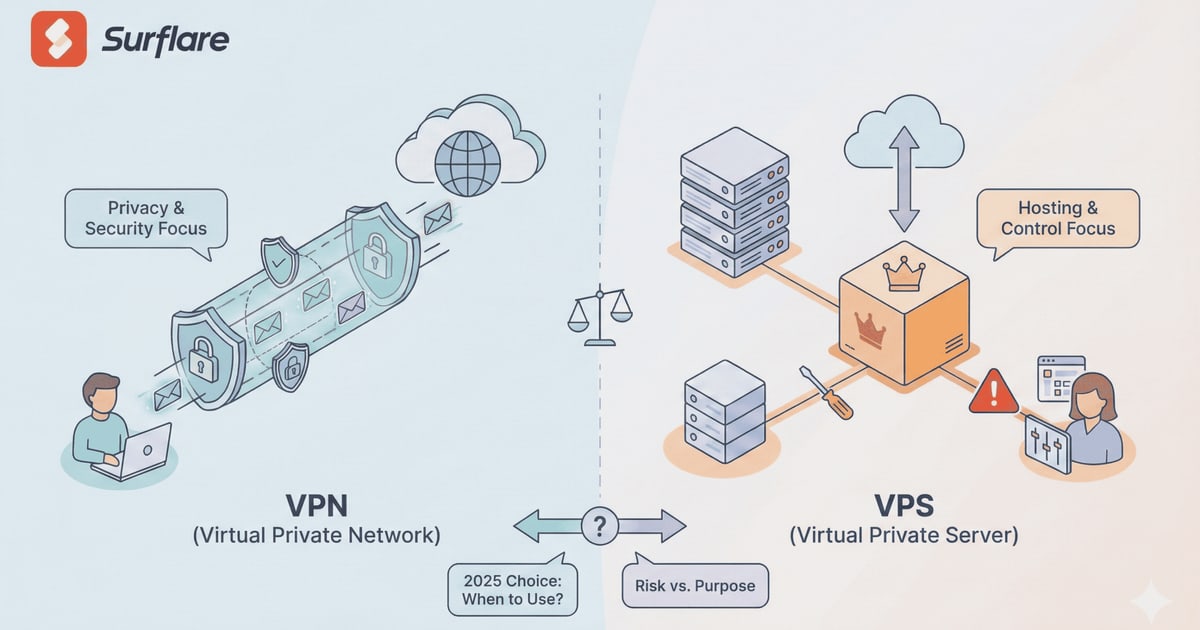
Open Source VPN: Tools, Setup, and Security Verification
An open source VPN gives you something proprietary services rarely offer: the ability to inspect exactly how your traffic is protected. Instead of trusting a vendor's marketing claims, you can read the source code, audit the encryption implementation, and run the server yourself. That transparency matters when the whole point is privacy.
But "open source" is not a magic security guarantee. A poorly configured OpenVPN server can leak your real IP address just as easily as a closed-source app. The code being public means vulnerabilities are easier to find—by both defenders and attackers.
This guide covers the most capable open source VPN projects, how to choose between them, practical setup considerations, and how to verify your tunnel is actually doing its job.
What Makes a VPN Open Source?
Open Source VPN: 7 Best Tools, Setup Tips & Security Checks - What Makes a VPN Open Source?.
An open source VPN publishes its source code under a license that allows anyone to view, modify, and redistribute it. Common licenses include the GPL, Apache 2.0, and MIT.
This matters for several reasons:
- Auditability: Independent researchers can review the cryptography and network handling code.
- No hidden backdoors: You can verify there is no telemetry or traffic logging baked into the client.
- Self-hosting: You can run the server on infrastructure you control.
- Longevity: The project can survive even if the original company disappears.
However, open source does not automatically mean secure. The code still needs active maintenance, timely security patches, and correct configuration. A 2018 audit of OpenVPN found several vulnerabilities that had existed for years—proof that transparency helps, but only when people actually look.
The Best Open Source VPN Projects in 2025
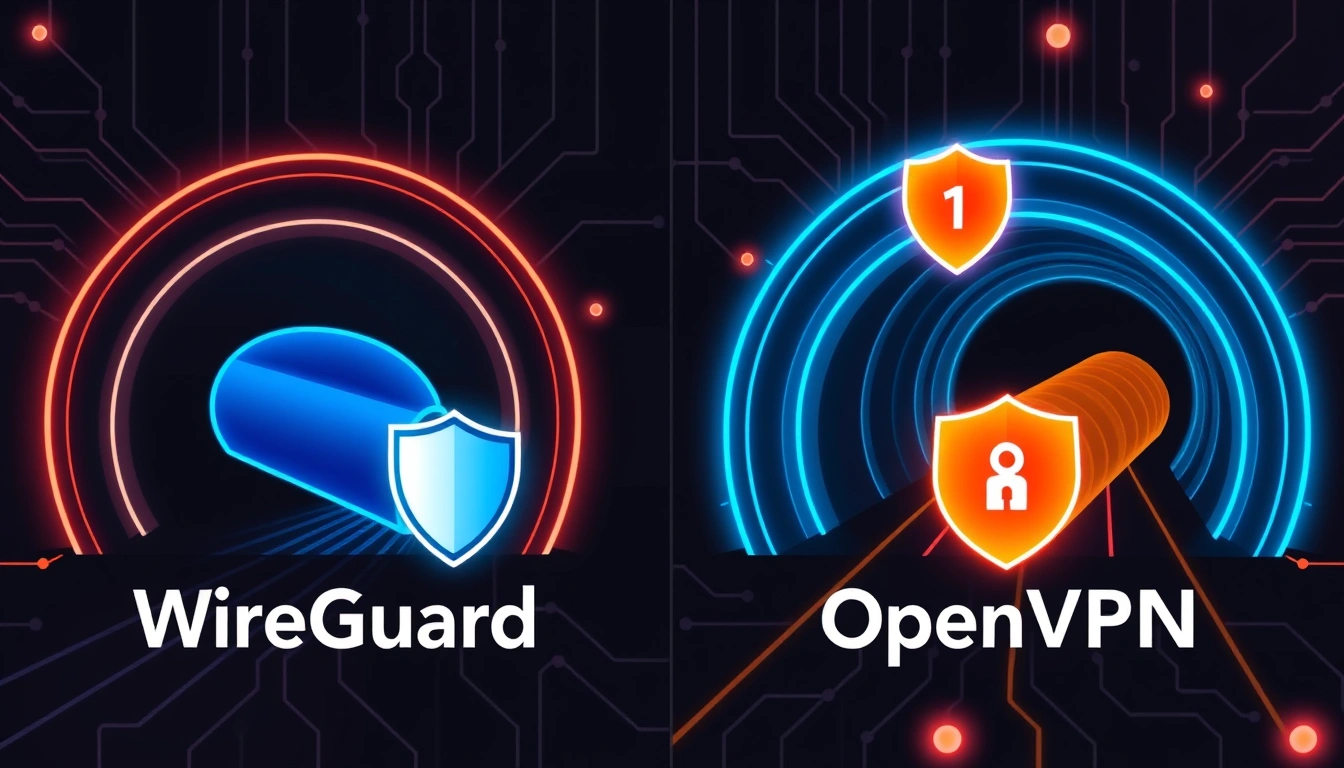
Open Source VPN: 7 Best Tools, Setup Tips & Security Checks - The Best Open Source VPN Projects in 2025.
1. OpenVPN Community Edition
OpenVPN remains the most widely deployed open source VPN protocol. The Community Edition is free and runs on Windows, Linux, macOS, and Android.
Strengths:
- Mature codebase with decades of real-world testing
- Extensive documentation and community support
- Works on restrictive networks using TCP port 443
- Compatible with most commercial VPN providers
Weaknesses:
- Configuration is more complex than modern alternatives
- Performance can lag behind WireGuard on high-bandwidth connections
- Requires managing certificates manually in many setups
OpenVPN uses either UDP or TCP as its transport. UDP is faster for most use cases, while TCP mode helps bypass firewalls that block UDP traffic. The protocol supports AES-256-GCM encryption, which is considered secure against current threats.
2. WireGuard
WireGuard has become the default choice for new deployments. It is built into the Linux kernel, which gives it a significant speed advantage.
Strengths:
- Extremely small codebase—around 4,000 lines versus OpenVPN's 100,000+
- Modern cryptography (ChaCha20, Curve25519, BLAKE2s)
- Near-instant connection establishment
- Excellent battery life on mobile devices
Weaknesses:
- Less flexible for complex enterprise topologies
- No built-in dynamic IP assignment—you manage addressing yourself
- Younger ecosystem with fewer GUI tools
The simplicity of WireGuard is its biggest security asset. Fewer lines of code mean fewer places for bugs to hide. The protocol was formally verified in 2021, and it is now the default VPN option in many Linux distributions.
3. SoftEther VPN
SoftEther VPN is an academic project from the University of Tsukuba that punches far above its weight. It supports multiple protocols simultaneously: OpenVPN, L2TP/IPsec, MS-SSTP, EtherIP, and its own SSL-VPN.
Strengths:
- Multi-protocol support from a single server
- Built-in NAT traversal and dynamic DNS
- VPN over ICMP and DNS for highly restricted networks
- OpenVPN clone function for legacy client compatibility
- Claims 1 Gbps-class throughput
Weaknesses:
- Less mainstream adoption than OpenVPN or WireGuard
- Smaller community for troubleshooting
- Some advanced features require deeper networking knowledge
SoftEther's standout feature is firewall resistance. Its SSL-VPN protocol uses Ethernet over HTTPS, which makes traffic look like ordinary web browsing to deep packet inspection systems. For users in countries with aggressive internet censorship, this can be the difference between a working VPN and a blocked one.
4. Other Notable Open Source VPNs
- strongSwan: A complete IPsec implementation for Linux, popular for site-to-site tunnels.
- Libreswan: Another IPsec option with a focus on IKEv2 support.
- OpenConnect: An open source client for Cisco AnyConnect and Juniper Pulse servers.
- Tailscale (partially open source): Built on WireGuard with a coordination service, though the control plane is proprietary.
Open Source VPN vs. Commercial VPN Services
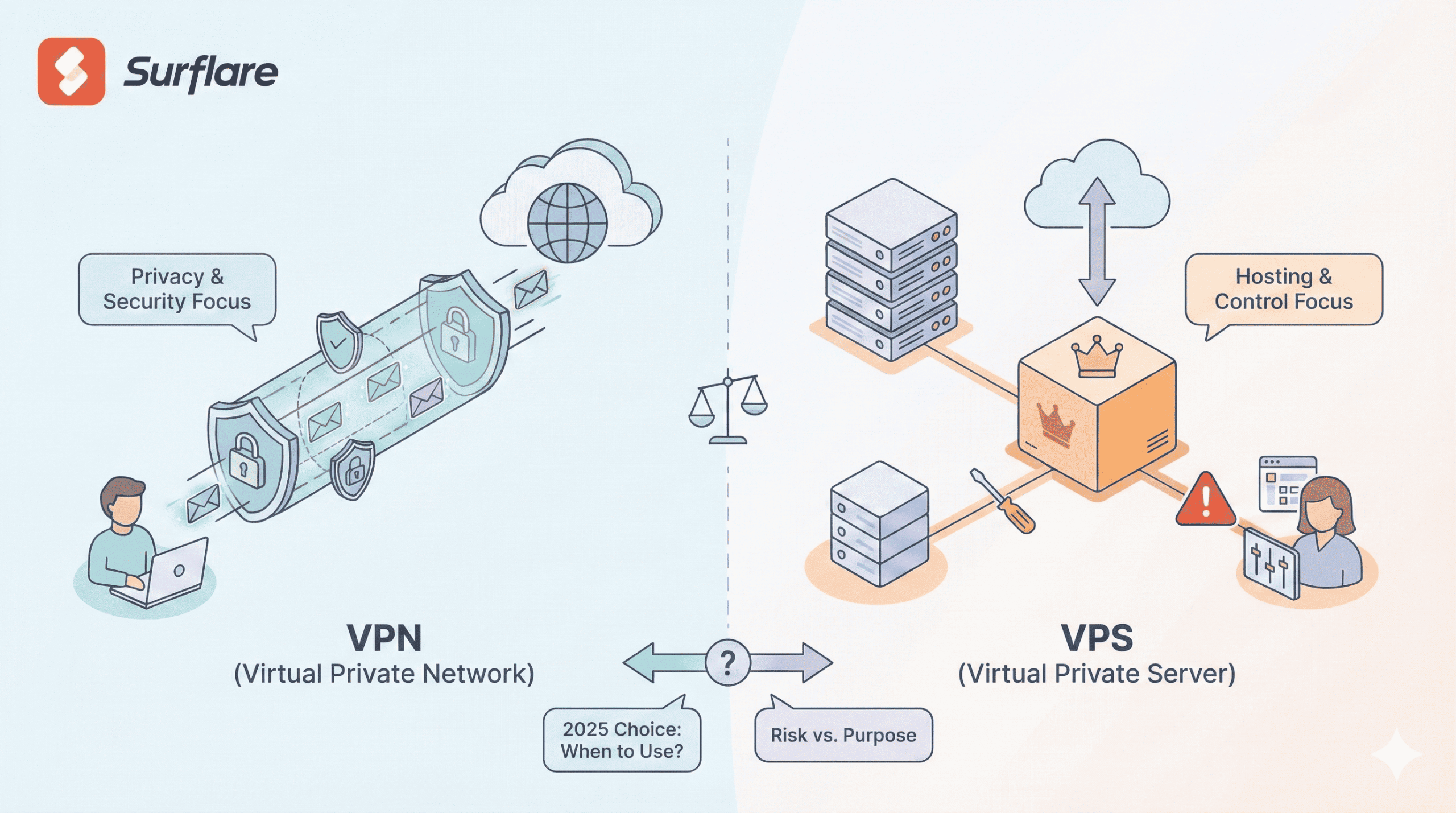
Open Source VPN: 7 Best Tools, Setup Tips & Security Checks - Open Source VPN vs. Commercial VPN Services.
A common point of confusion: using open source VPN software is different from subscribing to a commercial VPN service.
| Factor | Open Source VPN (Self-Hosted) | Commercial VPN Service |
|---|---|---|
| Cost | Free software; you pay for hosting | Monthly or annual subscription |
| Control | Full control over server and config | Provider controls infrastructure |
| Privacy | No third party sees your traffic | Provider can potentially log traffic |
| IP reputation | Your IP may be flagged as a datacenter IP | Providers rotate and manage IP pools |
| Setup effort | High—you manage everything | Low—install an app and connect |
| Streaming access | Often blocked by streaming platforms | Many providers optimize for this |
Many commercial VPN services actually use OpenVPN or WireGuard under the hood. The difference is who runs the server. When you self-host, you eliminate the question of whether the VPN provider is logging your activity—but you also lose the IP address diversity that makes commercial services useful for evading geo-restrictions.
How to Set Up an Open Source VPN Server

Open Source VPN: 7 Best Tools, Setup Tips & Security Checks - How to Set Up an Open Source VPN Server.
Option A: WireGuard on a VPS (Fastest Setup)
- Rent a small VPS from any provider (DigitalOcean, Vultr, Linode, Hetzner).
- Install WireGuard:
sudo apt install wireguardon Debian/Ubuntu. - Generate server keys:
wg genkey | tee server_private.key | wg pubkey > server_public.key - Create
/etc/wireguard/wg0.confwith your interface and peer configuration. - Generate client keys and add a
[Peer]section for each device. - Enable the interface:
sudo wg-quick up wg0 - Install the WireGuard client on your phone or laptop and import the config.
Total time for a basic setup: 15–30 minutes.
Option B: OpenVPN via Script
Tools like the OpenVPN road warrior installer script automate certificate generation and firewall rules. A single command sets up a working server with client configuration files ready to import.
Option C: SoftEther with GUI
SoftEther offers a graphical Server Manager for Windows and a command-line tool for Linux. The GUI makes it easier to configure multiple virtual hubs, local bridges, and protocol listeners without editing text files.
Common Open Source VPN Security Mistakes
1. Weak or Default Credentials
If you expose a VPN management interface to the internet with default passwords, you will be compromised. This is the most common cause of self-hosted VPN breaches.
2. Outdated Software
Open source projects release security patches regularly. A server running OpenVPN 2.4 from 2017 is a liability. Subscribe to your project's security announcements and update promptly.
3. Misconfigured DNS
Your VPN can encrypt traffic perfectly while still leaking DNS queries to your ISP's resolver. This reveals every domain you visit. Always configure your VPN to push DNS servers you trust.
4. Ignoring IPv6
Many VPN configurations handle IPv4 correctly but leave IPv6 traffic routing outside the tunnel. If your network has IPv6 connectivity, your real IP can leak even when the VPN is active.
5. No Kill Switch
A kill switch blocks all traffic if the VPN connection drops. Without one, your device silently falls back to the unprotected connection. This is especially important on mobile devices that switch between Wi-Fi and cellular networks.
How to Verify Your Open Source VPN Is Working
After setting up any VPN, run these checks before trusting it with sensitive traffic:
Step 1: IP Address Verification
Connect to your VPN and visit an IP lookup tool. The displayed IP should match your VPN server's IP, not your home or mobile IP. Check that the geolocation also matches your server's location.
Step 2: DNS Leak Test
A DNS leak test queries your browser's DNS resolution path and reports which servers answered. If you see your ISP's DNS servers instead of your VPN's, your configuration needs fixing.
Step 3: WebRTC Leak Test
WebRTC can expose your real IP address even when your VPN is active, because browsers use it for peer-to-peer connections outside the normal network stack. A WebRTC leak test will show whether your browser is revealing your local or public IP.
Step 4: Browser Fingerprint Check
Your IP address is only one identifier. Browser fingerprinting combines dozens of signals—canvas rendering, installed fonts, screen resolution, user agent—to create a unique profile. Even with a VPN, your fingerprint can track you across sessions. Use a browser fingerprint analysis tool to see how identifiable your browser is.
Step 5: Port Scan
Run a port scan against your VPN server's IP to confirm only the intended ports are open. An Nmap-powered port scanner can identify exposed services that attackers might exploit.
Open Source VPN Protocols Compared
| Protocol | Speed | Firewall Resistance | Complexity | Best For |
|---|---|---|---|---|
| WireGuard | Excellent | Moderate | Low | Modern devices, high bandwidth |
| OpenVPN (UDP) | Good | Moderate | Medium | Broad compatibility |
| OpenVPN (TCP) | Fair | Good | Medium | Bypassing UDP blocks |
| SoftEther SSL-VPN | Good | Excellent | High | Censored networks |
| IPsec/IKEv2 | Good | Moderate | High | Mobile devices, site-to-site |
| L2TP/IPsec | Fair | Poor | Medium | Legacy compatibility |
When Open Source VPN Is the Right Choice
Choose a self-hosted open source VPN when:
- You want to access your home or office network remotely
- You need a site-to-site tunnel between two locations you control
- You are technically comfortable managing a server
- You want to avoid trusting any third-party VPN provider
- You need to bypass firewalls that block commercial VPN IP ranges
Choose a commercial VPN service when:
- You need IP addresses in many different countries
- You want streaming platforms to work reliably
- You prefer a one-click setup experience
- You want shared IP addresses for better anonymity
Related reading
- Algo VPN Pricing: Real Costs of Self-Hosting in 2025 - Algo VPN is free software, but hosting it costs money. See real cloud pricing for AWS, Vultr, DigitalOcean, and how to budget your self-hosted VPN.
- Pixelscan Pricing: Free Checks, Plans & Alternatives - Understand Pixelscan pricing: free browser scans, proxy checker plans, partner discounts, and how free alternatives like BrowserScan compare.
Sources and further reading
- What is the best, in your opinion, the best open source VPN? - Reddit - Jan 8, 2021 ... VPN software like OpenVPN can be used to connect to VPNs, these VPNs can be hosted by a service like PIA for anonymity, and security. Or the ...
Frequently Asked Questions
Is OpenVPN really free?
Yes. The Community Edition is free and open source under the GPL license. OpenVPN Inc. sells commercial products (Access Server, CloudConnexa) built on the same technology, but the core software remains free.
Which open source VPN is fastest?
WireGuard consistently outperforms OpenVPN in benchmarks, often achieving 2–3x higher throughput on the same hardware. Its kernel-level implementation and modern cryptography reduce CPU overhead significantly.
Can I use an open source VPN to hide my IP address?
Yes, but with caveats. Your traffic exits from your VPN server's IP address, which hides your real IP from destination websites. However, since you control the server, the IP is unique to you—which can actually make you more identifiable than using a shared commercial VPN IP.
Does open source mean no one can see my traffic?
No. Your VPN server's hosting provider can still see encrypted traffic passing through, and your ISP can see that you are connecting to a VPN. Open source means you can verify the software, not that you are invisible.
How do I check if my open source VPN is leaking?
Run a combination of tests: an IP leak test for your public IP, a DNS leak test for resolver exposure, and a WebRTC leak test for browser-level leaks. BrowserScan offers these checks in one place without requiring installation.
Is SoftEther better than OpenVPN?
It depends on your needs. SoftEther offers more protocol options and better firewall evasion, while OpenVPN has a larger community and more third-party tooling. For most users, both are solid choices; for heavily censored networks, SoftEther's SSL-VPN over HTTPS is often more effective.
Conclusion
Open source VPN software gives you transparency, control, and freedom from subscription fees. Projects like OpenVPN, WireGuard, and SoftEther have proven themselves across millions of deployments, and each serves different use cases.
The key insight: open source is a starting point, not a guarantee. The security of your VPN depends on how you configure it, how often you update it, and whether you verify it is working correctly. Run leak tests regularly, check your browser fingerprint, and scan your server for exposed ports. A VPN that silently leaks your real IP is worse than no VPN at all—because it gives you false confidence.
With the right tool and proper verification, an open source VPN is one of the most powerful privacy tools available. Just remember that the responsibility for security rests with you, not with the software.