
What Is a Personal VPN? How to Choose and Test One
What Is a Personal VPN and How Do You Choose the Right One?
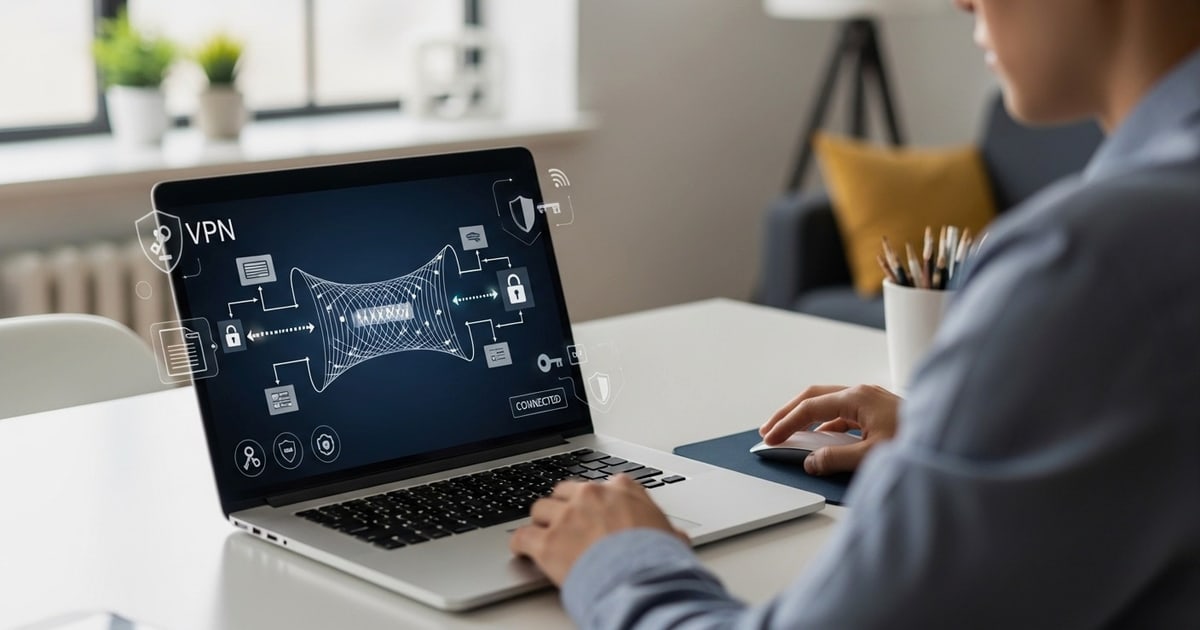
A personal VPN is a subscription-based privacy tool that encrypts your internet traffic and routes it through a remote server, hiding your real IP address and location from websites, advertisers, and your internet service provider. Unlike corporate VPNs that connect employees to an office network, a personal VPN is built for one job: protecting an individual's online activity.
But choosing a personal VPN is only half the battle. Even a well-reviewed service can leak your real IP address through misconfigured DNS or WebRTC settings. That's why verification matters as much as selection. This guide explains what a personal VPN actually does, what to look for when comparing providers, and how to test whether your connection is genuinely private.
What Does a Personal VPN Actually Do?
What Is a Personal VPN? How to Choose and Test One - What Does a Personal VPN Actually Do?.
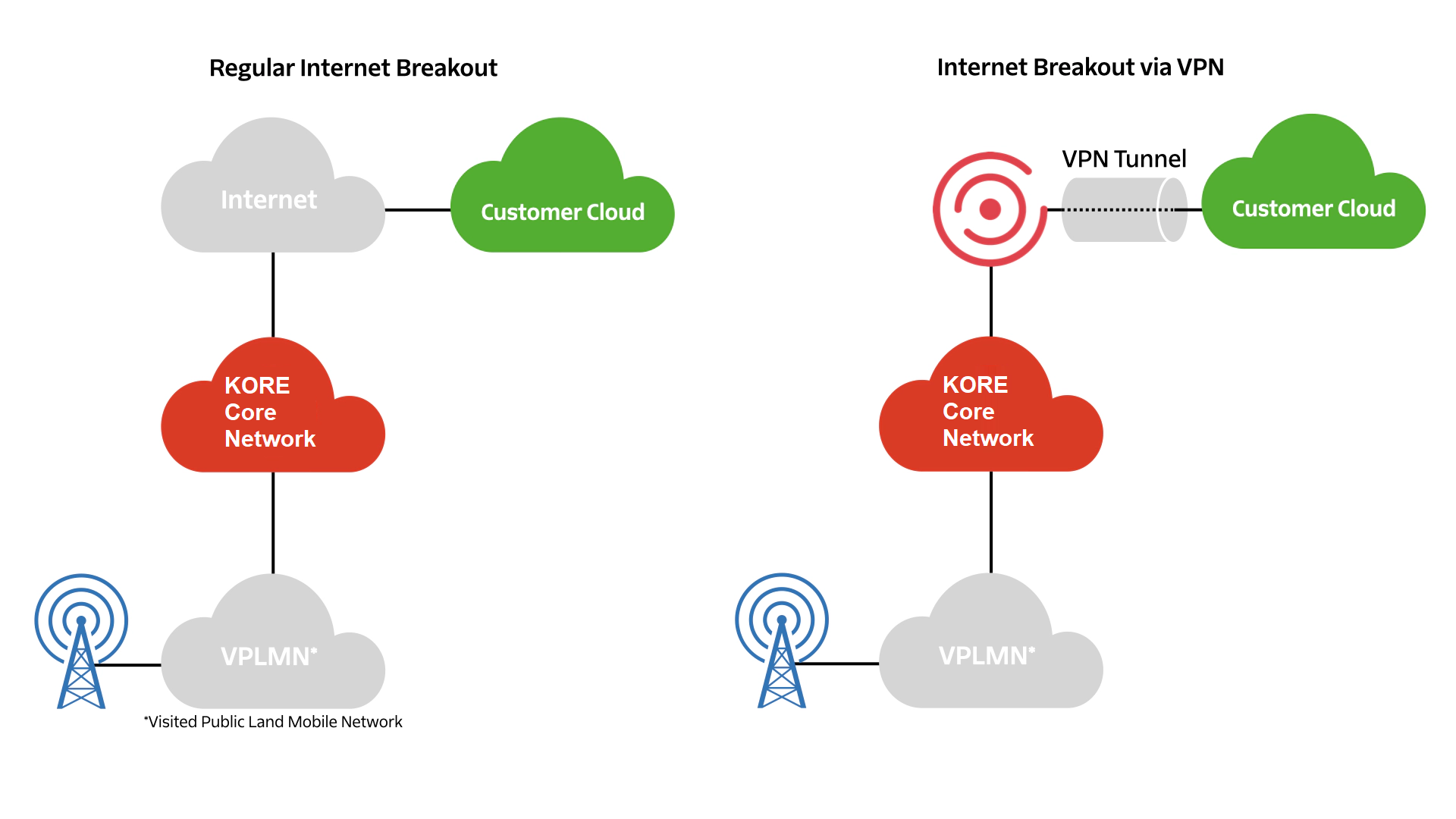
At its core, a personal VPN creates an encrypted tunnel between your device and a VPN server. When you browse, stream, or send messages, your data travels through that tunnel instead of moving directly across the open internet. Anyone intercepting the traffic sees only scrambled data and the VPN server's IP address—not yours.
Here are the practical benefits:
- Hide your IP address and location. Websites, search engines, and ISPs see the VPN server's IP instead of your real one.
- Encrypt traffic on public Wi-Fi. Hotel, airport, and coffee shop networks are common hunting grounds for attackers. A VPN makes intercepted data unreadable.
- Bypass geographic restrictions. Connect to a server in another country to access content, banking portals, or services that are only available back home.
- Reduce tracking by your ISP. Your internet provider can still see that you're using a VPN, but not which sites you visit or what you do on them.
- Defeat basic censorship. In regions that block specific sites or apps, a VPN can route around those restrictions.
What a personal VPN does not do is make you completely anonymous. Websites can still identify you through browser fingerprints, cookies, account logins, and behavioral patterns. A VPN is one layer of a privacy stack, not a magic cloak.
How a Personal VPN Works
What Is a Personal VPN? How to Choose and Test One - How a Personal VPN Works.
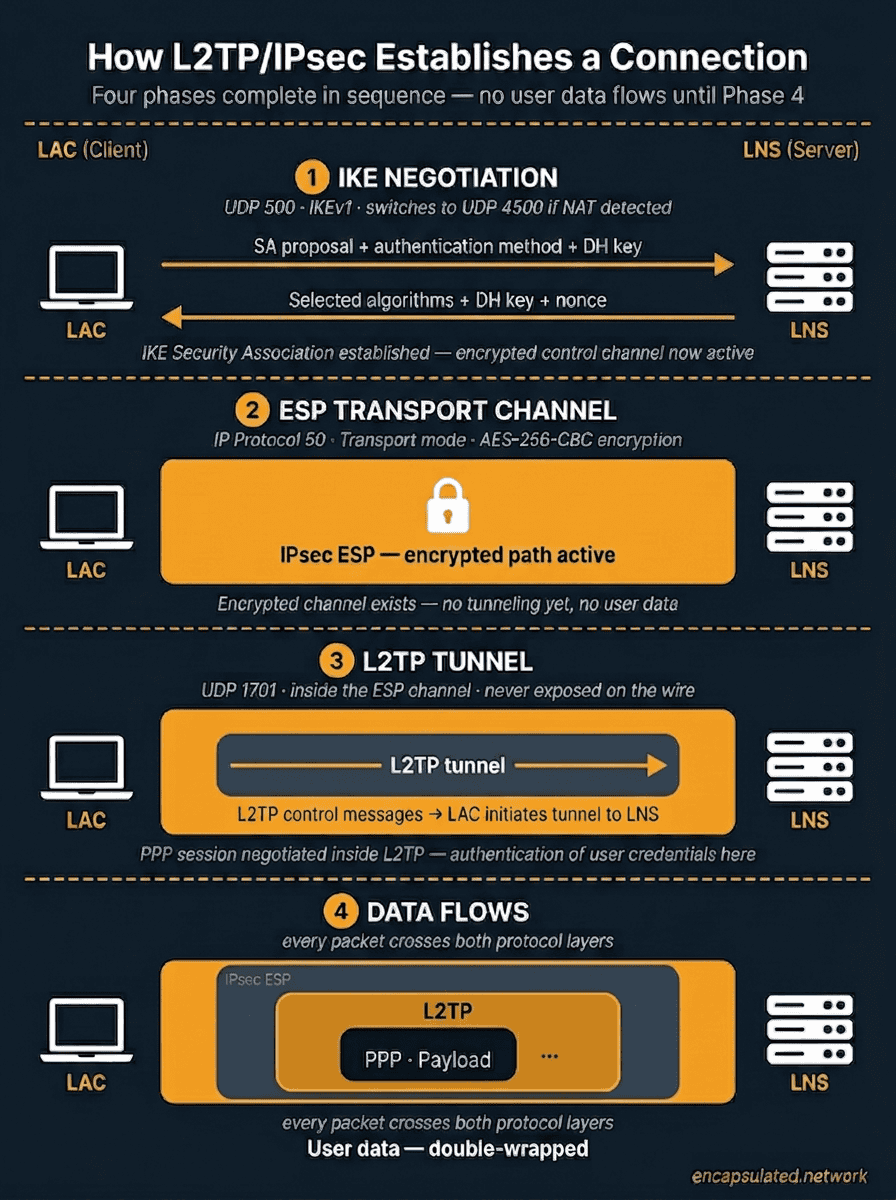
When you connect to a personal VPN, three things happen in sequence:
- Authentication. Your device verifies its credentials with the VPN server.
- Tunnel establishment. The VPN client and server negotiate an encrypted connection using a protocol such as WireGuard, OpenVPN, or IKEv2.
- Traffic routing. All your internet traffic flows through the encrypted tunnel. The VPN server decrypts it, forwards requests to the destination, and sends responses back through the same protected channel.
Most modern personal VPNs also assign you a temporary IP address from the server's location. If you connect to a server in Amsterdam, sites will see a Dutch IP address. Switch to a Tokyo server, and you appear to be in Japan.
Key Features to Compare When Choosing a Personal VPN
What Is a Personal VPN? How to Choose and Test One - Key Features to Compare When Choosing a Personal VPN.
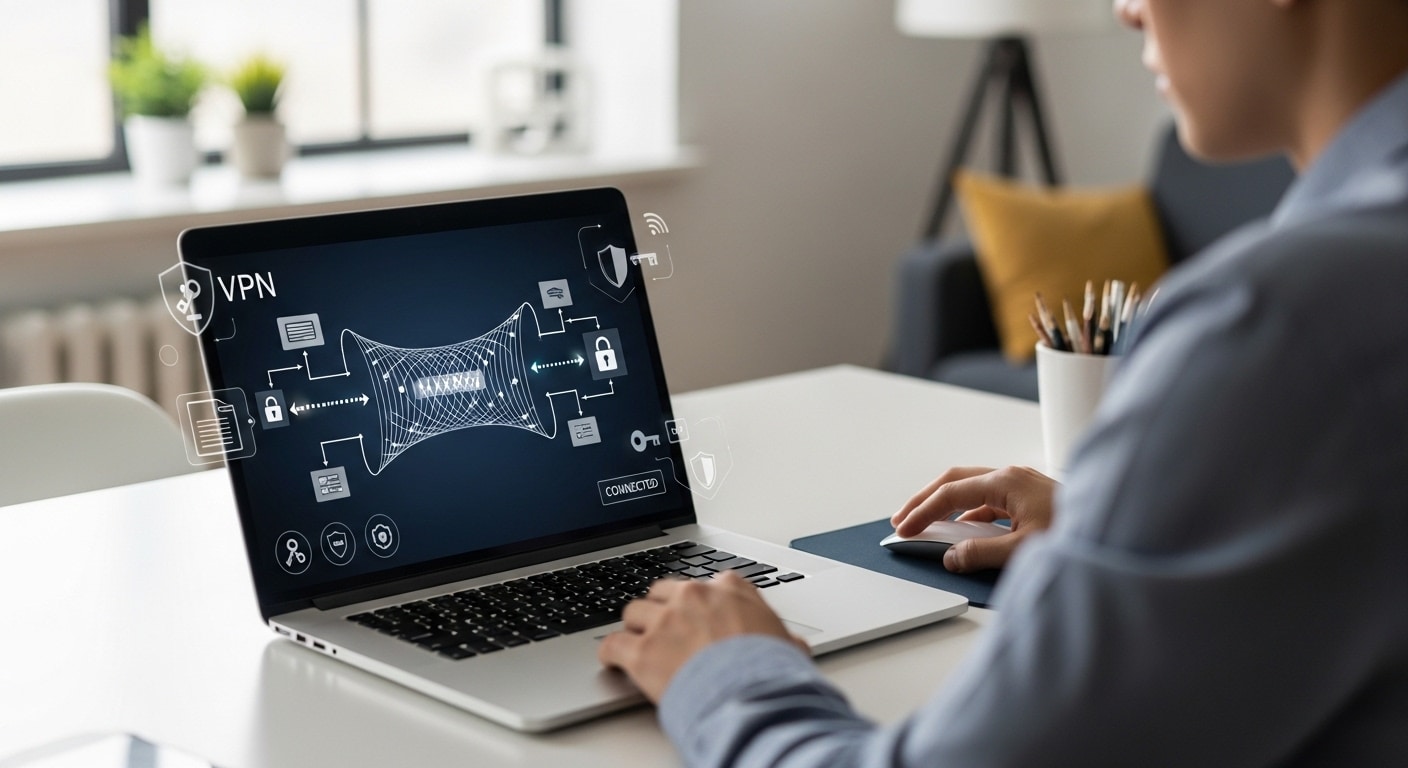
Not all personal VPN services are equal. Here are the factors that matter most:
1. Privacy Policy and Jurisdiction
Look for a provider with a clear, independently audited no-logs policy. The company's legal jurisdiction matters too. Providers based in privacy-friendly countries face fewer mandatory data retention requirements than those in surveillance-heavy jurisdictions. Proton VPN, for example, operates under Swiss law and publishes open-source apps and public no-logs audits.
2. Encryption and Protocols
WireGuard has become the modern standard for speed and security. OpenVPN remains a solid, widely audited alternative. Avoid providers that rely on outdated protocols like PPTP, which is trivially crackable.
3. Server Network Size and Distribution
More servers in more countries means more options for bypassing geo-blocks and less congestion on popular nodes. A provider with 20,000+ servers across 140+ countries offers far more flexibility than one with a few hundred servers in a dozen locations.
4. Speed and Performance
Every VPN adds some latency because your traffic takes a detour. The best services minimize this with optimized servers, modern protocols, and sufficient capacity. Independent speed tests from outlets like PCMag can give you a realistic picture of real-world performance.
5. Simultaneous Connections and Device Support
Most households have multiple devices. Check how many simultaneous connections are allowed and whether the provider offers native apps for your operating systems, routers, and streaming devices.
6. Kill Switch and Leak Protection
A kill switch cuts your internet connection if the VPN drops unexpectedly, preventing unprotected data from leaking. Built-in DNS and IPv6 leak protection are also essential. If the provider doesn't offer these, look elsewhere.
Why You Should Test Your VPN After Setup
What Is a Personal VPN? How to Choose and Test One - Why You Should Test Your VPN After Setup.
Even the most reputable personal VPN can leak your real IP address due to browser quirks, misconfigured settings, or WebRTC behavior. A VPN that silently leaks defeats its entire purpose.
Common leak types include:
- DNS leaks. Your device sends DNS queries to your ISP's resolver instead of the VPN's encrypted DNS server, revealing which sites you visit.
- WebRTC leaks. Browsers can expose your real IP address through WebRTC even when a VPN is active.
- IPv6 leaks. If your VPN only tunnels IPv4 traffic but your network has IPv6 connectivity, your real IPv6 address may leak.
BrowserScan offers a free, browser-based suite of privacy diagnostics that makes this verification straightforward. Its DNS and WebRTC leak tests show whether your VPN is actually masking your real IP address. The IP address lookup tool confirms your visible geolocation, ISP, and whether proxy or VPN detection is triggered. You can also run a browser fingerprint analysis to see how identifiable your browser remains even with a VPN connected. For a step-by-step walkthrough, see the BrowserScan tutorial.
How to Verify Your Personal VPN Is Working
Follow this checklist after installing and connecting your VPN:
- Check your visible IP address. Visit an IP lookup tool and confirm it shows the VPN server's IP, not your home IP.
- Run a DNS leak test. Ensure all DNS queries resolve through the VPN provider's servers.
- Run a WebRTC leak test. Confirm your browser is not exposing your real IP address through WebRTC.
- Check your browser fingerprint. Even with a VPN, your browser fingerprint can be unique. Use a fingerprint checker to see what trackers can still identify.
- Scan your ports. An open port can reveal vulnerabilities. An Nmap-powered port scanner can identify exposed services on your connection.
If any test reveals a leak, try switching VPN protocols, enabling the kill switch, disabling WebRTC in your browser, or contacting your provider's support team.
Personal VPN vs. Other Privacy Tools
A personal VPN is often confused with other privacy technologies. Here's how they differ:
| Tool | What It Does | What It Doesn't Do |
|---|---|---|
| Personal VPN | Encrypts traffic and hides IP address | Doesn't prevent browser fingerprinting or cookie tracking |
| Incognito/Private mode | Prevents local history storage | Doesn't hide your IP or encrypt traffic |
| Tor browser | Routes traffic through multiple relays for anonymity | Much slower; some sites block Tor exit nodes |
| Antidetect browser | Spoofs browser fingerprints | Doesn't encrypt traffic by itself |
For a deeper look at what true anonymity requires, read our guide on online anonymity and how to test yours.
Related reading
- How to Use Nmap: The Network Mapper Free Security Scanner - Learn how to use Nmap, the free open-source network mapper, for port scanning, host discovery, OS detection, and security auditing with practical examples.
- IPWHOIS.io Tutorial: IP Geolocation API Guide - Learn how to use the IPWHOIS.io API for IP geolocation, ISP data, and security flags. Includes setup, code examples, limits, and verification tips.
- HackerTarget: Security Scanners, IP Tools & API Guide - Explore HackerTarget's online vulnerability scanners, reverse IP lookup, IP tools, and API limits. Learn how to use them for security testing and reconnaissance.
Sources and further reading
- Home - Super fast, reliable, and low-cost personal VPN service. Unblock Content, Hide IP Address, Browse the Web Anonymously, Public Wi-Fi Protection, and more!
- The Best VPN Services for 2026 - Using a VPN (or virtual private network) is one of the best ways to protect your online privacy. We review dozens every year, and these are the top VPNs we've tested.
- The best VPN for speed and security - Get fast, secure VPN service in 140+ countries. Download our free VPN now — or check out Proton VPN Plus for even more premium features.
Frequently Asked Questions
Is a personal VPN legal?
In most countries, yes. A small number of jurisdictions restrict or ban VPN use, including China, Russia, Iran, and a few others. Check local laws before traveling with a VPN.
Does a personal VPN slow down my internet?
Some speed loss is inevitable because traffic travels through an extra server. Modern protocols like WireGuard minimize this. On a quality service, the slowdown is often barely noticeable for browsing and streaming.
Can a free personal VPN be trusted?
Free VPNs often monetize through ads, data collection, or bandwidth caps. Some have been caught selling user data. If you need a free option, choose a reputable provider's free tier—such as Proton VPN's free plan—rather than an unknown service.
Will a personal VPN stop websites from tracking me?
It stops IP-based tracking, but websites can still use cookies, browser fingerprints, and account logins to identify you. Combine a VPN with privacy-focused browser settings and regular fingerprint checks for better results.
How do I know if my VPN is leaking?
Run DNS and WebRTC leak tests while connected to your VPN. BrowserScan's free tools let you check both in seconds without installing anything.
Can I use a personal VPN on all my devices?
Most providers support Windows, macOS, iOS, Android, and Linux, with router support for covering devices that can't run VPN apps. Check the simultaneous connection limit before subscribing.
Conclusion
A personal VPN is one of the most effective tools for hiding your IP address, encrypting your traffic, and protecting your activity on untrusted networks. But the best VPN in the world is only as good as its configuration. A single DNS or WebRTC leak can expose the very data you're trying to protect.
Choose a provider with audited no-logs policies, modern protocols, and a kill switch. Then verify your setup with independent leak tests and browser fingerprint checks. Privacy is not a one-time purchase—it's a configuration you should test regularly. For more on continuous privacy monitoring, see our guide to continuous security monitoring.