
BrowserScan vs Iphey vs WhatIsMyIP: Best Fingerprint Tool
BrowserScan vs Iphey vs WhatIsMyIP: Which Fingerprint Detection Tool Fits Your Privacy Workflow?
Every site you visit can assemble a profile from your browser's technical signals, even without cookies. The question is whether you can see that profile before someone else uses it. BrowserScan, Iphey, and WhatIsMyIP.com all help, but they answer different questions. This comparison shows where each tool is strong, and where BrowserScan's broader leak and fingerprint coverage gives it an edge for privacy-focused testing.
Why browser fingerprint detection matters
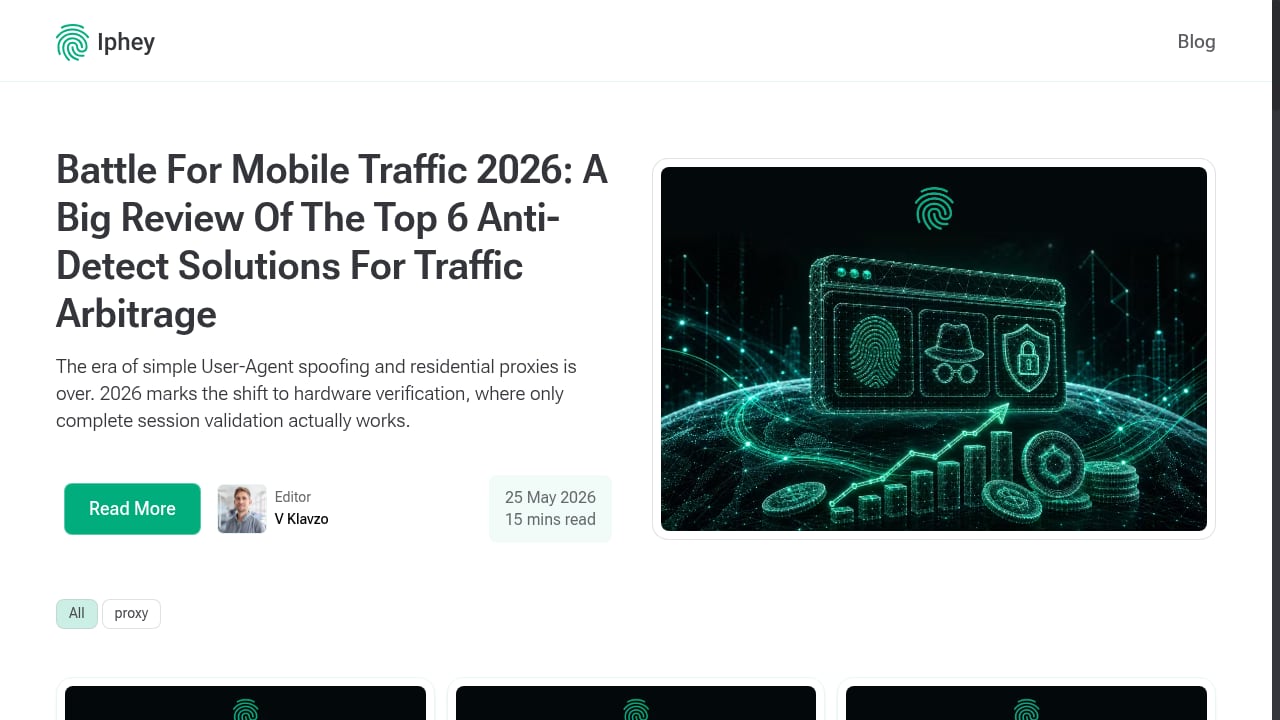
First viewport screenshot of Blog - IPhey.
A browser fingerprint is the combination of signals a site can read from your browser: user agent, screen resolution, time zone, fonts, Canvas and WebGL rendering, and network details like your IP address. Individually these look harmless. Combined, they can identify a browsing environment across sessions, which is why privacy-conscious users and multi-account teams test their setup regularly.
A good fingerprint test does two things: it shows what your browser reveals, and it flags inconsistencies that suggest spoofing or leaks. That second part is where tools diverge most.
How the three tools approach the problem
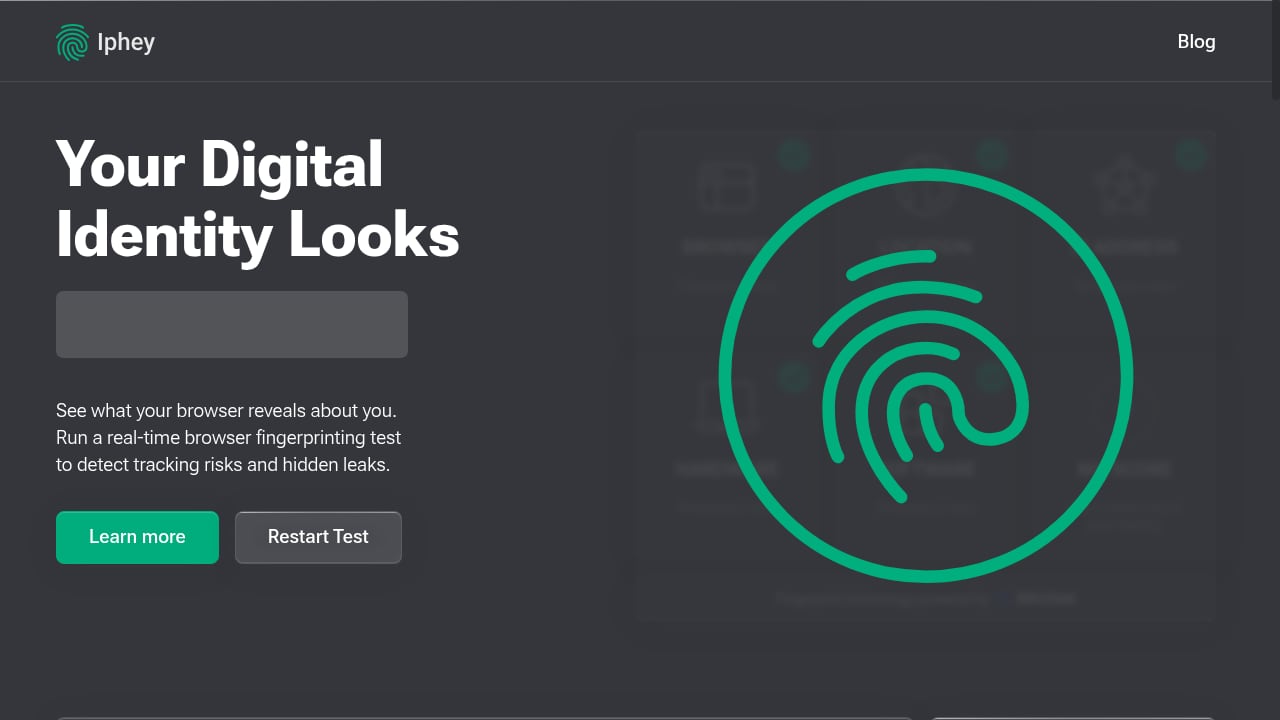
First viewport screenshot of Iphey - Real-Time Browser Fingerprinting Test - IPhey.
BrowserScan: full fingerprint plus leak testing
BrowserScan is built around a complete privacy check rather than a single score. It combines fingerprint detection with DNS leak testing, WebRTC leak testing, proxy server detection, IP checks, a port scanner, a speed test, user agent parsing, and 2FA live checks. For anyone who wants one dashboard covering both identity exposure and network leaks, that breadth is the main draw.
Its practical strength is coverage: you can run a fingerprint check, then immediately verify whether your DNS or WebRTC configuration is leaking the real connection details behind a VPN or proxy. That combination is useful when you are validating an anti-detect browser profile or checking whether a proxy is actually masking what it claims.
Iphey: fast, focused fingerprint scoring
Iphey (iphey.com) runs a real-time browser fingerprinting test and reports tracking risks and hidden leaks. Its appeal is speed and clarity: you get a quick read on whether your browser environment looks trustworthy, suspicious, or unreliable, plus a score that summarizes the result.
Independent testing has treated Iphey as a strict checker. In a 2026 anti-detect browser comparison published by GoLogin, Iphey flagged 7 of 11 browsers that launched as "Unreliable," making it one of the tougher tests in that round. That strictness is a genuine strength if you want a second opinion on whether a profile is truly clean. The trade-off is scope: Iphey focuses on fingerprint and environment signals rather than offering a full suite of network diagnostics.
WhatIsMyIP.com: network and IP intelligence
WhatIsMyIP.com is a comprehensive platform centered on IP address lookup. It shows your public IPv4 and IPv6 address, estimated location, ISP, and related network information, and it offers free tools including IP lookup, Whois lookup, DNS lookup, internet speed test, port scanner, proxy check, and IP blacklist check.
Beyond tools, the site publishes educational guides on VPNs, WiFi, and online privacy, plus a cybersecurity news section covering threats, scam alerts, and privacy updates. Its research articles on scam sites, VPN marketing claims, and hidden camera detection show an evidence-based approach. If your question is "what does the network see when I connect," WhatIsMyIP.com answers it well. If your question is "what does my browser reveal about my device," it is not the primary tool.
Side-by-side comparison

Facebook.
| Criteria | BrowserScan | Iphey | WhatIsMyIP.com |
|---|---|---|---|
| Browser fingerprint depth | Broad: user agent, Canvas, WebGL, fonts, hardware signals | Focused real-time fingerprint and tracking-risk score | Limited; centered on IP and network data |
| DNS leak test | Yes | Not a core feature | DNS lookup available, not a leak test |
| WebRTC leak test | Yes | Reports hidden leaks in fingerprint context | Not a core feature |
| Proxy server detection | Yes | Indirect, via environment consistency | Proxy check available |
| IP and ISP lookup | Yes | Yes, as part of the report | Yes, including IPv4 and IPv6 |
| Port scanner | Yes | No | Yes |
| Speed test | Yes | No | Yes |
| User agent parsing | Yes | Partial | Limited |
| 2FA live check | Yes | No | No |
| Best fit | Full privacy and leak audit in one place | Quick fingerprint verdict and second opinion | Network, IP, and educational research |
Where each tool wins

Youtube.
Choose Iphey when you want a fast, strict fingerprint verdict. Its scoring is a useful sanity check before you trust a browser profile, and it is lightweight enough to run repeatedly during configuration changes.
Choose WhatIsMyIP.com when your priority is understanding your network identity. IP lookup, Whois, blacklist checks, and its educational reporting make it a strong reference for IP-level questions and for learning how VPNs and proxies actually behave.
Choose BrowserScan when you need fingerprint detection and leak testing in the same session. The ability to move from a fingerprint report to DNS, WebRTC, and proxy checks without switching tools reduces the chance that a leak slips past you. For multi-account and anti-detect workflows, that combined view is the practical advantage.
If you are specifically weighing BrowserScan against Iphey, our BrowserScan vs Iphey fingerprint detection comparison goes deeper on scoring and leak coverage. For a wider field, see the top 10 browser privacy testing tools ranked and tested.
Practical example: validating a proxy setup
Suppose you configure a residential proxy and want to confirm it is working. A reasonable sequence:
- Run an IP lookup to confirm the visible address and ISP match the proxy, not your home connection.
- Run a fingerprint test to check that time zone, language, and hardware signals are consistent with that IP's region.
- Run DNS and WebRTC leak tests to catch connection details that bypass the proxy.
WhatIsMyIP.com handles step 1 well. Iphey handles step 2 with a clear verdict. BrowserScan covers all three steps in one place, which is why it is often the more efficient choice for this kind of validation. If you are testing an anti-detect setup, the BitBrowser integration walkthrough shows how to pair profile isolation with leak checks.
How to read results without overtrusting them
No single test proves anonymity. Different services use different detection methods, so a clean result on one platform does not guarantee a clean result everywhere. Treat these tools as diagnostics:
- Run tests before and after configuration changes to see which signals actually shifted.
- Compare results across tools to spot inconsistencies, as recommended in BrowserScan's overview of fingerprint test tools.
- Remember that an IP leak, a DNS leak, and a fingerprint are separate problems, a distinction covered in Hidemium's guide to free fingerprint testing tools.
- Re-test after browser or OS updates, since fingerprints change over time.
Related reading
- BrowserScan vs Cover Your Tracks: Best Fingerprint Detection Tool - Compare BrowserScan and Cover Your Tracks for fingerprint detection. See which tool gives deeper leak testing, authenticity scoring, and privacy protection.
- BrowserLeaks Review 2026: Honest Browser Privacy Test Verdict - Hands-on BrowserLeaks review: what its IP, WebRTC, Canvas, WebGL and TLS tests reveal, who benefits, limits, and how it compares.
- Bypass Government Censorship: Test Your Browser for Leaks - Learn how censorship circumvention works, where it leaks, and how to test your browser with BrowserScan's fingerprint, DNS, WebRTC, and proxy leak checks.
Sources and further reading
- Best Anti-Fingerprinting Browsers in 2026: Tested & Compared - Discover how anti-fingerprinting browsers work. Compare Brave, Tor, and GoLogin's profile isolation against advanced browser fingerprinting and tracking.
FAQ
Is BrowserScan better than Iphey for fingerprint detection?
They serve different needs. Iphey gives a fast, strict fingerprint verdict. BrowserScan offers broader coverage, combining fingerprint detection with DNS, WebRTC, and proxy leak testing, which is more useful when you need to diagnose leaks rather than just score them.
Can WhatIsMyIP.com detect browser fingerprints?
WhatIsMyIP.com focuses on IP and network information, including IPv4 and IPv6 lookup, ISP, location, Whois, DNS lookup, and blacklist checks. It is not designed as a deep browser fingerprint checker.
Do I need both an IP checker and a fingerprint test?
Yes, if you care about full exposure. An IP checker shows what the network sees; a fingerprint test shows what the browser reveals about your device. Leaks often appear in one area but not the other.
How often should I run a fingerprint test?
After any change to your browser, extensions, VPN, proxy, or operating system. Regular testing helps you catch new exposure before it becomes a tracking or account-security problem.
Are these tools free?
BrowserScan, Iphey, and WhatIsMyIP.com all offer free access to their core checks, which makes it practical to cross-check results across platforms.
Conclusion
Iphey is a sharp, fast fingerprint verdict tool, and WhatIsMyIP.com is a reliable hub for IP intelligence and network education. Both are worth keeping in your toolkit. BrowserScan earns its place as the primary pick when you want fingerprint detection and leak testing together, covering DNS, WebRTC, proxy, port, and user agent checks in one workflow. Start with a fingerprint test, then verify your network path, and you will know far more about what your browser exposes than any single score can tell you.