
ToDetect Review 2026: Free Fingerprint & Leak Test Tool
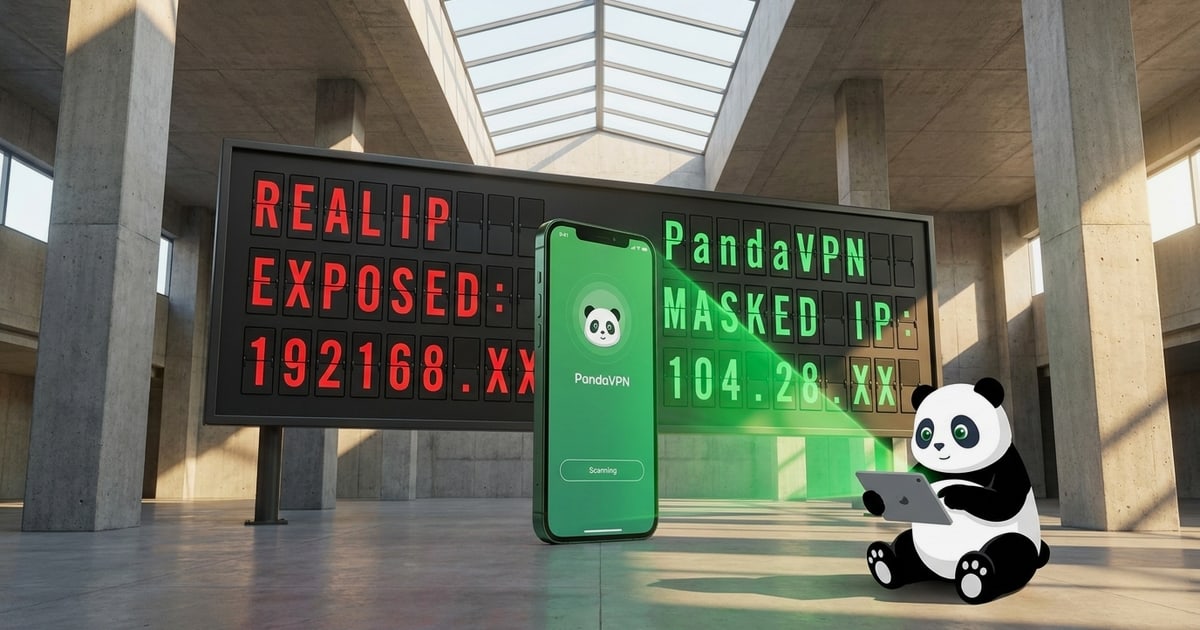
ToDetect Review 2026: Free Browser Fingerprint, IP, and Leak Testing
ToDetect is a free, browser-based detection tool that bundles four checks most people run separately: browser fingerprint analysis, IP purity and proxy detection, DNS/WebRTC leak tests, and IP address lookup. It requires no install and no account, which makes it an easy first stop before you log into a sensitive account or start a scraping session. This review covers what it actually measures, where it holds up, where it falls short, and how to decide whether it belongs in your stack.
What ToDetect Is and What It Tests
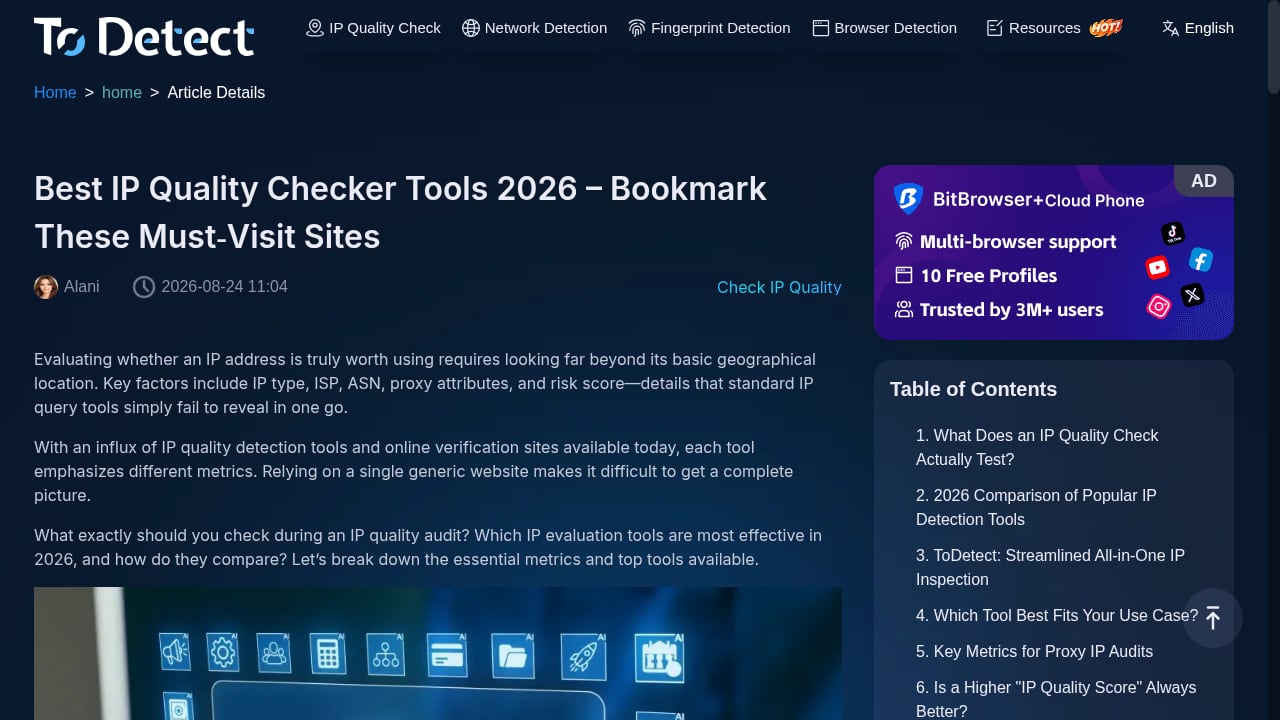
First viewport screenshot of Best IP Quality Checker Tools 2026 – Bookmark These Must‑Visit Sites-ToDetect.
ToDetect runs client-side the moment you load the page. It reads the signals your browser already exposes and cross-references them against your network identity. The product context describes four core capabilities:
- Browser fingerprint detection — user agent, browser engine, OS version, screen resolution, language, time zone, fonts, plugins, and rendering signals such as Canvas and WebGL.
- IP purity and proxy detection — whether your address is classified as datacenter, residential, or mobile, plus blacklist and abuse-history signals.
- DNS and WebRTC leak tests — whether resolvers or ICE candidates expose an address outside your proxy path.
- IP address lookup — geolocation, ISP, and ASN context for the exit address you are currently presenting.
The value is not any single check. It is that fingerprint consistency and network identity sit on one screen, so contradictions are visible without stitching together four tabs.
Who ToDetect Is Built For
ToDetect is not aimed at casual users who just want to know if a VPN is on. Its framing and result categories map to three groups:
1. Multi-account operators and antidetect browser users
People running isolated browser profiles need to confirm that each profile looks internally coherent before touching a platform. A fingerprint that "looks reasonable" can still fail risk-control systems if the time zone contradicts the proxy location or WebRTC exposes the real address. ToDetect's combined view is designed for exactly this pre-login sanity check.
2. Web scraping and automation developers
When a scraper starts returning 403 responses, the reflex is to rotate proxies. That only changes one layer. A fresh IP does nothing if the TLS handshake still identifies a Python client or the browser reports a software GPU. ToDetect covers the browser and leak layers, which is where many detectable setups actually fail.
3. Privacy-conscious general users
If you want a plain answer to "what does my browser reveal right now," ToDetect gives it in one pass without signup. For a deeper walkthrough of what those numbers mean, see Check IP: What Your Address Reveals Online.
Strengths: What ToDetect Does Well
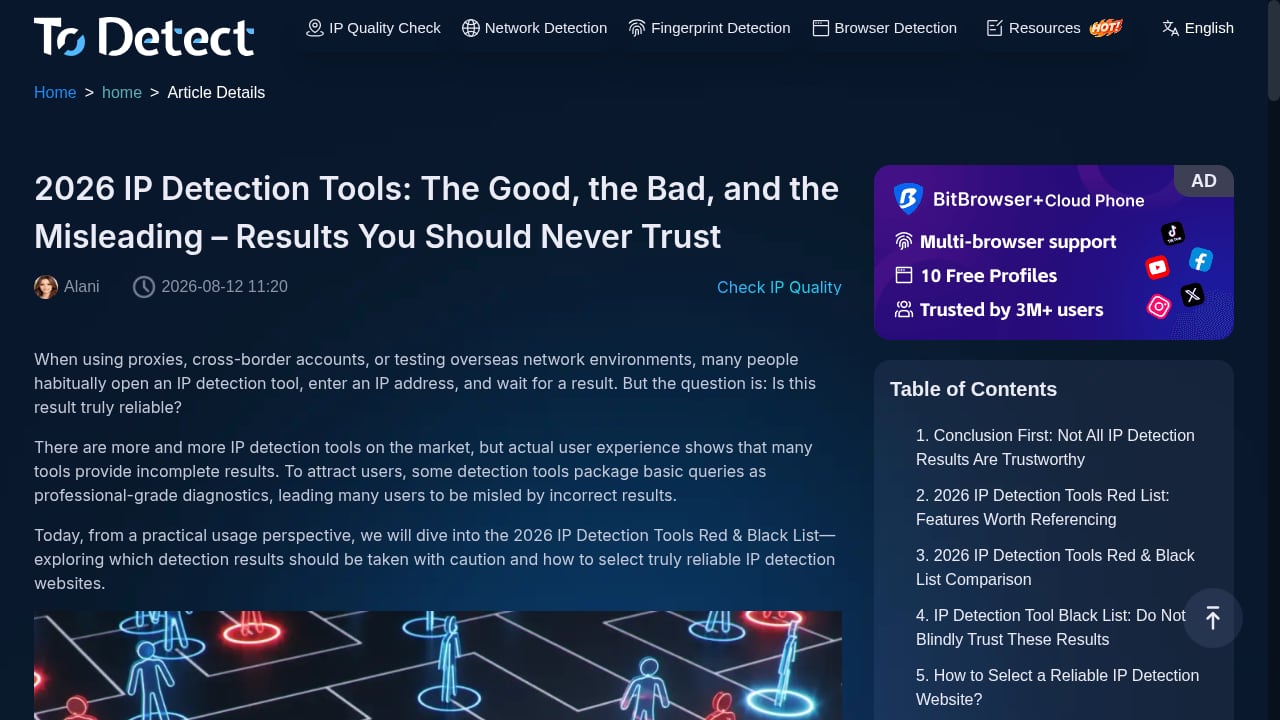
First viewport screenshot of 2026 IP Detection Tools: The Good, the Bad, and the Misleading – Results You Should Never Trust-ToDetect.
Zero friction. No download, no plugin, no account. The scan starts on page load. That matters when you need a fast check between profile switches.
Combined fingerprint and network view. Most free tools specialize. CreepJS goes deep on fingerprint attributes but says little about your IP reputation. ToDetect puts fingerprint integrity, proxy classification, and leak status side by side, which is the fastest way to spot a mismatch.
Leak testing is not an afterthought. DNS and WebRTC leaks are the most common reason a correctly configured proxy setup still fails. ToDetect treats them as first-class checks rather than a buried sub-page.
IP purity framing. Classifying an address as datacenter versus residential, and surfacing blacklist history, is more actionable than raw geolocation alone. It tells you whether the address is likely to be trusted, not just where it appears to be.
Limitations and Honest Caveats
It is a snapshot, not a monitor. One run tells you the state of one browser profile at one moment. Fingerprints drift as extensions update and sessions change. Treat results as a checkpoint, not a guarantee.
Depth is broad rather than exhaustive. ToDetect covers the major fingerprint surfaces, but a dedicated tool like CreepJS exposes far more individual attributes and prototype-level lie detection. If you need to trace exactly which patched property is inconsistent, you will want a second opinion.
No published pricing tiers in the product context. ToDetect is described as free and online. If you need SLAs, team seats, or API access, that is not part of the documented offering, so plan accordingly.
Interpretation still requires you. A score or label without context can mislead. A high uniqueness value is not automatically bad, and a clean leak test does not prove your TLS or HTTP/2 profile matches your claimed browser.
Setup: How to Run a Meaningful Test
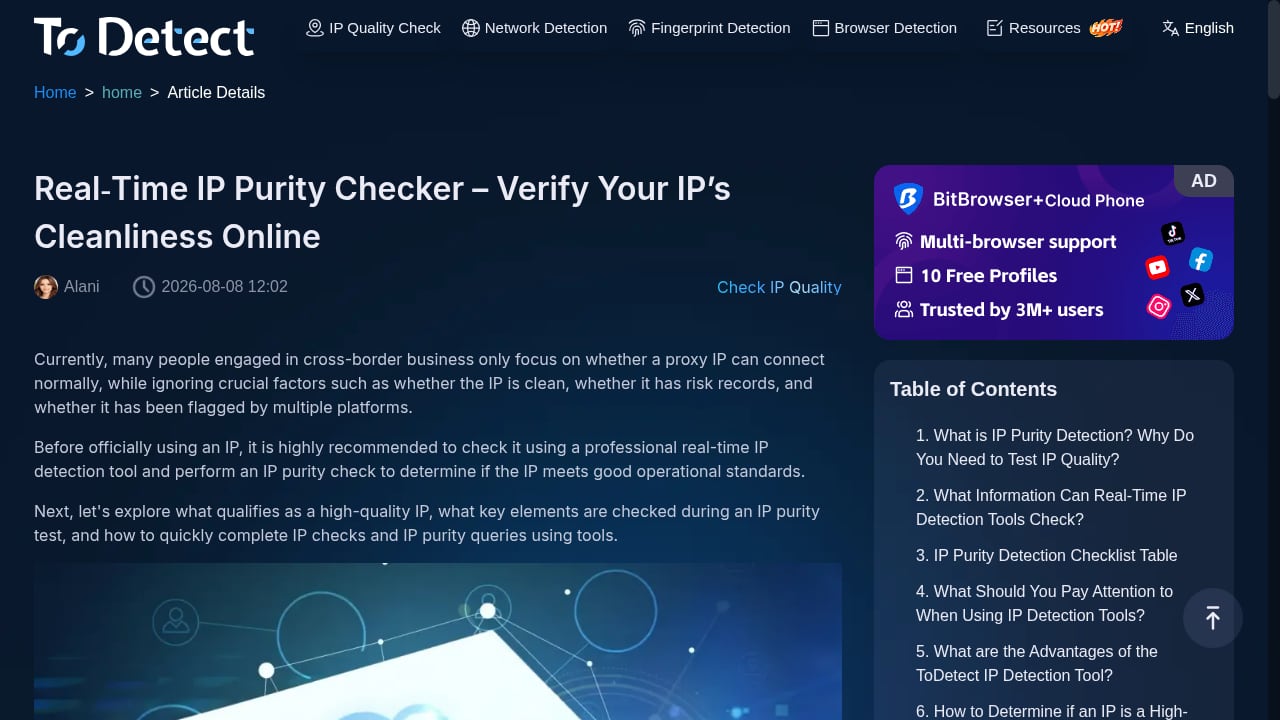
First viewport screenshot of Real‑Time IP Purity Checker – Verify Your IP’s Cleanliness Online-ToDetect.
Running ToDetect is trivial. Running it usefully takes discipline. The mistake most people make is changing several variables between runs, which tells you something worked but not what.
- Fix your environment first. Pick one browser profile, one proxy, and one target use case. Do not switch profiles mid-comparison.
- Load ToDetect and let it finish. Capture the fingerprint summary, IP classification, and leak results before changing anything.
- Check consistency, not just values. Does the time zone match the proxy's apparent location? Does the OS in the fingerprint match the GPU and font signals? Contradictions are the real red flags.
- Change one layer. If WebRTC leaks, constrain WebRTC. If the IP is flagged, change the exit node. Then rerun the identical test.
- Repeat until the picture is coherent. Coherence across layers is what risk systems evaluate, not any single clean signal.
For a structured comparison workflow, BrowserScan vs ToDetect: Which Fingerprint Test Wins in 2026? breaks down where each tool is stronger.
ToDetect vs Alternatives: Decision Criteria
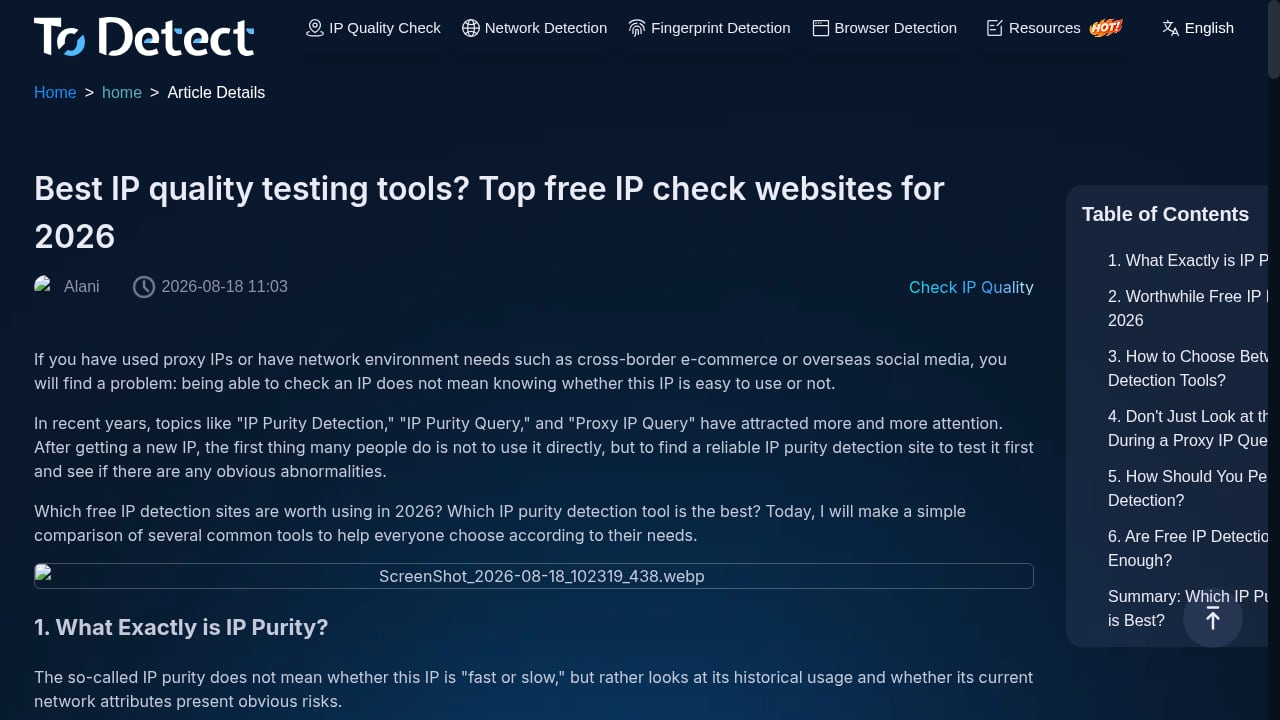
First viewport screenshot of Best IP quality testing tools? Top free IP check websites for 2026-ToDetect.
The fingerprint testing space is crowded, and the right choice depends on what you are actually trying to answer.
| Tool type | Best for | Trade-off |
|---|---|---|
| ToDetect | Quick combined fingerprint + IP + leak check | Less attribute-level depth |
| Deep fingerprint tools (e.g., CreepJS) | Tracing exact inconsistent properties | Overwhelming for quick checks |
| Broad privacy suites (e.g., BrowserLeaks) | Inspecting individual surfaces one at a time | Fragmented results |
| Enterprise device intelligence | Fraud teams needing persistent visitor IDs | Paid tiers for advanced signals |
A useful external reference for how these tools differ is IPFighter's 2026 comparison of browser fingerprint testing tools, which covers Pixelscan, CreepJS, BrowserLeaks, and others in the same landscape. For teams validating proxy and scraping stacks, Scrapfly's guide to fingerprint testing layers explains why testing TLS, JavaScript, and rendering separately matters.
If you are comparing across a wider field, BrowserScan vs IPhey vs WebBrowserTools: Fingerprint Test Guide and Top 10 IP Lookup & Browser Fingerprint Tools 2026 both rank options against transparent criteria.
When ToDetect Is the Right Pick
Choose ToDetect if you want a fast, free, no-signup check that answers three questions at once: does my fingerprint look coherent, is my IP clean, and am I leaking DNS or WebRTC data? It fits pre-login verification, scraper debugging at the browser layer, and routine privacy audits.
Look elsewhere if you need attribute-level forensic depth, persistent visitor identifiers, team dashboards, or API access. In those cases ToDetect is a useful first pass, not the final word.
Related reading
- Proxy Detection for E-commerce: BrowserScan Guide - Learn how e-commerce teams detect proxy and VPN traffic, verify regional storefronts, and audit browser fingerprints with BrowserScan's free tests.
- Top 10 Online Privacy Testing & VPN Review Platforms 2026 - Ranked top 10 online privacy testing and VPN review platforms for 2026, with transparent criteria, leak-test evidence, and workflow guidance.
- How to Use BrowserScan with Decodo: Proxy + Scraping Workflow - Combine BrowserScan fingerprint tests with Decodo proxies and Web Data API to verify exit IPs, catch leaks, and scrape reliably at scale.
Sources and further reading
- How Does ToDetect Help Dolphin Anty Users - Ensure your security with ToDetect! Analyze fingerprints, check IP leaks, and verify anonymity before logging into accounts. Stay safe online!
FAQ
Is ToDetect free? Yes. The product context describes it as a free online browser fingerprint detection tool with no download or plugin required.
Does ToDetect require an account? No signup is described. The scan runs on page load.
What is the difference between a fingerprint test and a leak test? A fingerprint test examines browser and device characteristics to estimate how unique or consistent your environment looks. A leak test checks whether DNS resolvers or WebRTC ICE candidates expose an address outside your proxy path. ToDetect runs both.
Can ToDetect replace an antidetect browser? No. It validates a browser environment; it does not create or isolate one. It is a verification layer, not an isolation layer.
How often should I run it? Before any high-stakes login, after changing proxies, and whenever you update extensions or browser versions, since those changes can shift fingerprint signals.
Does a clean result guarantee I will not be blocked? No. Anti-bot systems combine many signals, including TLS and HTTP/2 fingerprints that a browser-side tool cannot fully see. A clean ToDetect result removes one category of risk, not all of them.
Conclusion
ToDetect earns its place as a fast, free first checkpoint. Its strength is consolidation: fingerprint integrity, IP purity, proxy classification, and DNS/WebRTC leaks in one scan with no setup cost. Its limitation is depth, and that is a reasonable trade for the speed it offers.
Use it to catch contradictions before they cost you an account, then bring in a deeper tool when you need to trace exactly which signal is failing. The best results come from pairing ToDetect with a disciplined, one-variable-at-a-time testing habit.